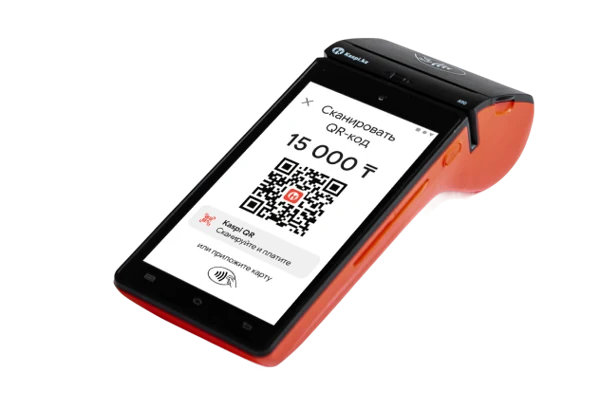


01DINING ROOM
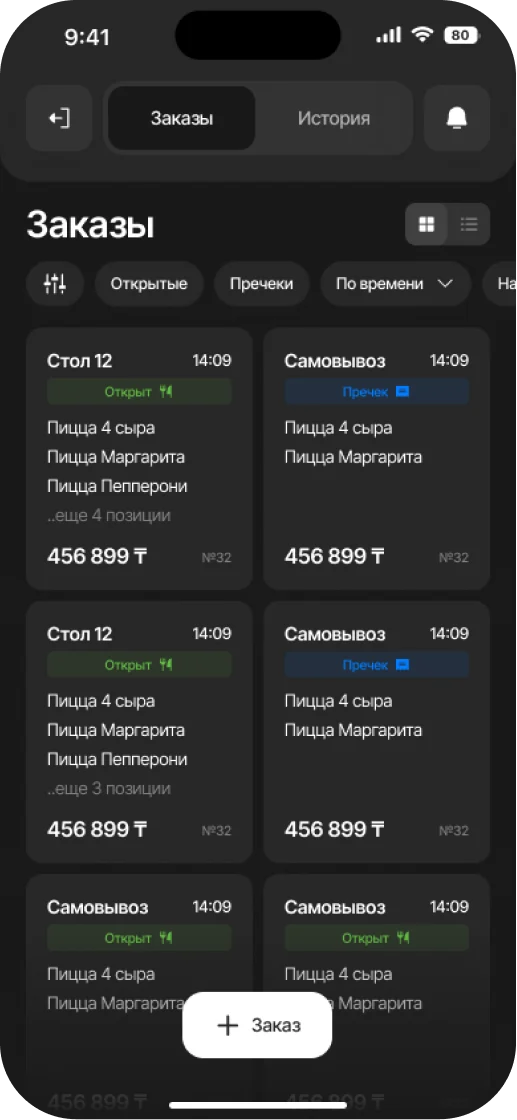
Take an order at the table
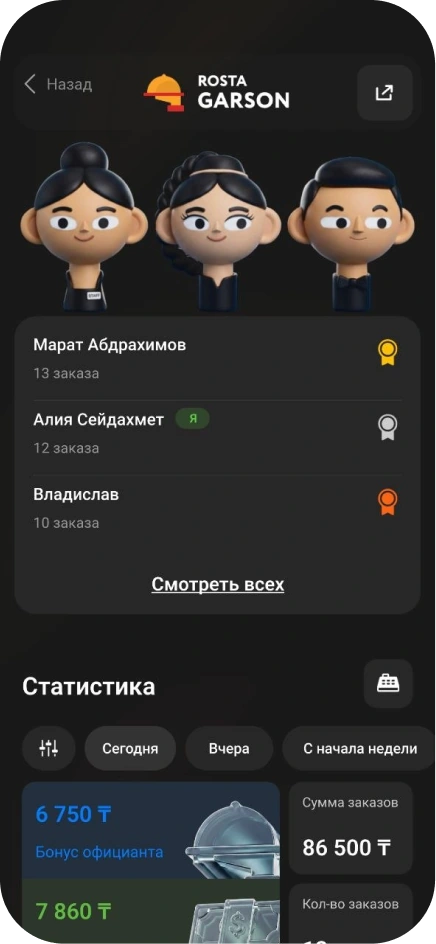
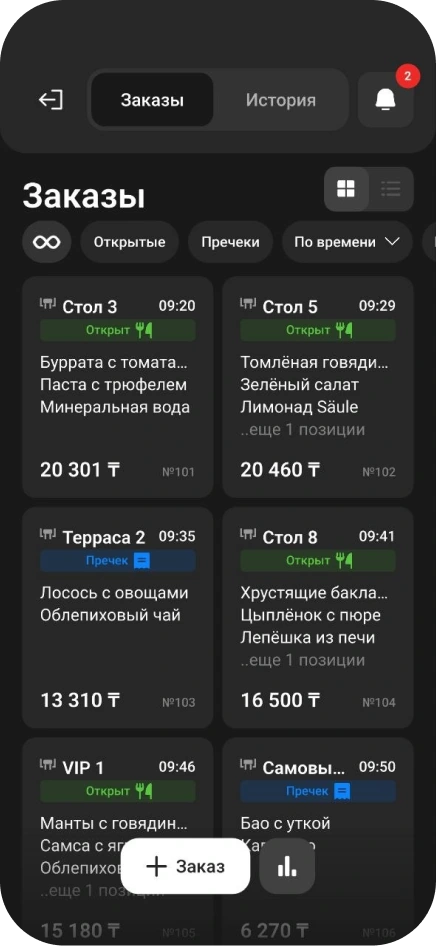
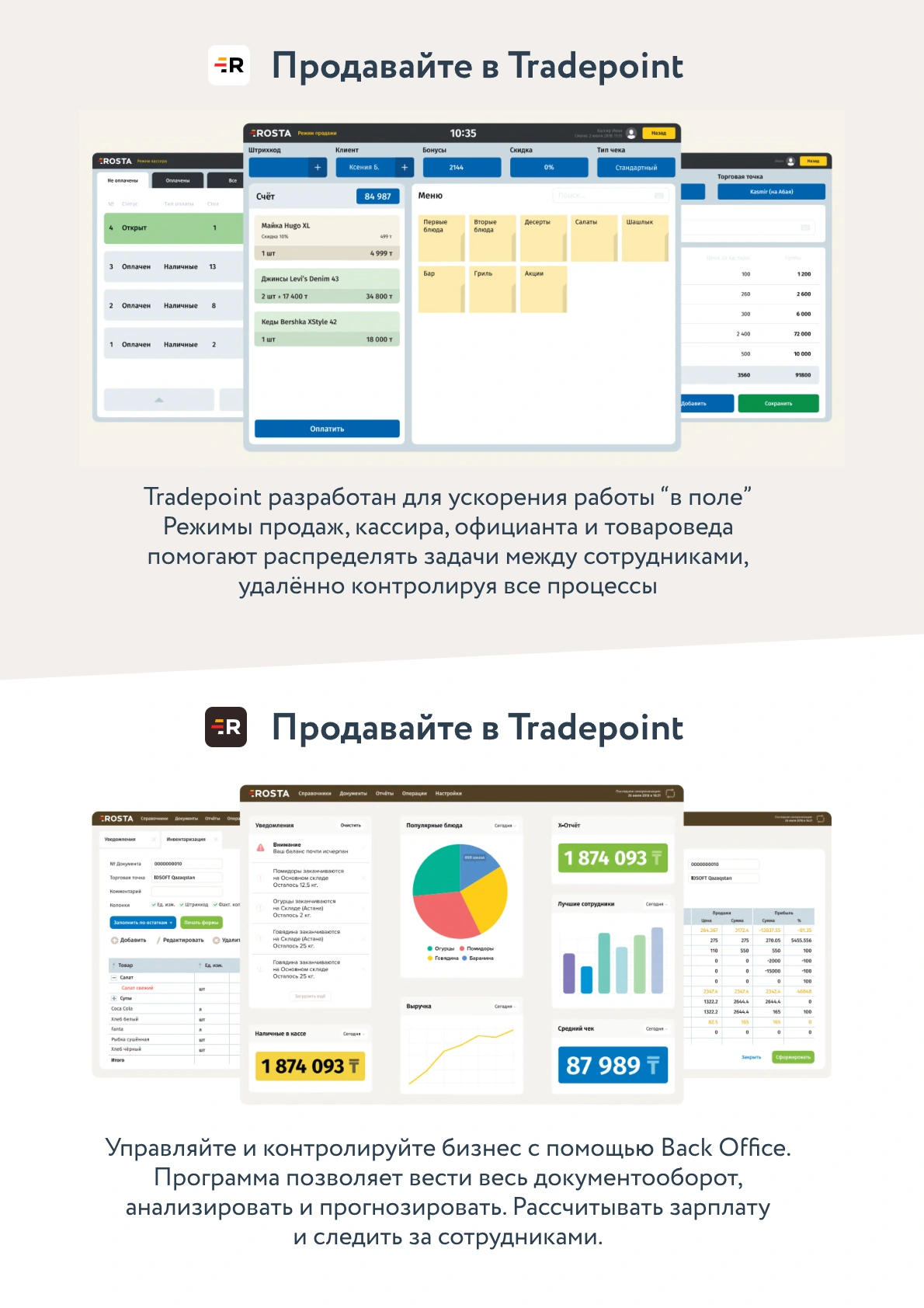
The waiter selects dishes in Garson on their phone. The order is linked to a table and sent for preparation, with no trip to the till after each item.
Table orders, waiter workflows, kitchen and ingredient accounting in one ROSTA system.
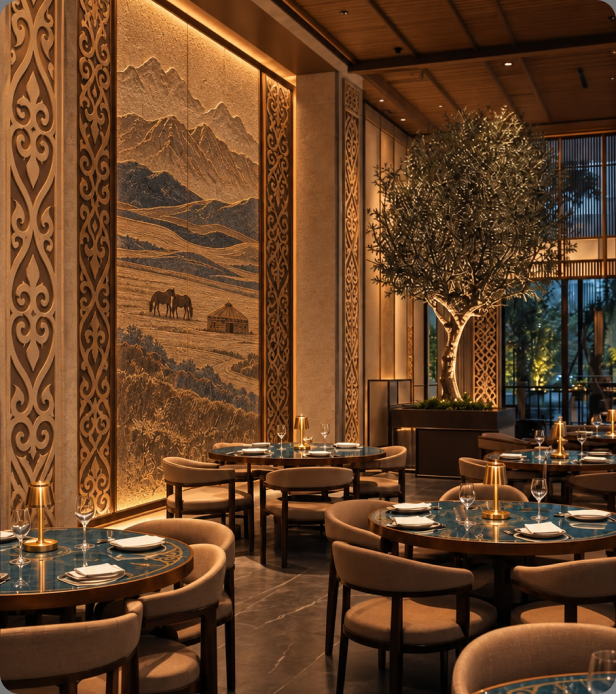
Restaurant automation connects the dining room, kitchen and till: orders do not need to be entered again at each service stage.
The waiter selects dishes in Garson on their phone. The order is linked to a table and sent for preparation, with no trip to the till after each item.
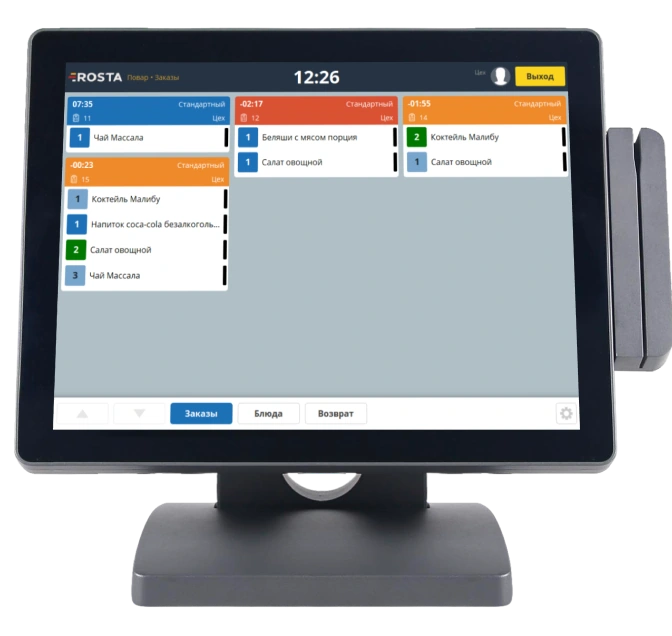
On the KDS, cooks see order contents, statuses and timing. The team can follow active orders even when several tables are occupied.
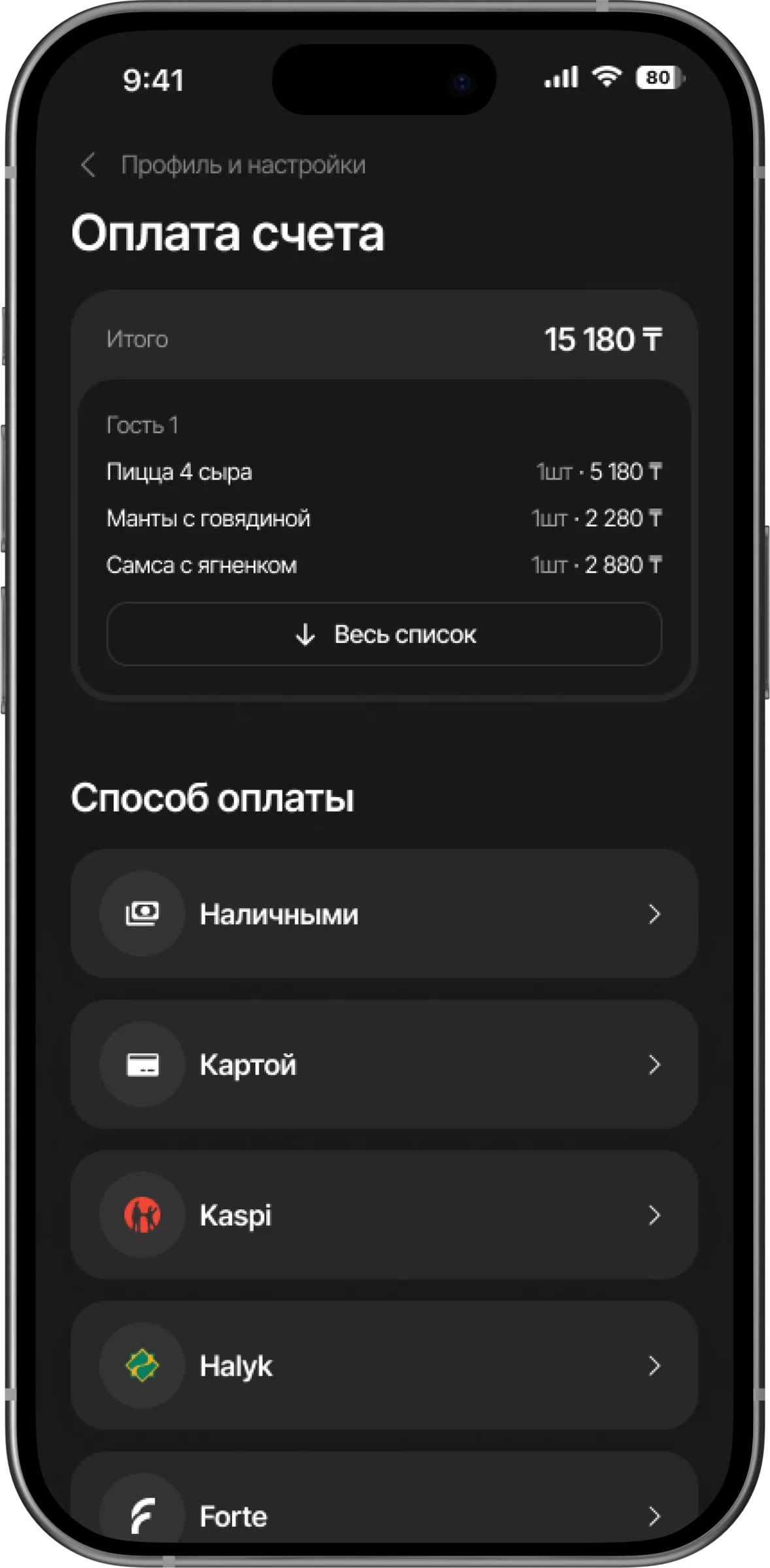
Split bills between guests, combine payment methods and apply available discounts. Completed orders enter the restaurant's sales records.
Link dishes and semi-finished products to recipe cards. Record receipts, usage and write-offs, then reconcile calculated stock with stocktakes. This lets you compare restaurant sales with ingredient movements; cost accuracy depends on recipes and purchasing data.
When supplier prices change, you need to see both restaurant revenue and dish costs.
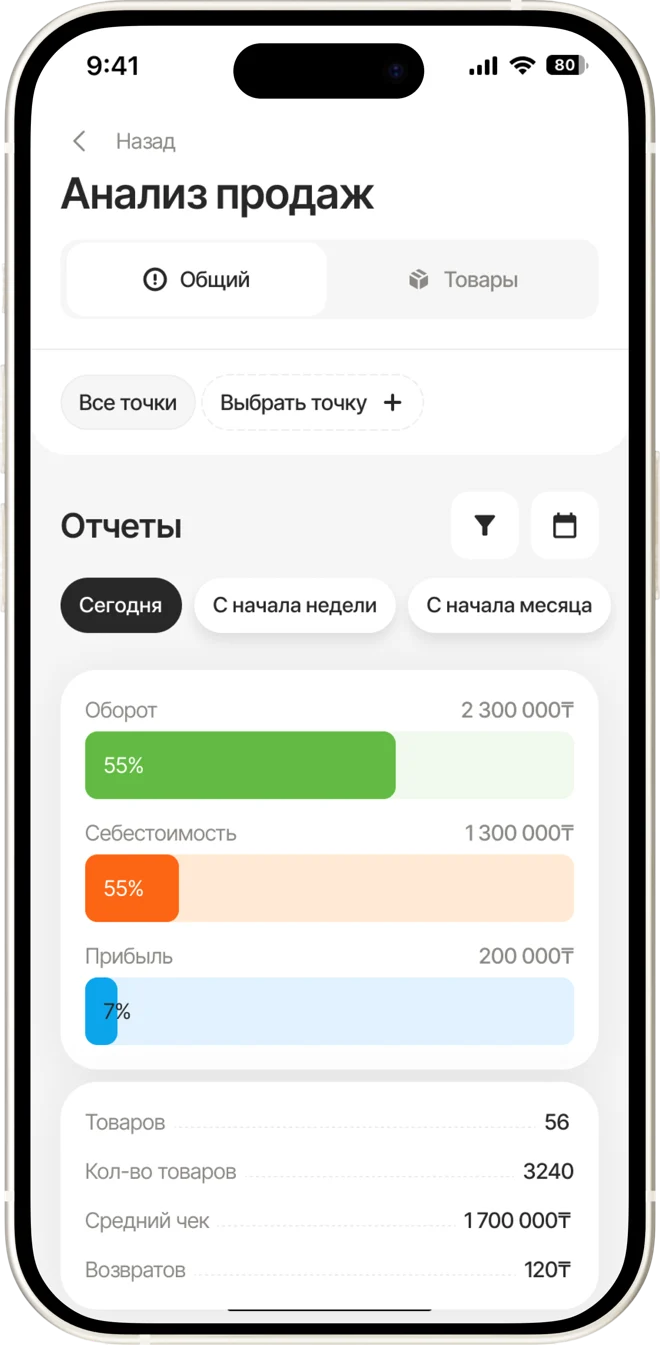
Compare demand, revenue and costs for menu items. Validate calculations against current purchases and recipes.
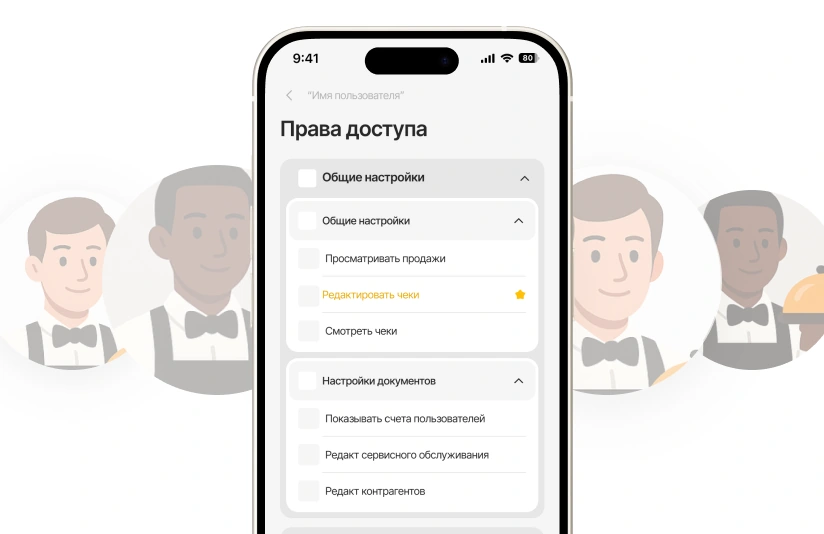
Assign staff permissions by role. Review discounts and voids: who performed each action, when and at which outlet.
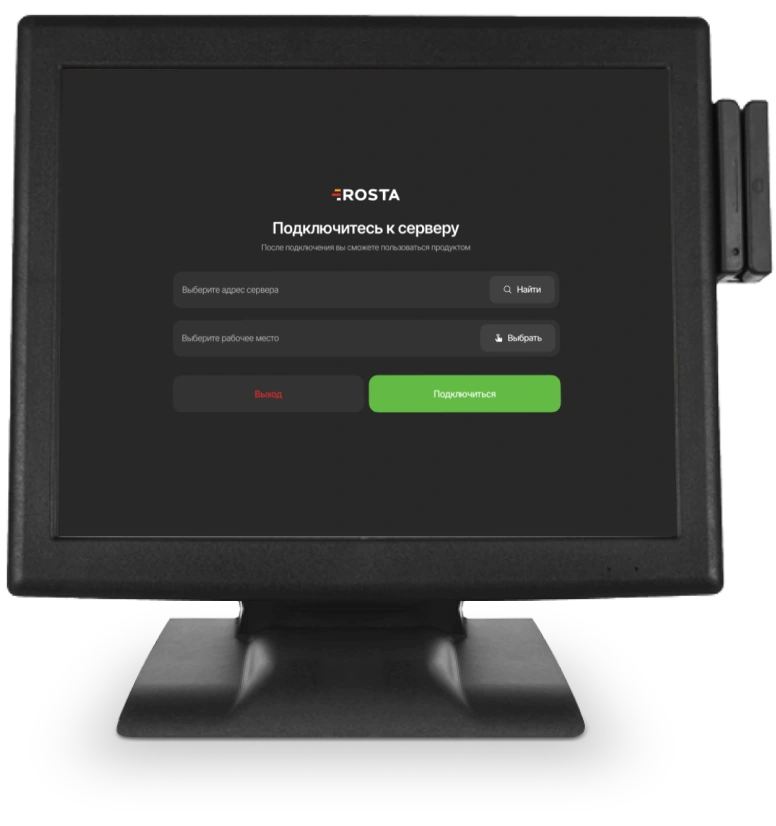
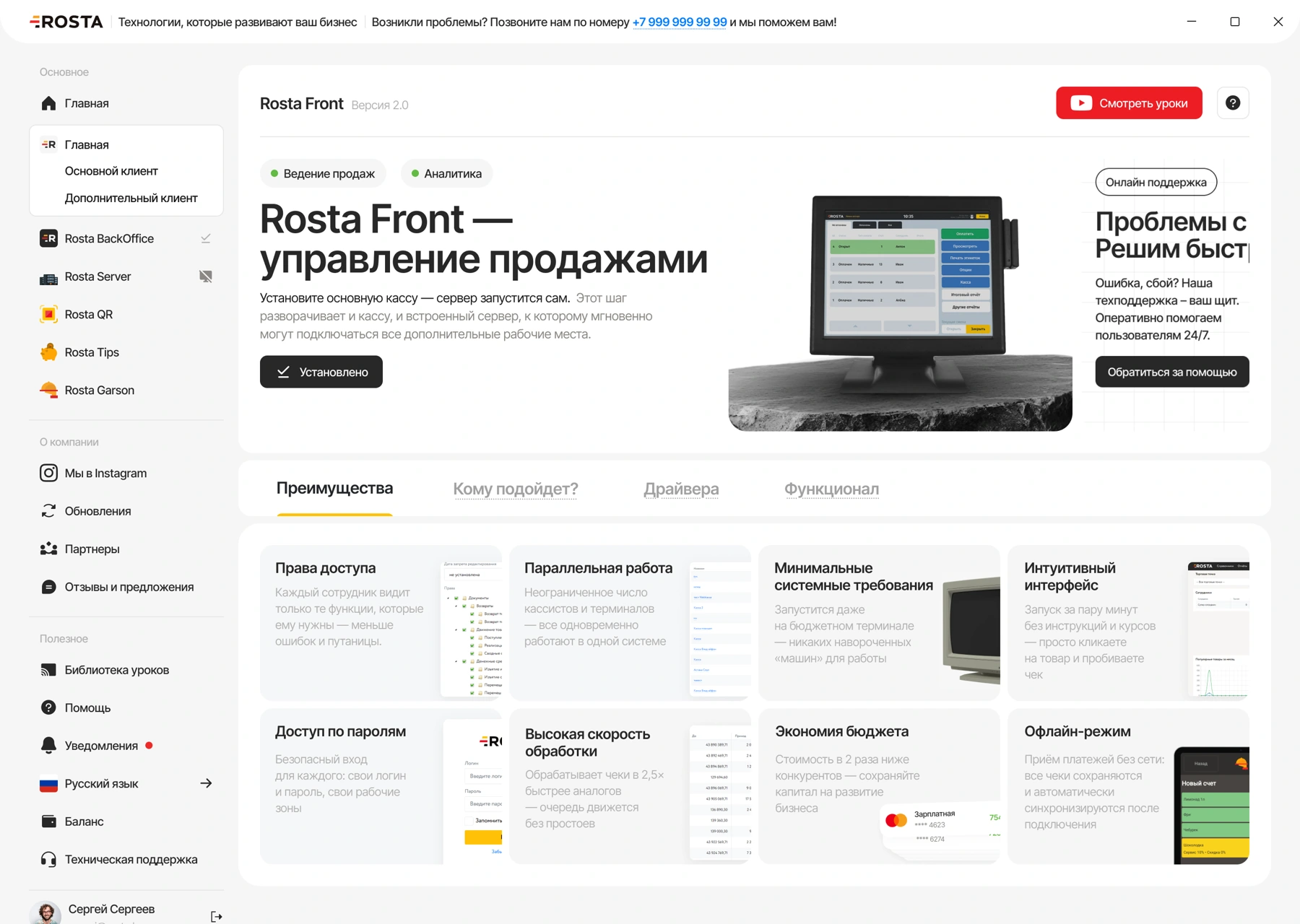
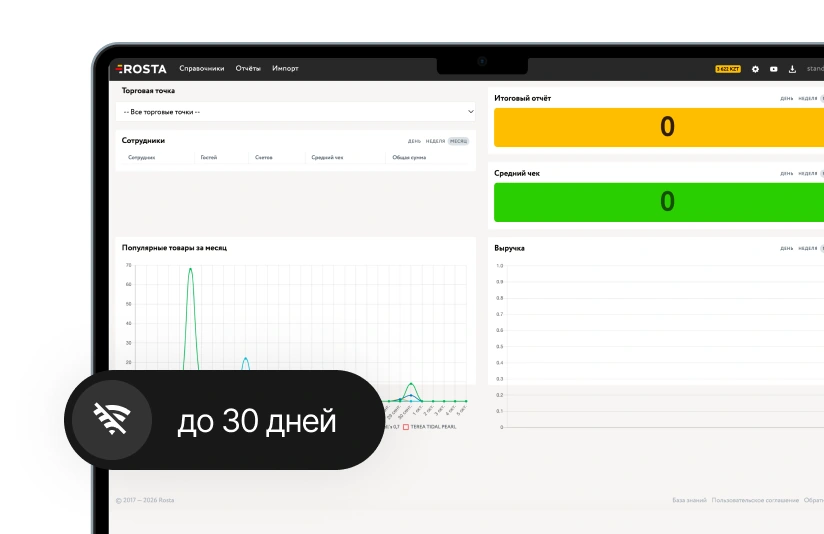
If the internet goes down, the till continues selling for up to 30 days. Data syncs when reconnected.

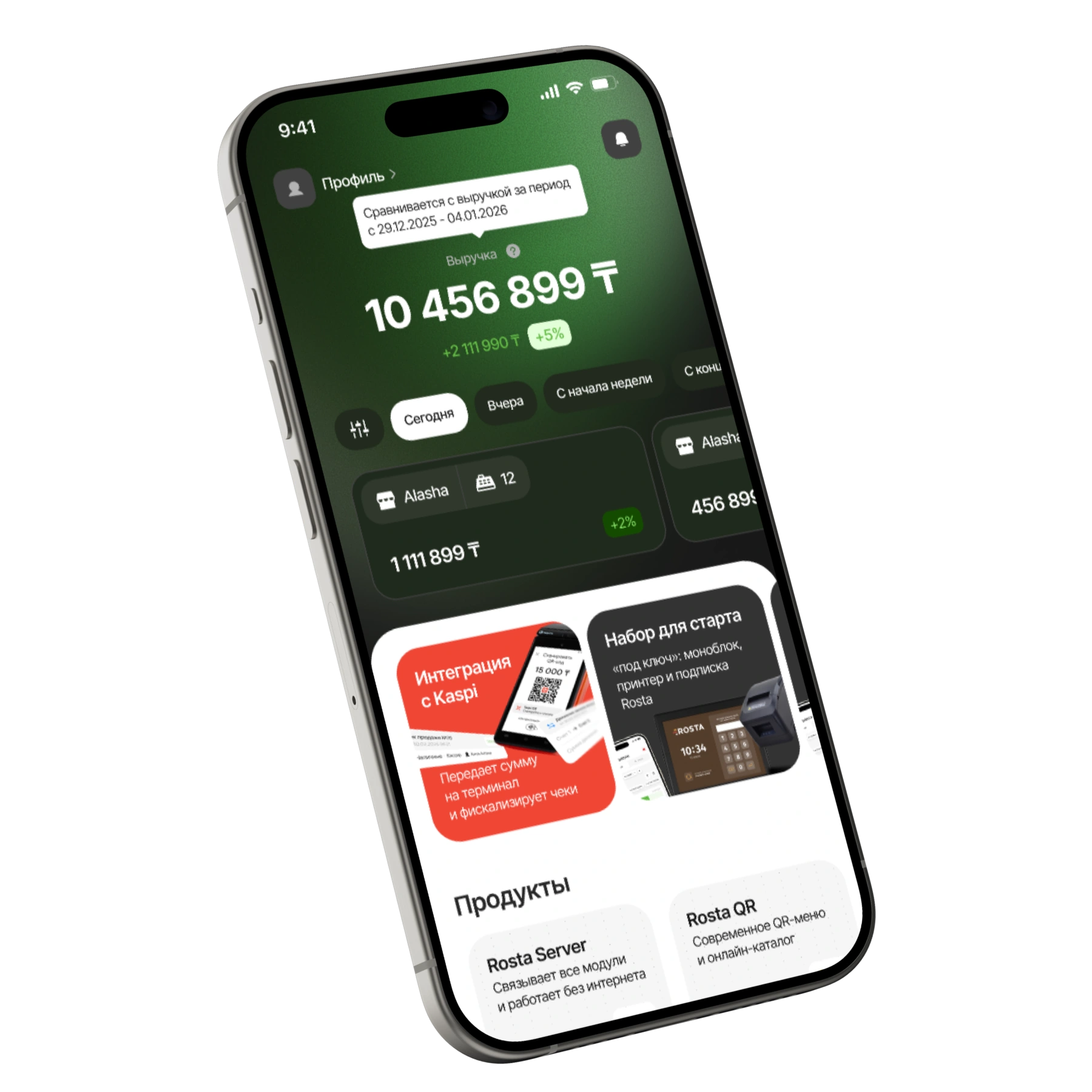
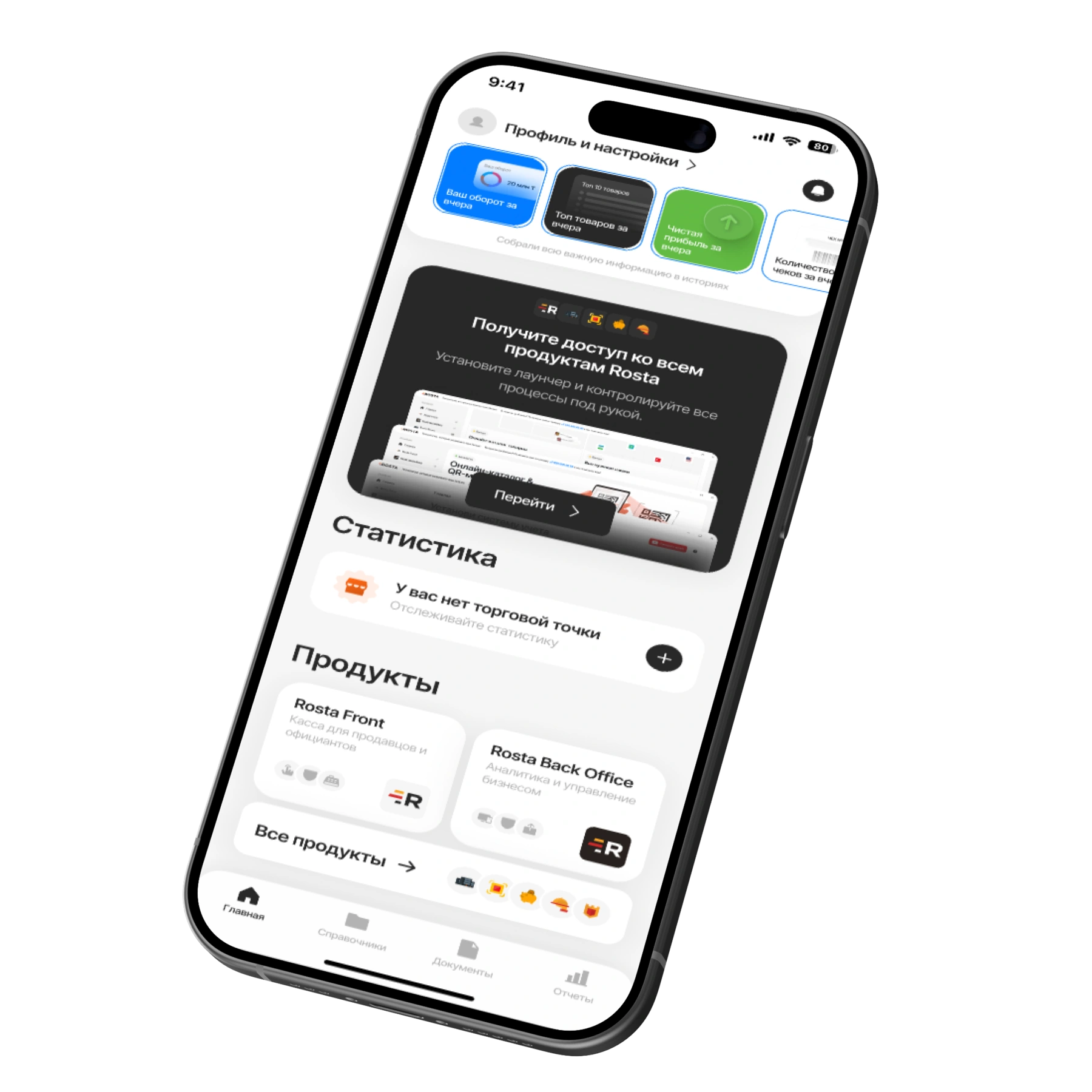
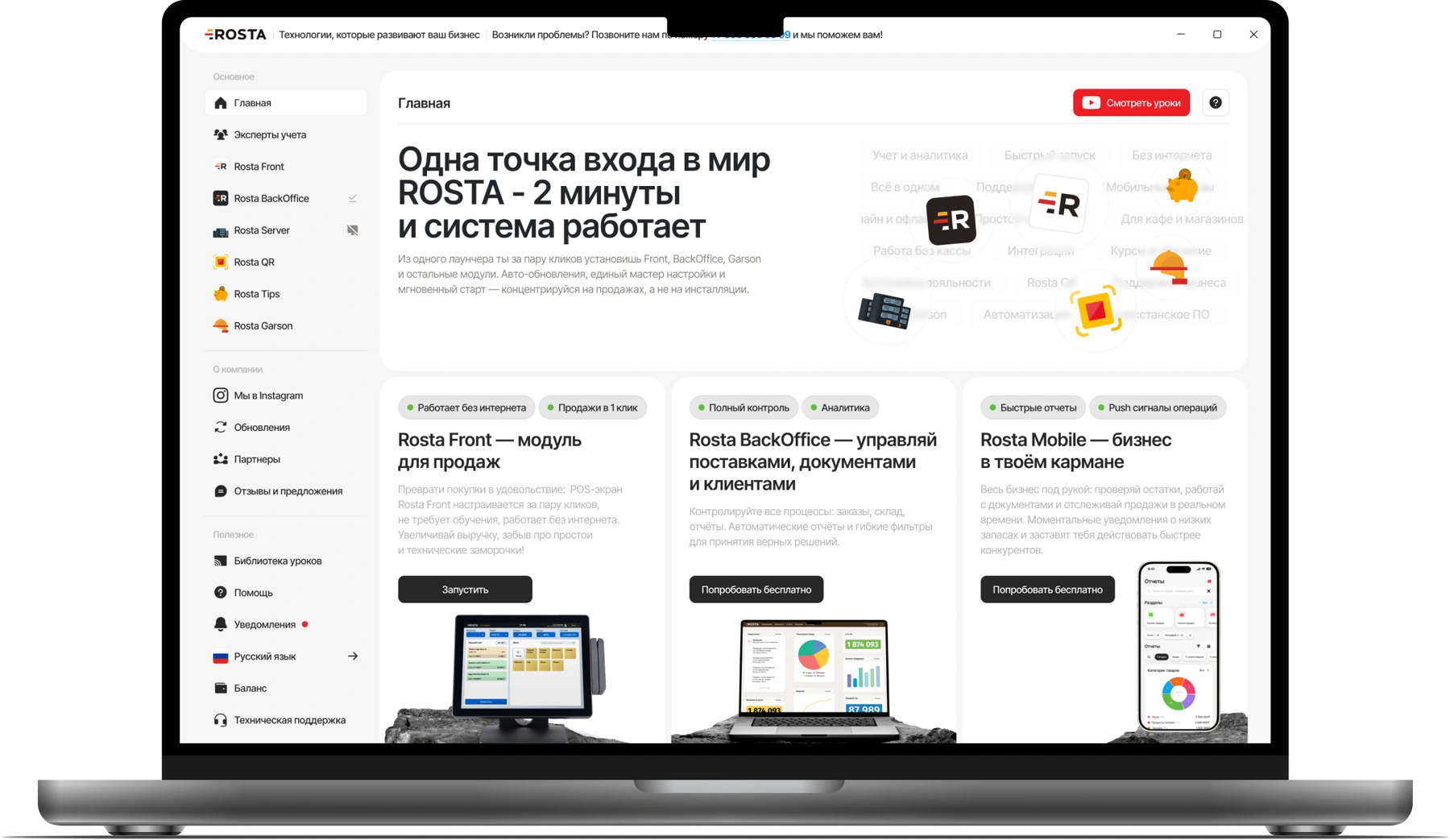
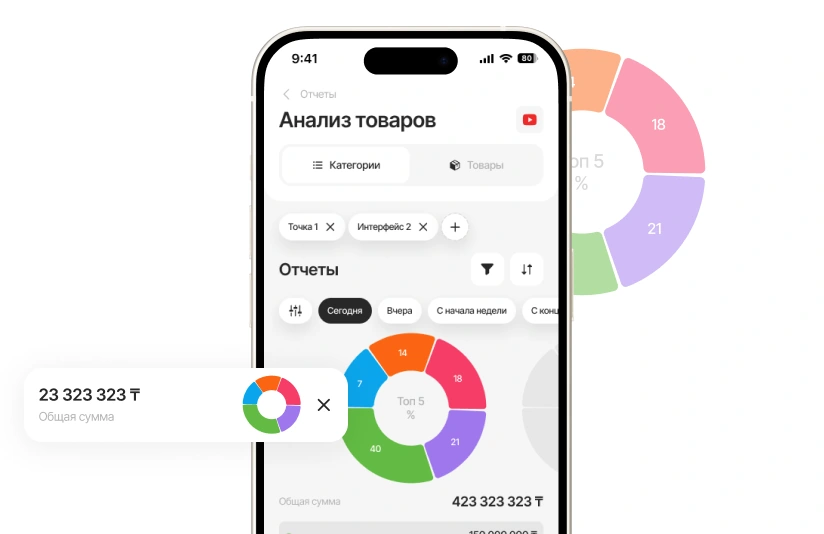
Manage one restaurant or compare venues across your chain. The free Mobile Office provides sales, products, documents and team permissions.
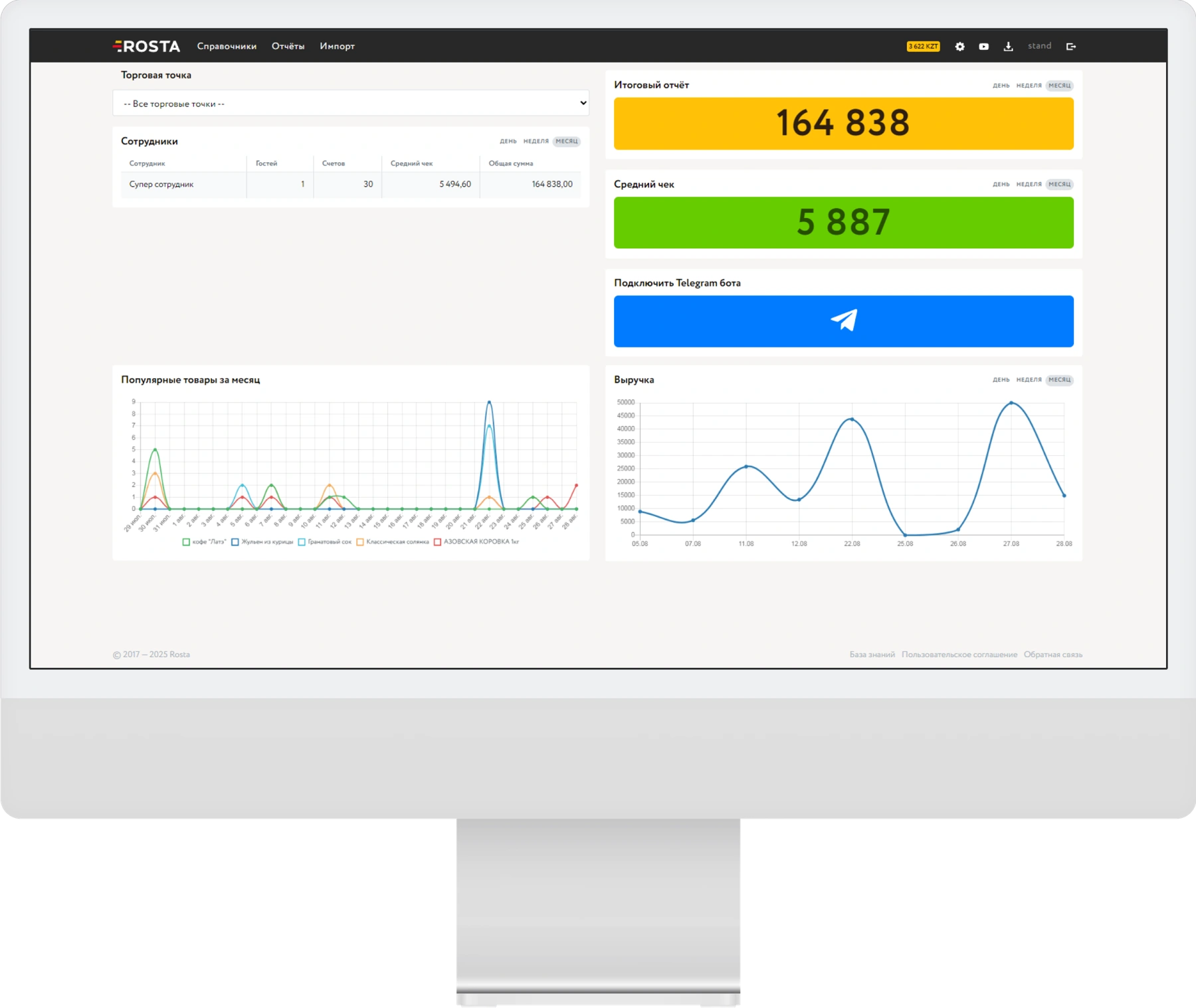
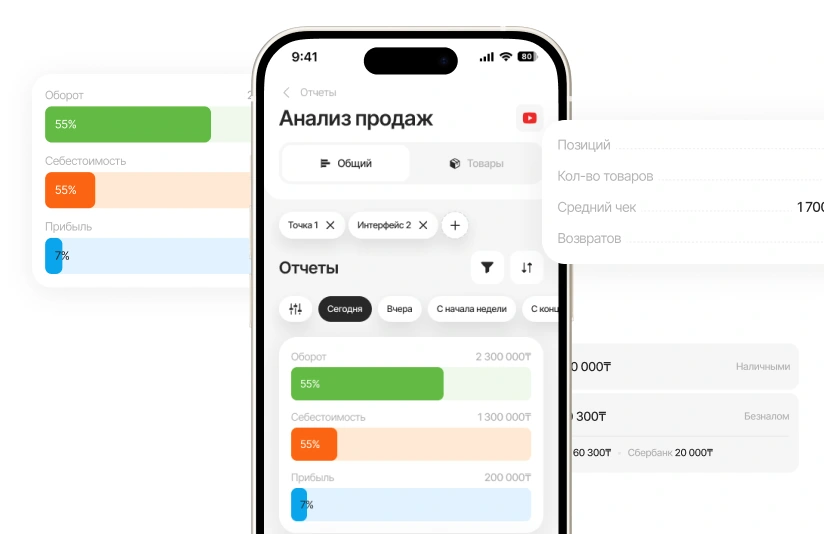
Choose an outlet and period. Compare revenue, profit and average order value, then review receipts and returns for a specific venue.
Analyse individual dish sales. Review costs and profit to discuss menu changes with the chef using data.
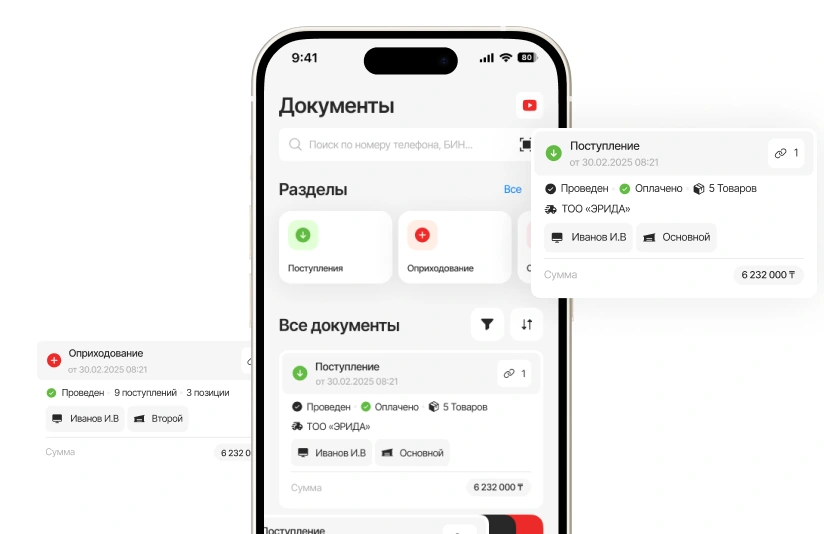
Post supplier receipts, transfers between warehouses and write-offs. Check document contents directly on your phone.
A subscription for one location with one checkout. Pay monthly or save with annual billing.
Includes one location and one checkout.
Analytics, inventory and documents, with no separate management fee.

For each additional checkout at the same location.
240 USD per year in one payment. Includes one location and one checkout.
Analytics, inventory and documents, with no separate management fee.
For each additional checkout at the same location.
Equipment and setup are arranged separately. View equipment ↗ · All licences and terms ↗
Give waiters a tool for working on the floor and guests a menu on their own phones.
Garson: select a table, take an order, send dishes to the kitchen and split the bill between guests.
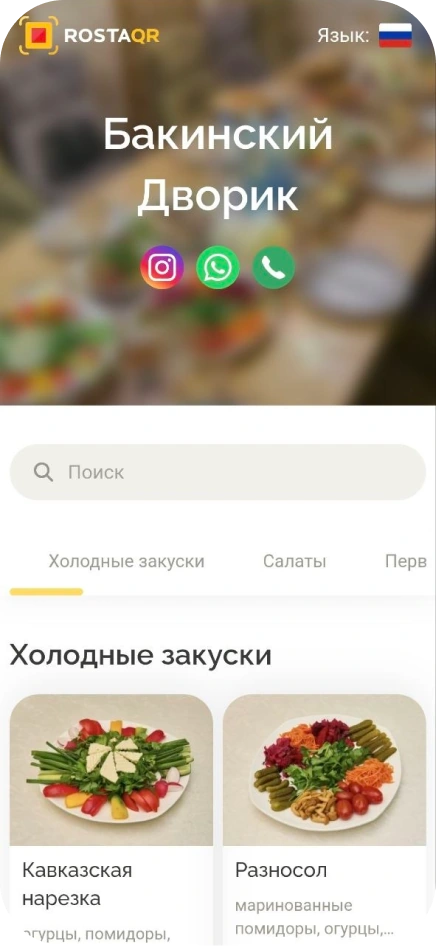
Explore GarsonPhotos and ingredients help guests choose a dish. Current prices are available without installing an app.
View the QR menuDon’t see your workflow? We’ll show it in a demo
POS and bill management, table orders, sending dishes to the kitchen, recipe cards and inventory accounting. Garson lets waiters take orders on phones, while ROSTA Office gives owners and staff access to analytics, products and documents. We agree on workstations and modules before launch.
One restaurant with one till costs 30 USD per month. Annual payment is 240 USD in one instalment, equivalent to 20 USD per month. An additional till in the same restaurant costs 10 USD per month. Back office is free; equipment, modules and setup are priced according to the selected configuration.
Each waiter does not need a dedicated fixed till: they can take orders on a phone in Garson. Garson costs 10 USD per month per additional workstation alongside the main licence. The number of payment tills depends on the dining room's workflow.
Yes. ROSTA supports split bills and mixed payment methods. The demo shows how to settle a group's bill and how a waiter handles an order at the table.
Set recipes and quantities in recipe cards. Record receipts, write-offs and stocktakes, and compare ingredient usage with sales. Cost accuracy depends on current recipes, purchasing data and correctly posted documents.
Yes. ROSTA supports reservations, deposits and event orders. Before setup, we review your reservation and banquet procedures to configure staff workflows.
Use discounts, bonuses and loyalty cards. Configure loyalty programme rules for your restaurant format.
First, we check your till, printer and kitchen display models. Compatible equipment can be included in the launch setup; we agree on the required equipment before connection. When migrating from another programme, we separately check the format and scope of the data to transfer.
The till can continue selling offline for up to 30 days and syncs when connectivity returns. Bank payments and external services depend on their own connections. We check the local network between devices during restaurant setup.
Full trial access is available for 7 days. We demonstrate your service scenario and agree on the launch. You can also download ROSTA Office from the App Store or Google Play and explore its full demo mode.
For a restaurant, compare workflows using your own data: table orders, waiter operations and split bills. ROSTA offers Mobile Office, free technical support and free migration. Compare the terms with iiko, Poster, r_keeper and Paloma365. View comparisons and migration terms.
Yes. You can learn the basics of ROSTA in two hours of training. For restaurants, we will cover your daily workflows; database and equipment preparation are planned separately. Technical support is free. If needed, you can contact ROSTA accounting experts for accounting assistance; their service terms are agreed separately.
Migration to ROSTA is free. We agree on the data scope and export options from your current system before switching. Licensing and setup are charged separately.
In a 30-minute Zoom session, we demonstrate table ordering, sending orders to the kitchen and split bills. We discuss your dining room, waiter count and manager's tasks. ROSTA is developed in Kazakhstan. We cover migration from your system and team training.