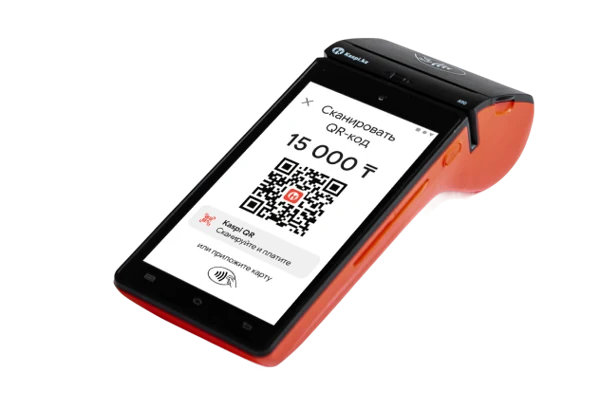





Developed in Kazakhstan
ROSTA is built by a local development team for retail and food service. You discuss your business needs with the product team. Custom development requests can be assessed; scope, timing and cost are agreed separately.

Food service comparison
ROSTA is Kazakhstani software for cafes, restaurants and other food service businesses. Checkout, recipes, inventory accounting and Mobile Office connect guest service with business performance. If you need an alternative to iiko, Poster, r_keeper or Paloma365, test ROSTA with your own menu and service process.
ROSTA is built by a local development team for retail and food service. You discuss your business needs with the product team. Custom development requests can be assessed; scope, timing and cost are agreed separately.
According to ROSTA, 9,500 users in Kazakhstan used the product as of 16 October 2026. This is a user count, not a count of stores or venues.

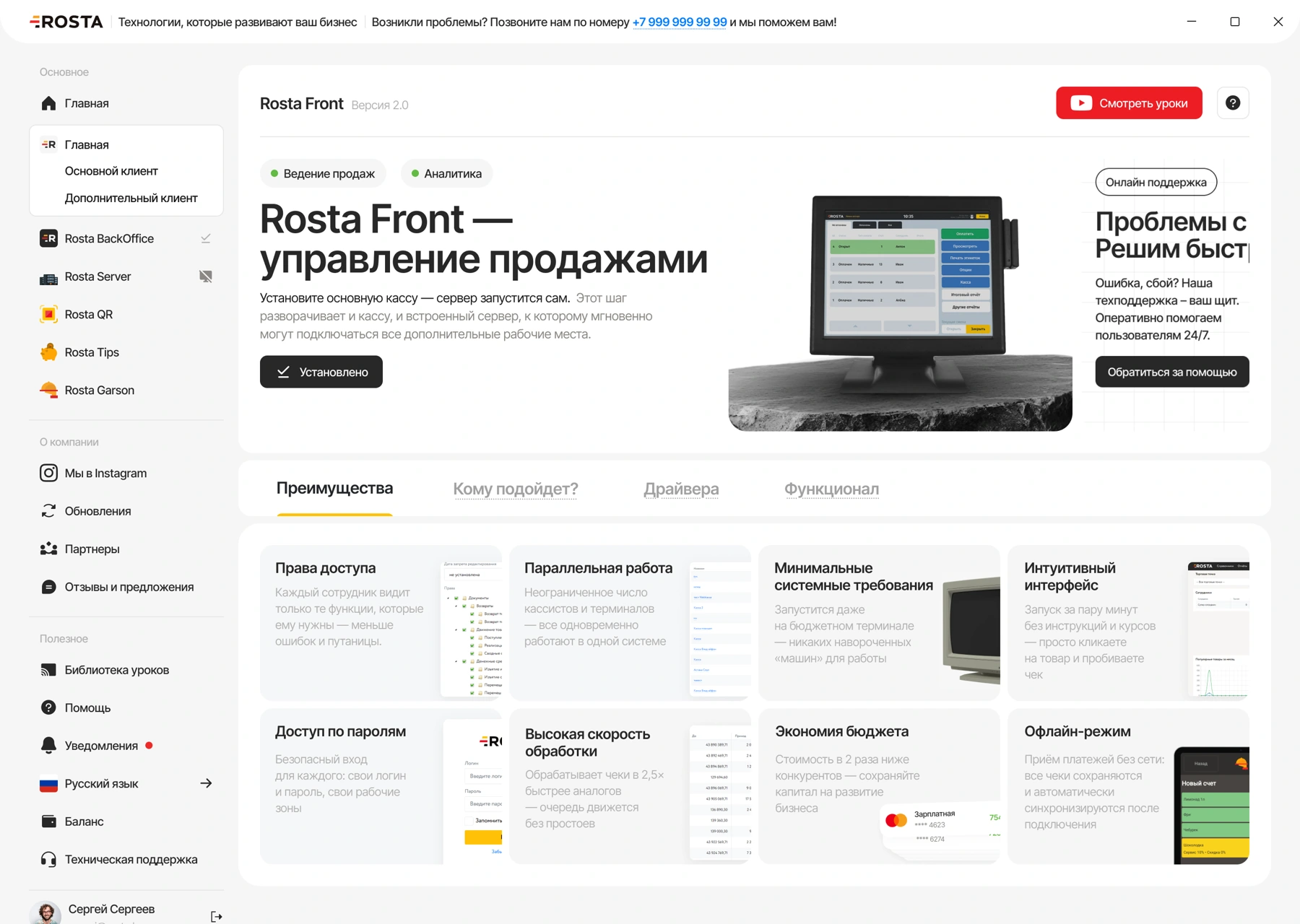
ROSTA technical support is free. The team helps you understand how the software works. Custom development and accounting expert services are discussed separately.

You can learn basic ROSTA tasks in two hours of training. Preparing your database, equipment and complex workflows requires a separate launch plan.
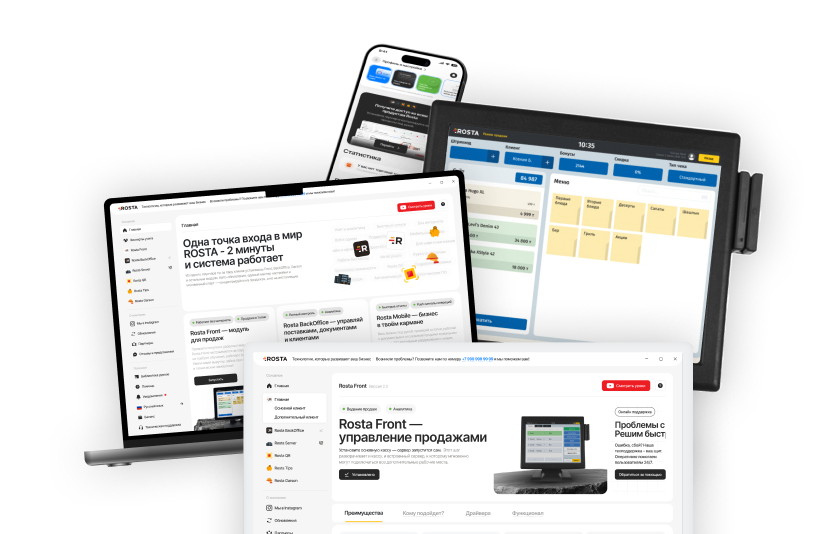
The ROSTA community of accountants and experts helps organize accounting and use reports to manage a business. Agree the scope of support and working terms with your chosen specialist.
Migration to ROSTA is free. Before switching, we agree on the data scope and check the export from your system. License, equipment and setup are charged separately.


In 30 minutes, see how ROSTA can speed up operations, reduce errors and improve profit
Book a demo

 30 minutes
Test with your own data
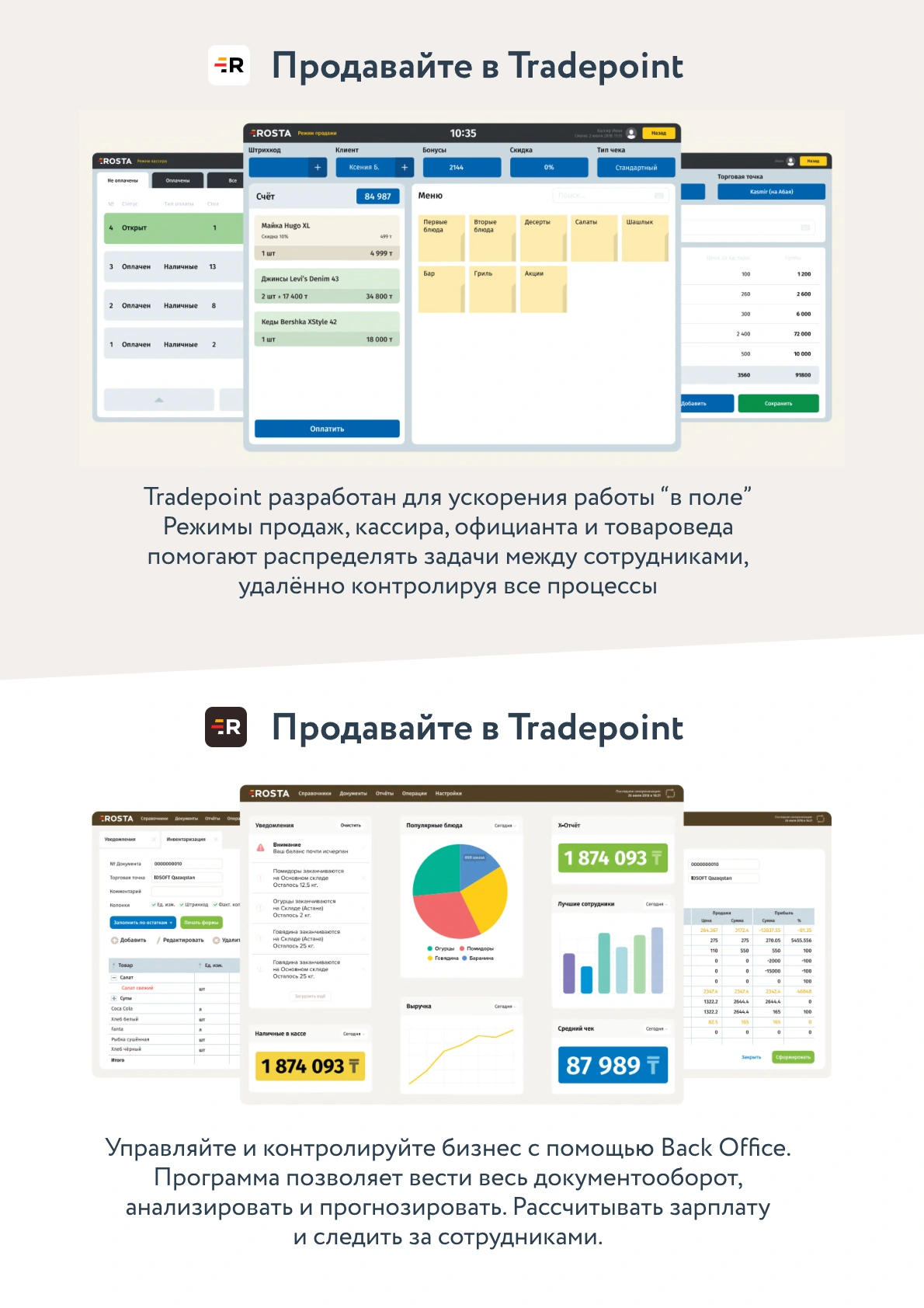
Place dine-in and takeaway orders and add a guest’s request.
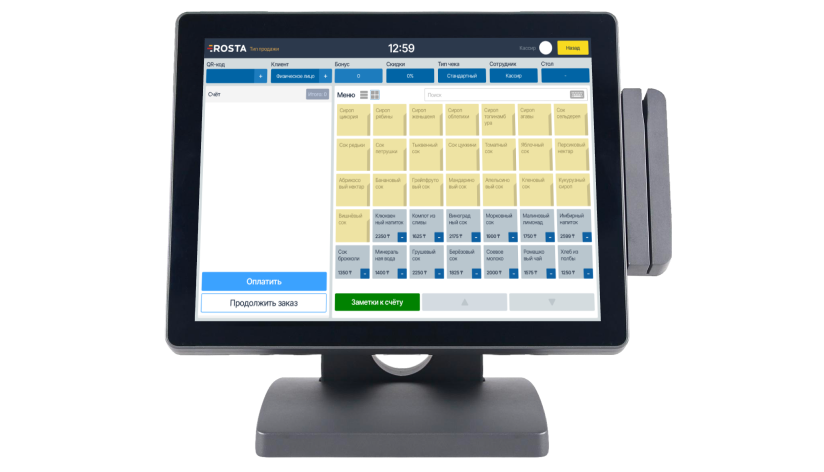
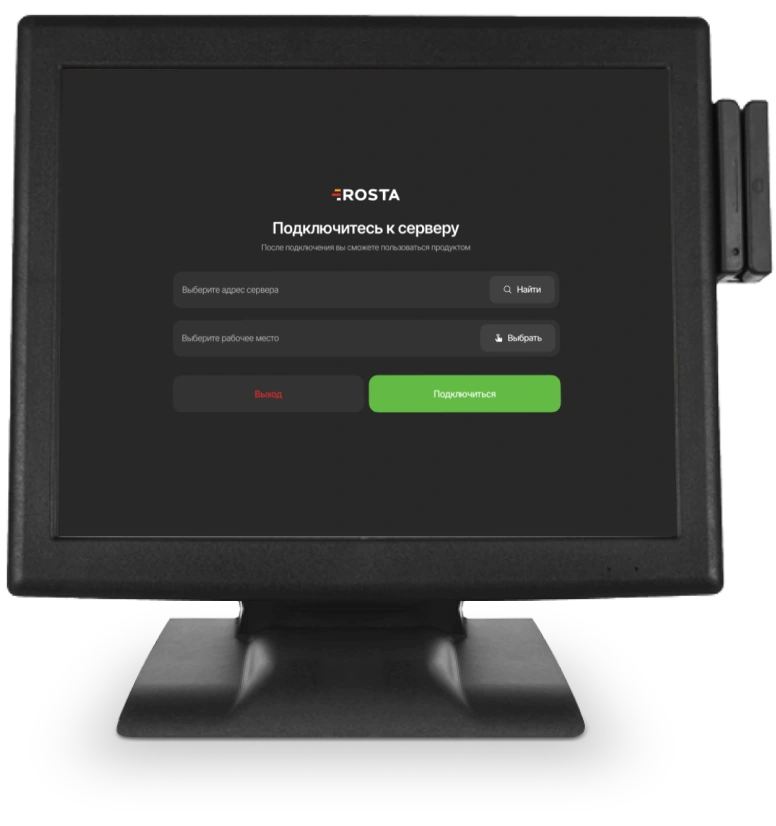
Check order transmission to the kitchen and bill splitting.


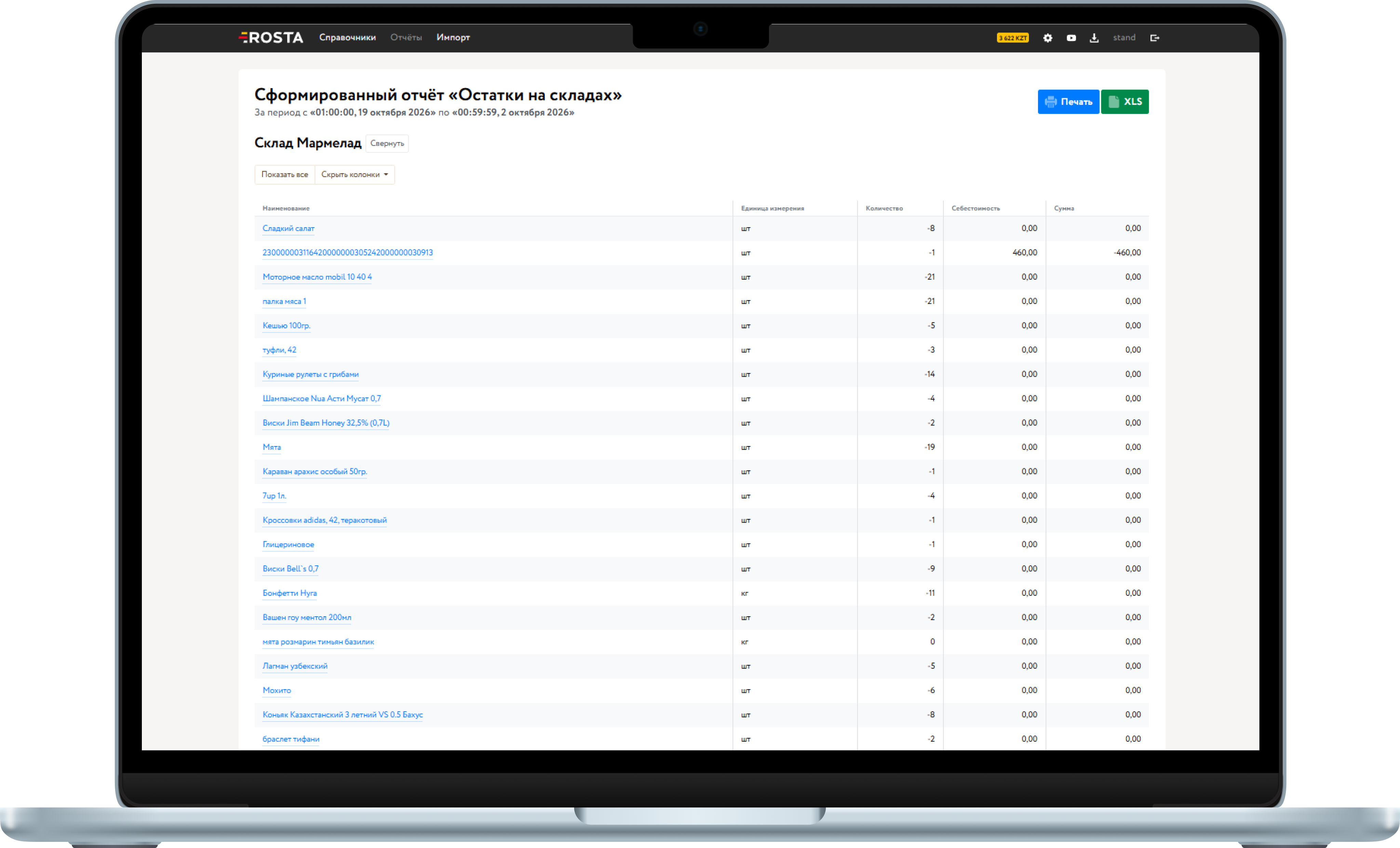
Compare dish sales, recipe-based consumption and remaining ingredients.
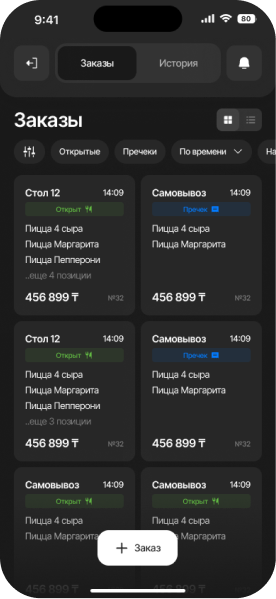
Open a report on your phone and check a goods receipt.
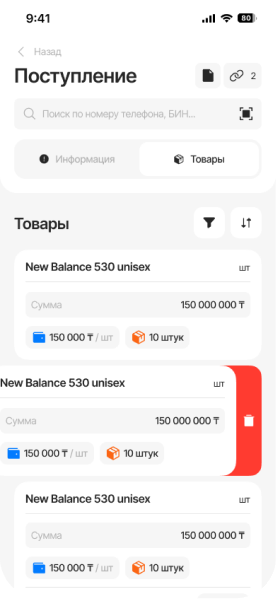
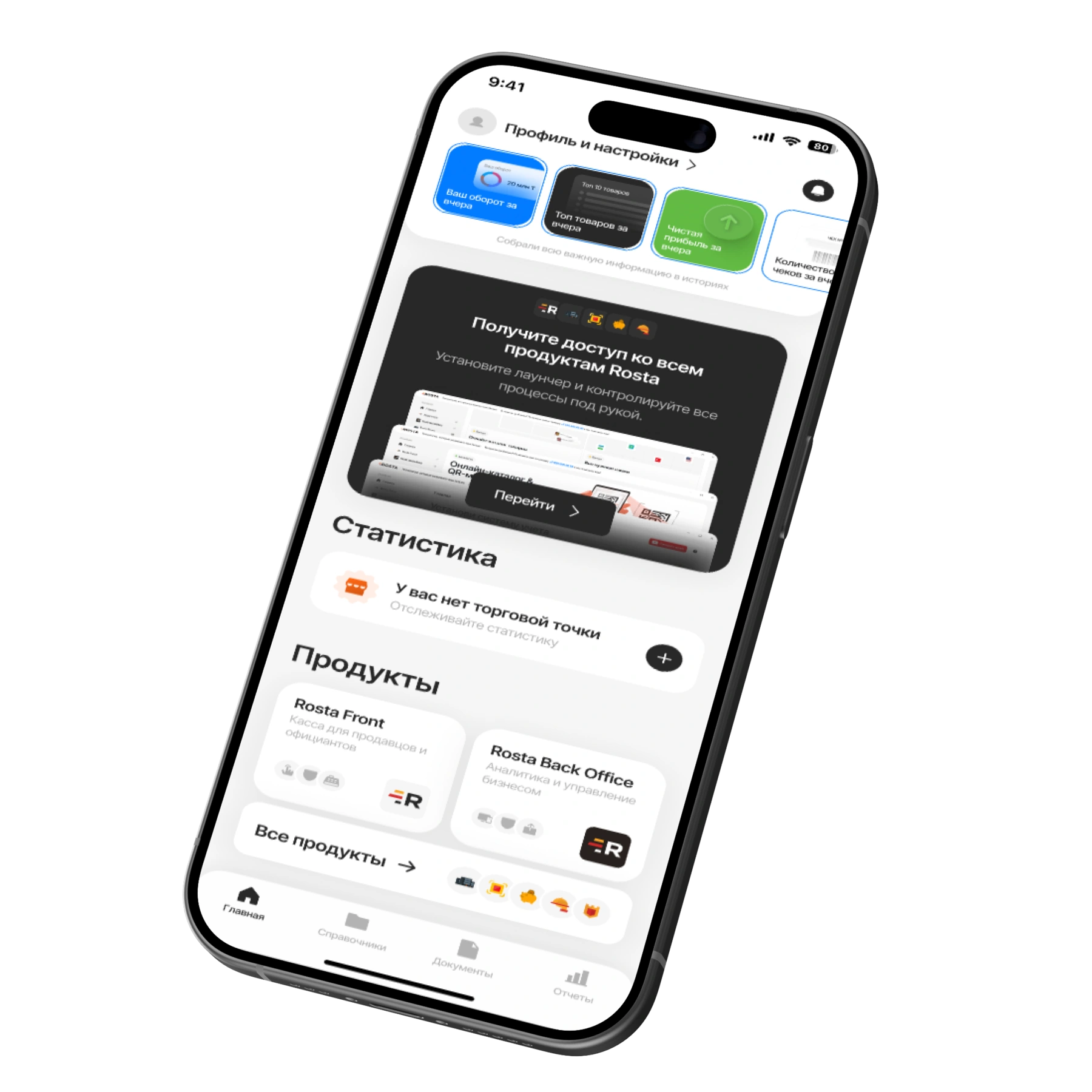
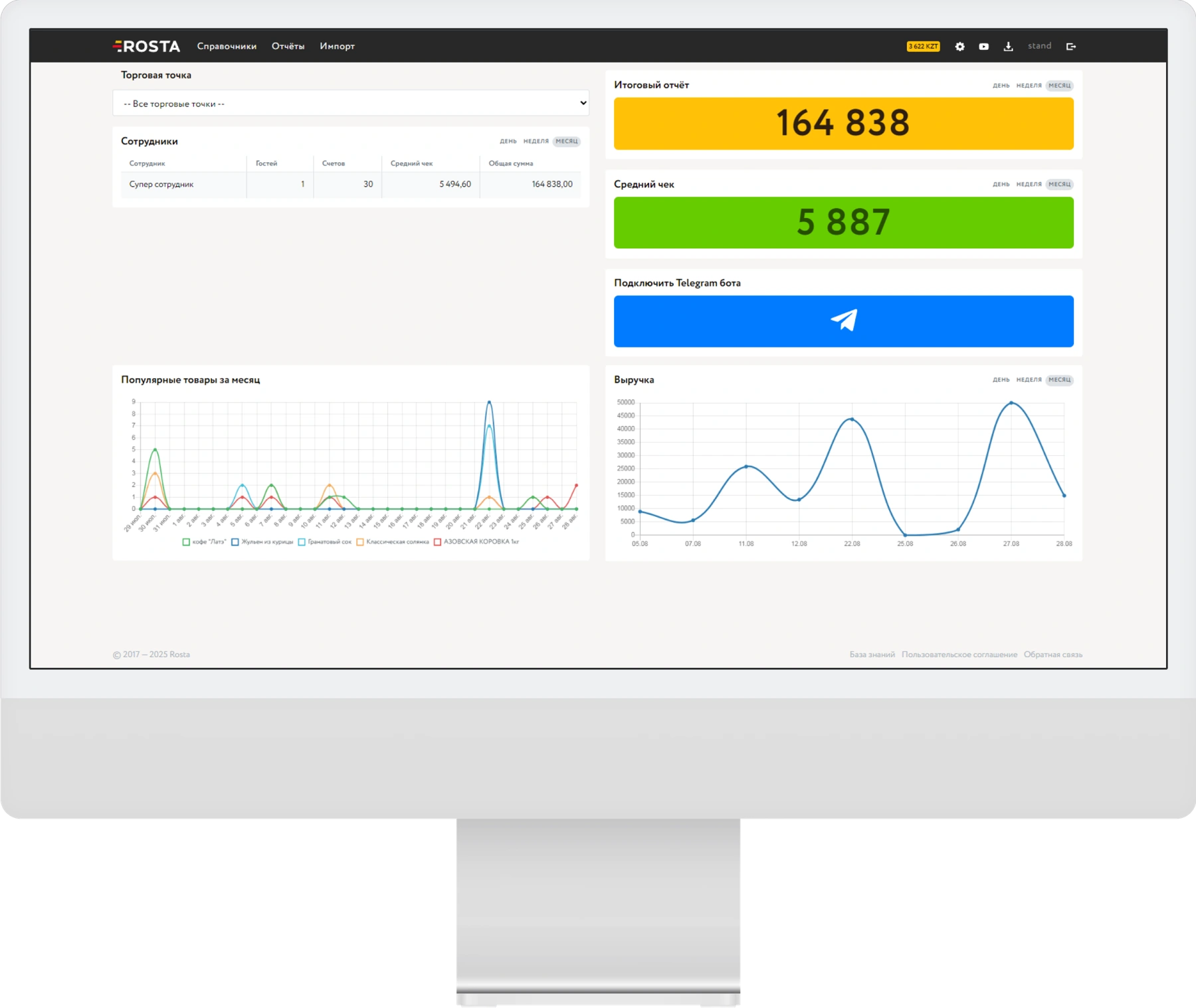
View revenue and dish sales, and check documents and stock from your phone. Mobile Office supports goods receipts, write-offs and stocktaking. When AI recognizes an invoice, check the lines before posting the document.
Mobile Office and BackOffice are free. We will demonstrate the operations you need so you can assess the app in use.

Request a quote for the same number of
For café and restaurant owners, ROSTA is the choice for one system connecting service, kitchen and mobile management. POS, recipe cards and inventory connect with Mobile Office, so owners can view sales and stock from their phones. Data migration is free; we agree its scope before switching.
Apps at no extra charge
When choosing between Poster and ROSTA, ROSTA offers café owners a mobile office at no extra charge, free support and two-hour basic training. ROSTA includes Mobile Office and BackOffice at no extra charge for monitoring revenue, inventory and documents.
ROSTA is a choice for restaurants that value free migration from r_keeper and working with a local development team. You can discuss restaurant-specific enhancements with our local team. Migration is free; licensing, implementation and custom development are priced separately.
Connected sales and inventory accounting, mobile analytics and an accountant community are reasons to choose ROSTA when comparing it with Paloma365. Our community of accountants and experts helps establish bookkeeping and use reports to manage your venue; ongoing services are agreed separately with the specialist.
Includes one location and one checkout.
Analytics, inventory and documents, with no separate management fee.

For each additional checkout at the same location.
240 USD per year in one payment. Includes one location and one checkout.
Analytics, inventory and documents, with no separate management fee.
For each additional checkout at the same location.
For an outlet with one checkout — 30 USD per month or 240 USD per year in one payment (20 USD per month). An additional checkout at the same outlet costs 10 USD per month. Standard setup on your own equipment is 110 USD, including the first license month, configuration and training.
Migration is free. Equipment and additional workstations are charged separately. After the included first month, you can choose monthly or annual license payments.
All pricing and terms →A local development team builds the product for retail and food service. According to the company, ROSTA had 9,500 users in Kazakhstan on 16 October 2026.
Migration to ROSTA is free. We check data scope and export availability before work begins. License and setup are charged separately.
Basic tasks can be learned in two hours of training. This is the training time, not a promise to migrate any database and launch an entire business in two hours.
Yes, the team can assess custom development. Describe your task; feasibility, scope, timing and cost are agreed separately.
ROSTA technical support is free. For help organizing accounting, you can contact the community of accounting experts. Support terms are agreed with the specialist.
Other solutions also offer mobile tools. Compare specific operations: viewing metrics, documents, stock and stocktaking. You can test these scenarios in ROSTA Mobile Office during a demo.
Tell us which system you use and what you want to improve. We will demonstrate your workflows, discuss migration and calculate the configuration cost.
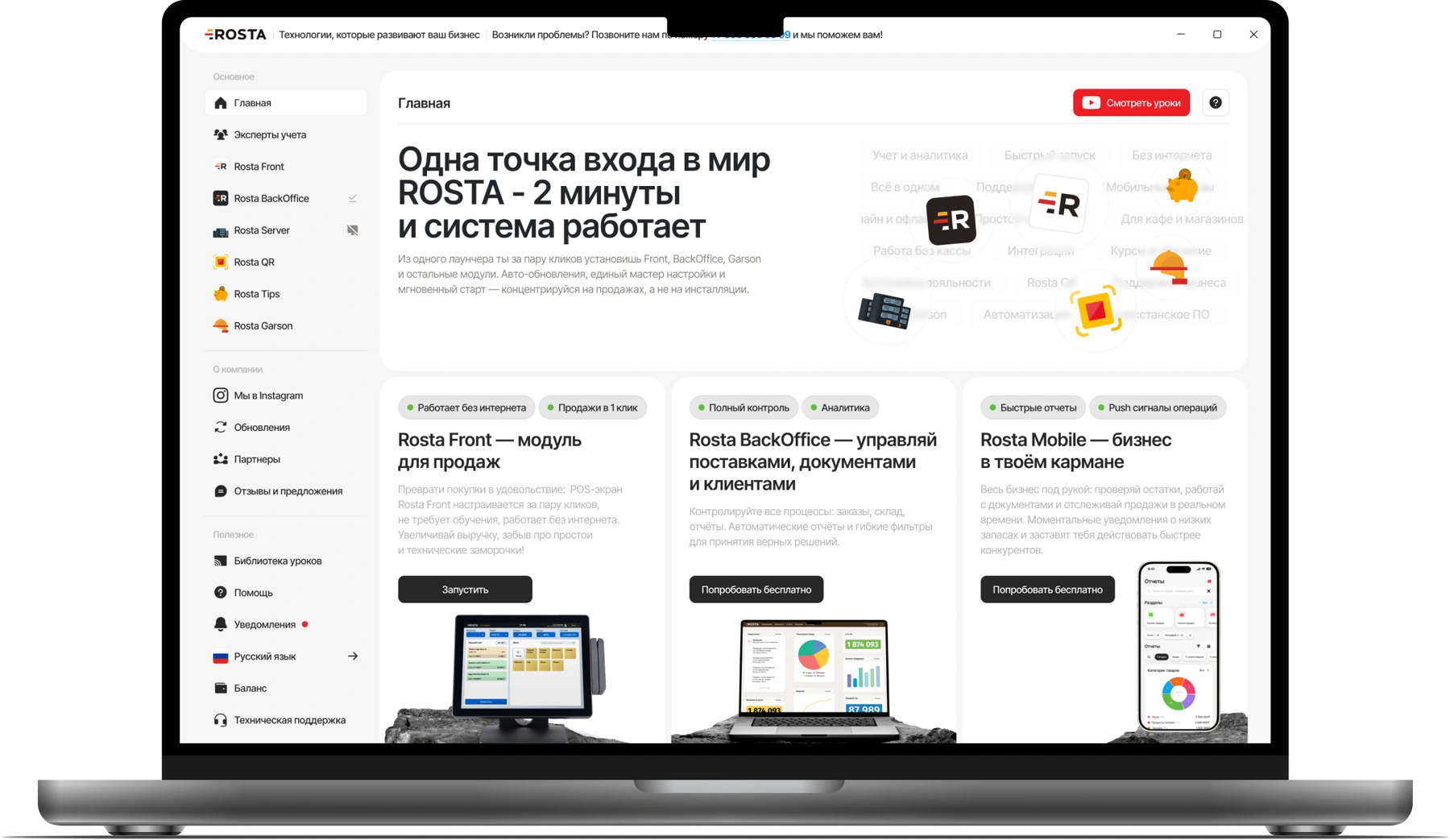
 Rosta BackOffice
 Rosta Mobile Office