

01DINING ROOM
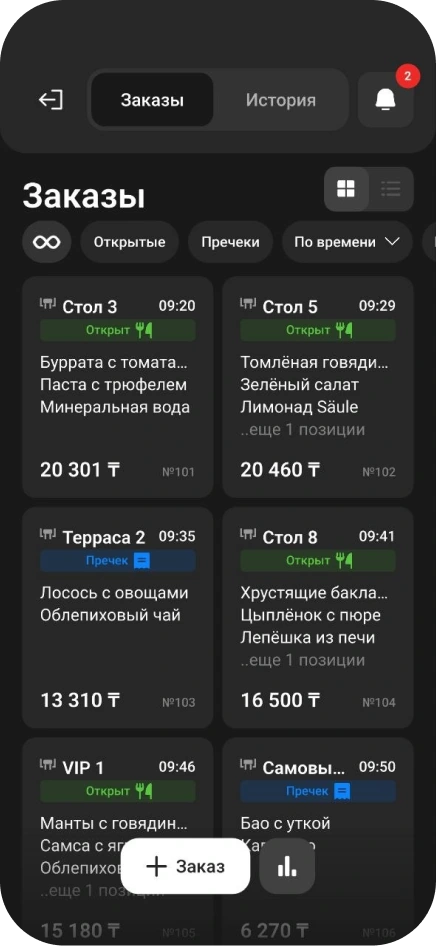
Open a table bill
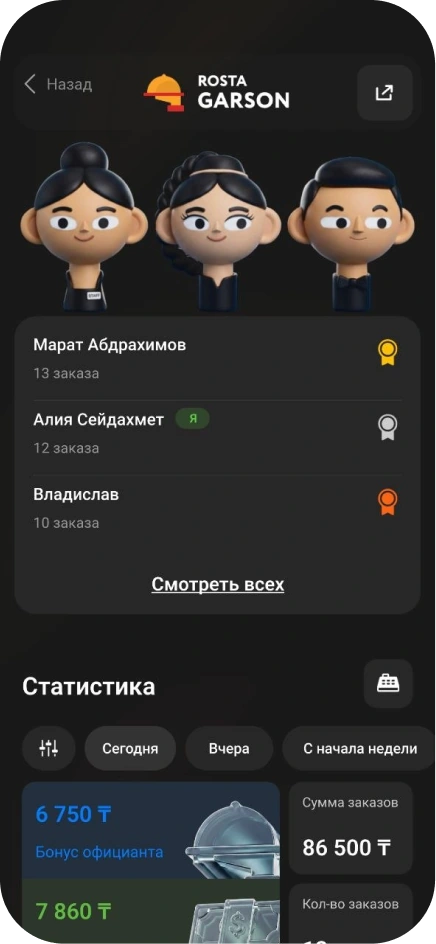
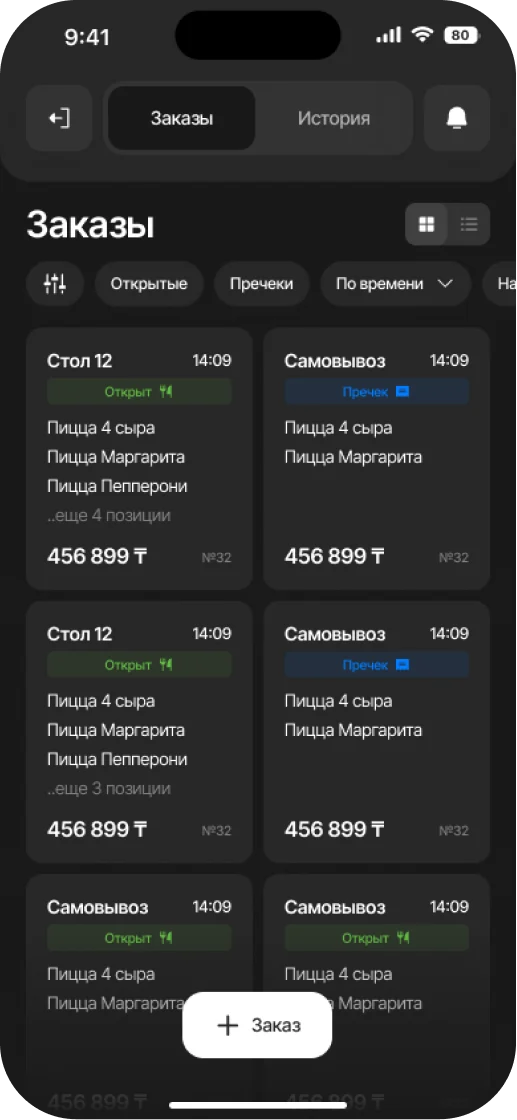
Record guest selections in Garson. Add to the order as service continues.
Guests order drinks, food and extras during their visit. Keep a complete bill and understand material usage by shift.
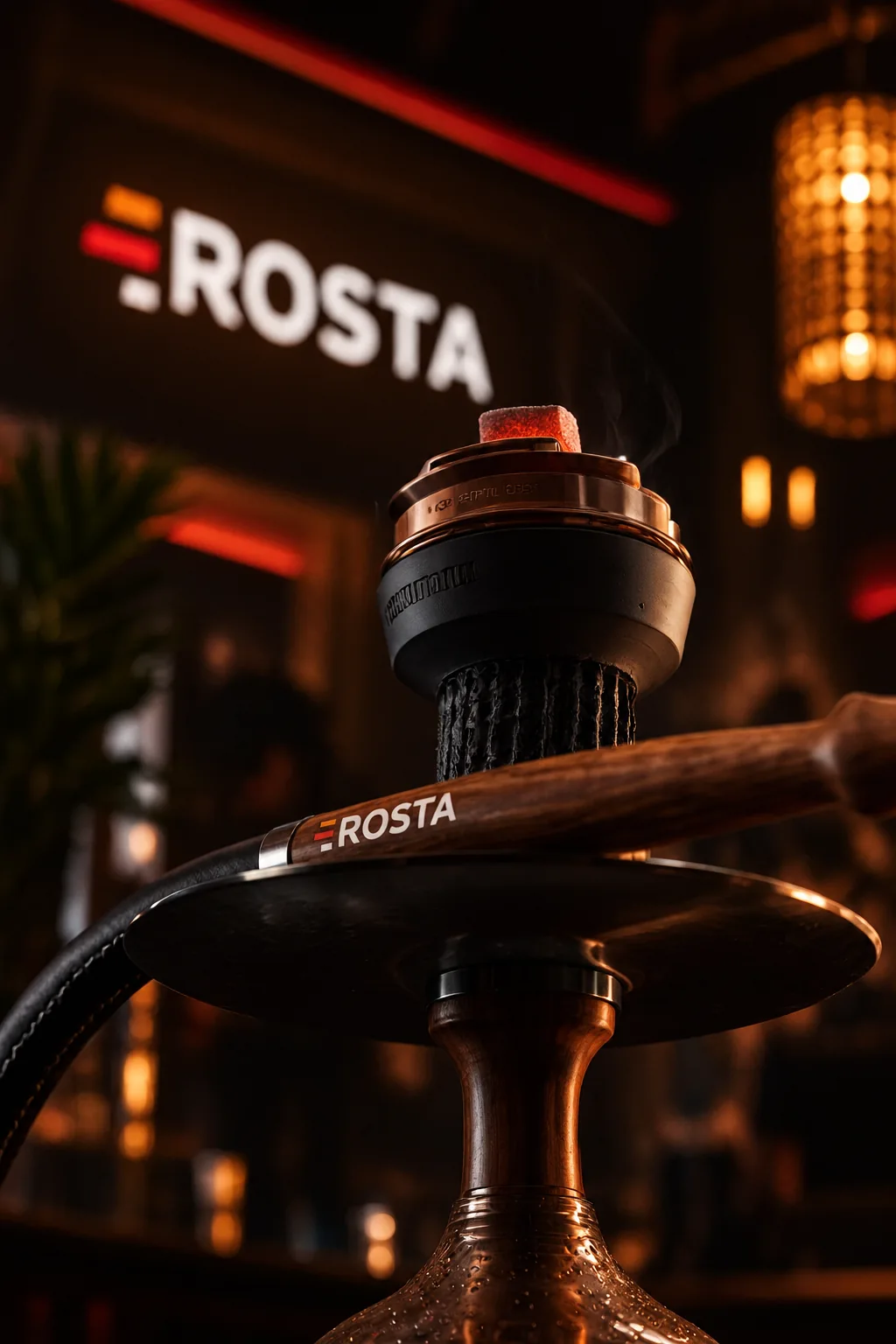
Keep table bills open and add items during the visit. Check order contents at checkout.
Record guest selections in Garson. Add to the order as service continues.
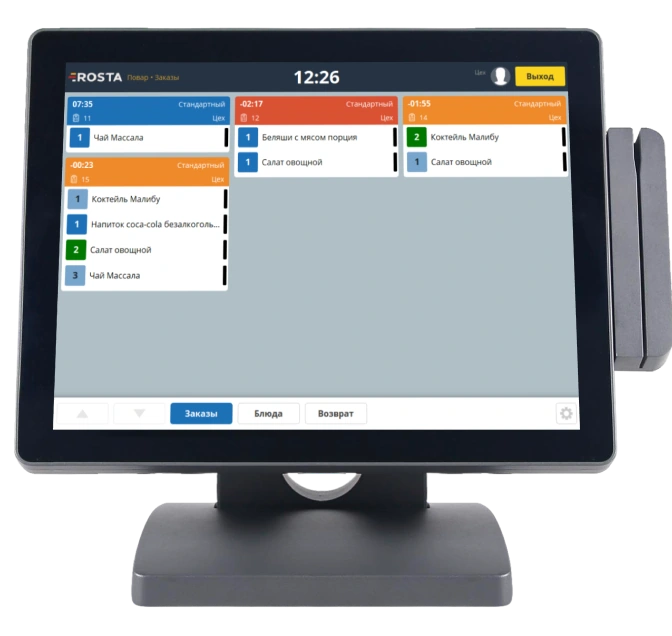
The kitchen and bar receive the recorded order. Statuses help track preparation.
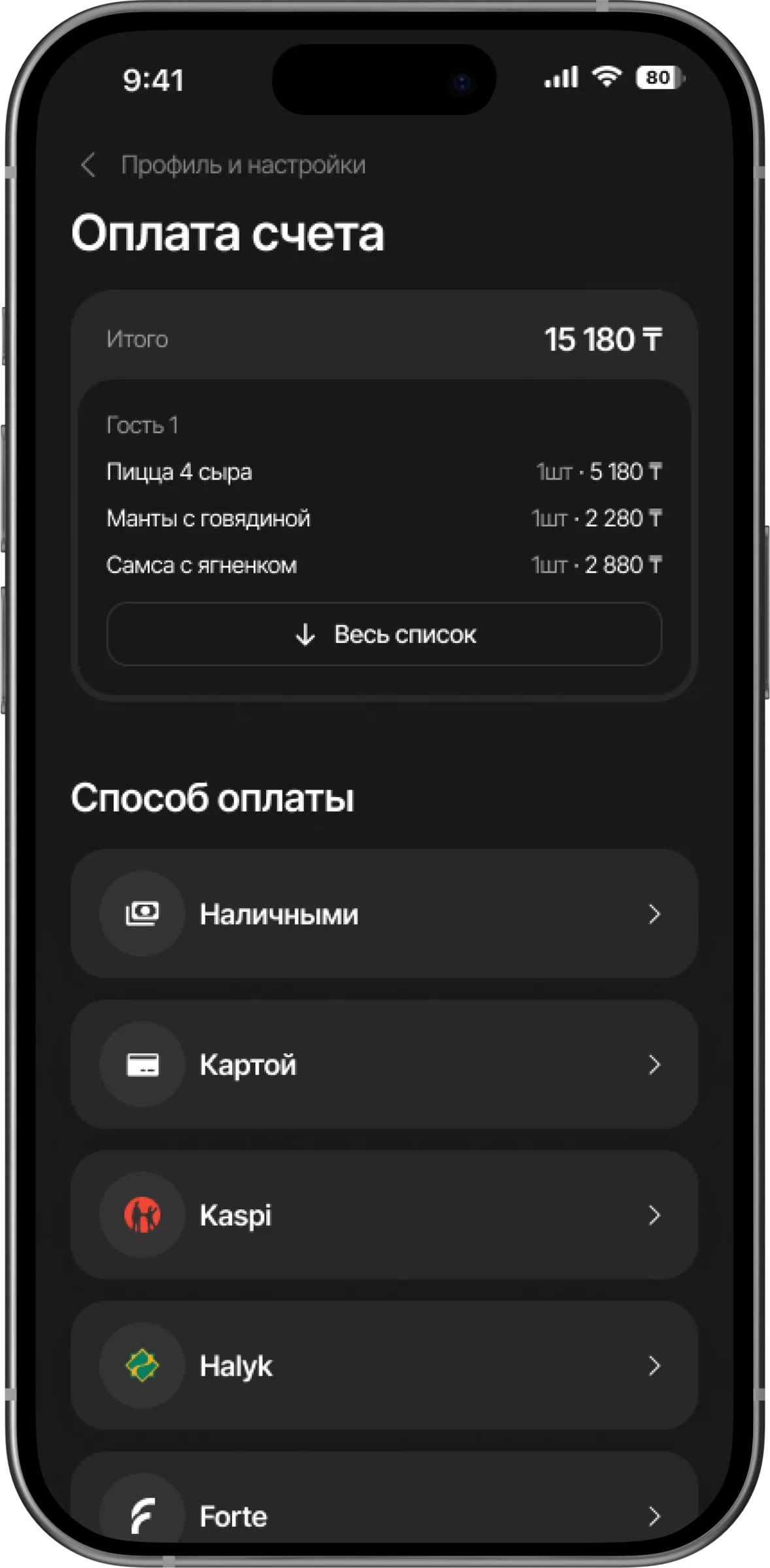
Check items before payment and split the bill if needed. Transactions remain in the history.
Track consumable receipts, stock and write-offs. Record drink and food recipes separately to avoid mixing kitchen usage with other items.
Review sales by category, discounts and cancellations. Reconcile consumables against documents and stocktake results.
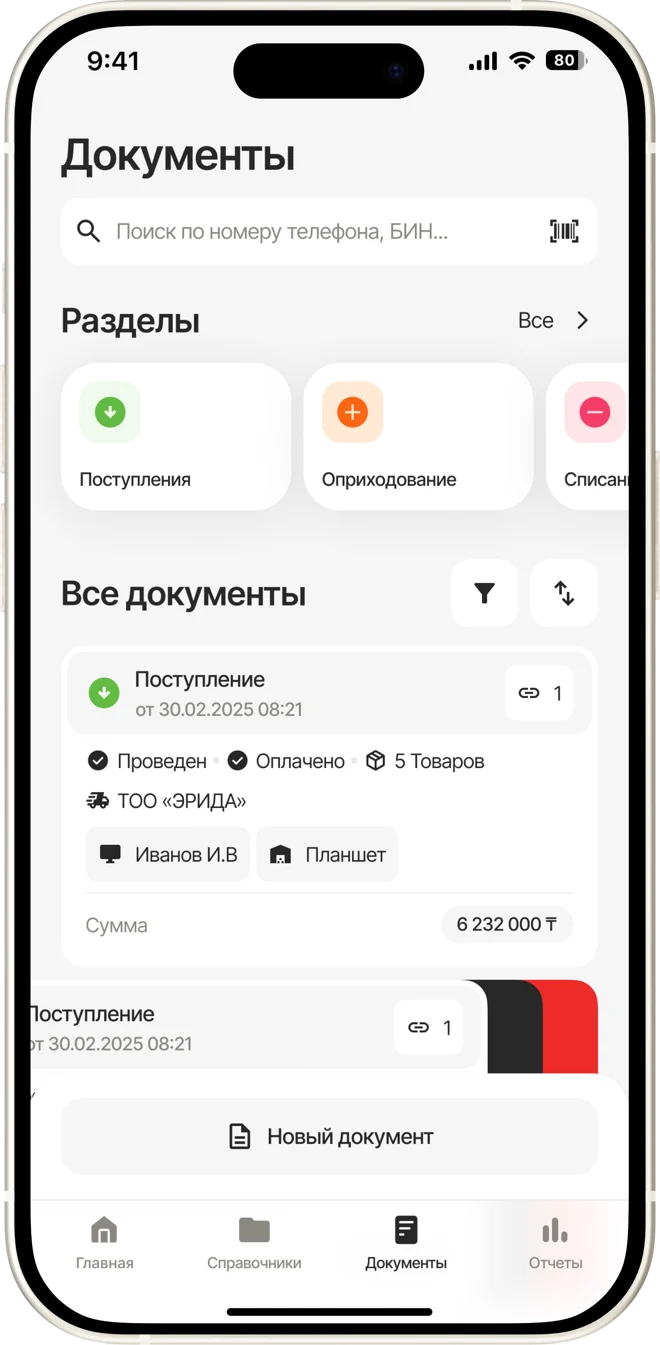
Review sales by category, discounts and cancellations.
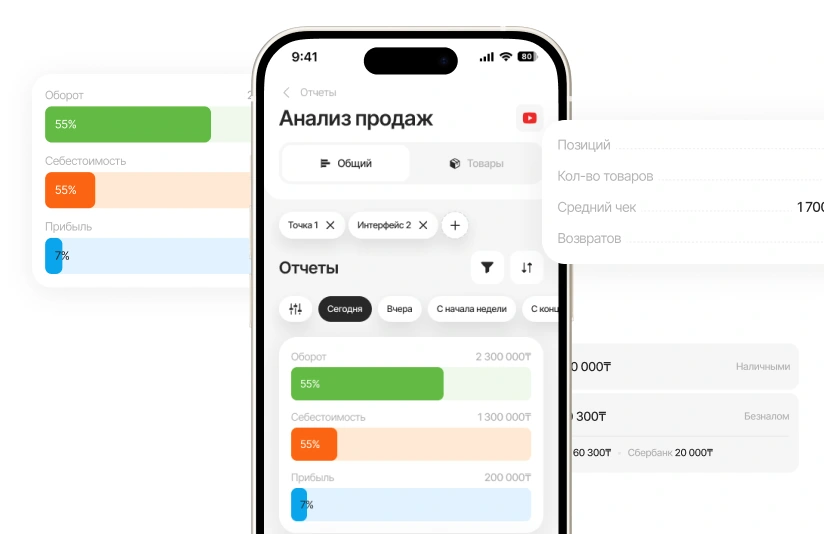
Compare physical stock with system records. Goods receipts, transfers and write-offs help explain discrepancies.
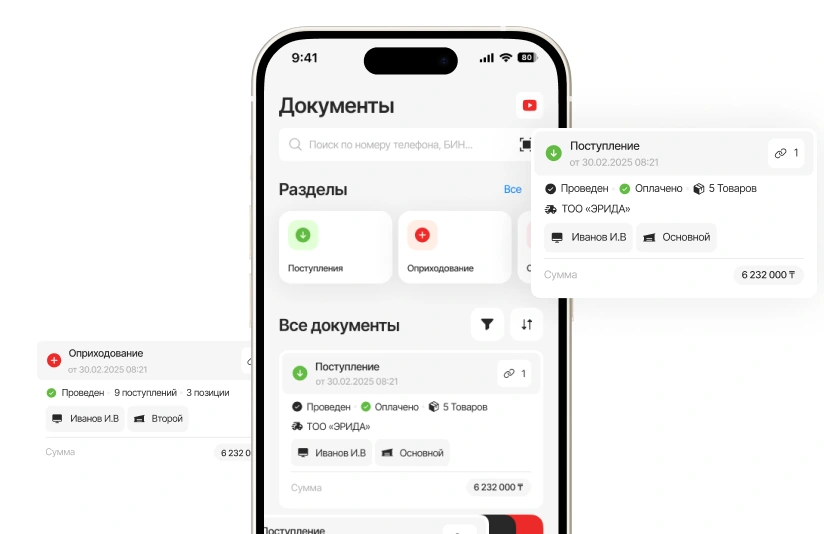
Set permissions to match team responsibilities. Review discounts, cancellations and returns in the activity history.
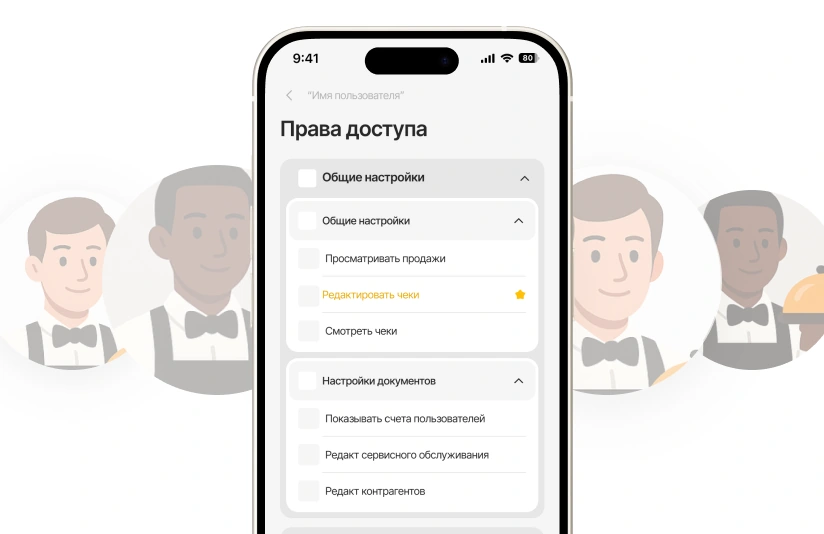

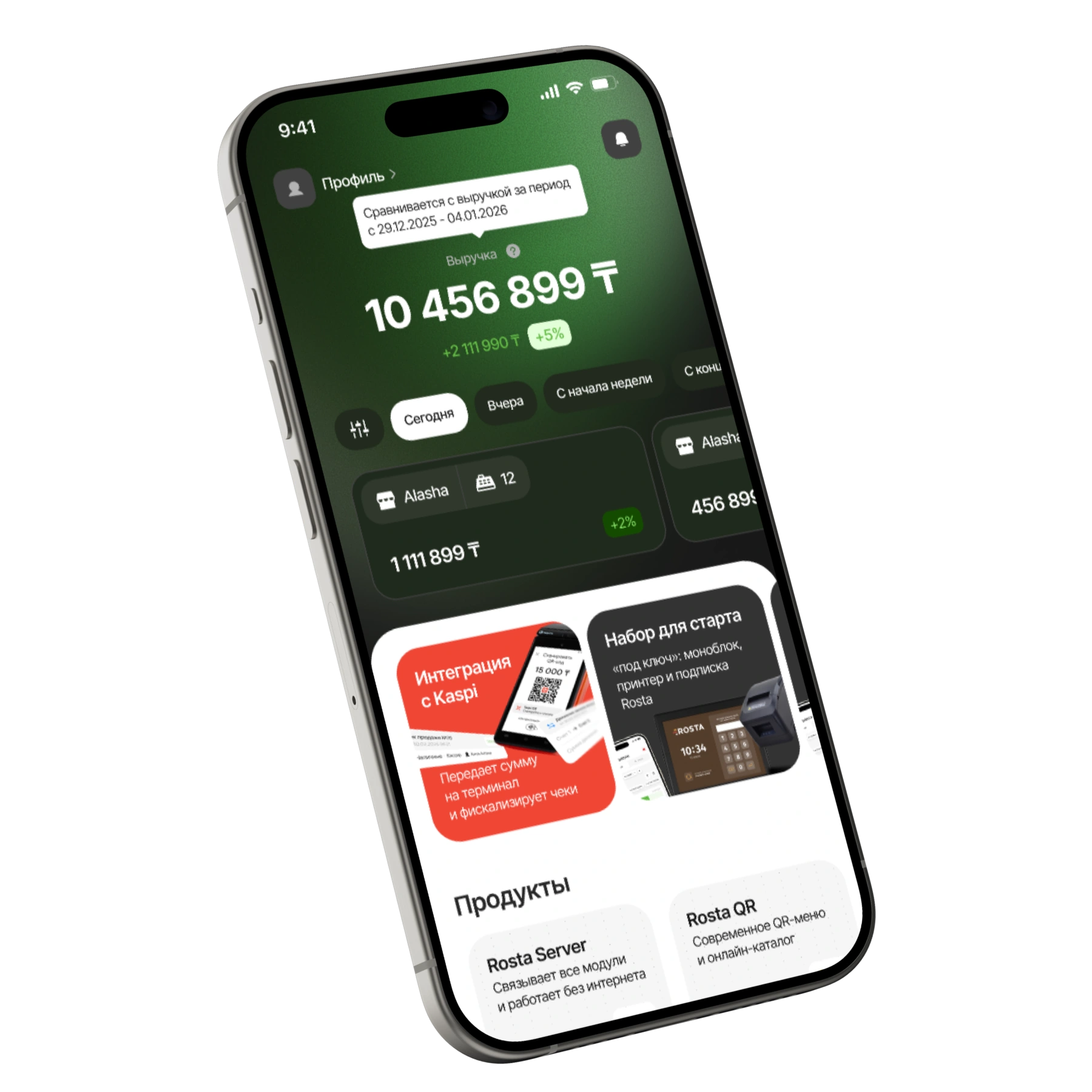
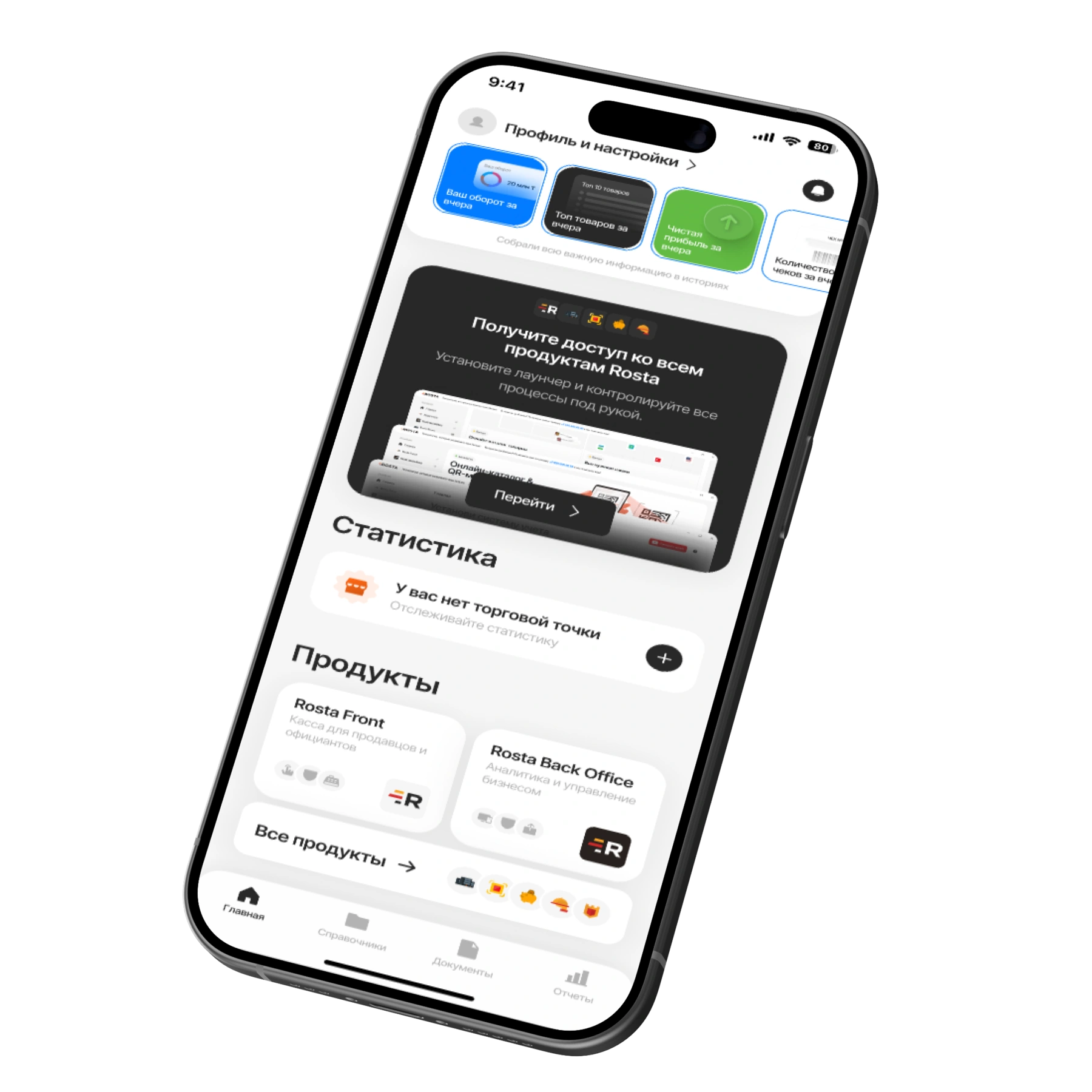
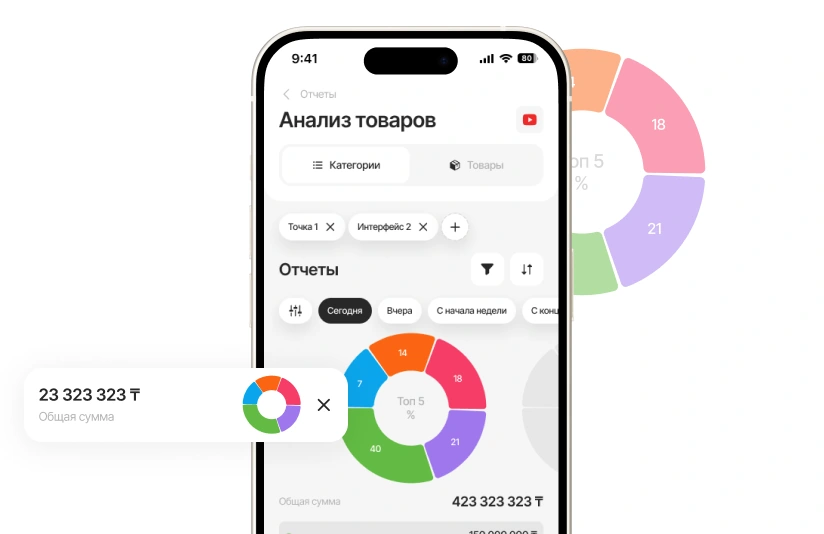
Check your location’s figures when you’re away. Mobile Office lets you review sales and access documents from your phone.
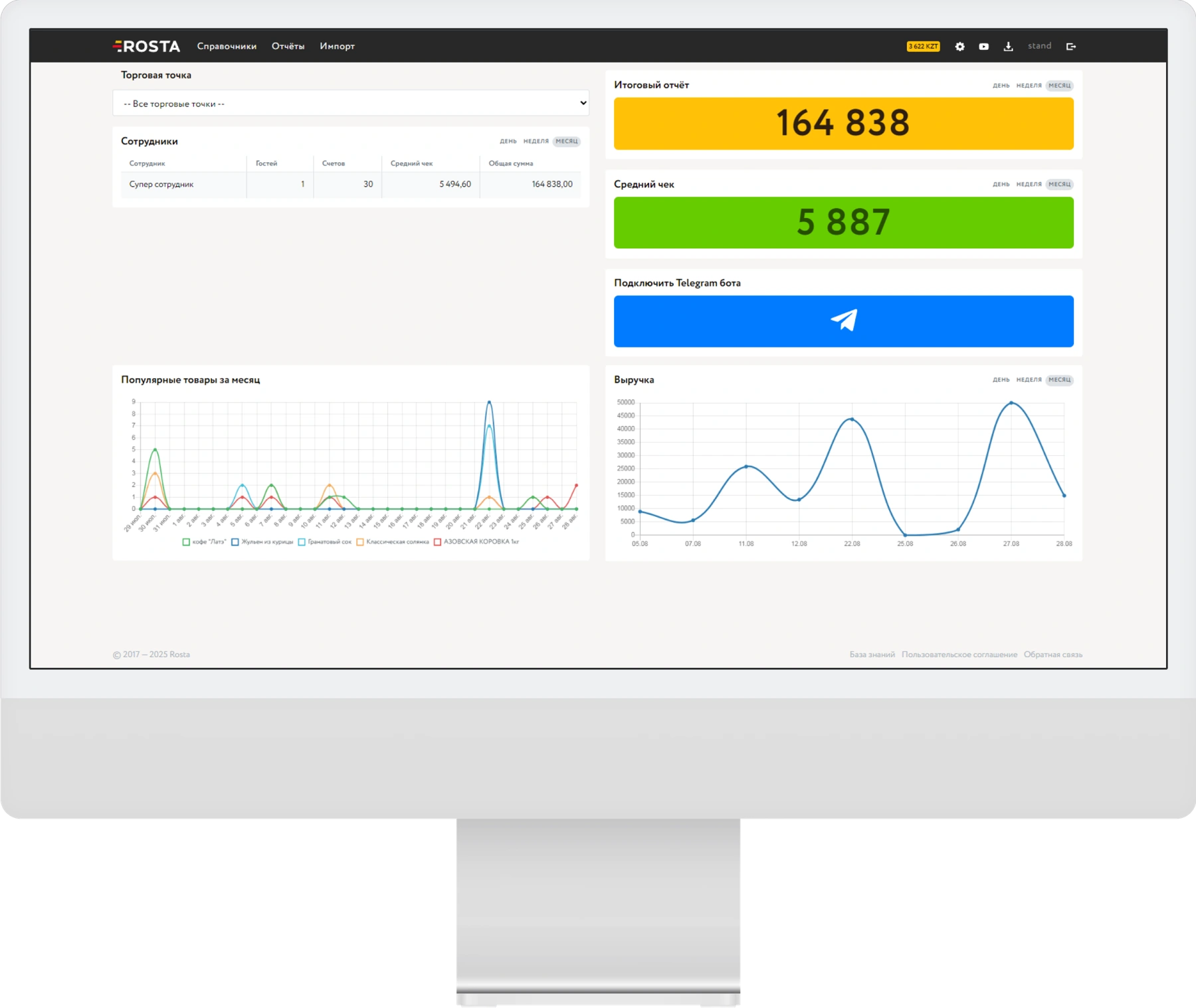
Choose a period and location. Check turnover, receipt counts and returns, then review individual sales.
Compare sales by menu category. See which drinks and snacks guests choose.
Record goods receipts, write-offs and stocktakes. When AI recognises an invoice, check the line items before posting it.
A subscription for one location with one checkout. Pay monthly or save with annual billing.
Includes one location and one checkout.
Analytics, inventory and documents, with no separate management fee.

For each additional checkout at the same location.
240 USD per year in one payment. Includes one location and one checkout.
Analytics, inventory and documents, with no separate management fee.
For each additional checkout at the same location.
Equipment and setup are arranged separately. View equipment ↗ · All licences and terms ↗
Choose modules for your service model. We’ll review the setup in a demo.
Garson: select a table, take an order, send dishes to the kitchen and split the bill between guests.
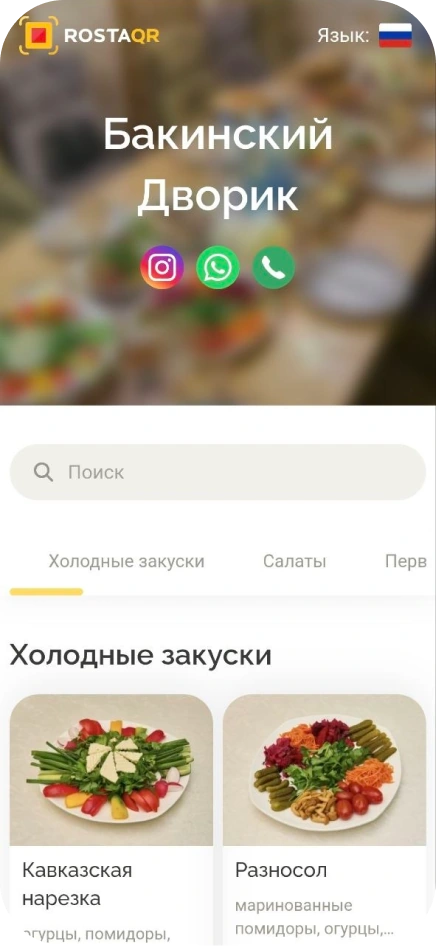
Explore GarsonPhotos, ingredients and prices help guests choose food or drinks. The QR menu opens without installing an app.
View the QR menuDon’t see your workflow? We’ll show it in a demo
ROSTA helps track table orders, sales and material usage. If you charge for visits by the minute, discuss this scenario in the demo before connecting.
Start with your product range, units of measure and opening stock. Track consumable receipts, stock and write-offs. Before going live, check a test sale and stock deduction.
Migration to ROSTA is free. Before switching, we’ll agree on the data to transfer and check export options in your current system. Licences and setup are charged separately; free migration does not mean free use of the software.
30 USD per month for an outlet with one POS, or 240 USD paid annually, equivalent to 20 USD per month. Each additional POS at the same outlet costs 10 USD per month. BackOffice and Mobile Office are free. Equipment and setup are priced separately.
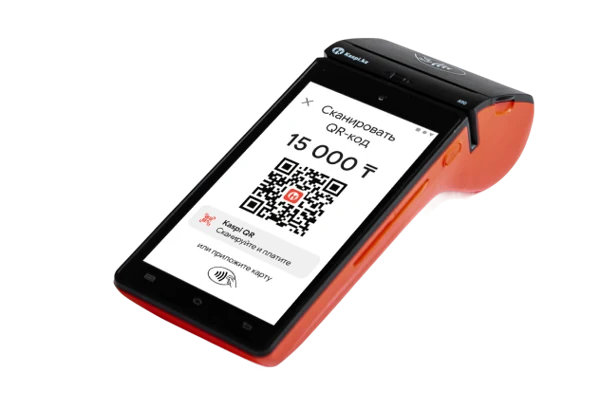
Before setup, we’ll check your checkout, printer and other equipment models. We’ll confirm compatibility and workstation requirements before launch.
For hookah lounge, compare workflows using your own data: table bills and consumables. ROSTA offers Mobile Office, free technical support and free migration. Compare the terms with iiko, Poster, r_keeper and Paloma365. View comparisons and migration terms.
Yes. You can learn the basics of ROSTA in two hours of training. For hookah lounge, we will cover your daily workflows; database and equipment preparation are planned separately. Technical support is free. If needed, you can contact ROSTA accounting experts for accounting assistance; their service terms are agreed separately.
We will demonstrate ROSTA for hookah lounge: table bills and consumables. We will discuss equipment, workstations and connection terms. ROSTA is developed in Kazakhstan. We will discuss migration from your current system and team training.