

01GOODS RECEIPT
Check product name and volume
Match the invoice to the physical delivery. Similar labels and different bottle volumes must not be merged into one product item.
Manage marked goods and drinks by name and volume, and check deliveries and stock. ROSTA connects liquor-store inventory with sales and reports.
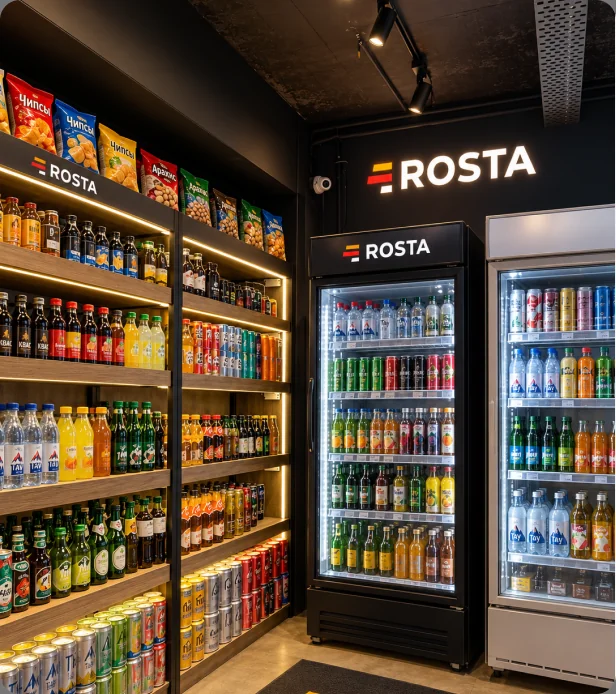
Track drinks by name and volume, and check deliveries and display stock.
Match the invoice to the physical delivery. Similar labels and different bottle volumes must not be merged into one product item.
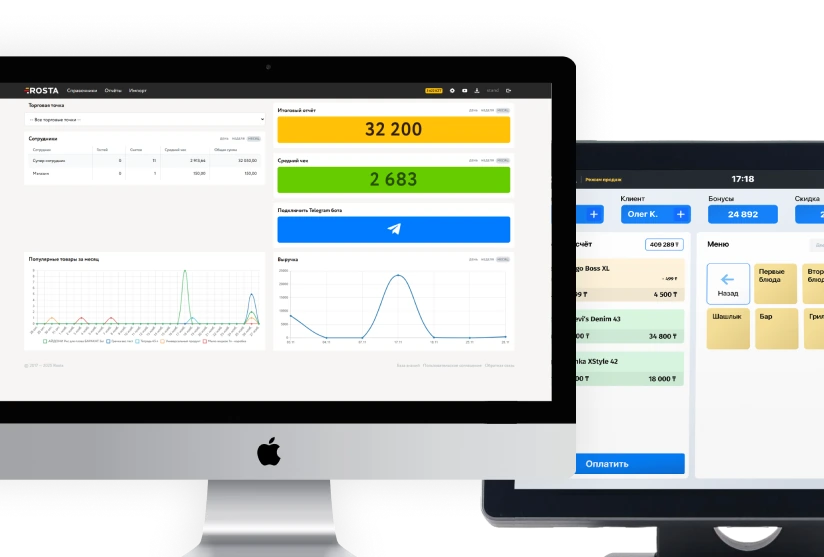
Scan the barcode and check the receipt name. Track individual packages and sets according to your product database.
Take stock and check transfers. Investigate discrepancies using receiving, sales and write-off documents.
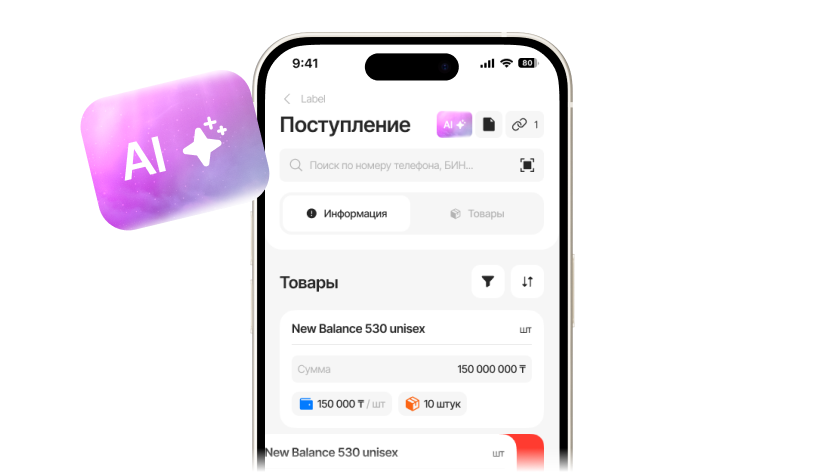
AI invoice scanner
Take a photo of the invoice — AI matches its lines to your database. Check products, prices and quantities, add new products if needed, and post the document.


We identify products, match them to your database and show the results
Matches found. Merge them or create a new item
 1 500 ₸
 10 pcs
↓ Recommended · 90% match
1 500 ₸10 pcs
1 500 ₸1 pc


 1 500 ₸10 pcs
 500 ₸5 pcs
1 500 ₸1 pc
500 ₸5 pcs
1 500 ₸1 pc

Analyze sales by product group alongside purchase cost. Check expensive items and slow-moving stock separately before your next order.
Check receipts, sales, transfers and write-offs before adjusting stock. An employee confirms the physical quantity, while documents retain its movement history.
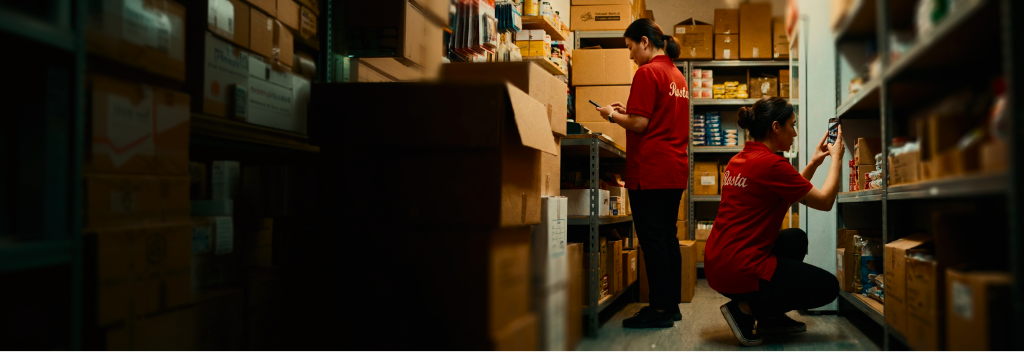
Work with marked goods and retain precise names for packaging variants. Before launch, we will agree on equipment and the sequence of operations.
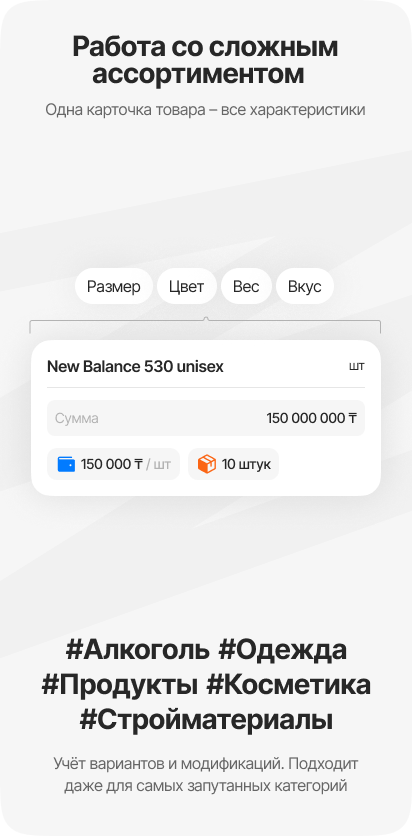
When purchase prices change, check the retail price of each volume rather than the entire range at once. Price tags can be printed on compatible equipment.
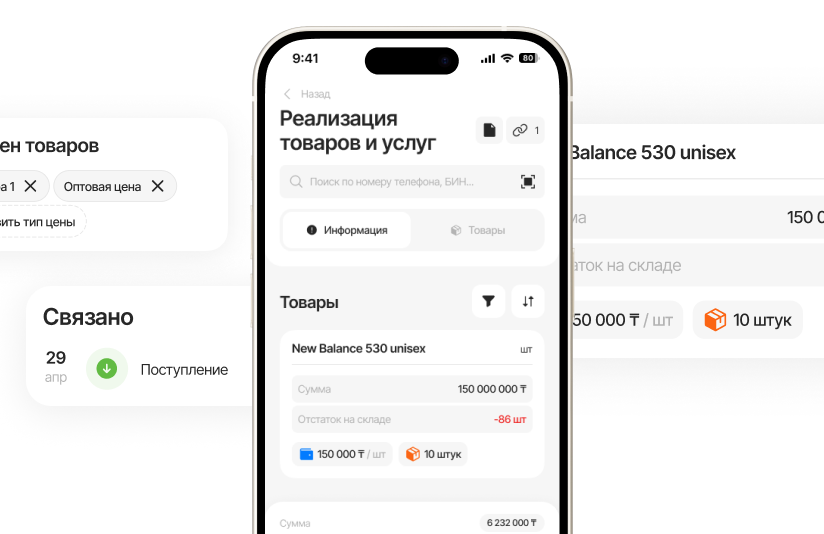
Set permissions for discounts and returns. Review disputed operations through documents without giving every employee the same authority.
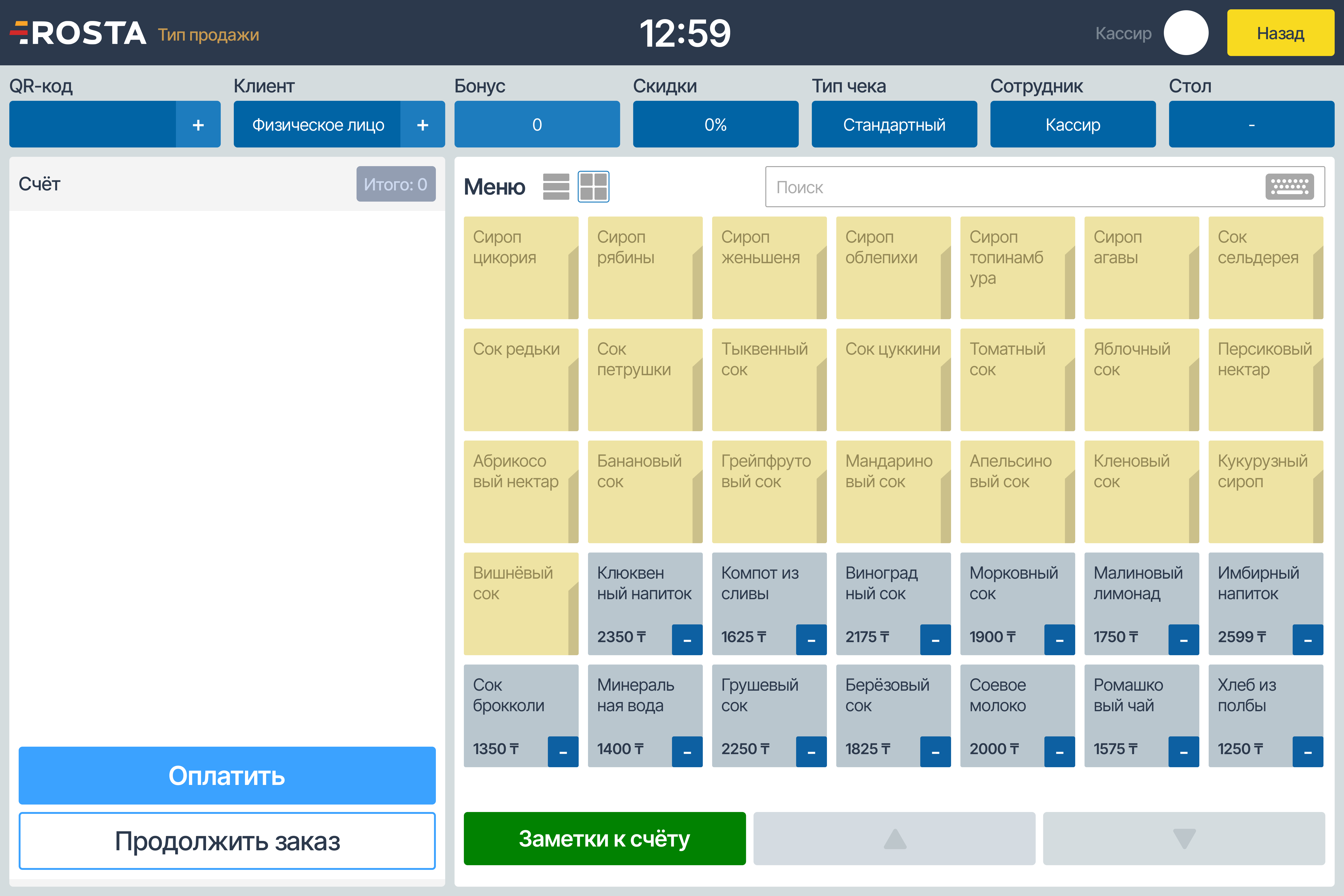

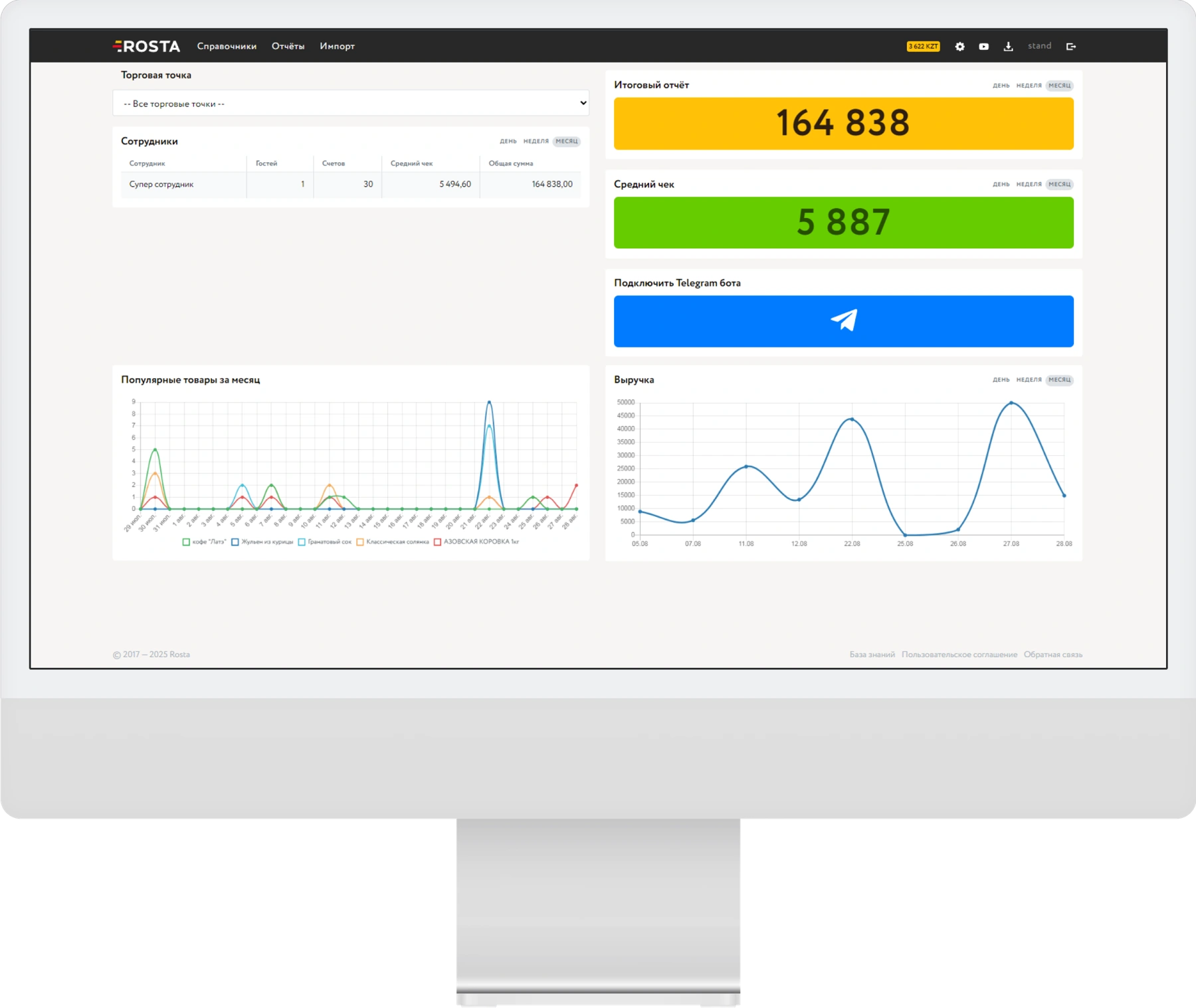
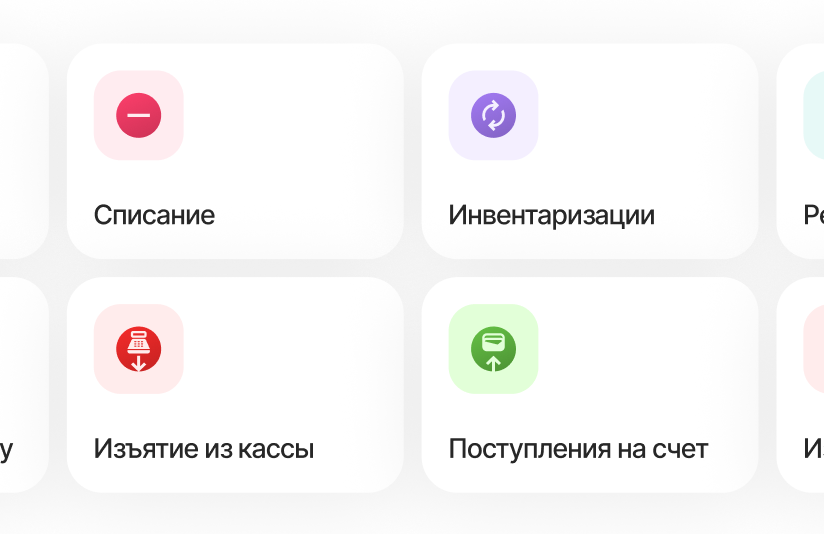
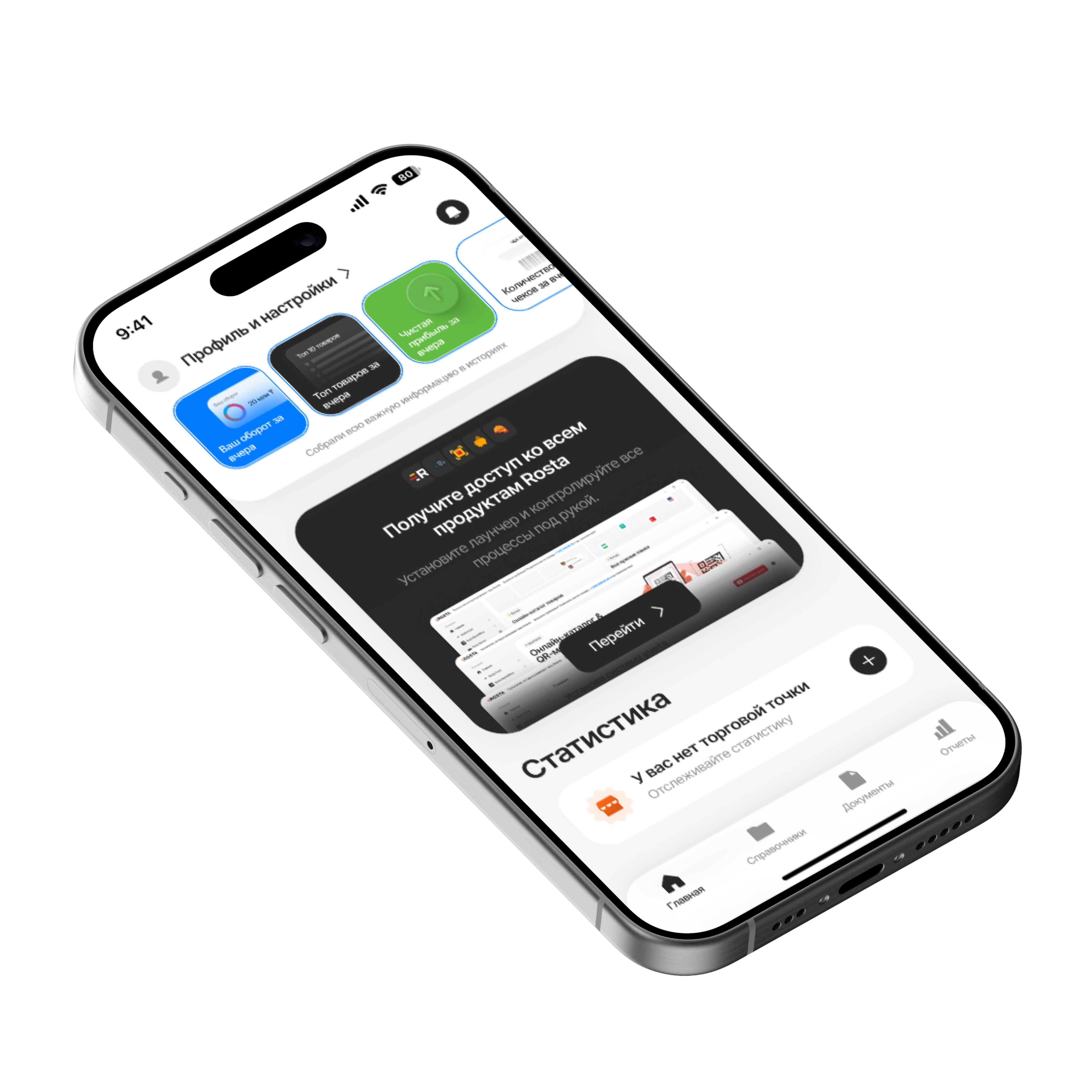
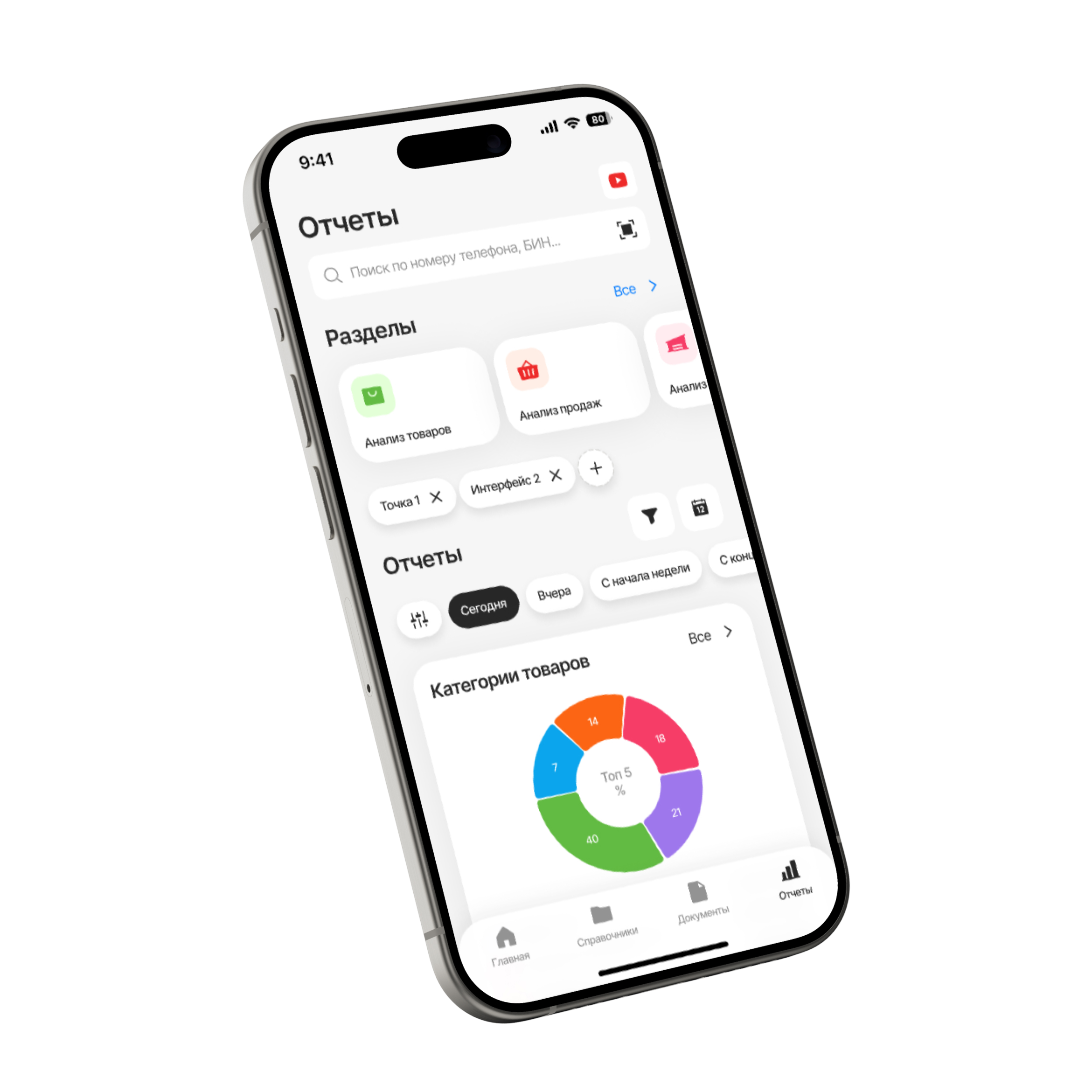
Check liquor store sales in free Mobile Office: revenue, cost, profit and documents. Compare outlets from your phone.
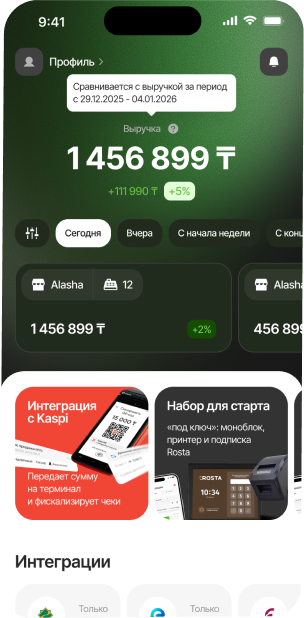
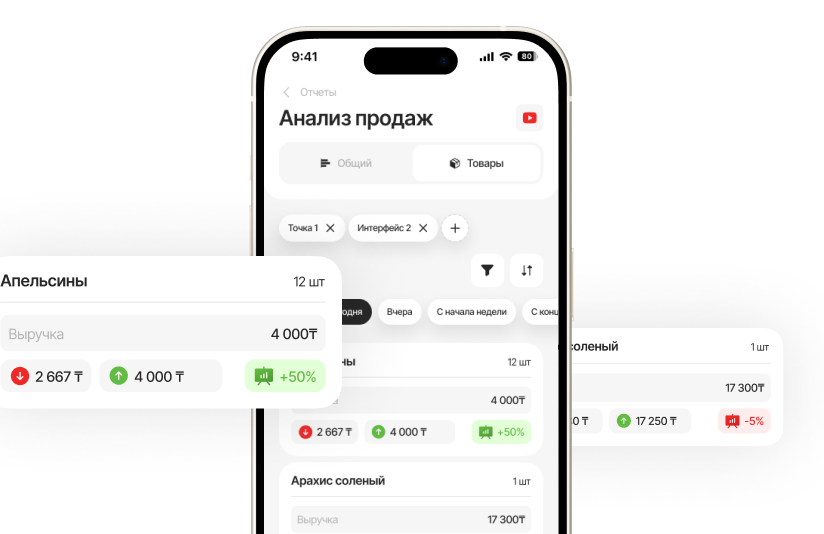
Compare sales of specific items with stock. Take stock value into account when planning your next purchase.
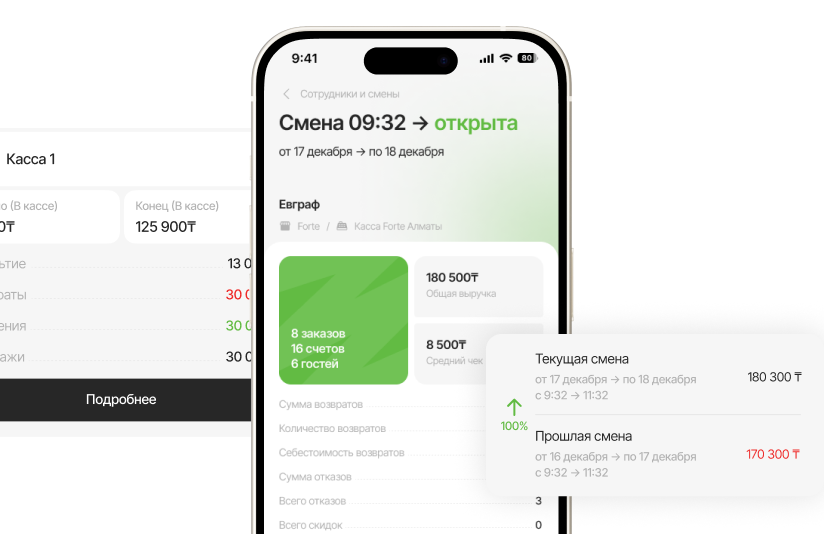
Select an outlet and period in Mobile Office. Compare stores over the same time interval, rather than only their total turnover.
Open receipts, transfers and write-offs. These documents help trace where stock came from and which operation changed it.
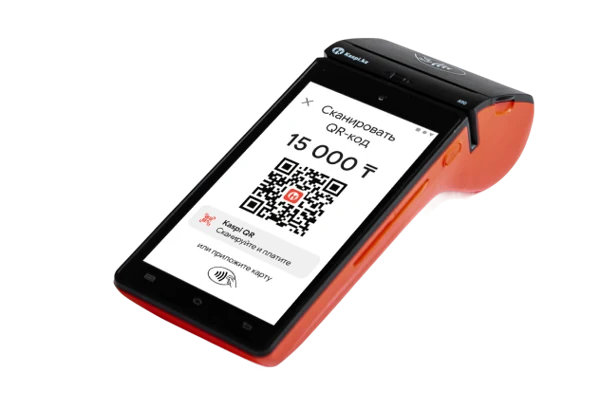
A mobile sales app or a full checkout station — we will choose a setup for your customer flow and equipment.
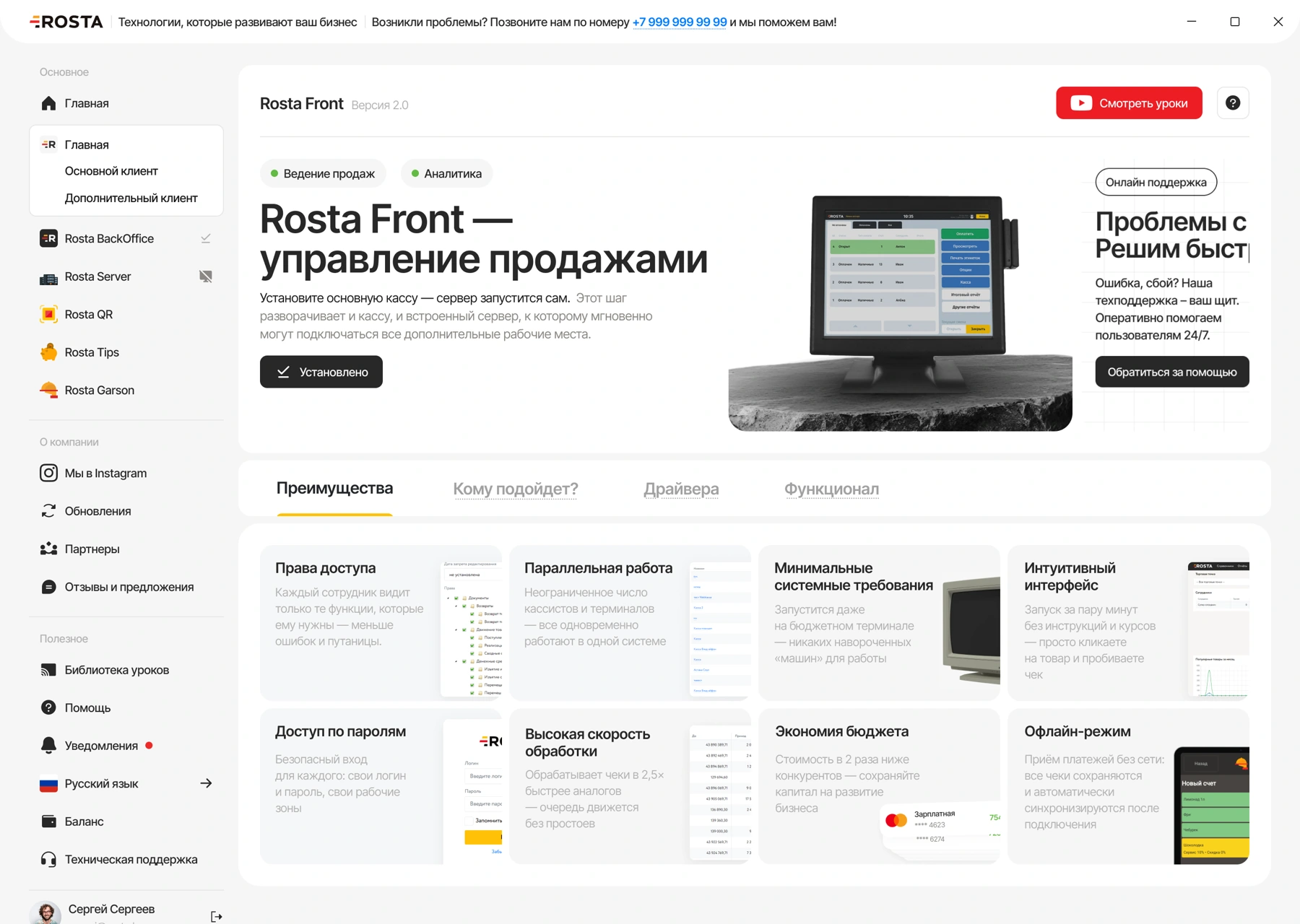
ROSTA Retail for sales on a smartphone or tablet + Mobile Office for management.


240 USD for 12 months in one payment, or 30 USD billed monthly. Includes one location and one checkout.
Analytics, inventory and documents, with no separate management fee.

For each additional checkout at the same location.
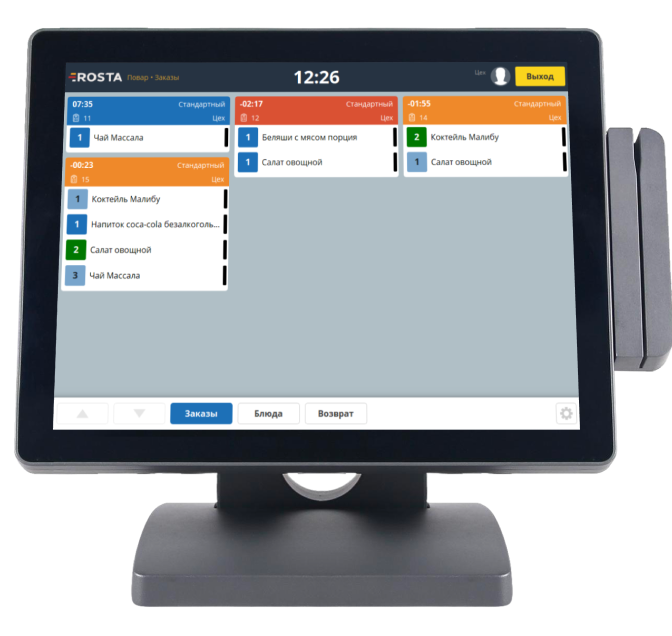
Equipment and setup are charged separately. The annual price does not apply to Light.
Choose equipment ·
All licenses and terms
Tools for returning customers and multiple liquor store locations.
Set up discounts and bonus tools for liquor store customers. We will choose suitable mechanics during the demonstration.
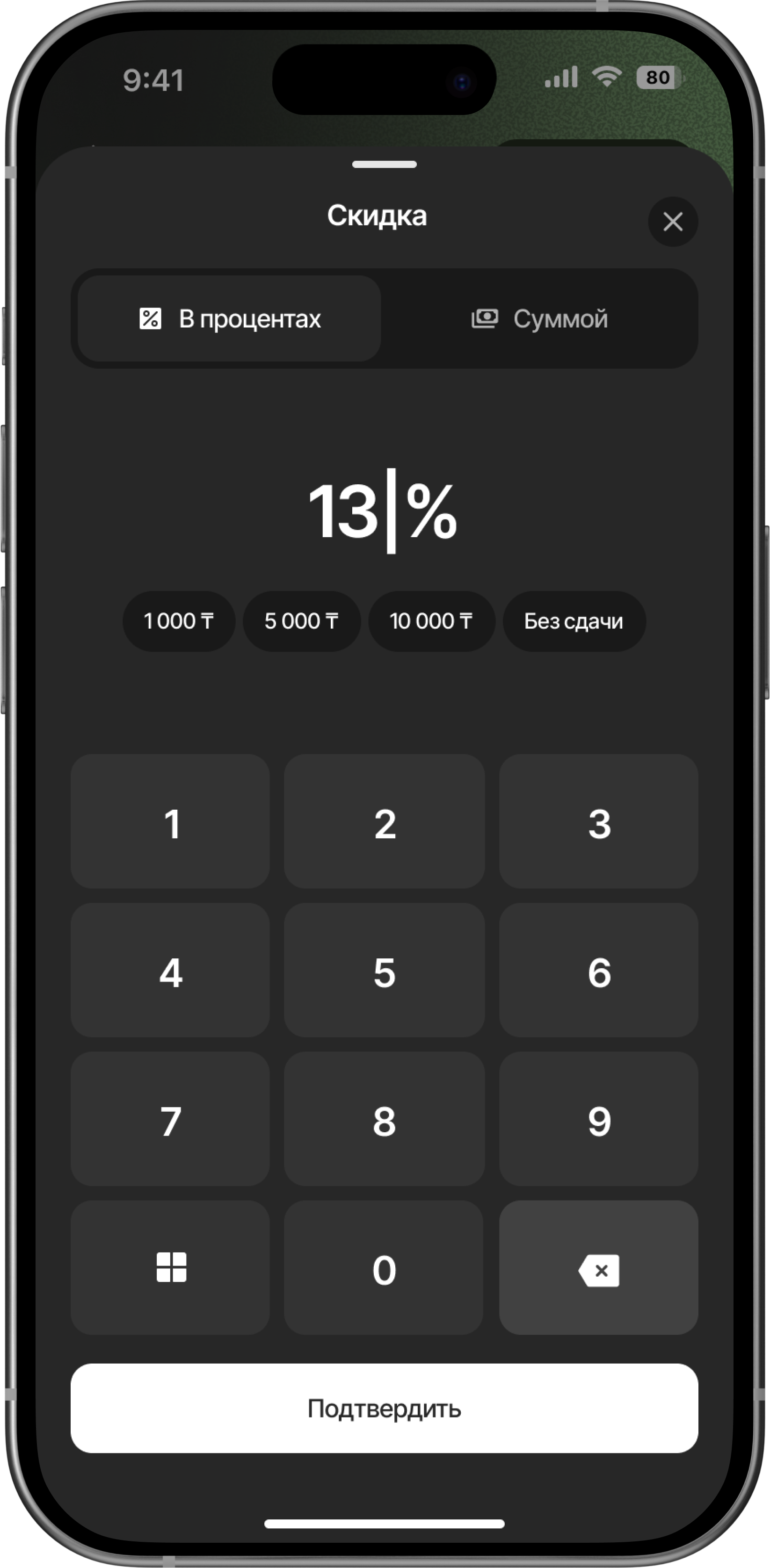
Compare sales and stock across liquor store locations. Check warehouse transfer documents in Mobile Office.
Explore Mobile Office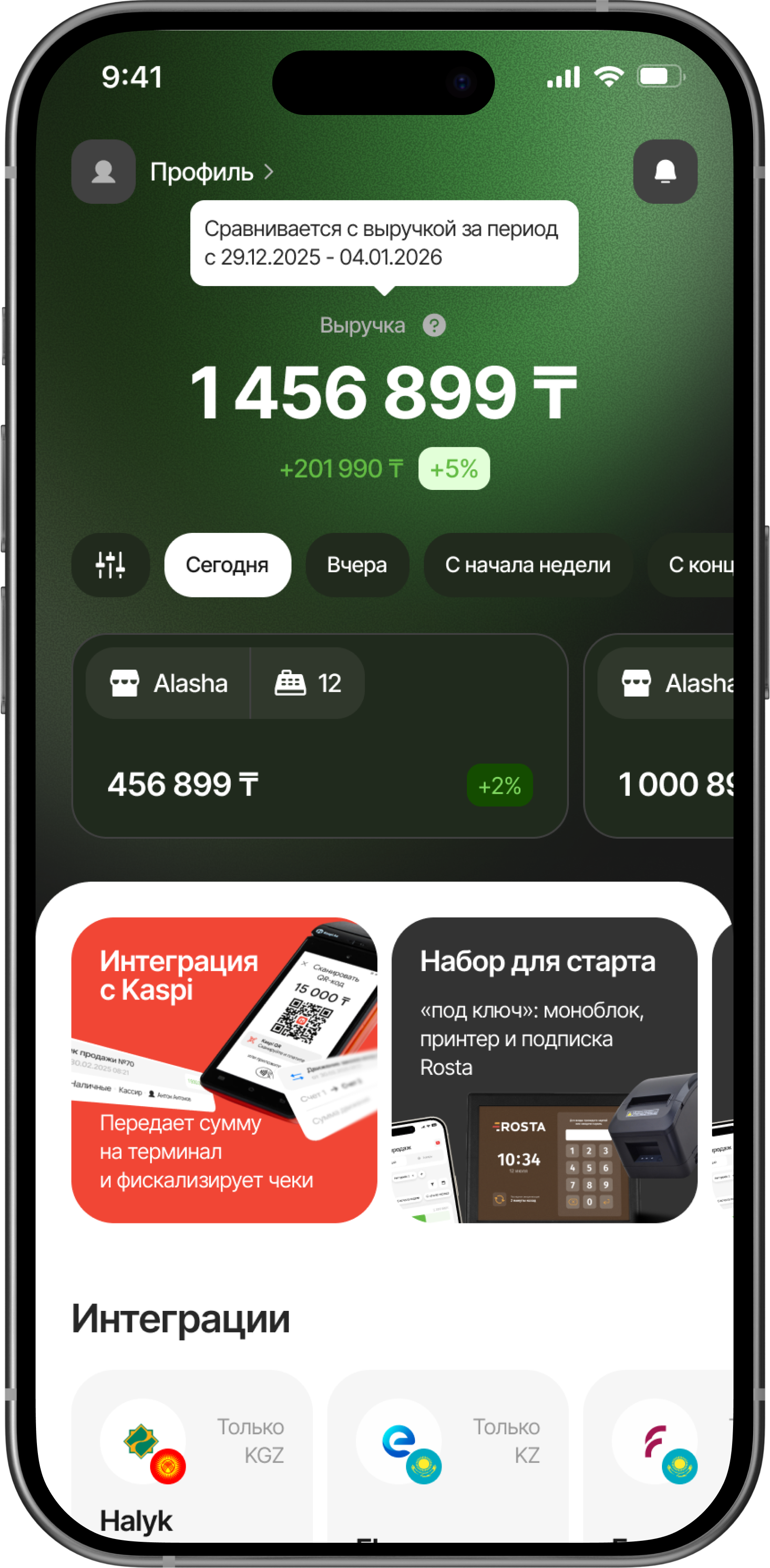
Don’t see your workflow? We’ll show it in a demo
Create a separate item for each pack size, with its own barcode and price. On receipt, check the name, volume and bottle count. This lets you check stock for a specific product without mixing packages.
Yes, alcohol product marking is supported. Before launch, we will agree on assortment, equipment and workflows. Marking support does not by itself confirm automatic age or time restrictions on sales; those settings are checked separately.
Agree on product catalog structure before migrating stock. Automatic bundle disassembly is not promised here; show your documents during the demonstration.
The main Retail license for an outlet with one checkout costs 30 USD/month or 240 USD per year (20 USD/month). An additional checkout at the same outlet costs 10 USD/month. Mobile Light is available for 9 USD/month; we will separately check whether it meets your needs. Setup on your own equipment costs 110 USD once, including the first month, configuration and training. Your chosen subscription is paid after that.
Prepare your product database, units of measure, current stock and equipment models. During the demonstration, we will check key operations and agree on catalog structure and the migration process. Device compatibility and the scope of work are checked before launch.
For liquor store, compare workflows using your own data: from receiving boxes to checking display stock. ROSTA offers Mobile Office, free technical support and free migration. Compare terms with 1C:Retail for Kazakhstan, umag, X2 POS and Wipon. View comparisons and migration terms.
Yes. Basic ROSTA operations can be learned in two hours of training. For your liquor store, we will cover your workflows; database and equipment preparation are planned separately. Technical support is free. If needed, you can contact ROSTA accounting experts for accounting assistance; their service terms are agreed separately.
We will demonstrate goods receiving, checkout sales and stocktaking using your assortment. We will check units of measure, equipment and the operations your store needs. ROSTA is developed in Kazakhstan. We will discuss migrating from your current system and training your team.


 Alasha
 12
12
 Alasha
 12
12