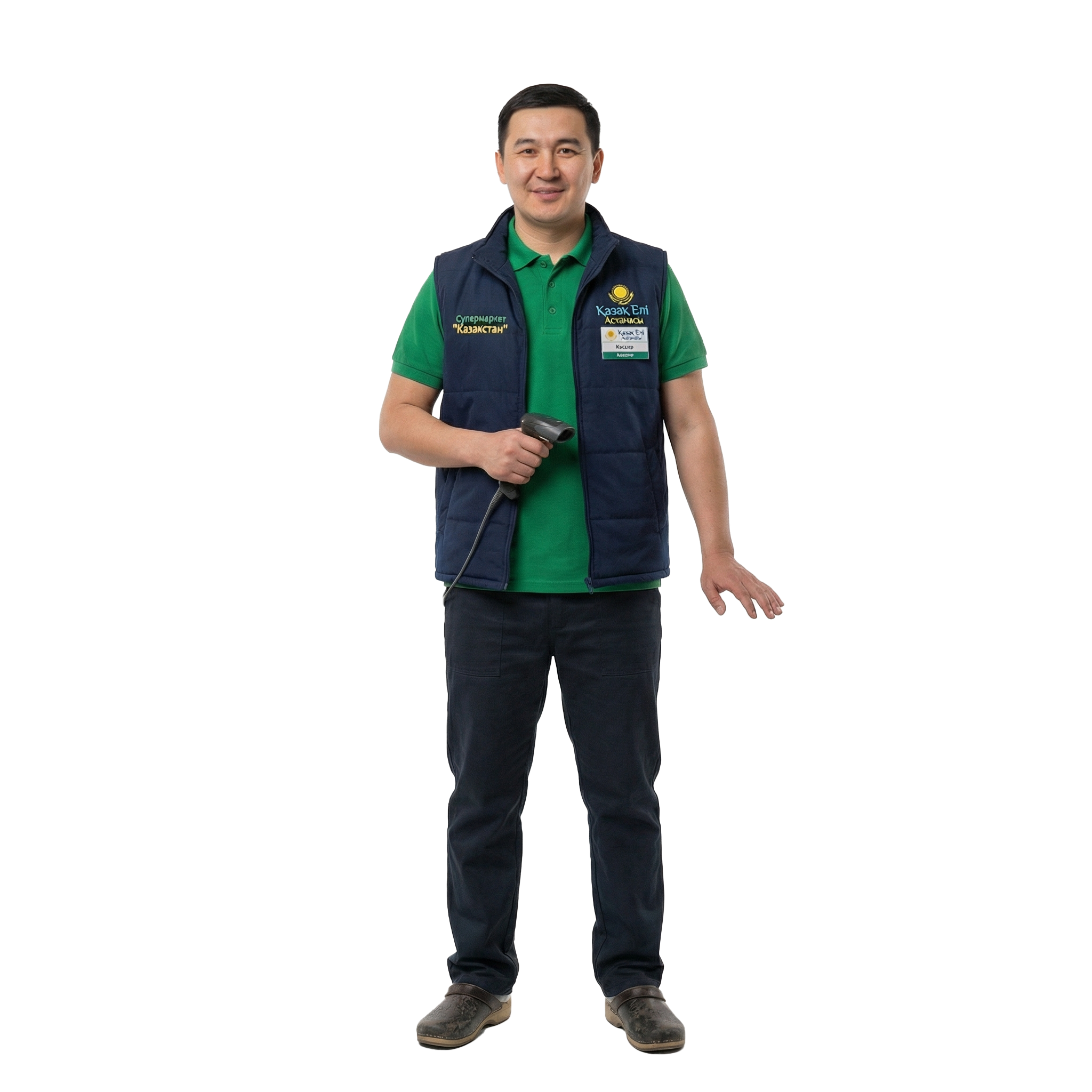




Developed in Kazakhstan
ROSTA is built by a local development team for retail and food service. You discuss your business needs with the product team. Custom development requests can be assessed; scope, timing and cost are agreed separately.
What to choose for retail
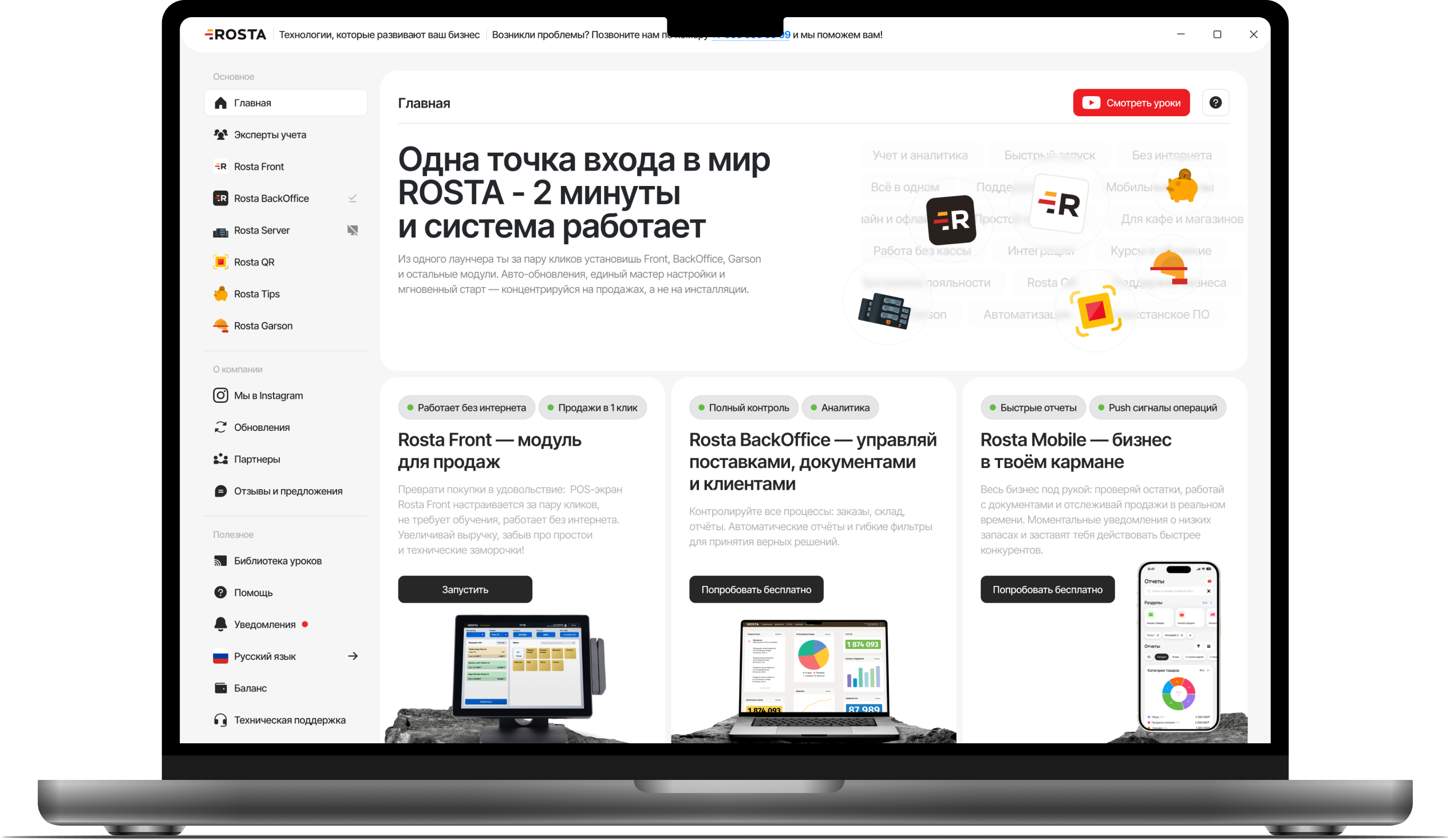
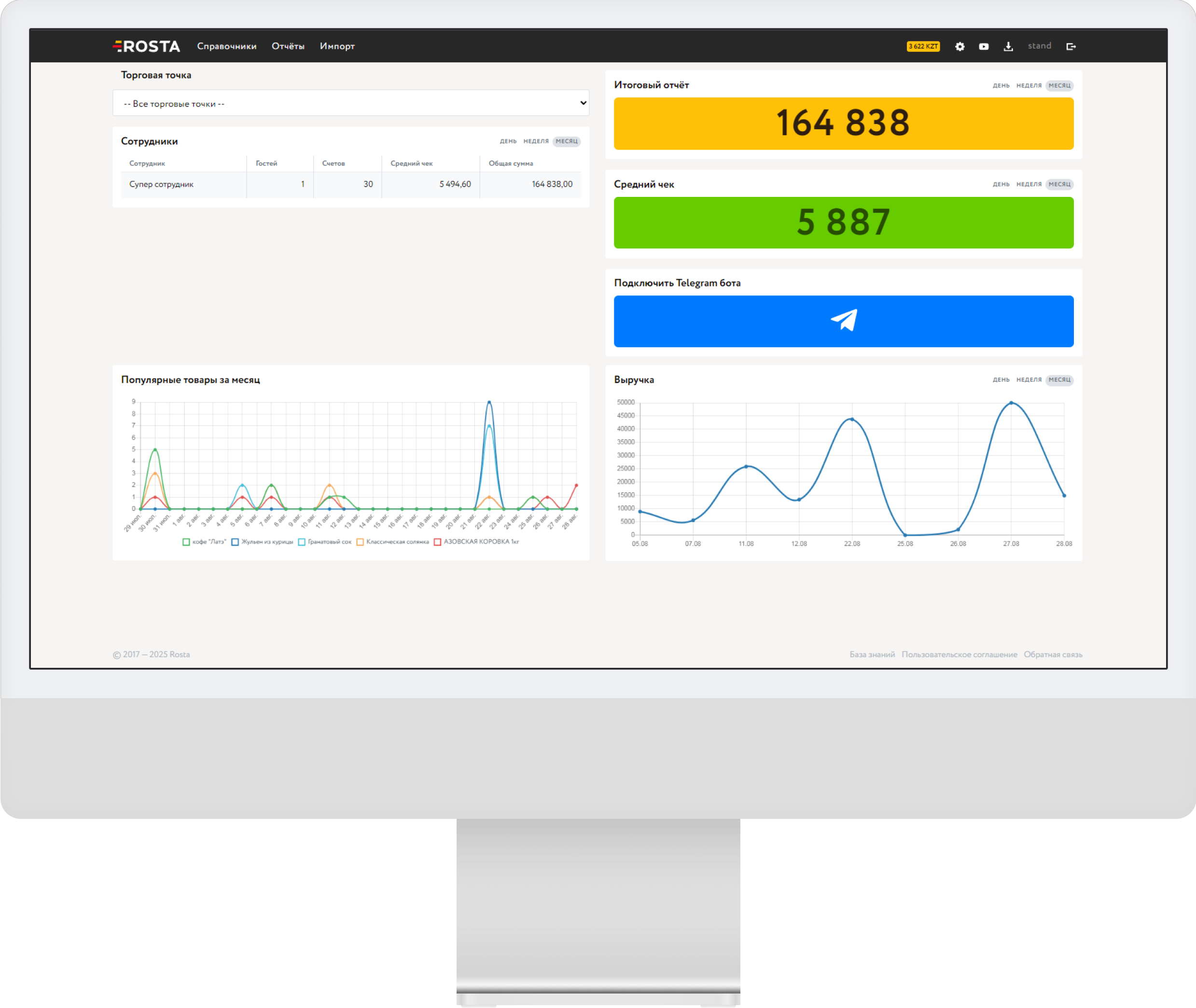
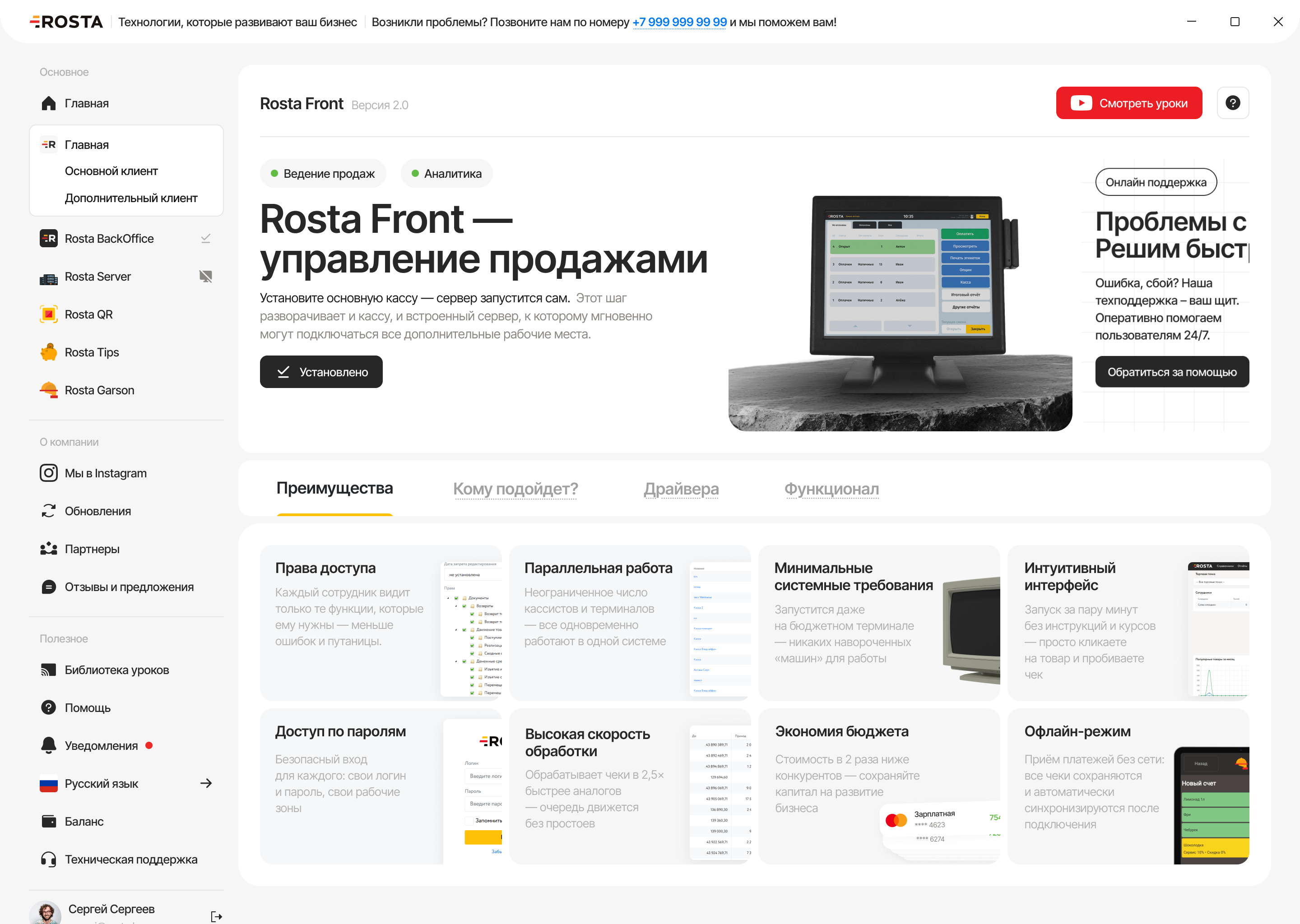
A store owner needs software that connects POS, inventory and business control. ROSTA combines sales, stock and documents with management through Mobile Office. When choosing between ROSTA, 1C:Retail, umag, X2 POS and Wipon, everyday tasks matter: receiving deliveries, counting inventory and checking store performance from a phone.
ROSTA is built by a local development team for retail and food service. You discuss your business needs with the product team. Custom development requests can be assessed; scope, timing and cost are agreed separately.
According to ROSTA, 9,500 users in Kazakhstan used the product as of 16 October 2026. This is a user count, not a count of stores or venues.


You can learn basic ROSTA tasks in two hours of training. Preparing your database, equipment and complex workflows requires a separate launch plan.

ROSTA technical support is free. The team helps you understand how the software works. Custom development and accounting expert services are discussed separately.

The ROSTA community of accountants and experts helps organize accounting and use reports to manage a business. Agree the scope of support and working terms with your chosen specialist.

Free migration helps stores switch software without a separate migration fee. Data scope and available exports are checked in advance. Licensing, hardware and setup are charged separately.


In a free 30-minute Zoom demo, we will show you how our solutions simplify your daily work.
 30 minutes
Test with your own data
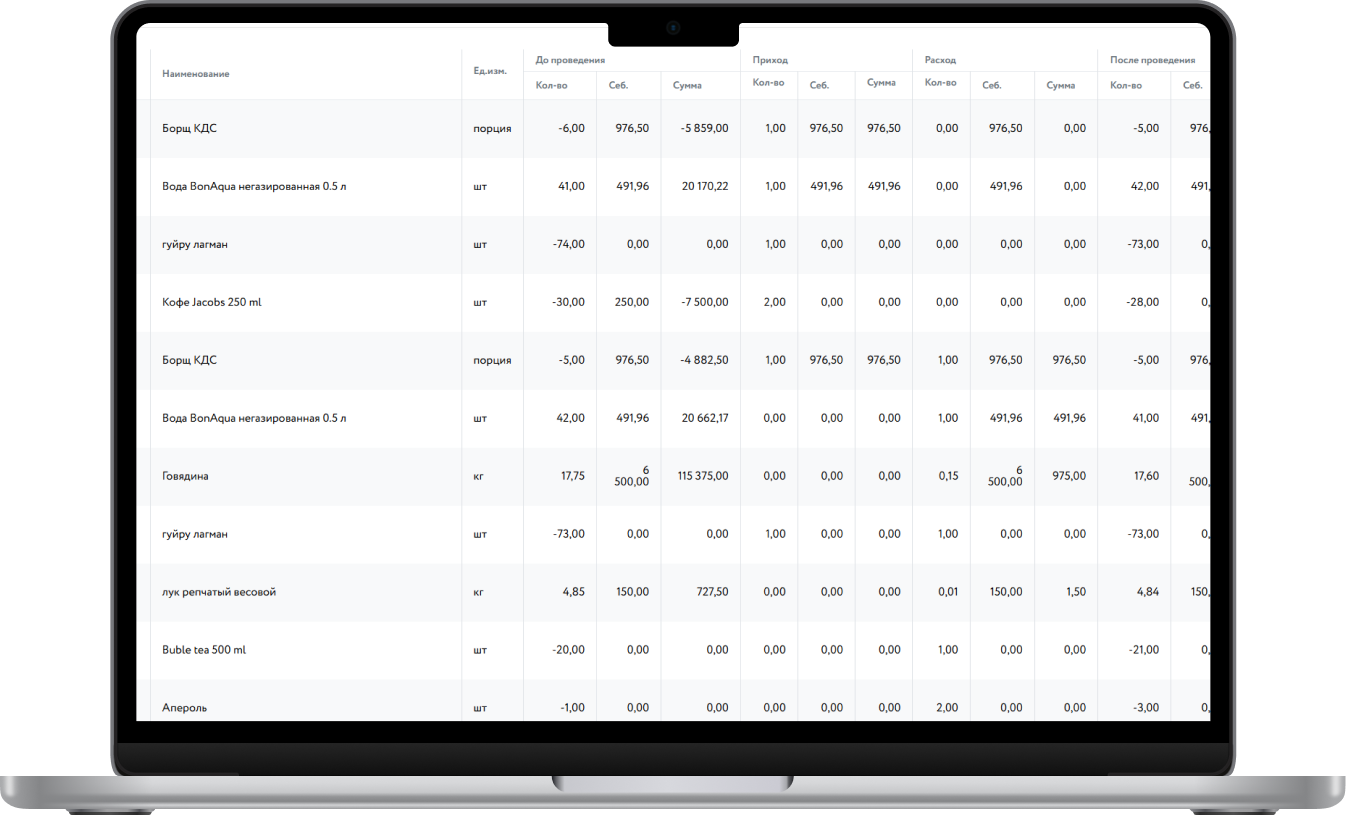
With quantities and purchase prices
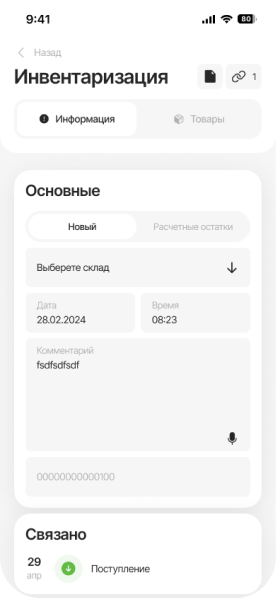
For several items using your phone


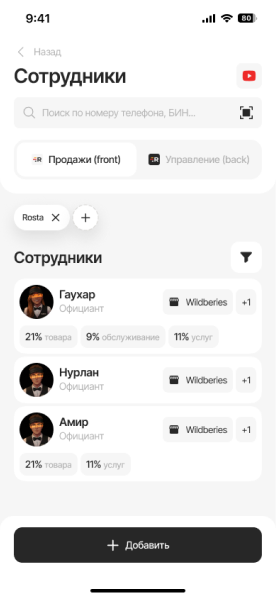
And check cashier permissions
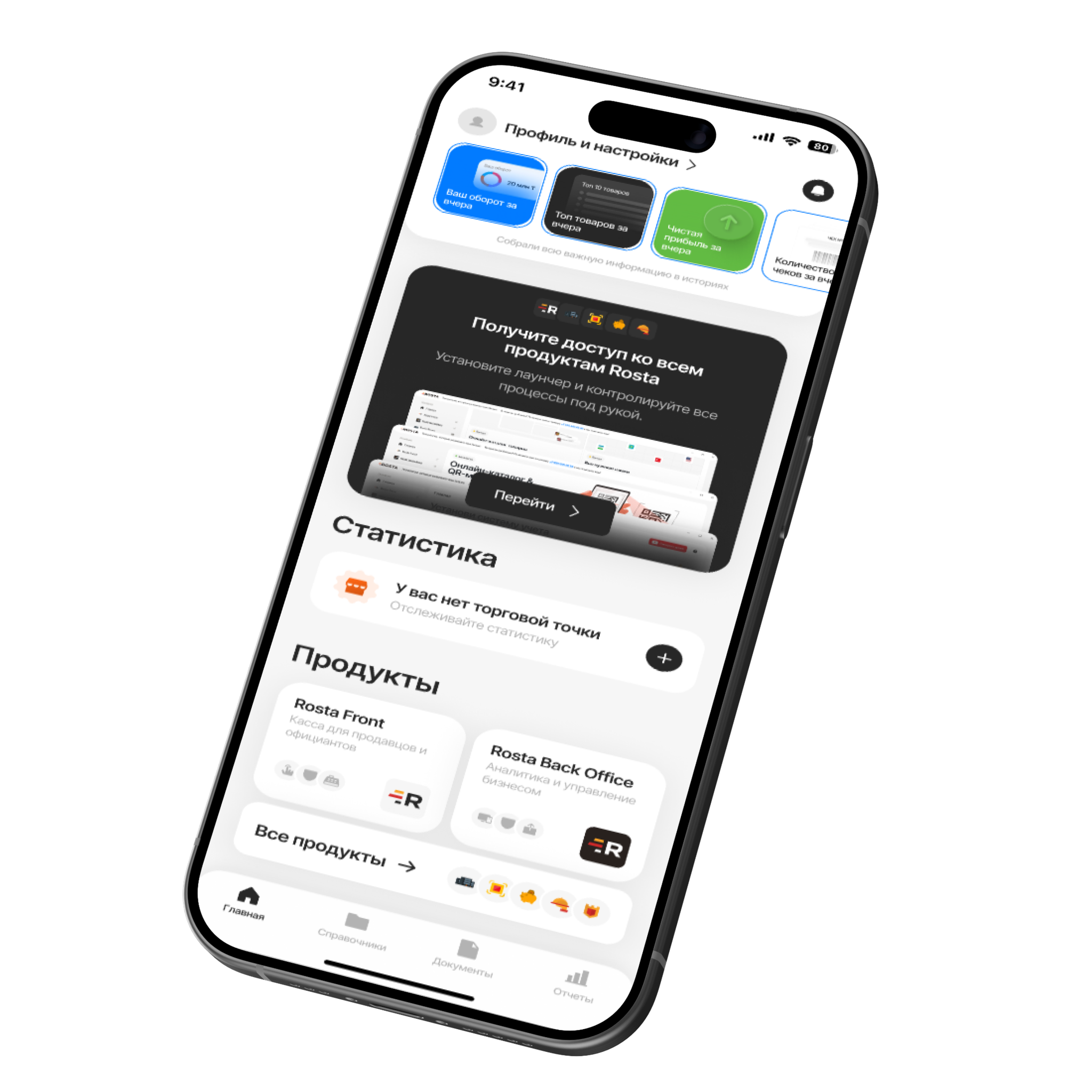
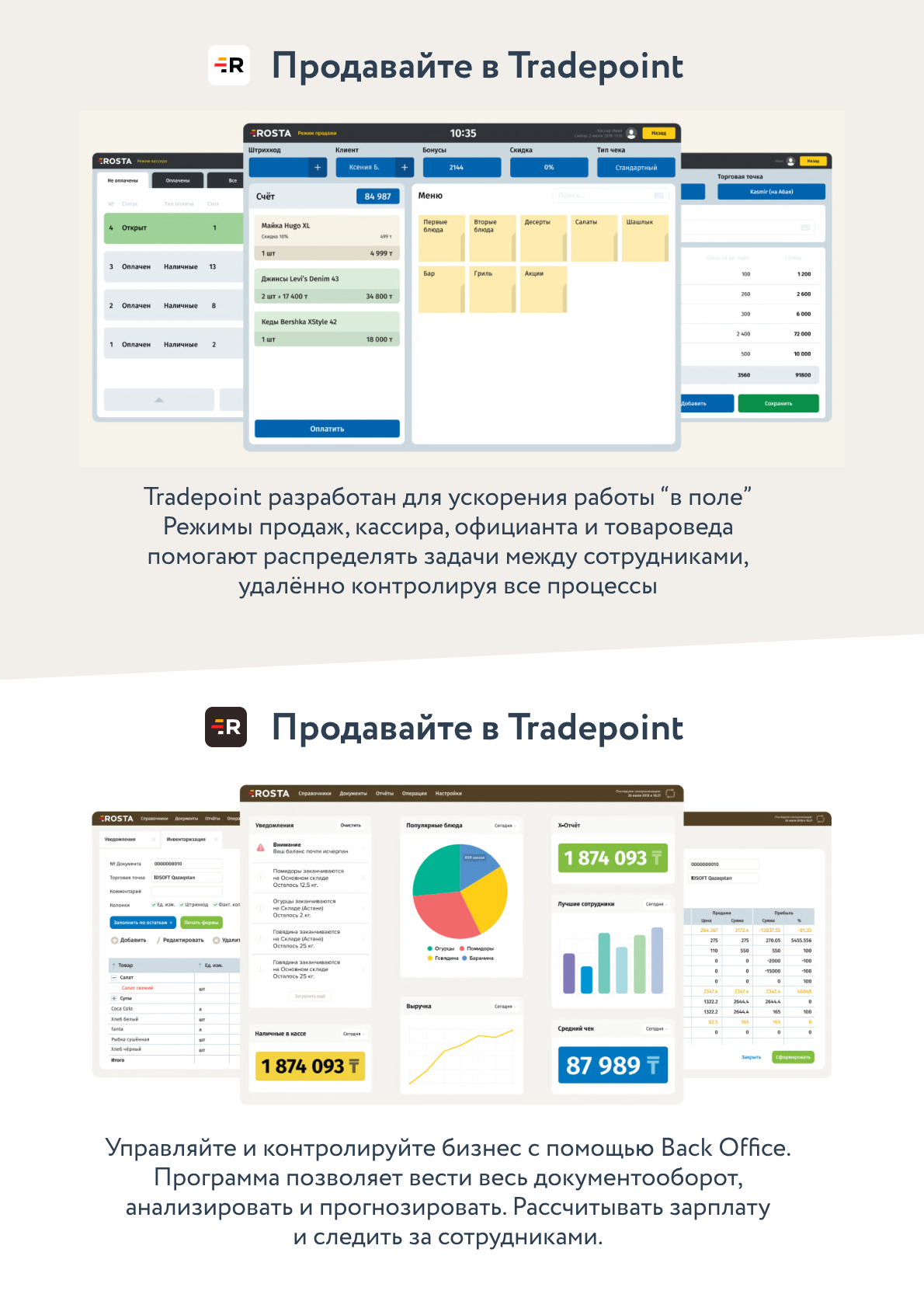
Check store sales and stock, create a goods receipt or write-off. During stocktaking, scan barcodes with your phone and compare actual quantities with records. Mobile Office helps owners work with documents even when away from the store.
Mobile Office and BackOffice are free. We will demonstrate the operations you need so you can assess the app in use.

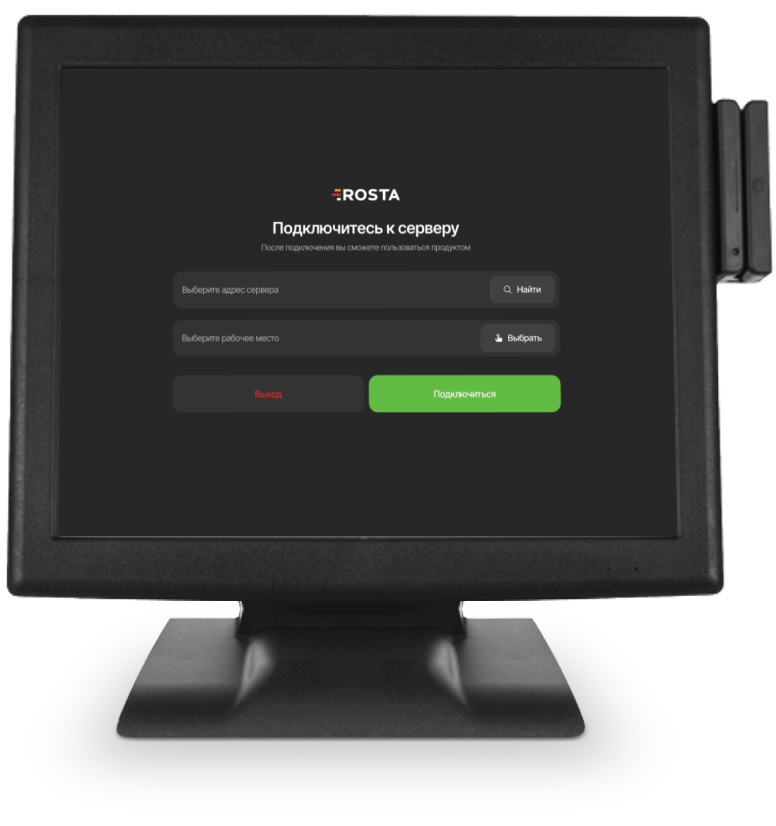
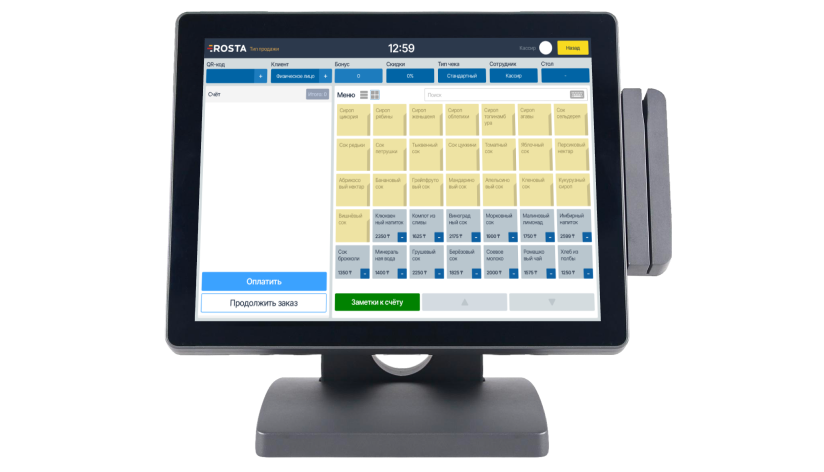
Sell, receive goods and manage stock in one system. Check revenue and profit on your phone — Mobile Office and BackOffice are included in your licence. We will help you set up ROSTA and get started.
We will transfer your data from umag for free, train your team and help you get started. Monitor your store on your phone with Mobile Office. Need a feature for your workflow? We will discuss it with our developers and quote the custom work separately.
Learn the essentials in two hours with our help. Sell at the till, check revenue and manage documents in Mobile Office, even when you are away from the store. Our technical support team will answer your questions at no extra charge.
Open Mobile Office to see your store’s sales, profit and stock. Receive goods, record write-offs and take stock on your phone. If you need help organising your records, we can connect you with an expert accountant; their services are charged separately.
Includes one location and one checkout.
Analytics, inventory and documents, with no separate management fee.

For each additional checkout at the same location.
240 USD per year in one payment. Includes one location and one checkout.
Analytics, inventory and documents, with no separate management fee.
For each additional checkout at the same location.
Yes. A local development team builds the product for retail and food service. According to the company, ROSTA had 9,500 users in Kazakhstan on 16 October 2026.
Migration to ROSTA is free. We check data scope and export availability before work begins. License and setup are charged separately.
Basic tasks can be learned in two hours of training. This is the training time, not a promise to migrate any database and launch an entire business in two hours.
Yes, the team can assess custom development. Describe your task; feasibility, scope, timing and cost are agreed separately.
ROSTA technical support is free. For help organizing accounting, you can contact the community of accounting experts. Support terms are agreed with the specialist.
Other solutions also offer mobile tools. Compare specific operations: viewing metrics, documents, stock and stocktaking. You can test these scenarios in ROSTA Mobile Office during a demo.
Tell us which system you use and what you want to improve. We will demonstrate your workflows, discuss migration and calculate the configuration cost.
30 minutes