

01CHECKOUT
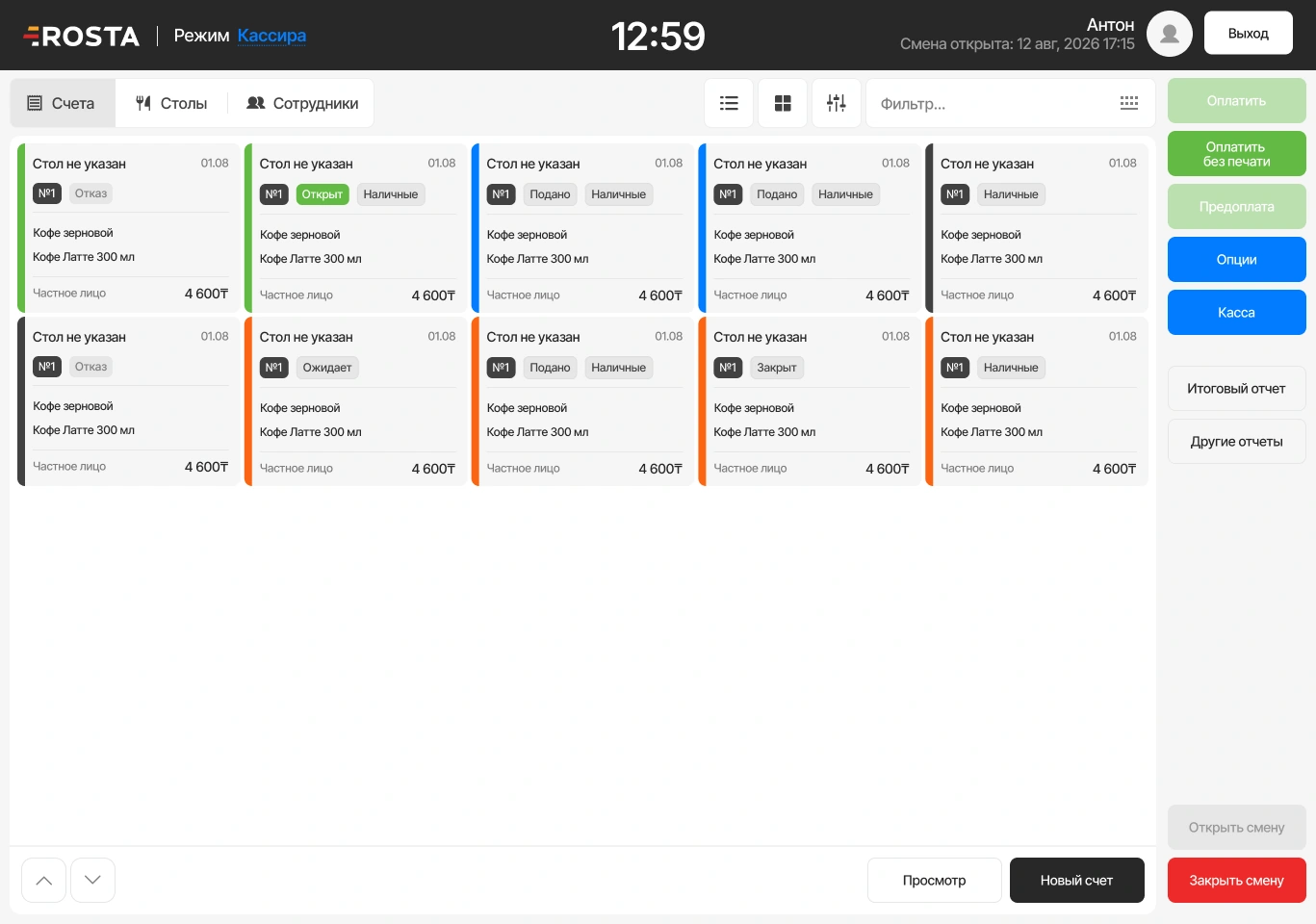
Build an order at the display
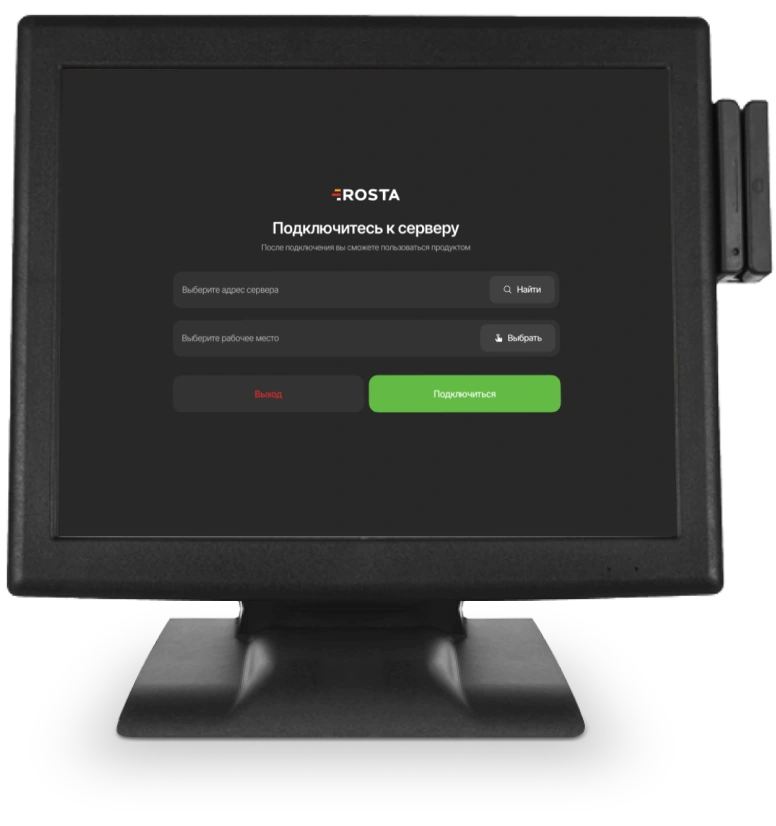
Select drinks and baked goods at the till. Staff see the order contents and total before checkout.
ROSTA bakery software helps record baked goods and drink sales, track ingredients using recipe cards and reconcile raw material usage with stock. Record unsold baked goods as write-offs to track product movements.
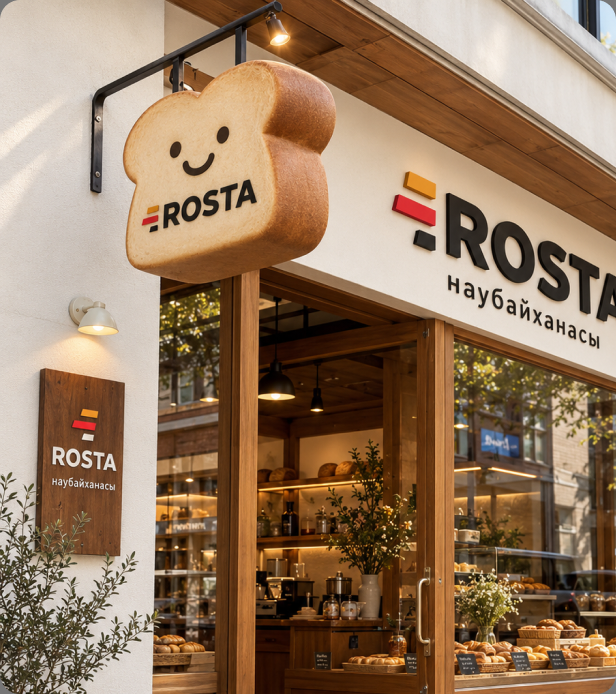
Small coffee shops and bakeries have their own priorities: assemble orders quickly at the display, take payment and understand the day's results.
Select drinks and baked goods at the till. Staff see the order contents and total before checkout.
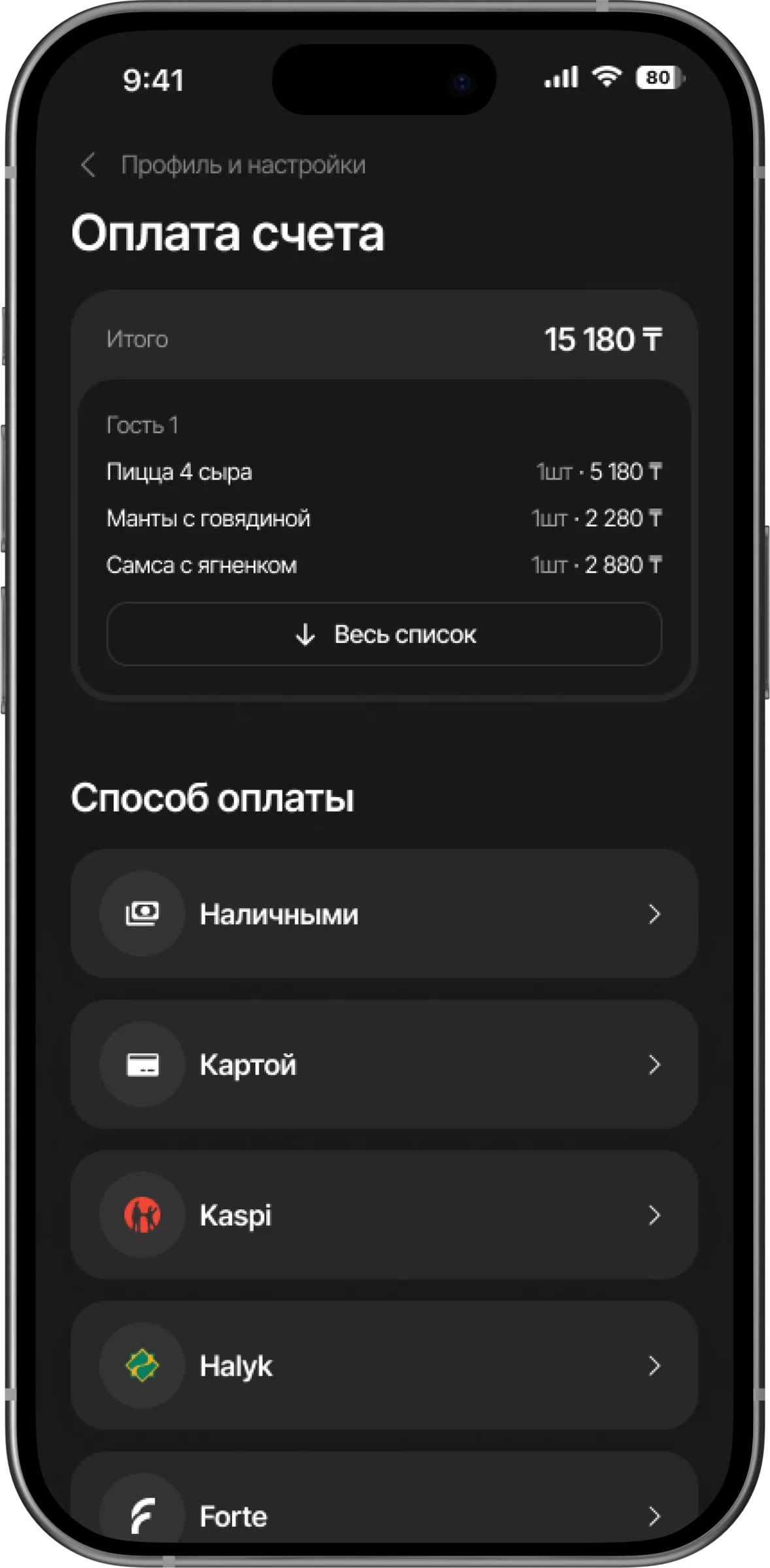
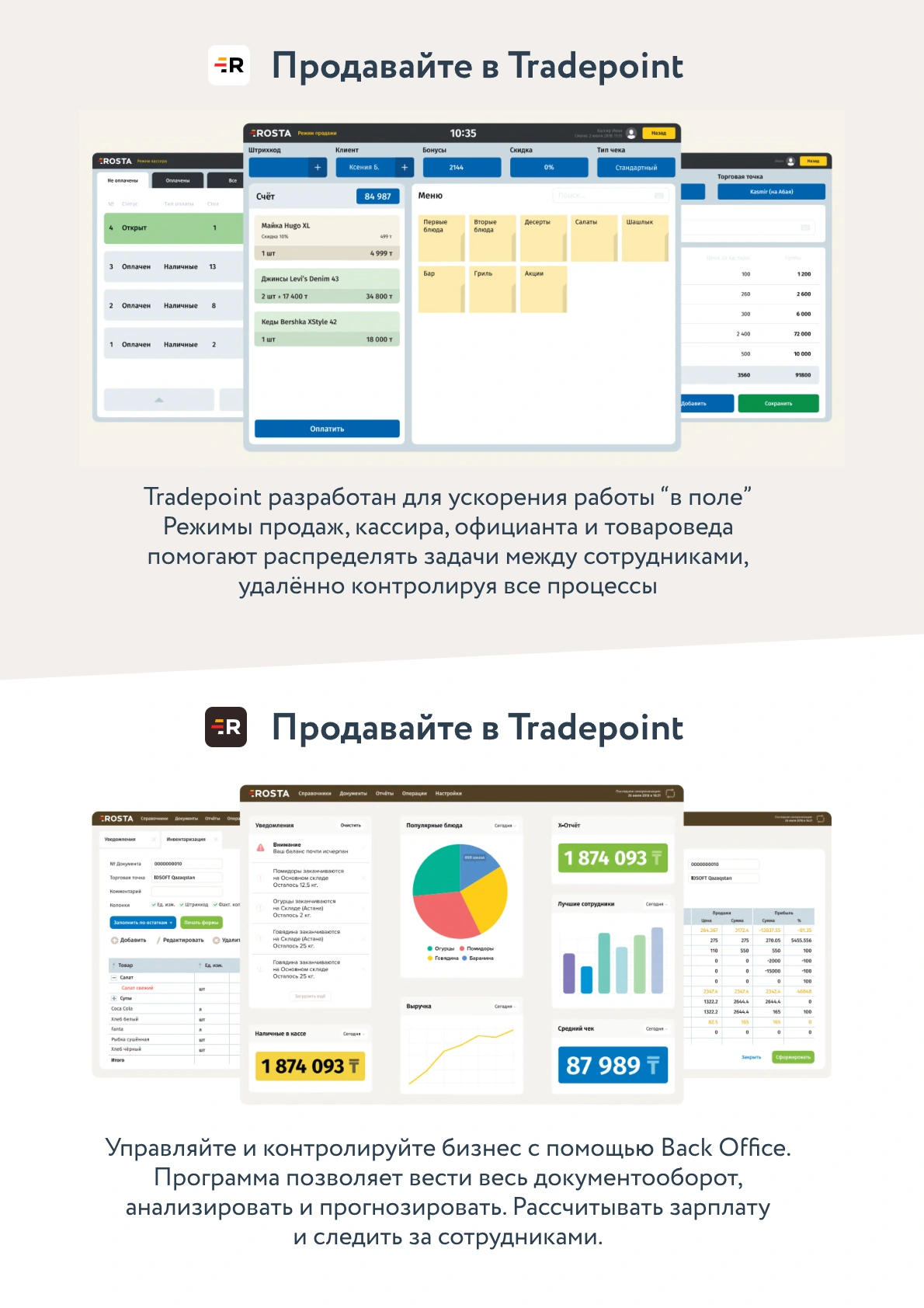
Check the receipt items and apply discounts or bonuses under your venue's rules. Accept payment and complete the sale.
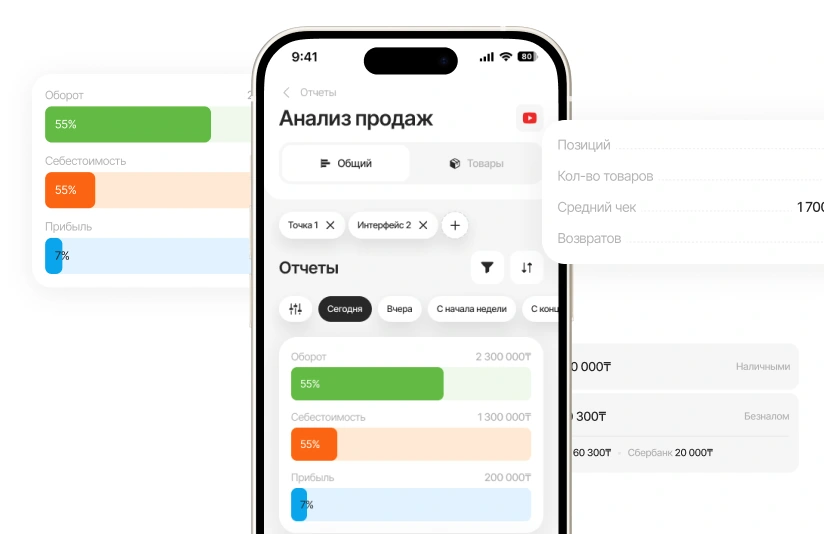
Check revenue, receipts and returns. Compare drink and baked goods sales with stock at the display.
Maintain drink and baking recipes: coffee, milk, flour and fillings are linked to menu items. Track ingredient receipts and usage.
Write off unsold baked goods. Compare actual stock with records to identify losses.
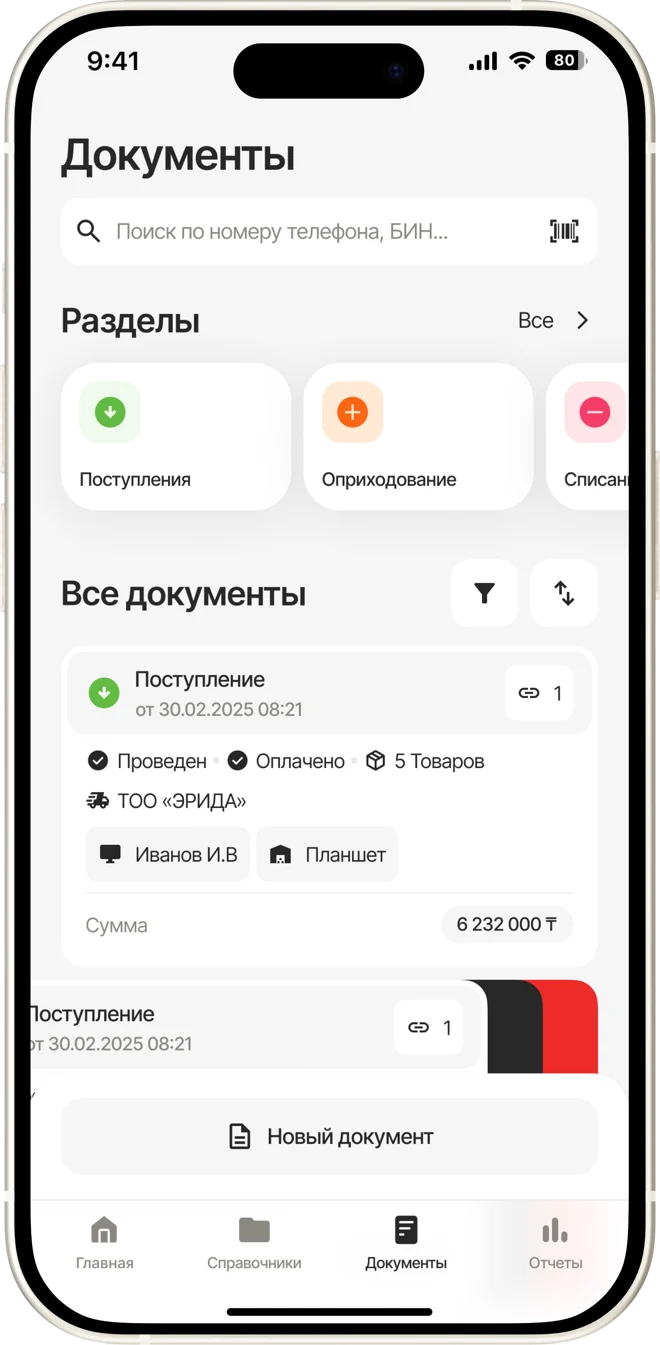
Compare baked goods and drink sales with costs. Use previous shift results to plan your assortment.
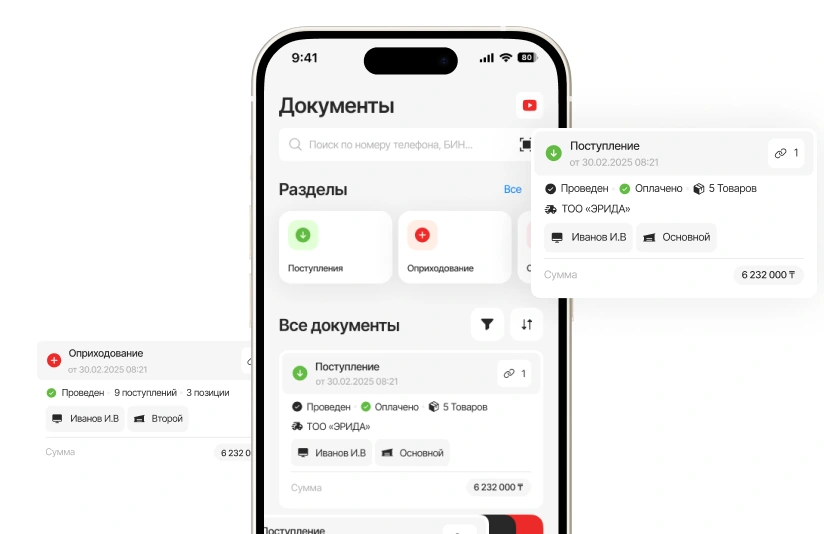
Document losses and unsold baked goods. Check items, quantities and posted write-offs.
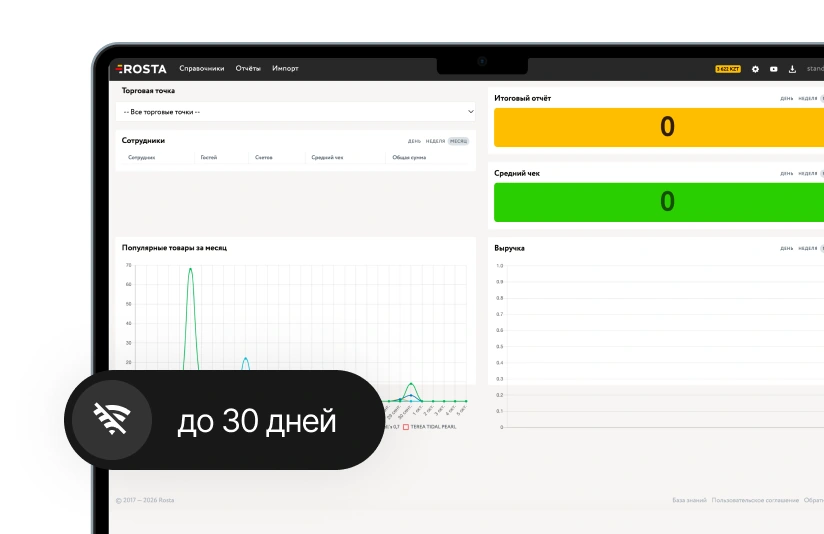
The till works offline for up to 30 days and syncs sales when reconnected. Banking services may require a network.

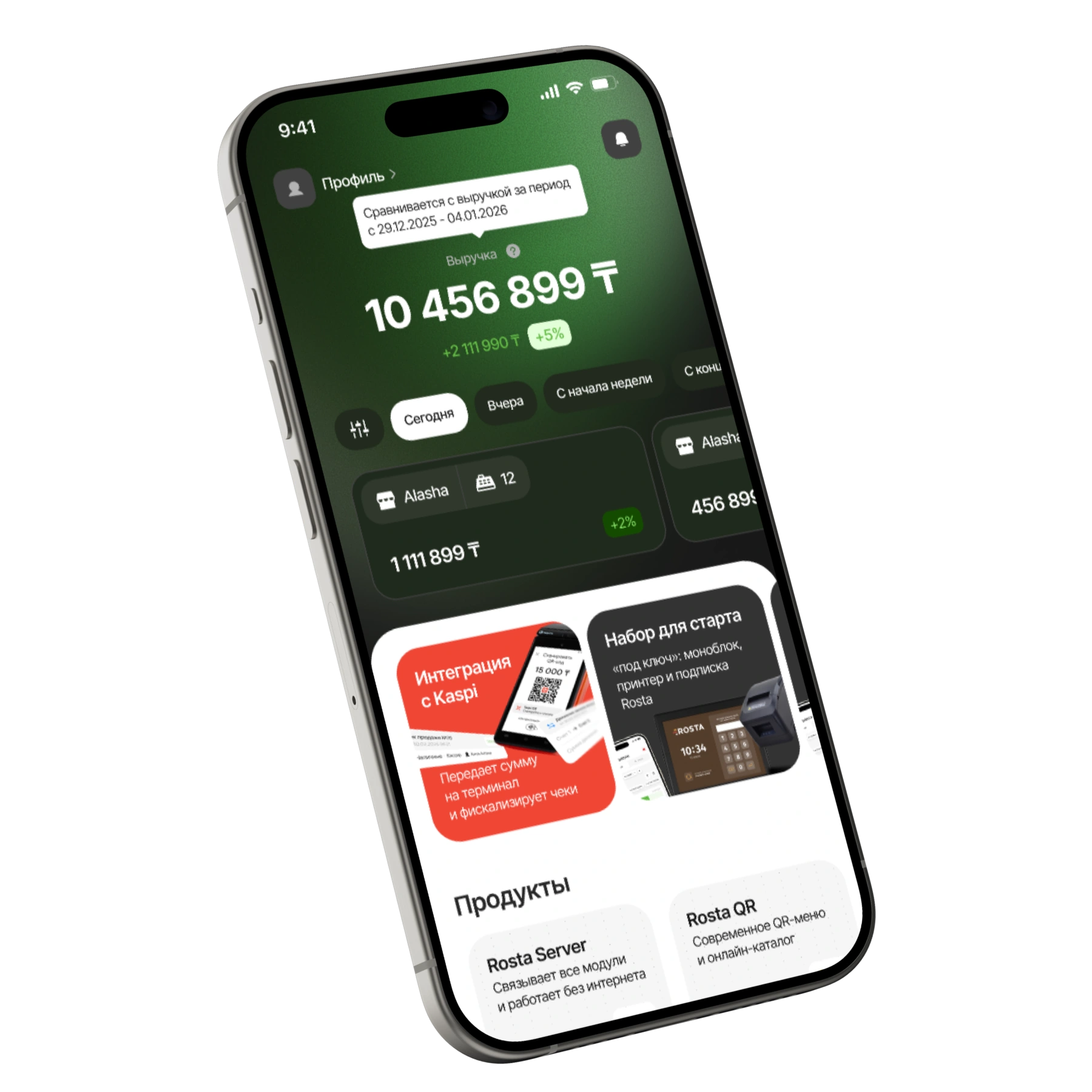
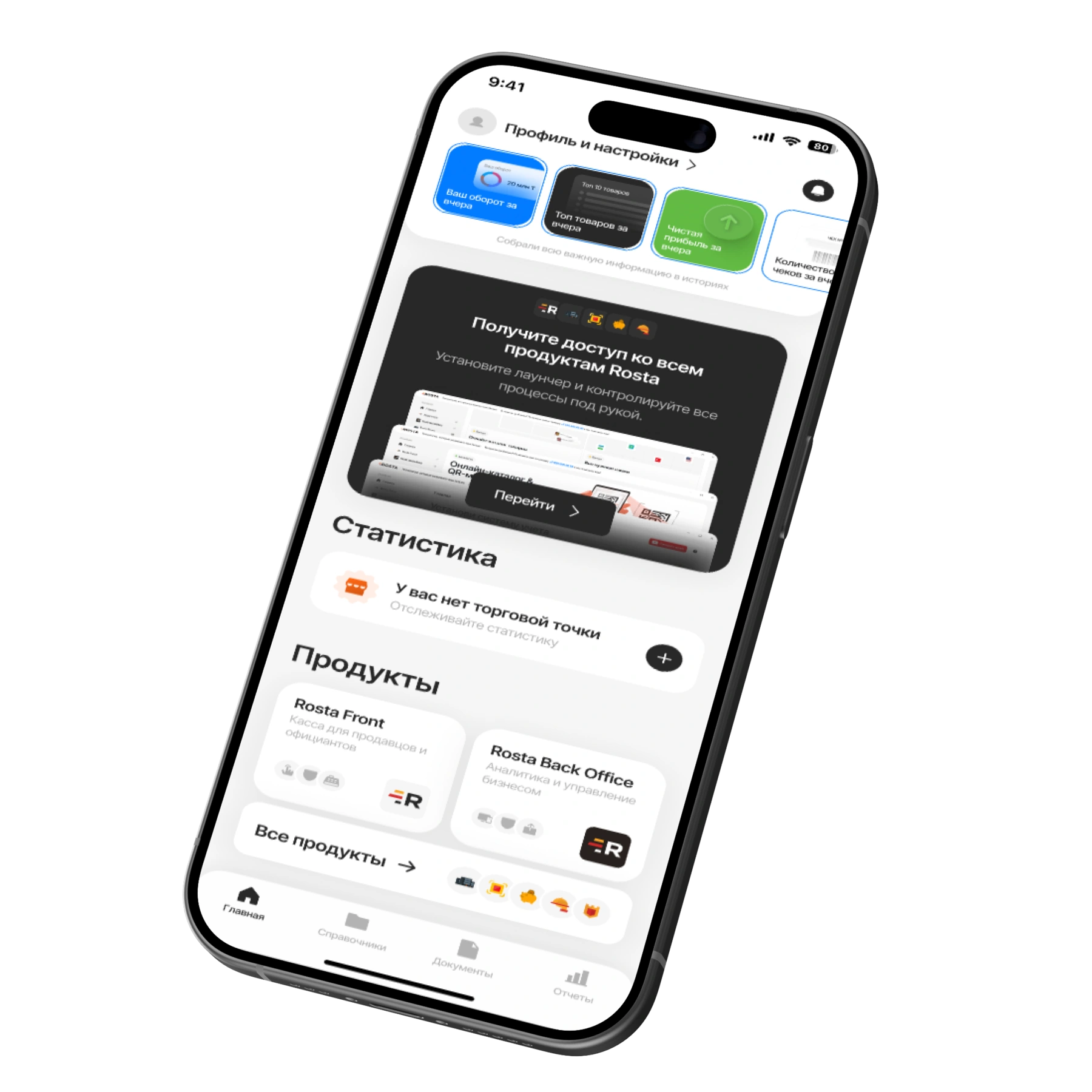
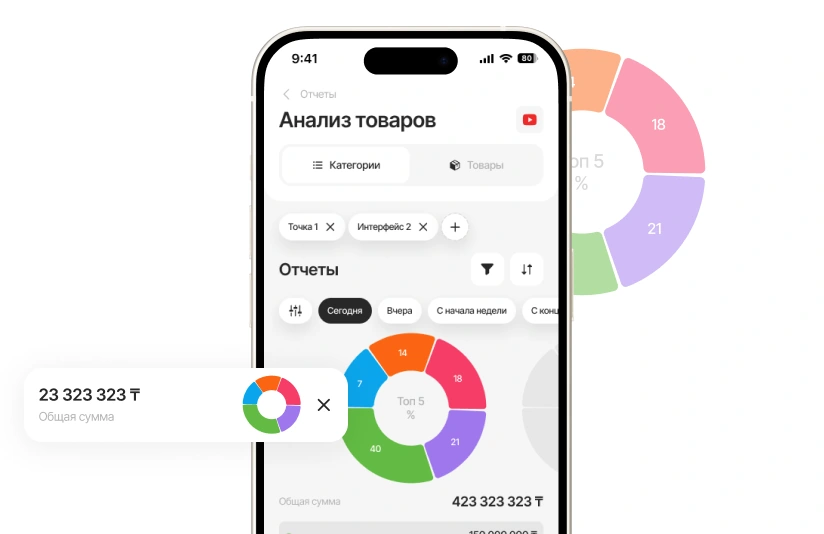
Check morning revenue, baked goods sales and supplier documents from your phone. ROSTA Mobile Office helps you manage the outlet by phone. The app is free.
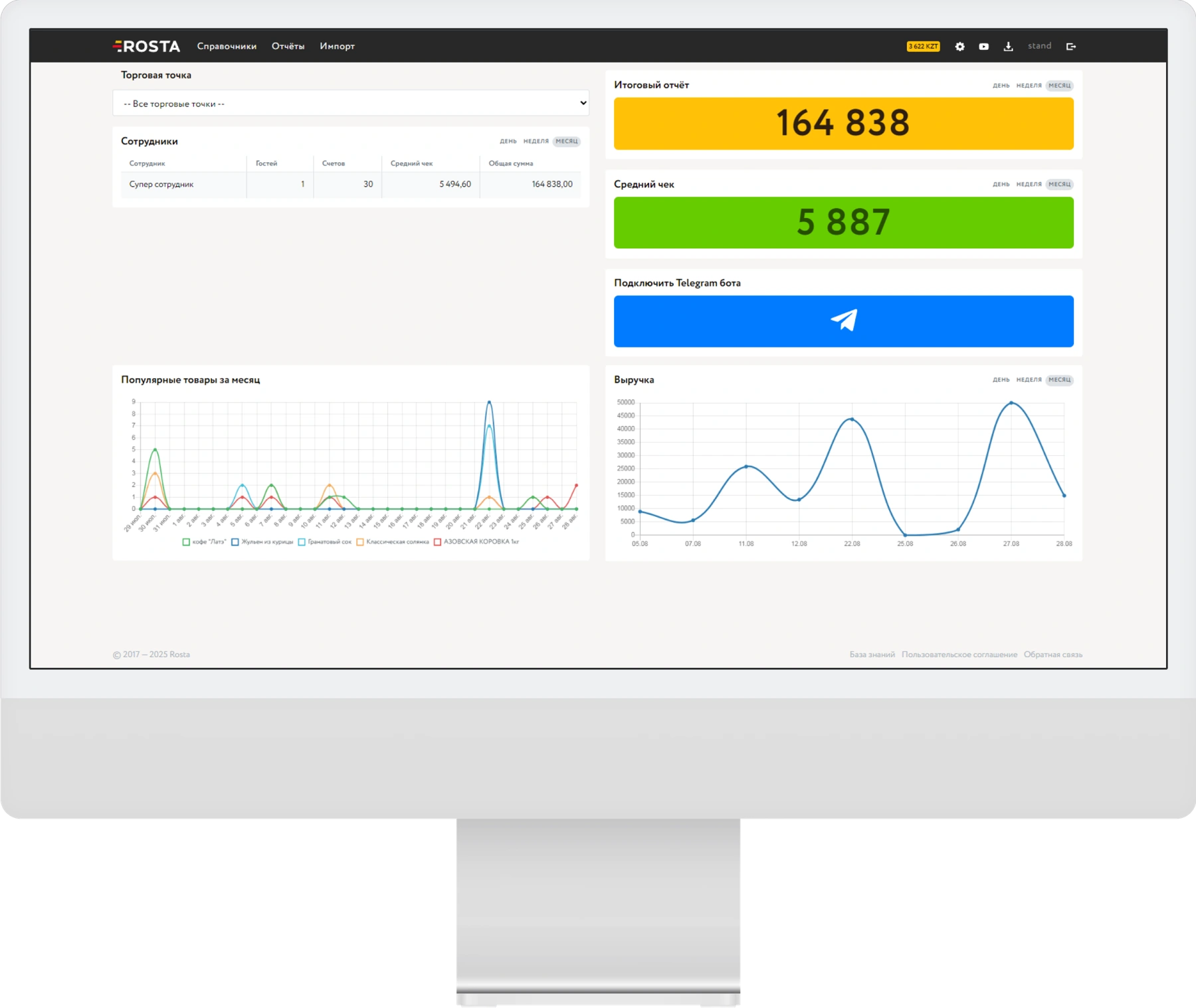
Choose a period to view revenue, receipt count and average order value. Compare shifts and individual coffee shops.
Analyse item sales and profit. Compare demand with accounting data before your next purchase.
Create a receipt, write-off or stocktake in the app. When using AI invoice recognition, check the line items before posting.
A subscription for one location with one checkout. Pay monthly or save with annual billing.
Includes one location and one checkout.
Analytics, inventory and documents, with no separate management fee.

For each additional checkout at the same location.
240 USD per year in one payment. Includes one location and one checkout.
Analytics, inventory and documents, with no separate management fee.
For each additional checkout at the same location.
Equipment and setup are arranged separately. View equipment ↗ · All licences and terms ↗
Help guests choose a dessert and offer clear rewards for repeat visits.
Set bonuses, discounts and loyalty cards to match your coffee shop's rules. Track guest activity in reports.
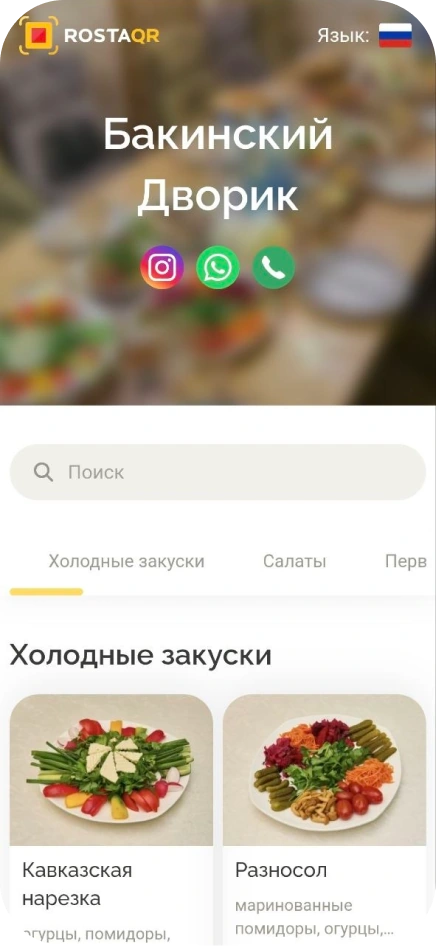
Baked goods photos, dessert ingredients and drink prices in a free QR menu. Convenient for coffee shops with seating.
View the QR menuDon’t see your workflow? We’ll show it in a demo
Yes. Complete recipe cards, link menu items to ingredients and maintain inventory records. Usage and cost accuracy depends on properly entered recipes, receipts and write-offs.
Record write-offs in the system and reconcile physical stock during stocktakes. This data helps analyse losses and plan your display assortment.
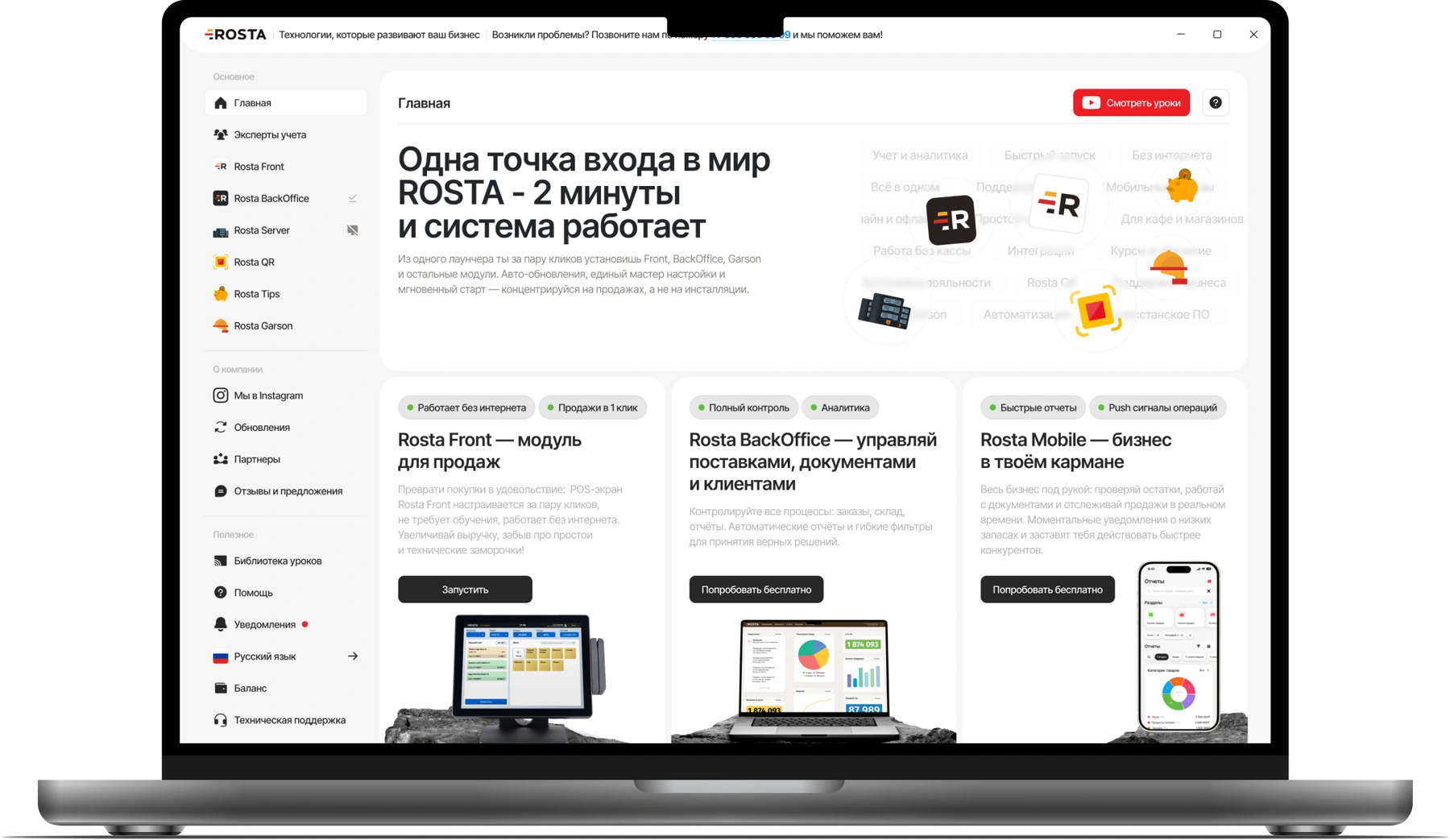
The setup is selected for your outlet's processes. Start with a POS workstation and accounting; we discuss whether you need KDS and other modules at the demo.
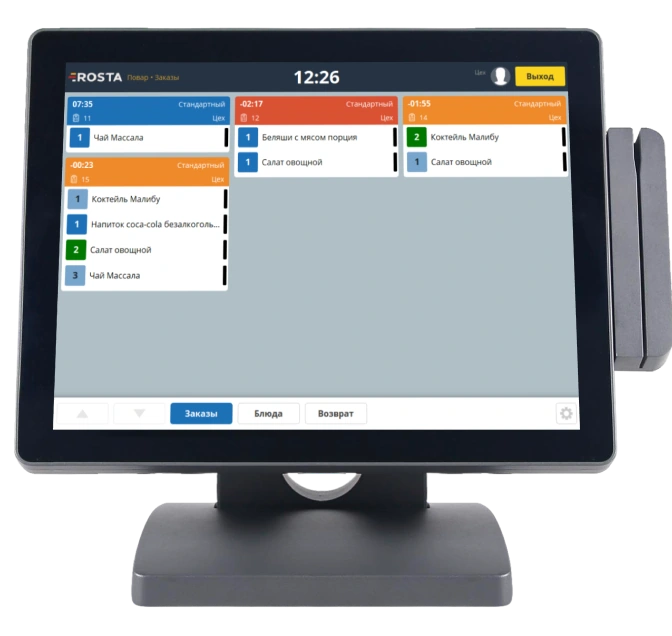
Not necessarily. If one employee takes orders and makes drinks, start with POS and accounting. KDS is useful when preparation is split between the barista and kitchen: the screen shows items, timing and order statuses.
Yes. ROSTA offers discounts, bonuses and loyalty cards. Earning and redemption rules are configured for your venue's programme. The demo shows guest service and activity reports.
Yes. The free ROSTA Mobile Office provides sales, revenue, cost and profit reports, plus product and document management.
30 USD per month for an outlet with one POS, or 240 USD paid annually, equivalent to 20 USD per month. Each additional POS at the same outlet costs 10 USD per month. Equipment and setup are priced separately.
Before setup, we check the models of your till, printers and other equipment. If compatible, we arrange launch using your equipment.
Book a demo. We show ordering, recipe cards, write-offs and reports using your business format.
For bakeries and coffee shops, compare workflows using your data: coffee, baked goods and shift organisation. ROSTA offers Mobile Office, free technical support and free migration. Compare terms with iiko, Poster, r_keeper and Paloma365. View comparisons and migration terms.
Yes. You can learn the basics of ROSTA in two hours of training. For bakeries and coffee shops, we review your workflows; database and equipment preparation are planned separately. Technical support is free. If needed, you can contact ROSTA accounting experts for accounting assistance; their service terms are agreed separately.
Migration to ROSTA is free. We agree on the data scope and export options from your current system before switching. Licensing and setup are charged separately.
In a 30-minute Zoom session, we show coffee and baked goods sales, recipes, write-offs and shift results. We select a setup for your outlet. ROSTA is developed in Kazakhstan. We discuss migration from your system and team training.