

01GOODS RECEIPT
From invoice to receipt
AI invoice recognition from photos and fast goods receiving.
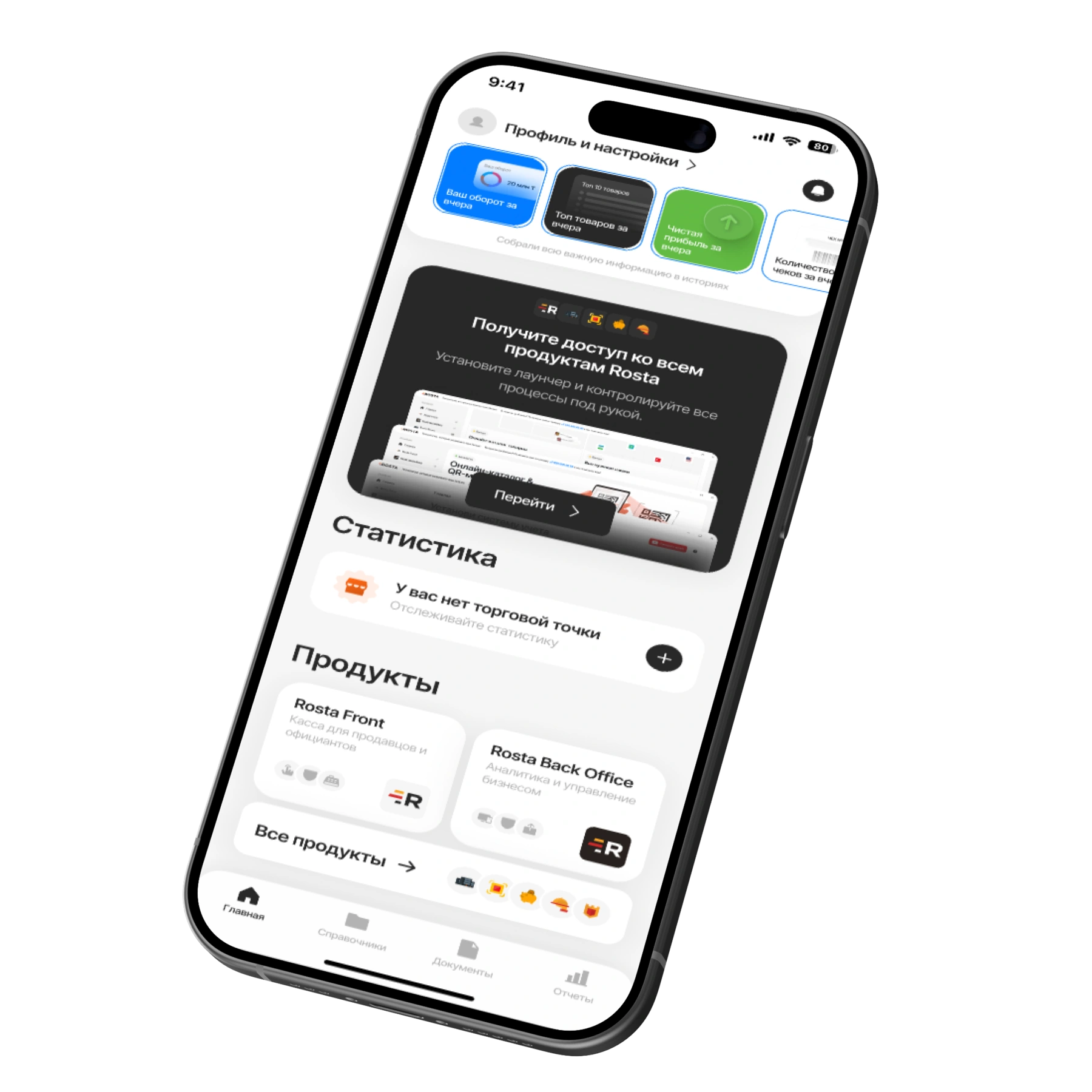
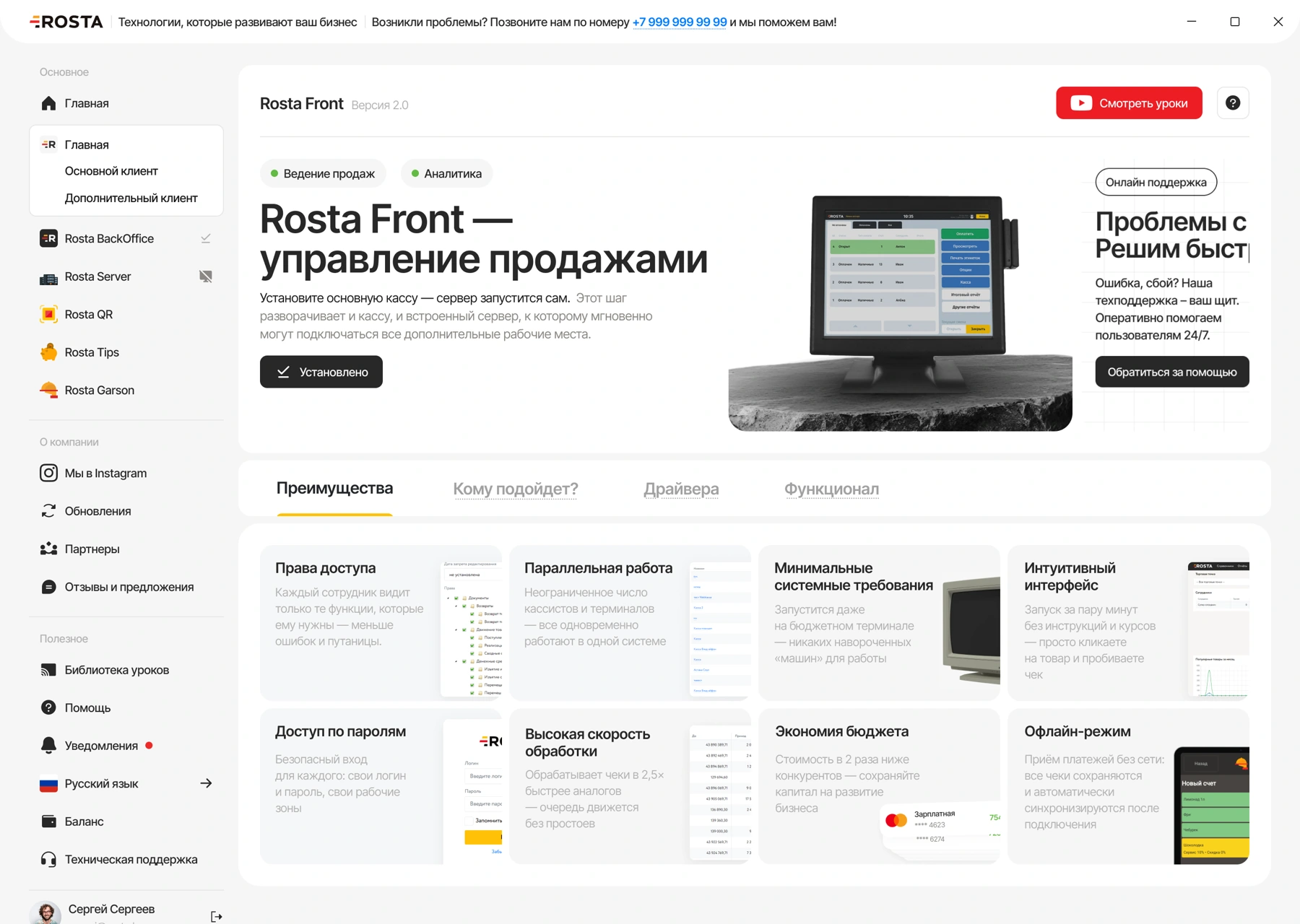
Checkout and inventory for a neighborhood store: receive deliveries with AI invoice scanning, take stock from your phone and monitor sales in Mobile Office.
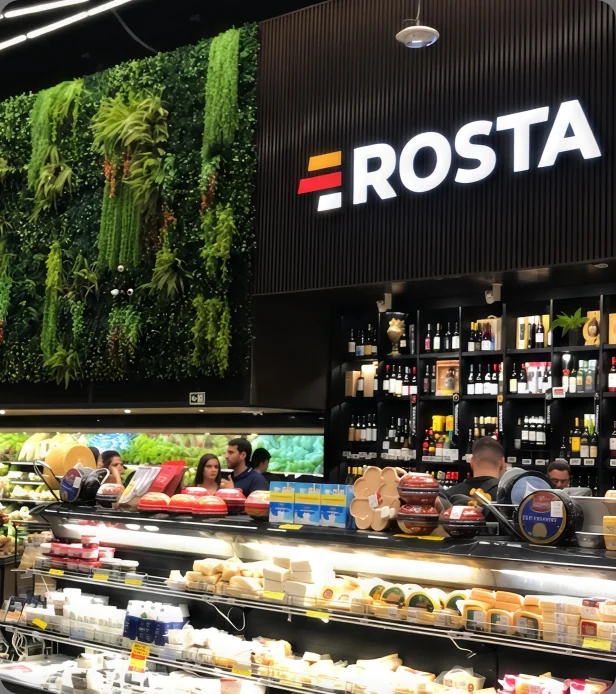
A typical store day: receive goods, sell at checkout and check what remains on the shelves.
AI invoice recognition from photos and fast goods receiving.
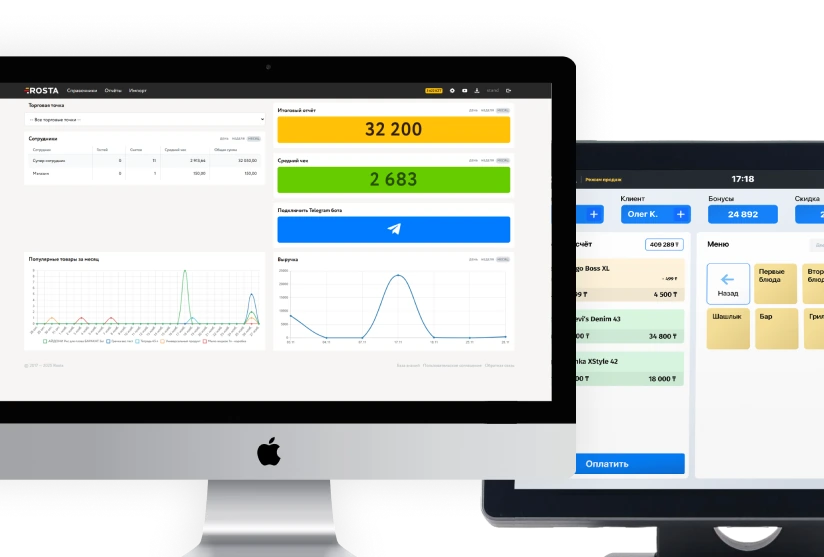
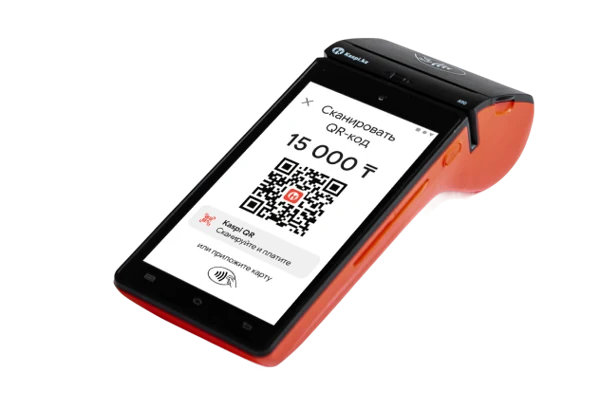
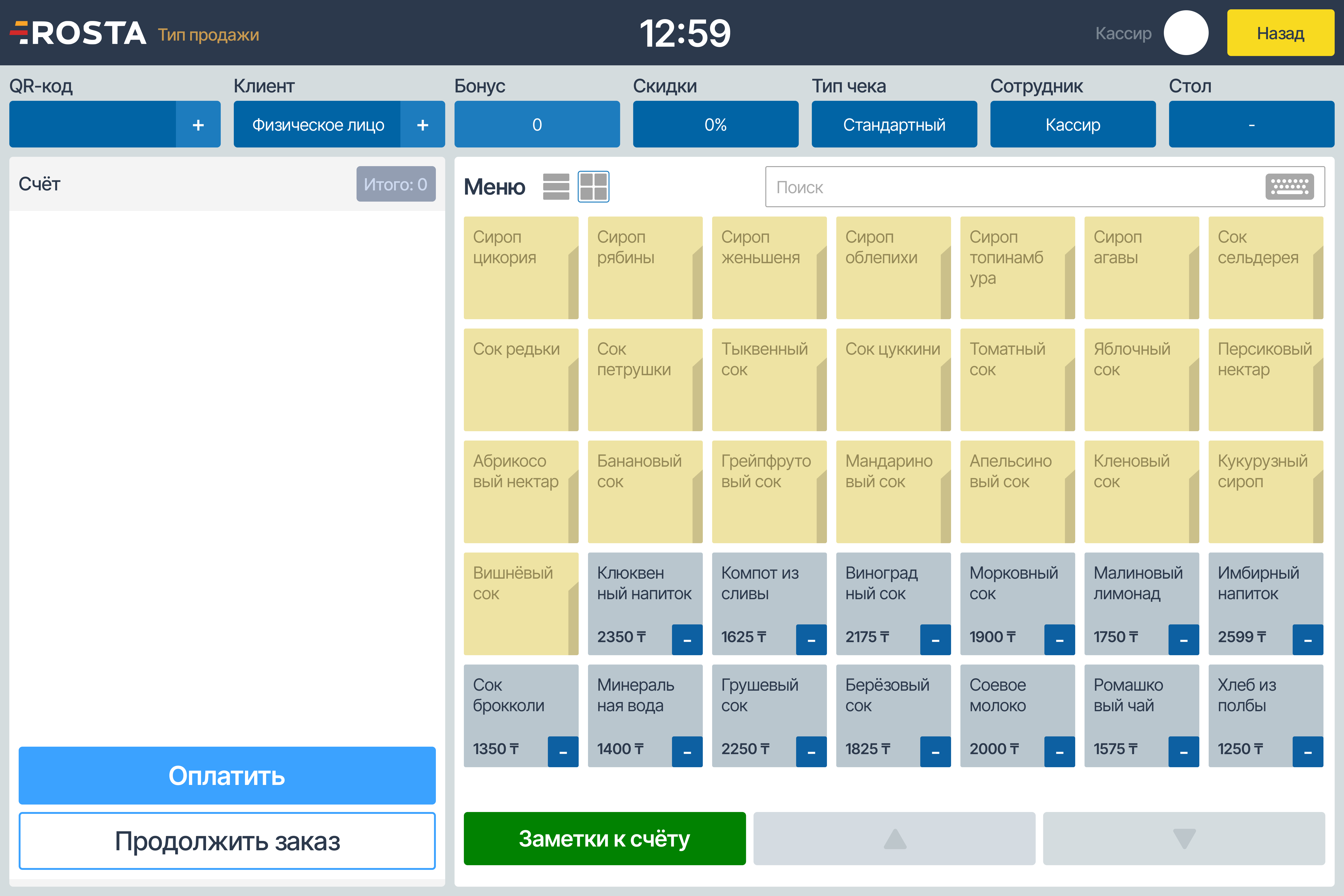
Scan goods and accept payment — sales data flows into reports.
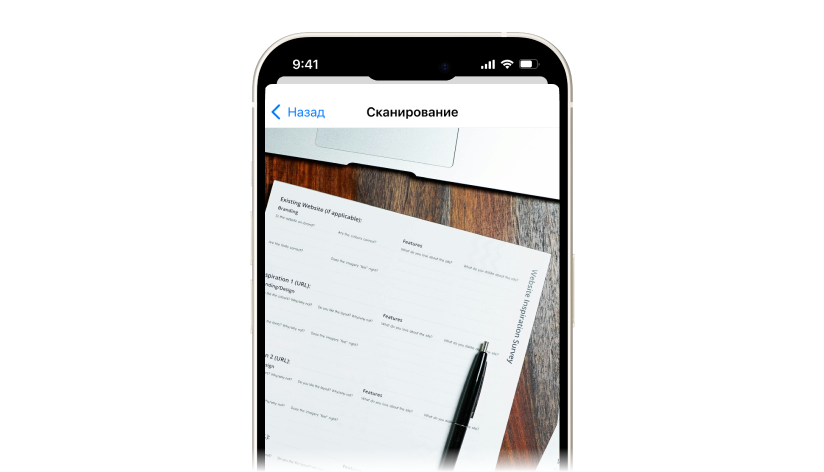
Check stock in real time with your phone camera — no notebooks or repetitive paperwork.
AI invoice scanner
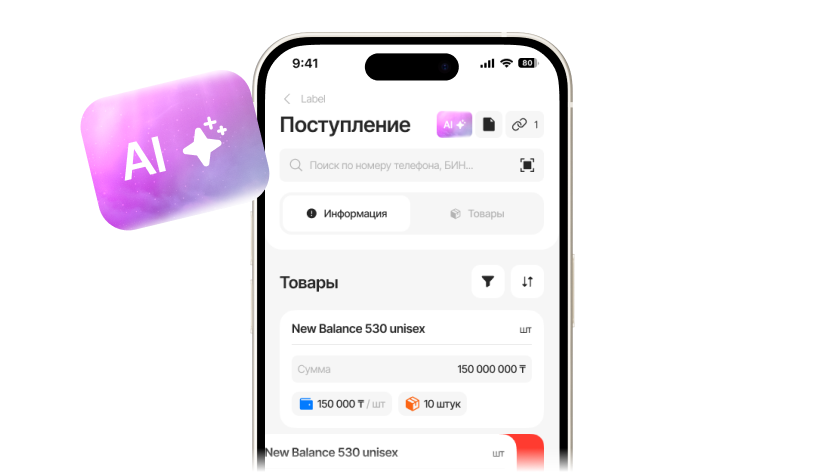
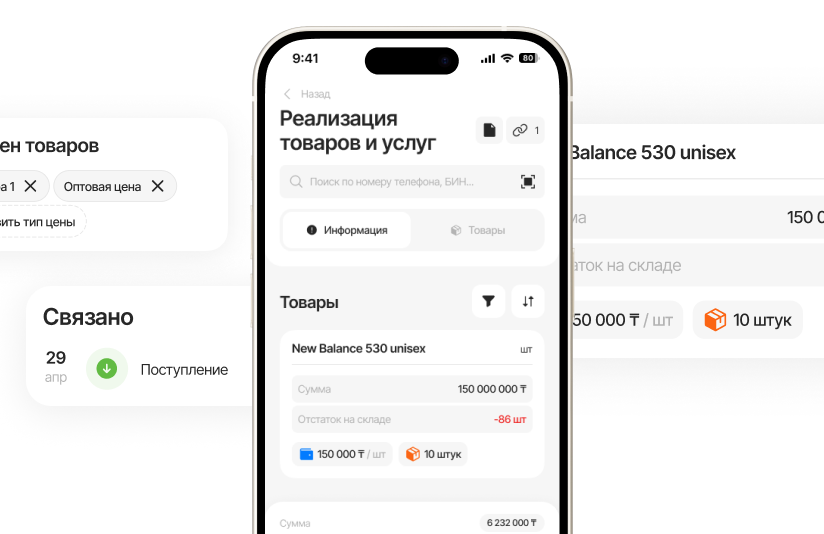
Take a photo of the invoice — AI matches its lines to your database. Check products, prices and quantities, add new products if needed, and post the document.

We identify products, match them to your database and show the results
Matches found. Merge them or create a new item
 450 ₸
450 ₸ 10 pcs
↓ Recommended · 90% match
450 ₸10 pcs
400 ₸1 pc


 450 ₸10 pcs
 200 ₸5 pcs
400 ₸1 pc
200 ₸5 pcs
400 ₸1 pc

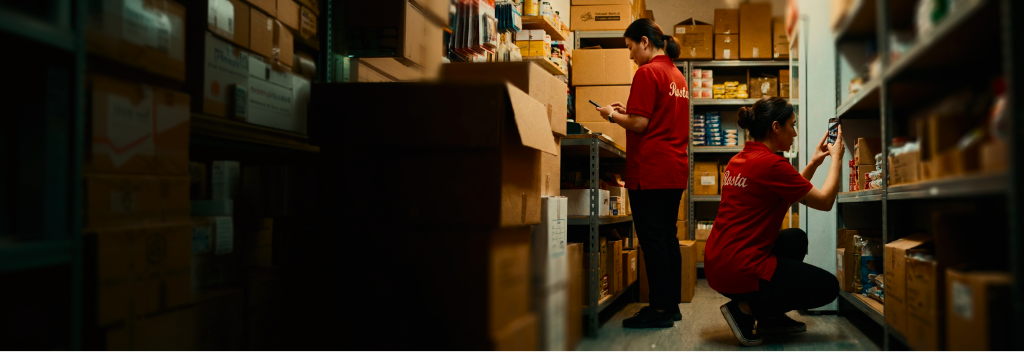
Open stocktaking in Mobile Office, select a warehouse and scan barcodes with the camera. Enter physical quantities and reconcile stock in real time on the same phone.
No separate handheld terminal is needed. Find goods without barcodes by name. After checking, post the document to record the stocktake result.
Sell goods by weight. Connect compatible scales, including label-printing models; we will check the model and settings before launch.
Update prices in the product database and print price tags on a compatible printer. Check shelf prices against checkout prices.
Set permissions by role. Check discounts, returns and cancellations to investigate disputed operations using data.

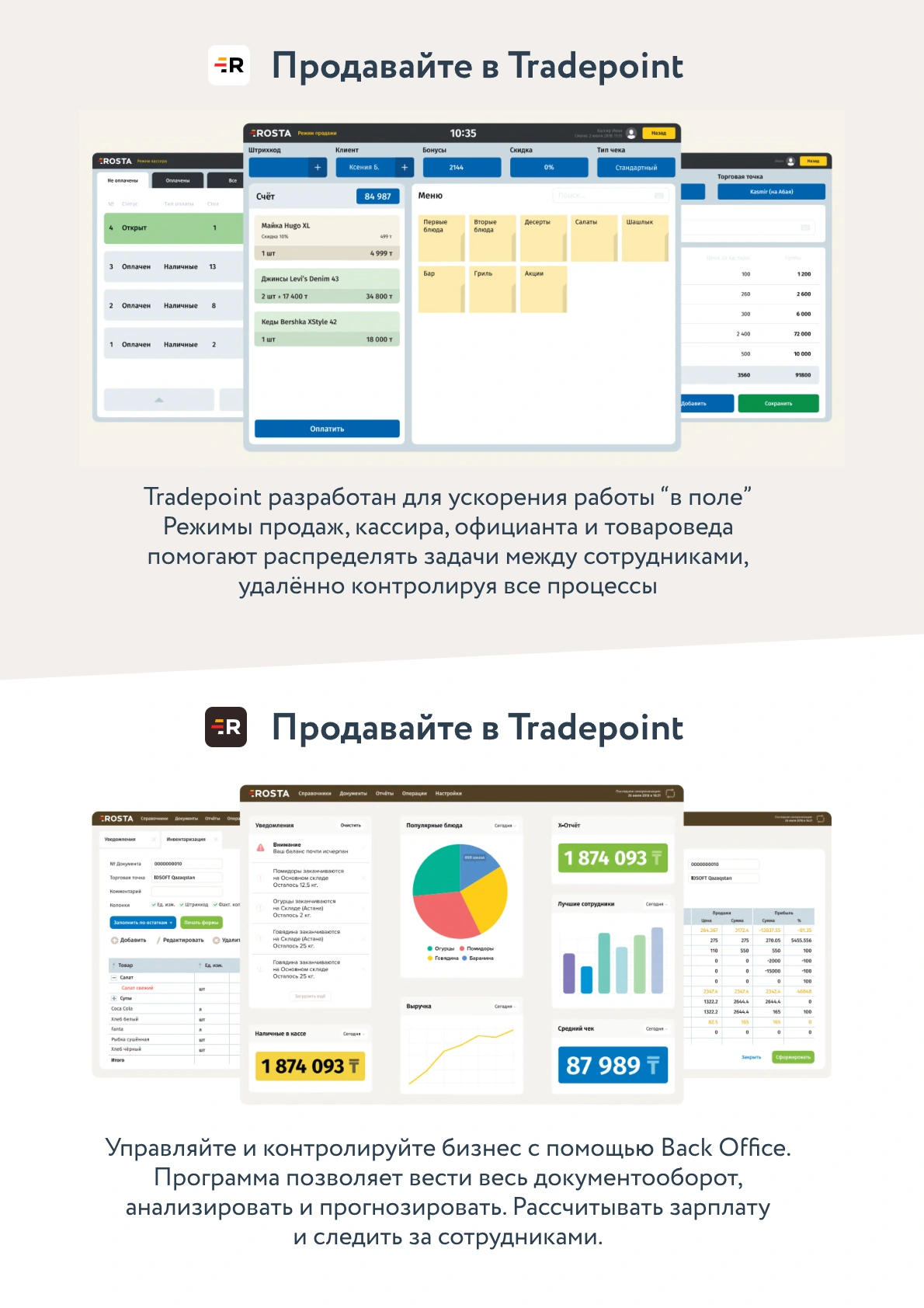
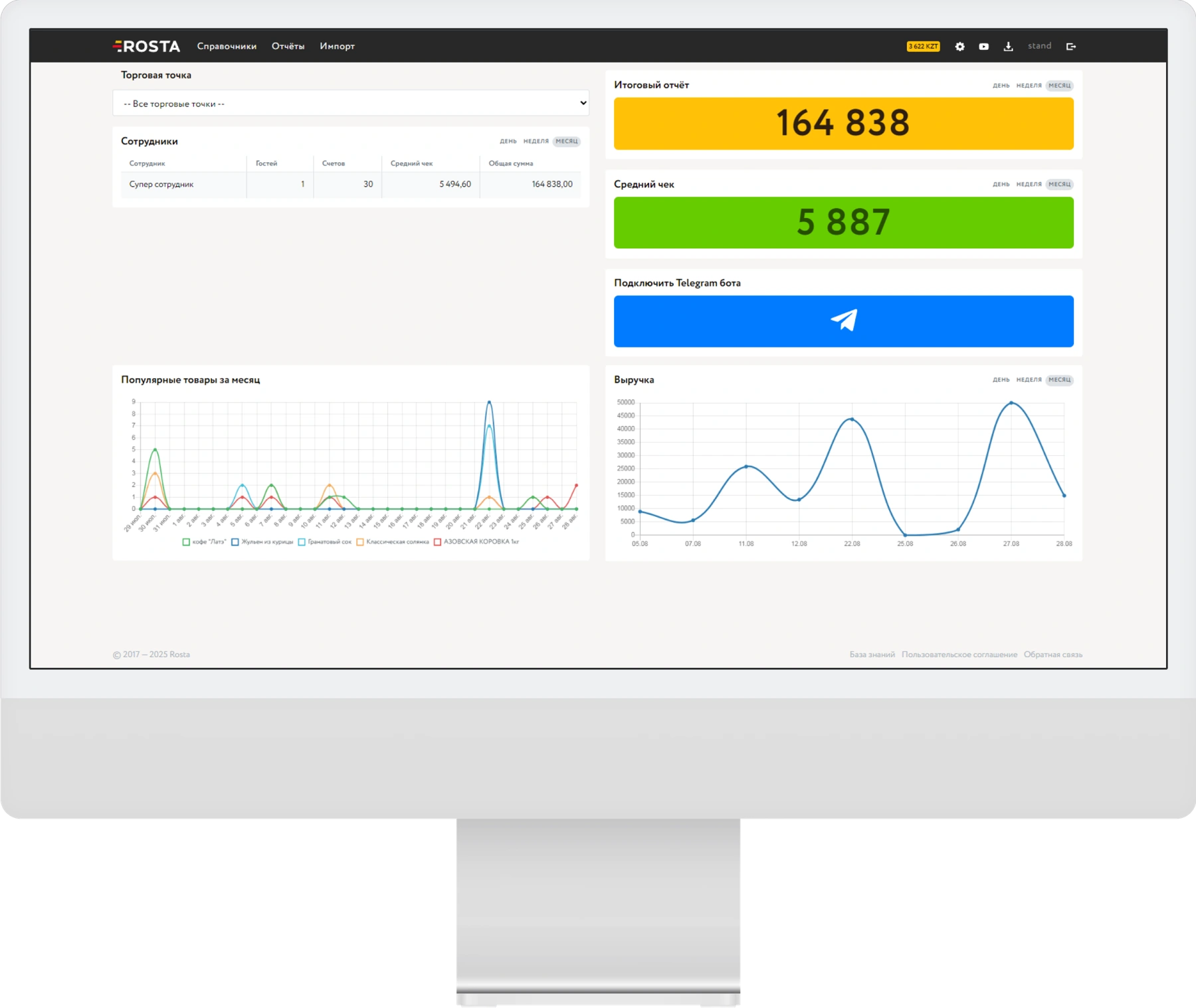
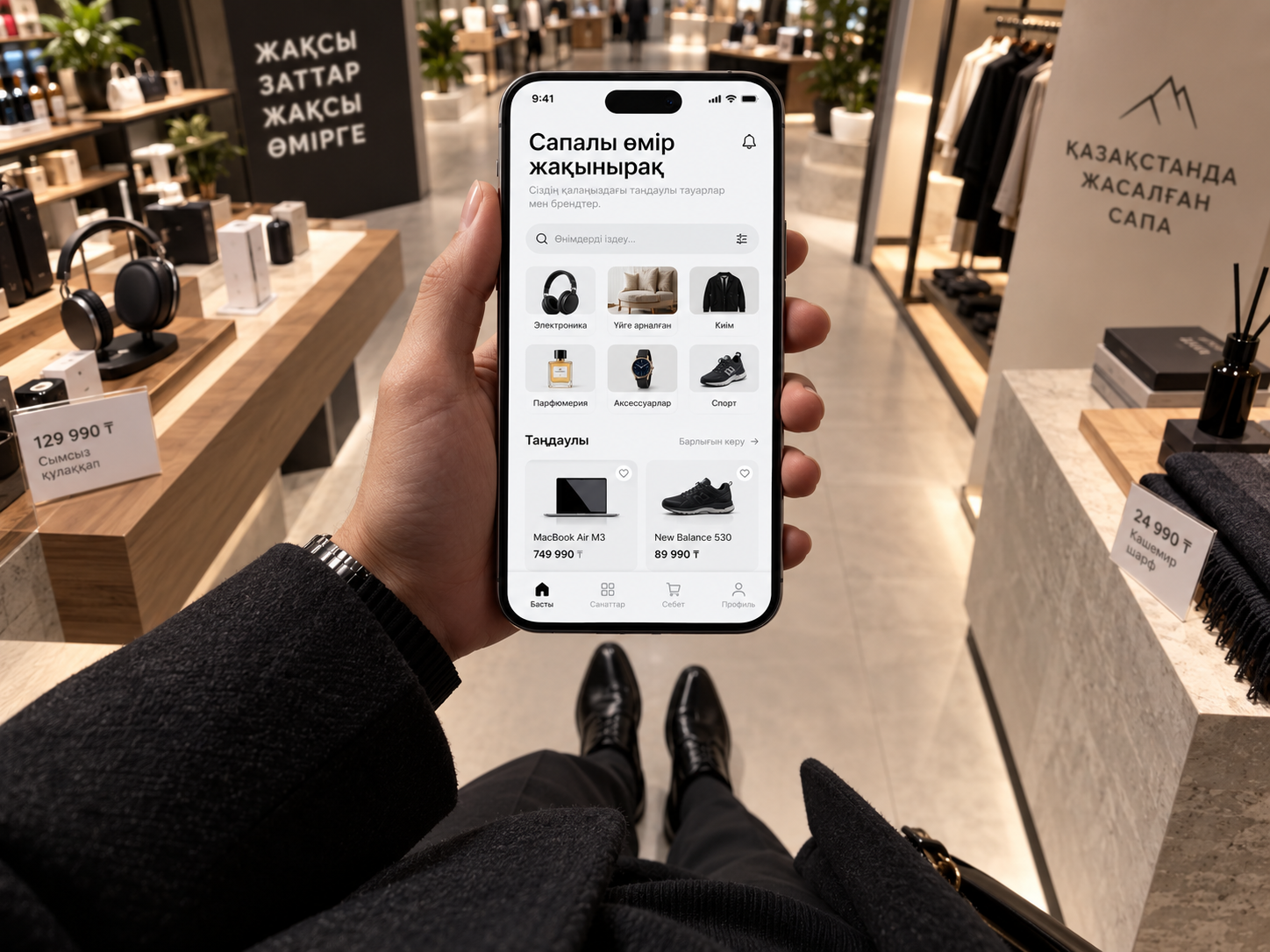
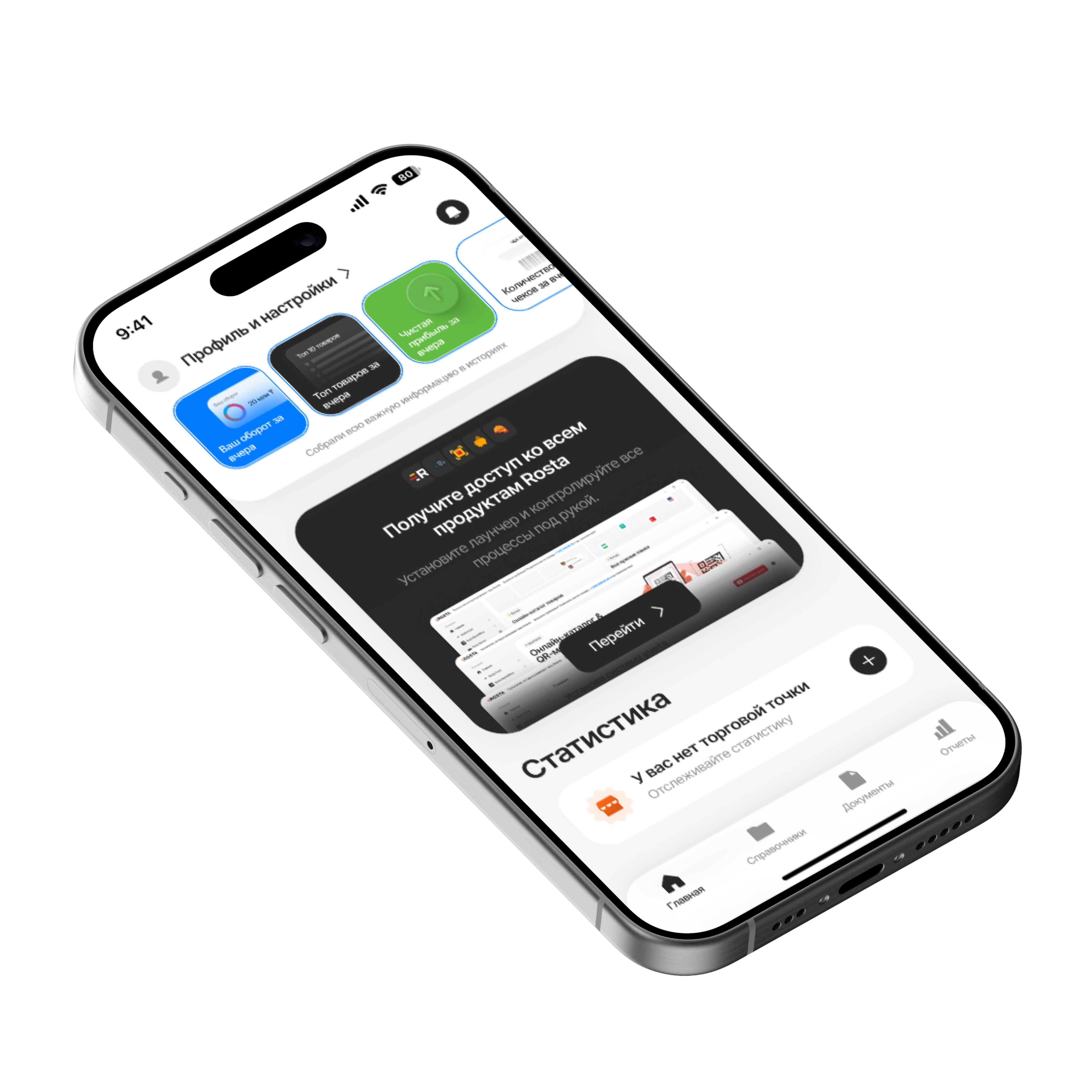
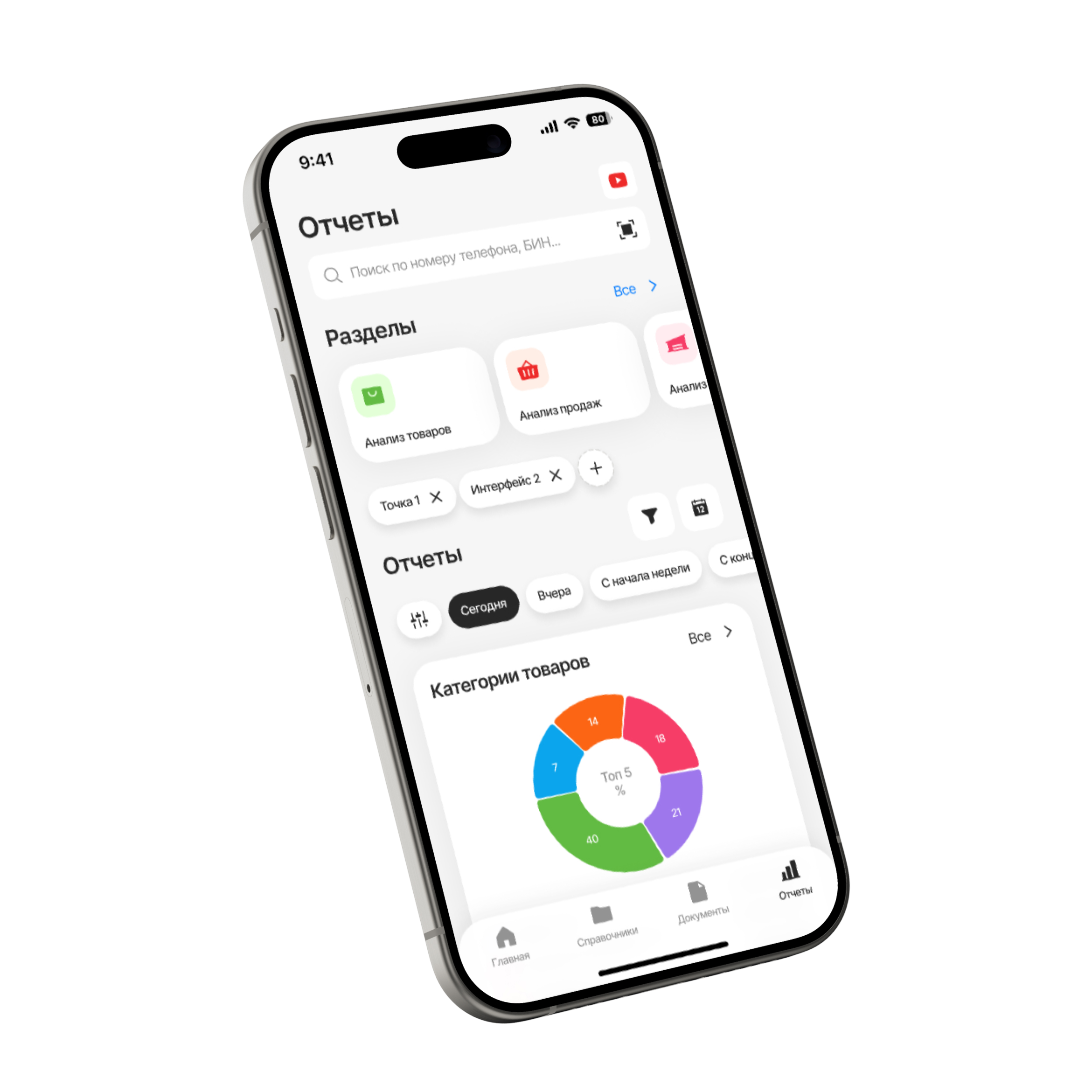
Check revenue, profit and supplier documents in free Mobile Office. You do not have to stand behind the checkout all day to stay in control.
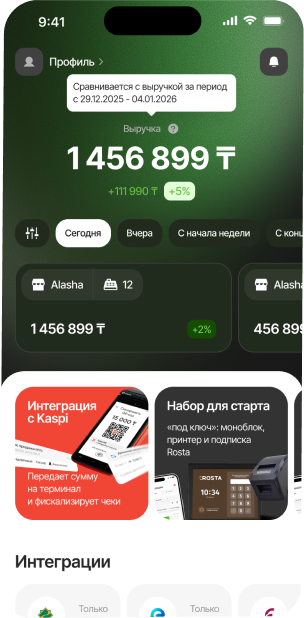
Compare turnover, profit, average receipt and returns for the selected period.
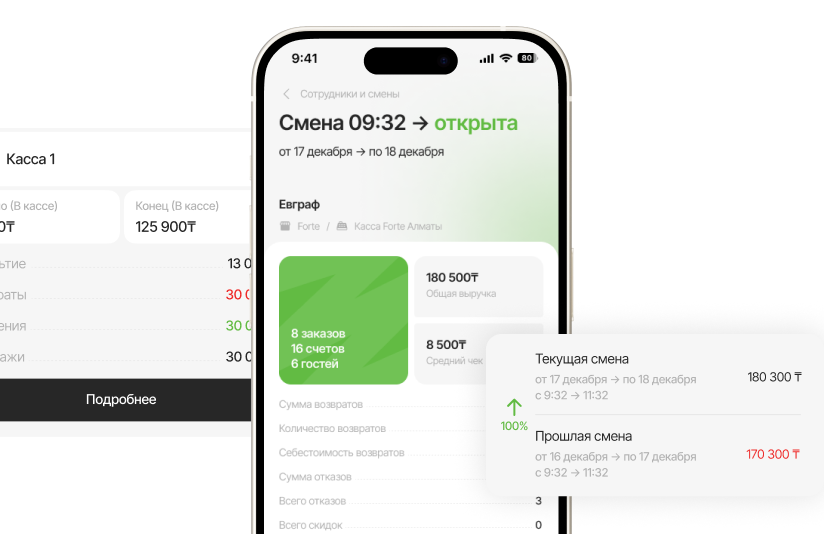
Analyze sales by product and category to assess popularity and profitability.
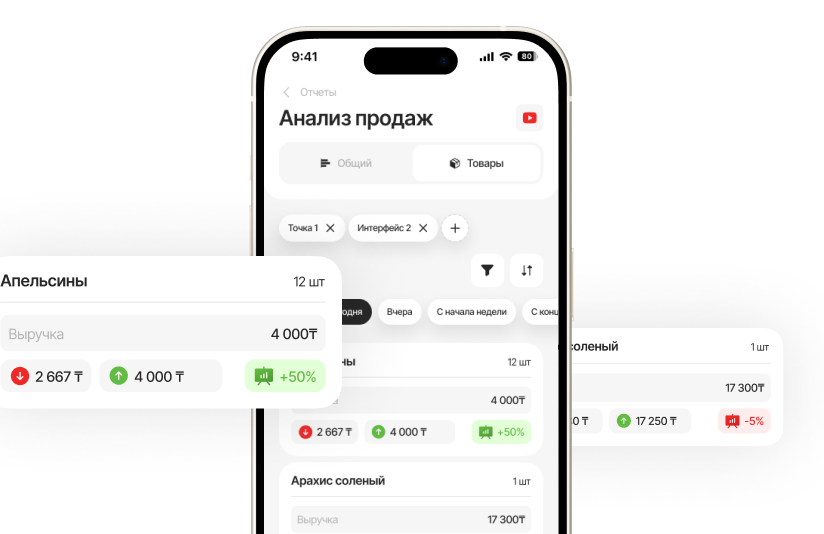
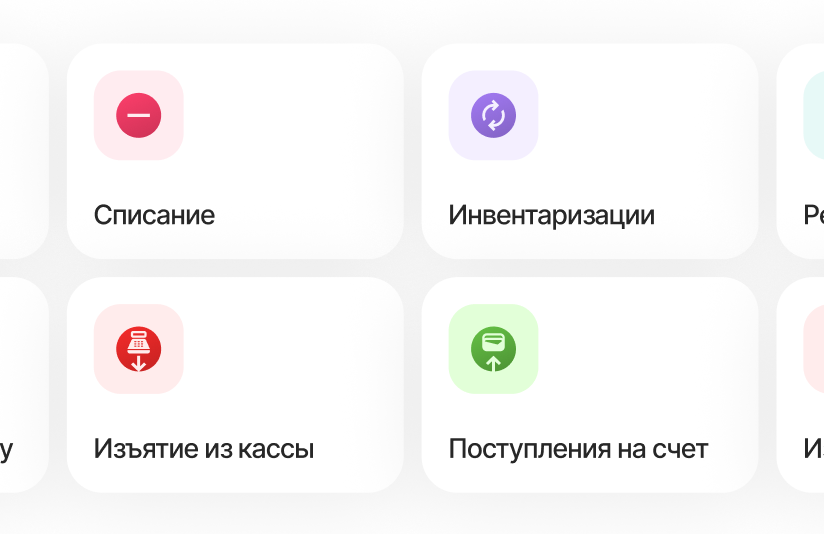
Create receipts, transfers and write-offs straight from your phone.
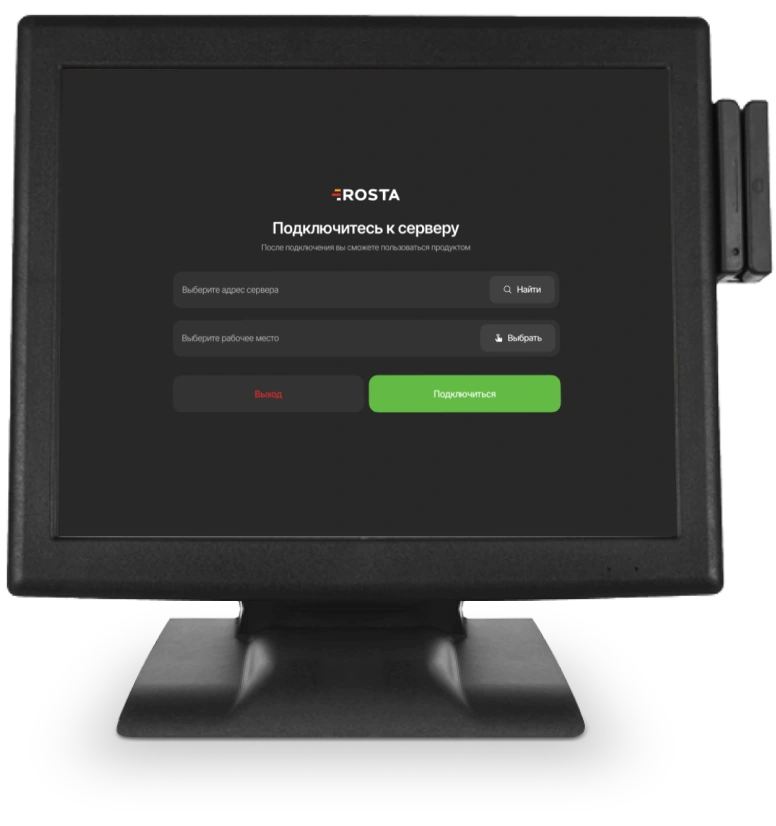
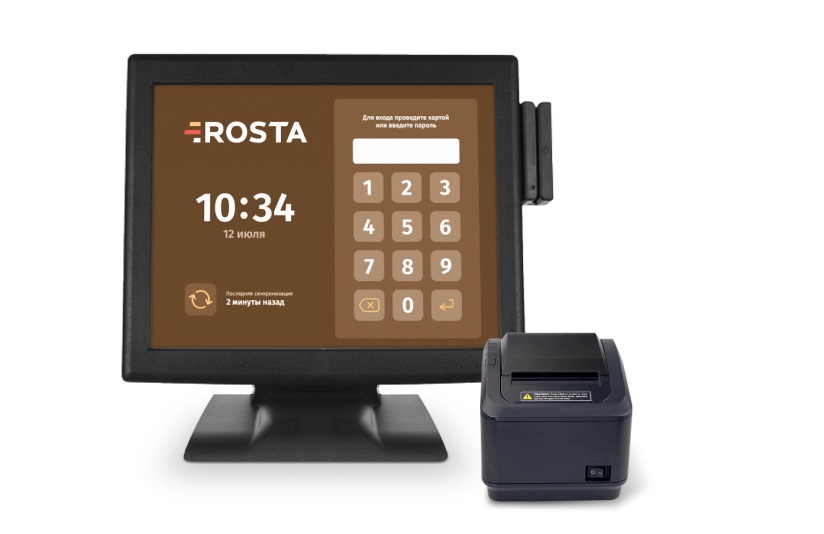
A mobile sales app or a full checkout station — we will choose a setup for your customer flow and equipment.
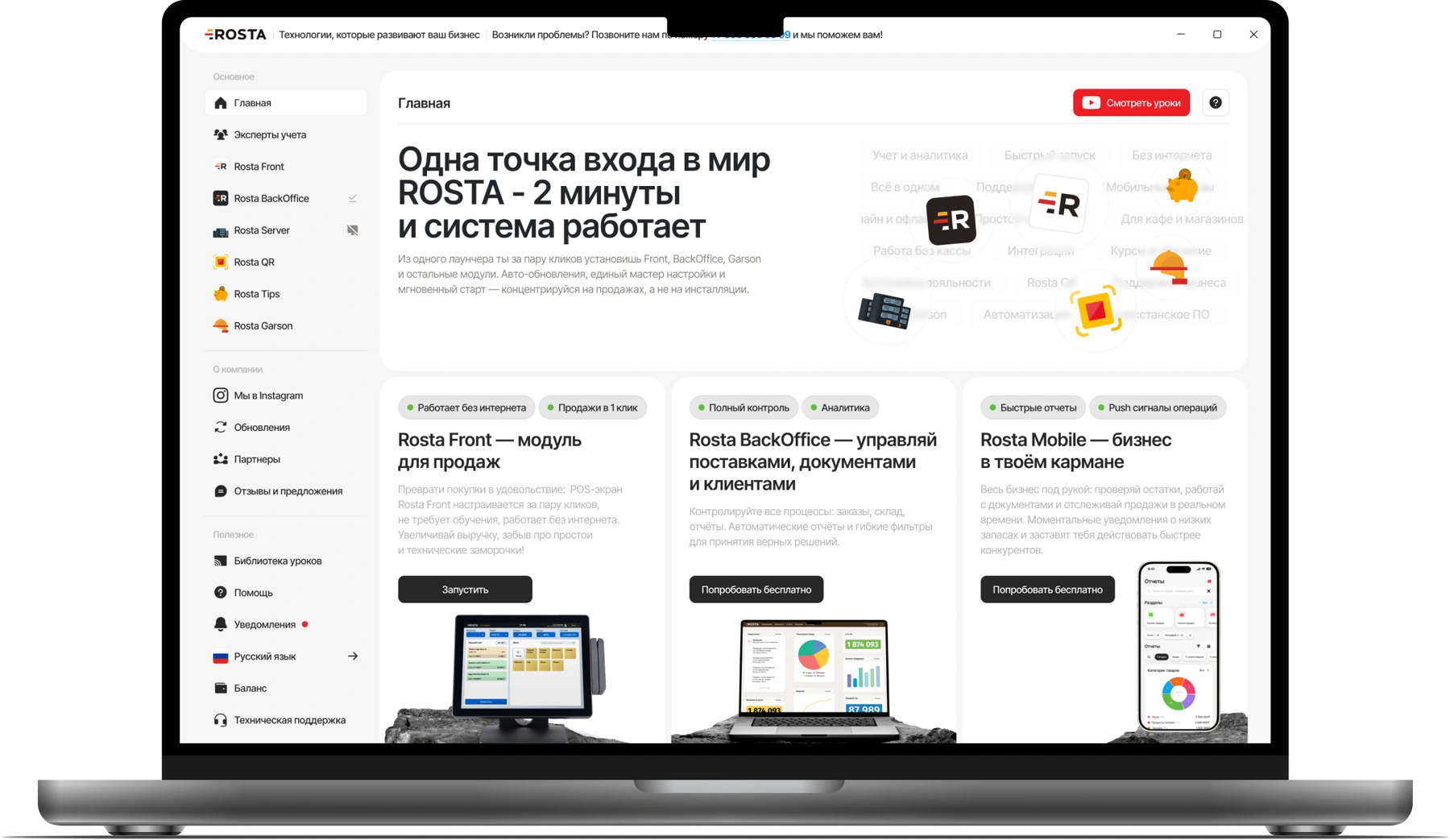
ROSTA Retail for sales on a smartphone or tablet + Mobile Office for management.


240 USD for 12 months in one payment, or 30 USD billed monthly. Includes one location and one checkout.
Analytics, inventory and documents, with no separate management fee.

For each additional checkout at the same location.
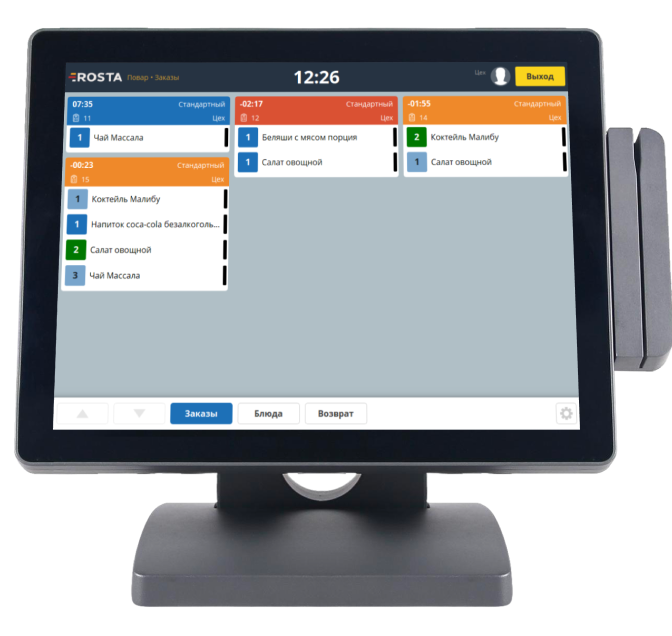
Equipment and setup are charged separately. The annual price does not apply to Light.
Choose equipment ·
All licenses and terms
Extra tools for a neighborhood store: customer discounts and multi-outlet management.
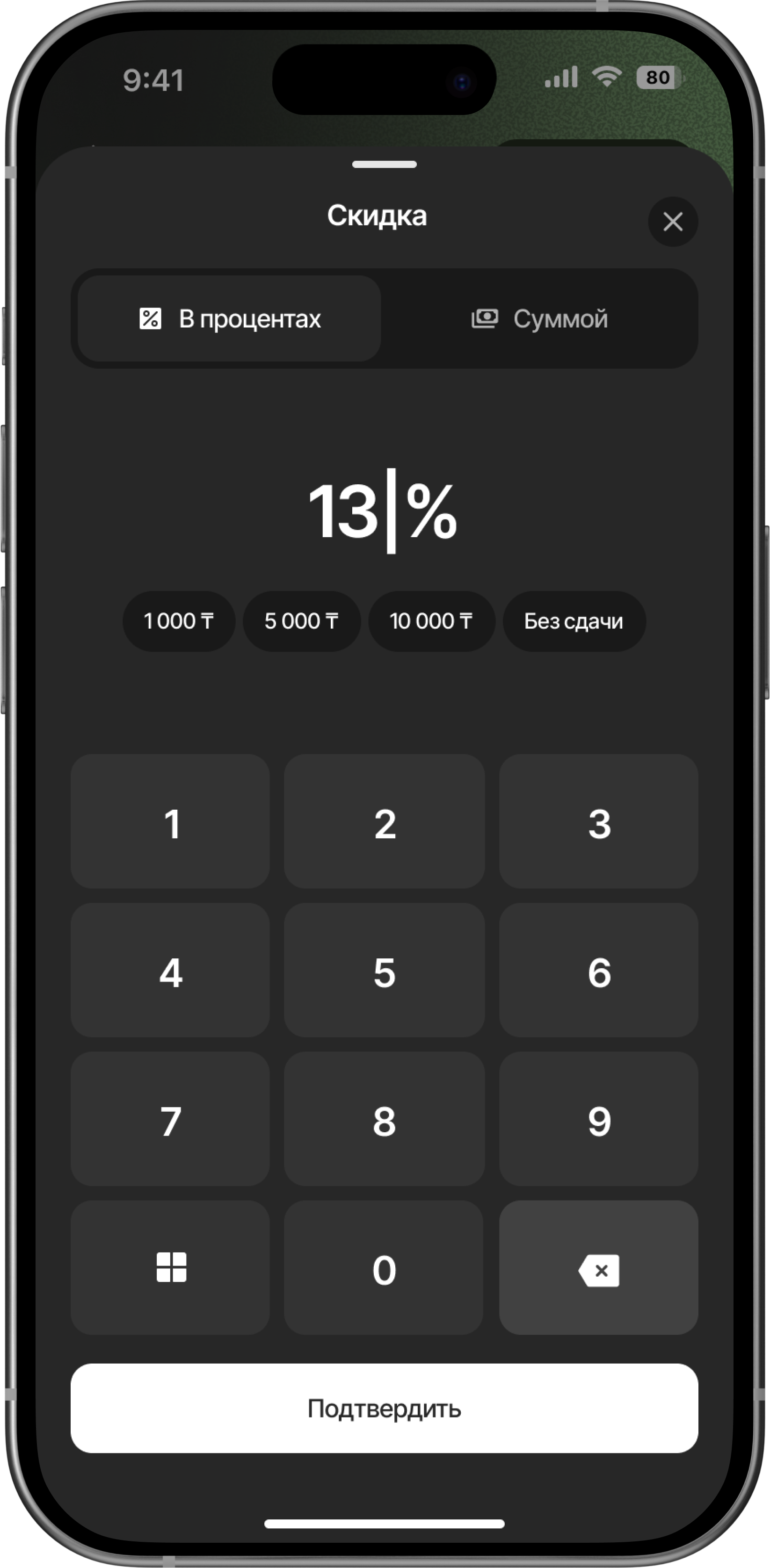
Use discounts and bonus tools for returning customers. During the demonstration, we will choose suitable mechanics for your store.
Switch between outlets, compare performance and create warehouse transfers in Mobile Office.
Explore Mobile Office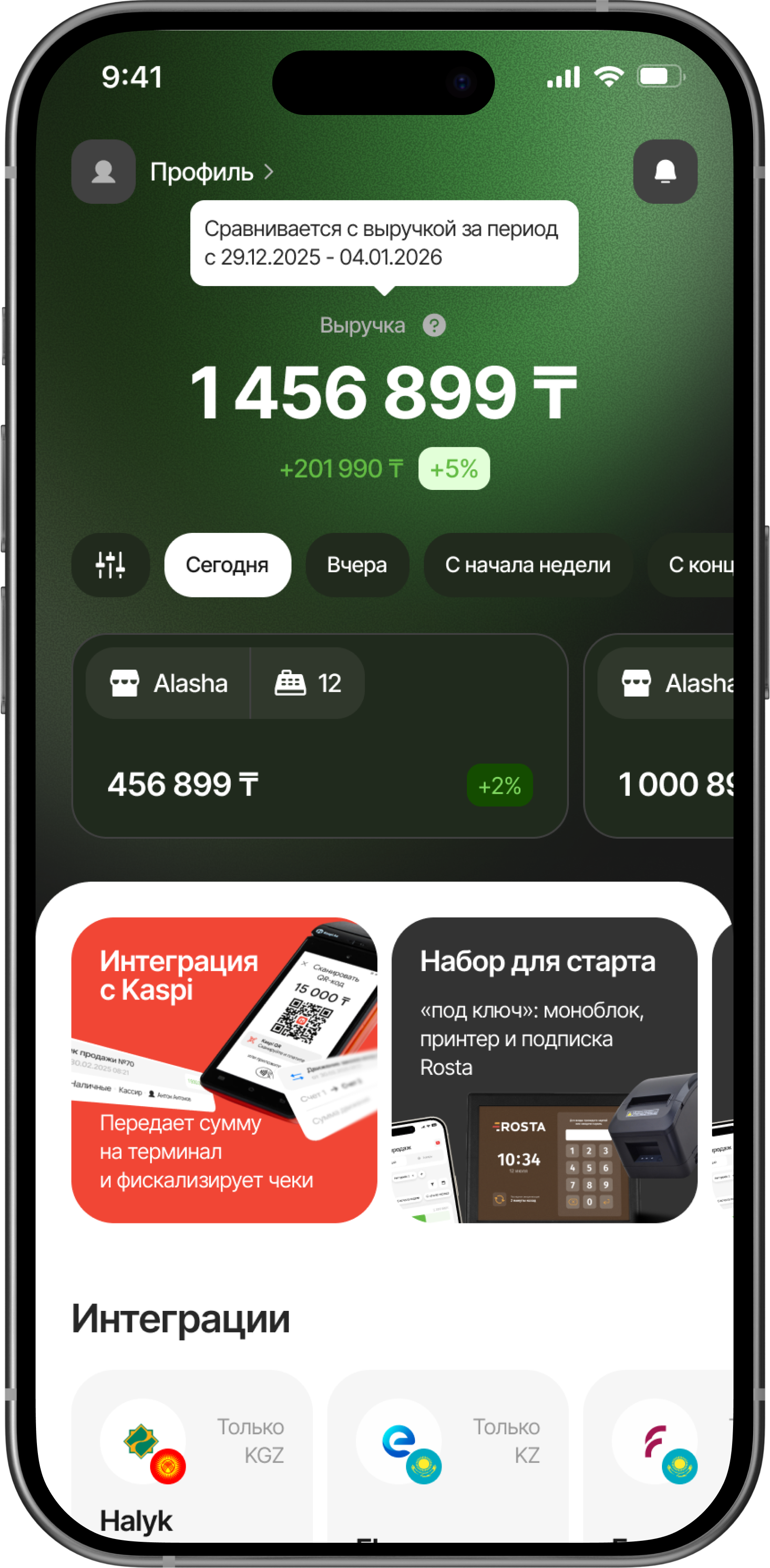
Don’t see your workflow? We’ll show it in a demo
Yes. The choice depends on your checkout and equipment: mobile Light or the main Retail license. During the demonstration, we will review your products, deliveries, scales and cashier workflow.
Yes, ROSTA supports weighed goods. Connecting scales and uploading products depend on the model and settings. Send us your equipment model so we can check compatibility before launch.
Open a stocktake document, select a warehouse and scan goods with your phone camera. Enter physical quantities and compare stock in real time. Check the result and post the document. No separate handheld terminal is required.
Scan the invoice with your phone camera. AI recognizes items and suggests database matches. Check the match, quantity and prices; select a product manually or create a new one if needed. After checking, save and post the receipt.
Check shelf expiry dates regularly. Record spoiled or damaged goods with a write-off document, and reconcile physical quantities with records when taking stock.
ROSTA Front continues selling and sends data to the server when connectivity returns. Online payments, fiscalization and external services depend on their connections; we will test this scenario with your equipment.
Yes, if it is compatible. Before connecting, we will check your checkout computer, scanner, printer, scales and payment terminal. Equipment and setup services are priced separately from the subscription.
Mobile Light costs 9 USD/month. The main Retail license for an outlet with one checkout costs 30 USD/month or 240 USD per year. An additional checkout at the same outlet costs 10 USD/month. The annual price of the main license does not apply to Light.
For a grocery store, compare workflows using your own data, from delivery to purchase. ROSTA includes Mobile Office, free technical support and free migration. Compare terms with 1C:Retail for Kazakhstan, umag, X2 POS and Wipon. View comparisons and migration terms.
Yes. Basic ROSTA operations can be learned in two hours of training. For your grocery store, we will cover your workflows; database and equipment preparation are planned separately. Technical support is free. If needed, you can contact ROSTA accounting experts for accounting assistance; their service terms are agreed separately.
Migration to ROSTA is free. We agree on the data scope and export options from your current system before switching. Licensing and setup are charged separately.
We will show AI-assisted goods receiving, mobile stocktaking, weighed sales and profit reports. We will review your deliveries and equipment. ROSTA is developed in Kazakhstan. We will discuss migration from your current system and team training.


 Alasha
 12
12
 Alasha
 12
12