

01CHECKOUT
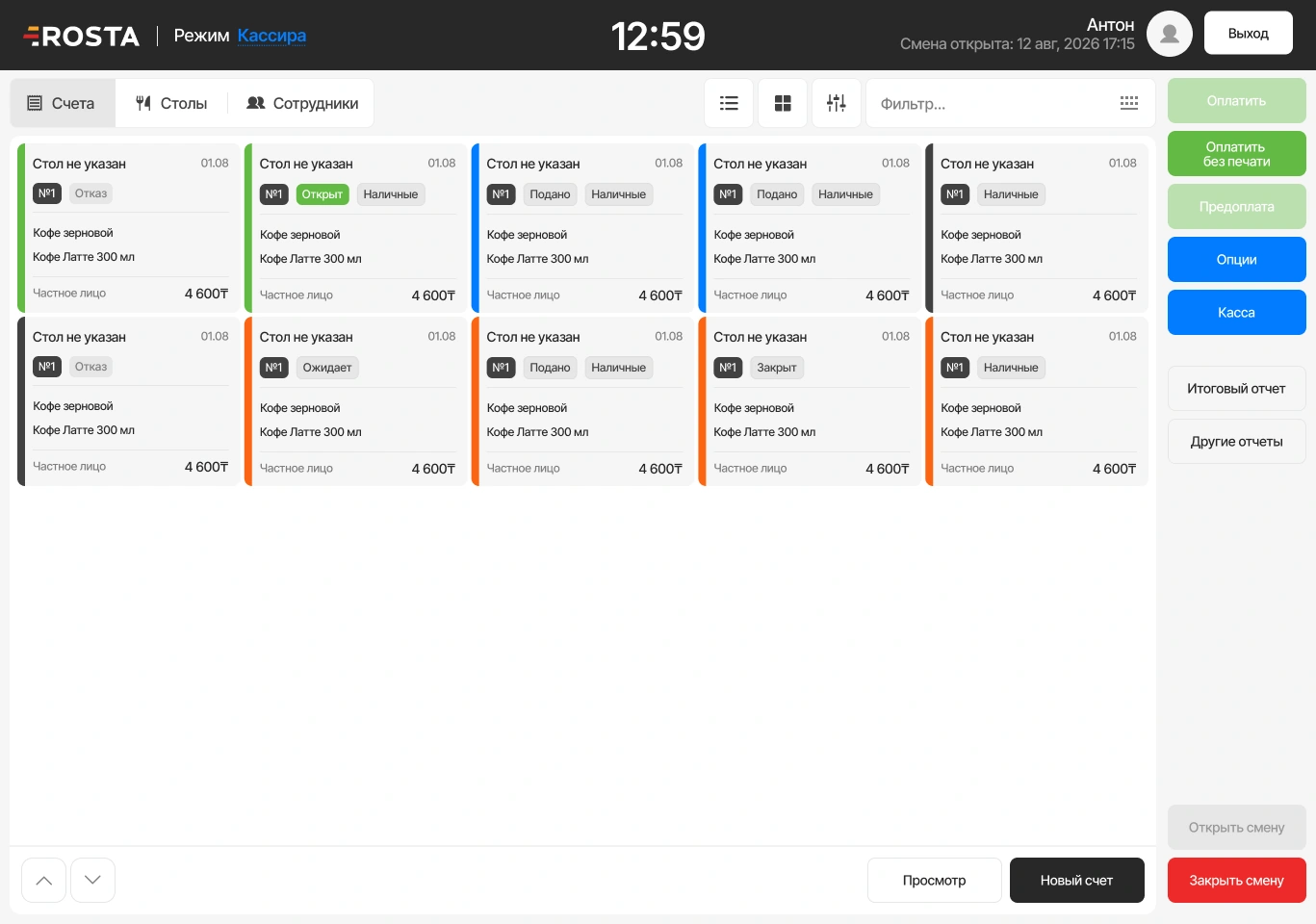
POS: take an order
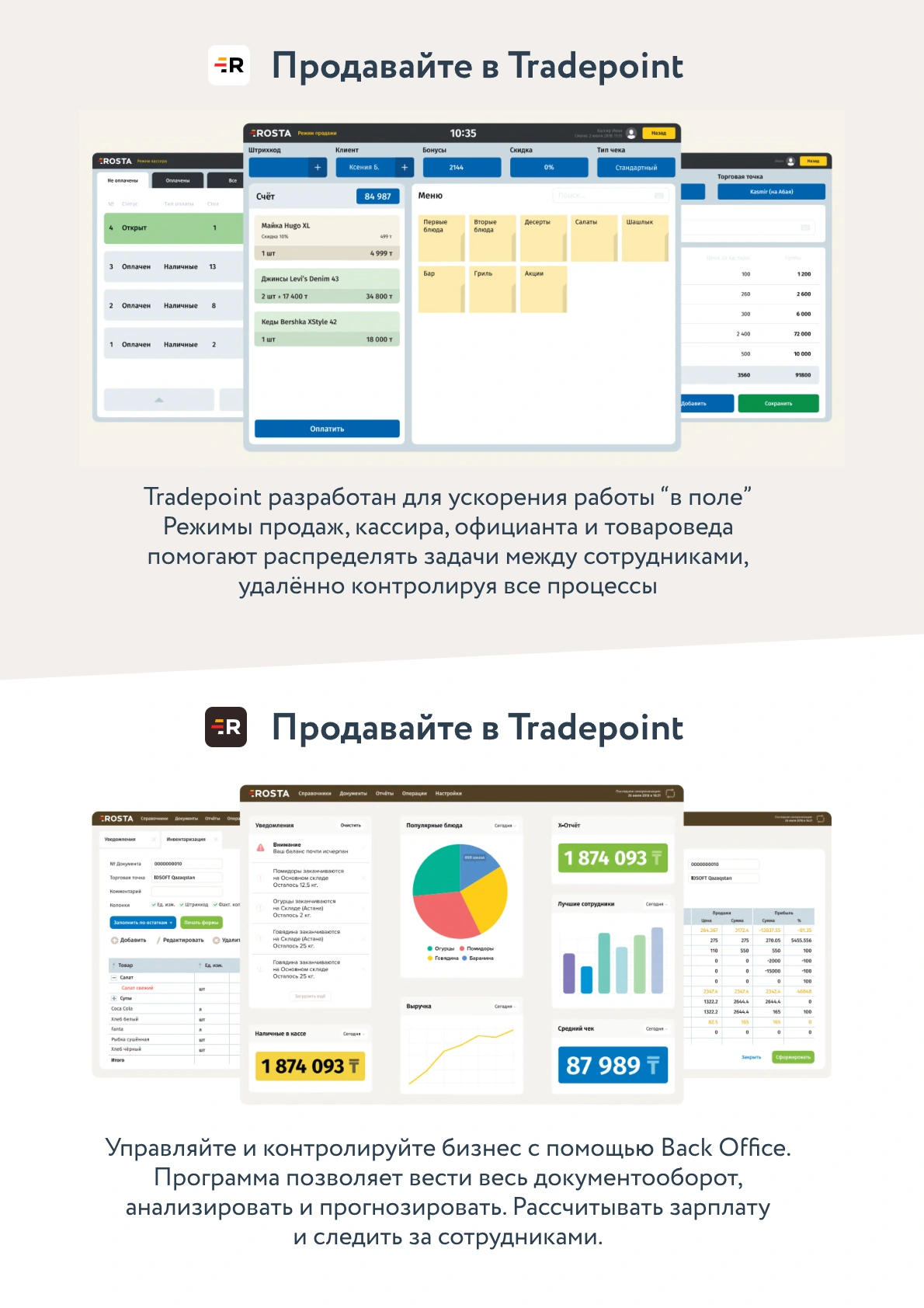
The cashier selects items and extras, enters the order and takes payment. Order contents go to the kitchen.
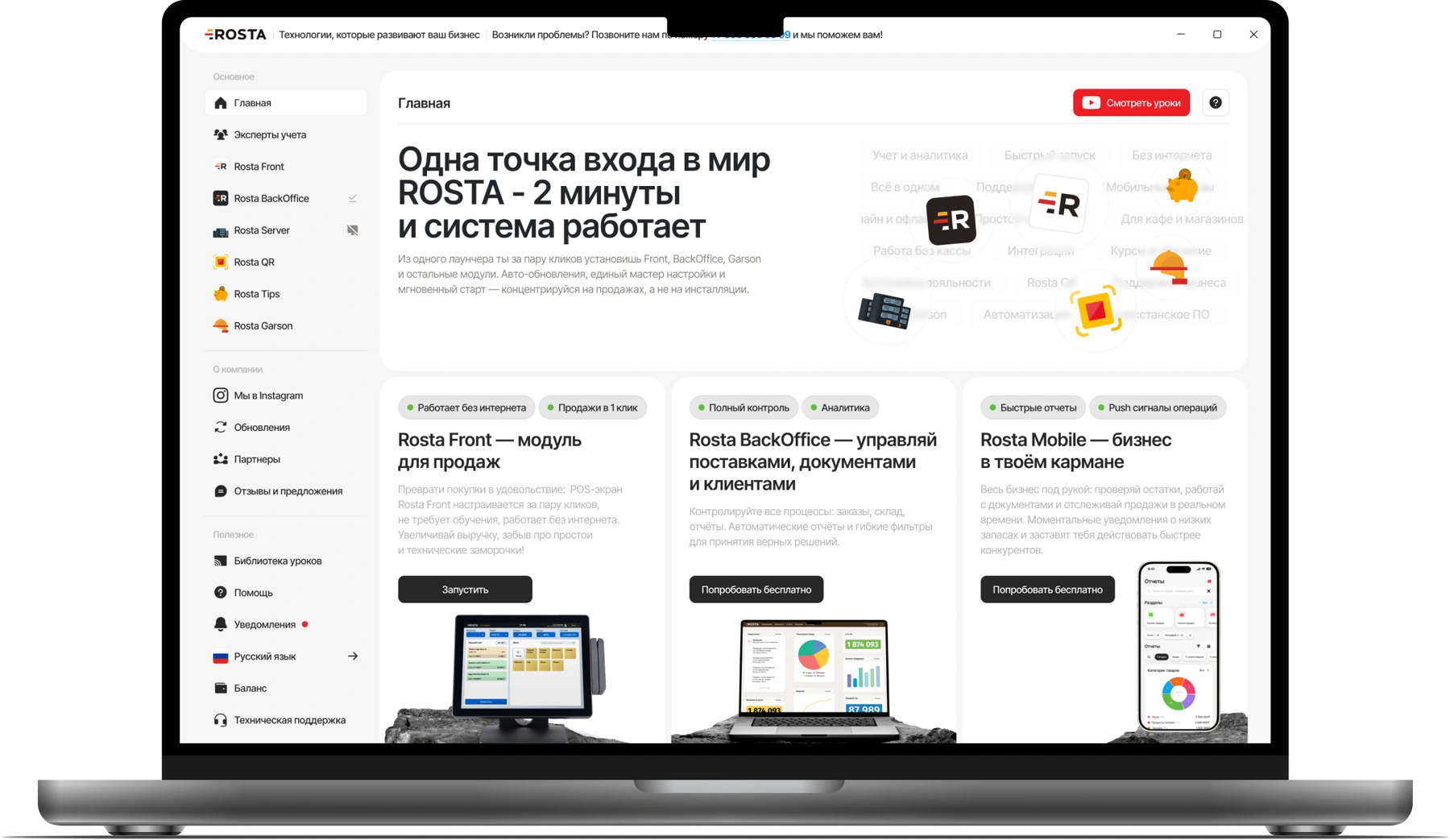
POS, kitchen display and ingredient accounting in one system for burger shops, food-court outlets and takeaway venues.
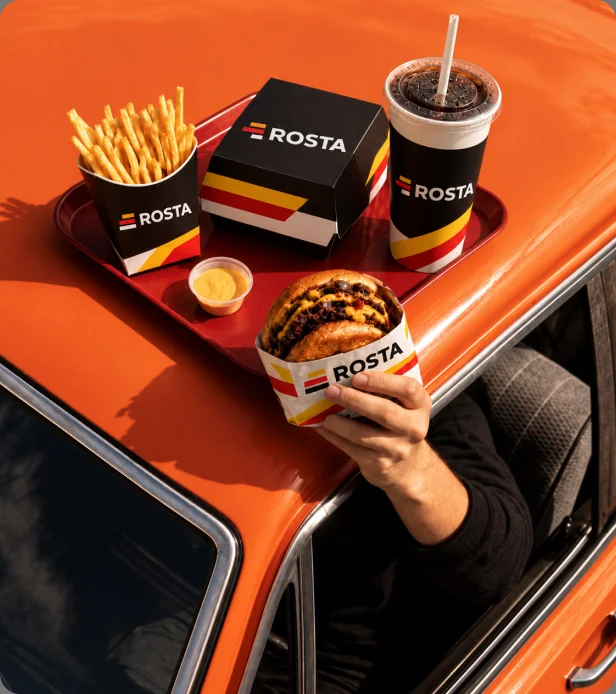
At peak times, know what has been accepted, what is cooking and what is ready to hand over. ROSTA connects cashier, kitchen and pickup workflows.
The cashier selects items and extras, enters the order and takes payment. Order contents go to the kitchen.
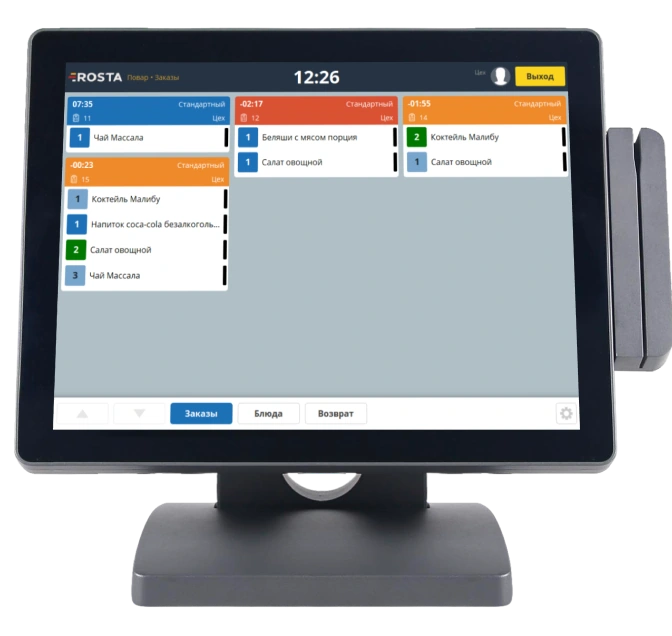
KDS shows dishes, statuses and timing. The chef follows the queue without verbal handover of each order.
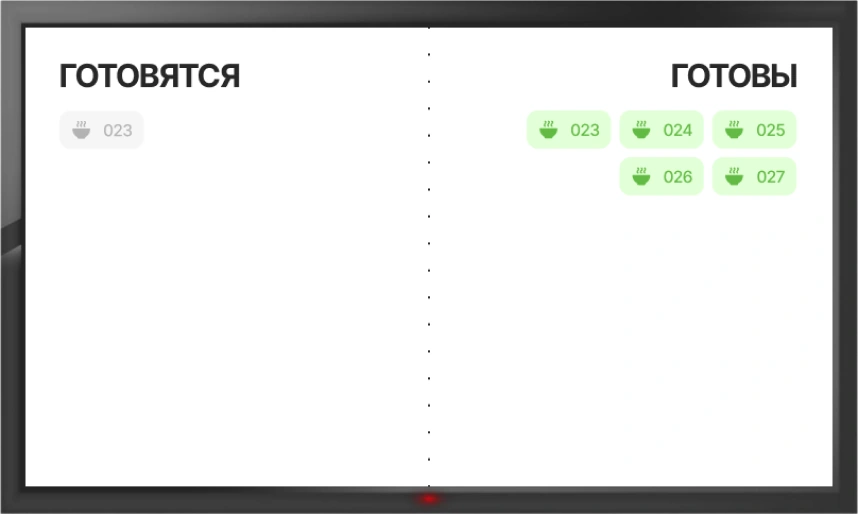
Guests see their order number on the pickup display. Staff mark it ready and hand over the order.
Link burgers, sauces and extras to ingredients in recipe cards. Track purchases and write-offs, check usage and stock.
Compare costs with sales: popular and profitable are not always the same.
Review item sales and costs. Understand how purchase prices and ingredient usage affect results.
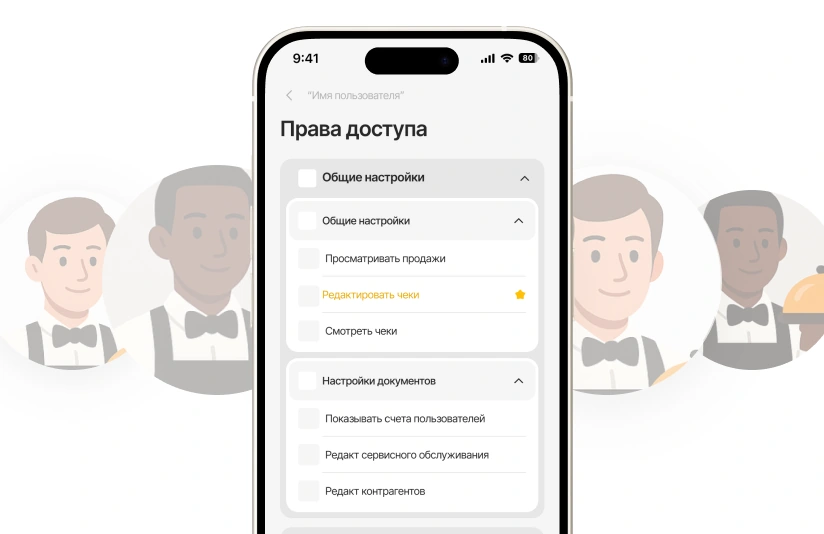
Set cashier and manager permissions. Review discounts, returns and cancellations in the transaction report.
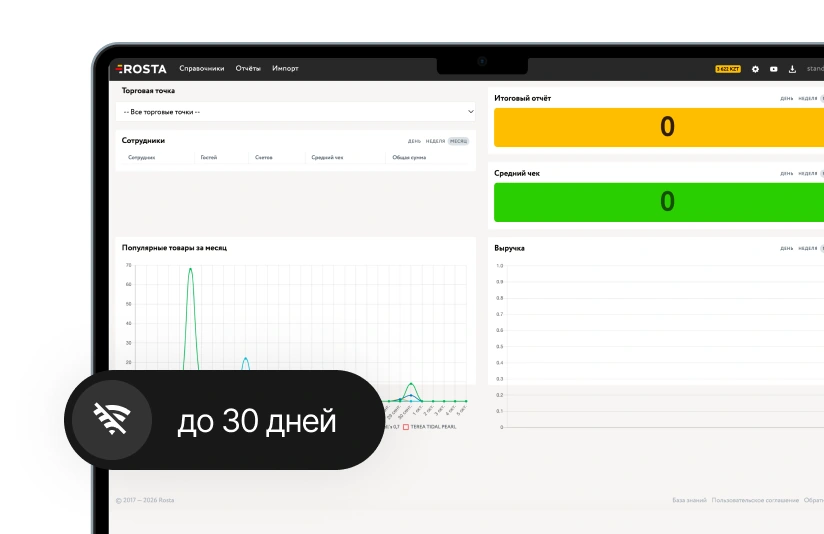
The POS keeps selling offline for up to 30 days. Data syncs when connectivity returns.

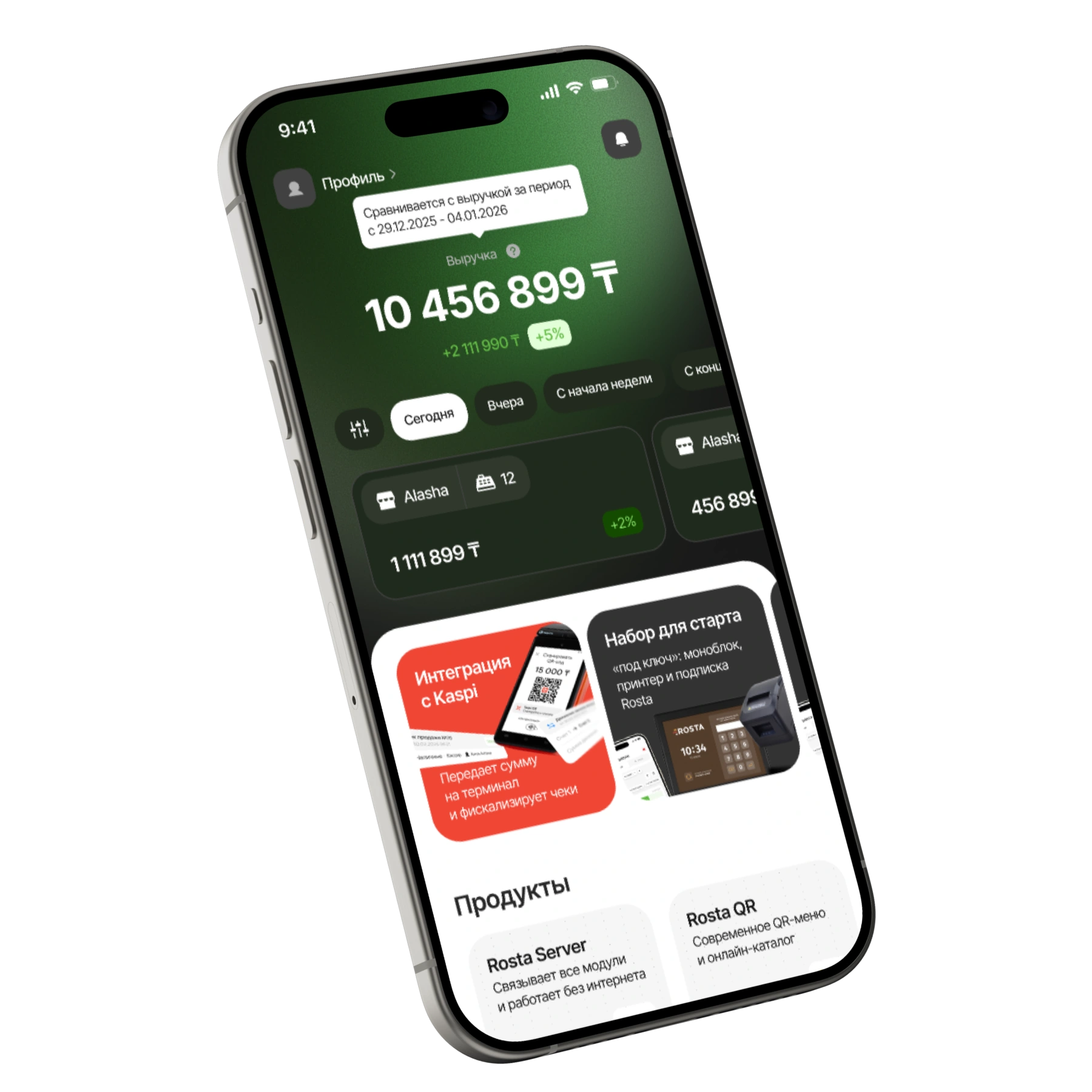
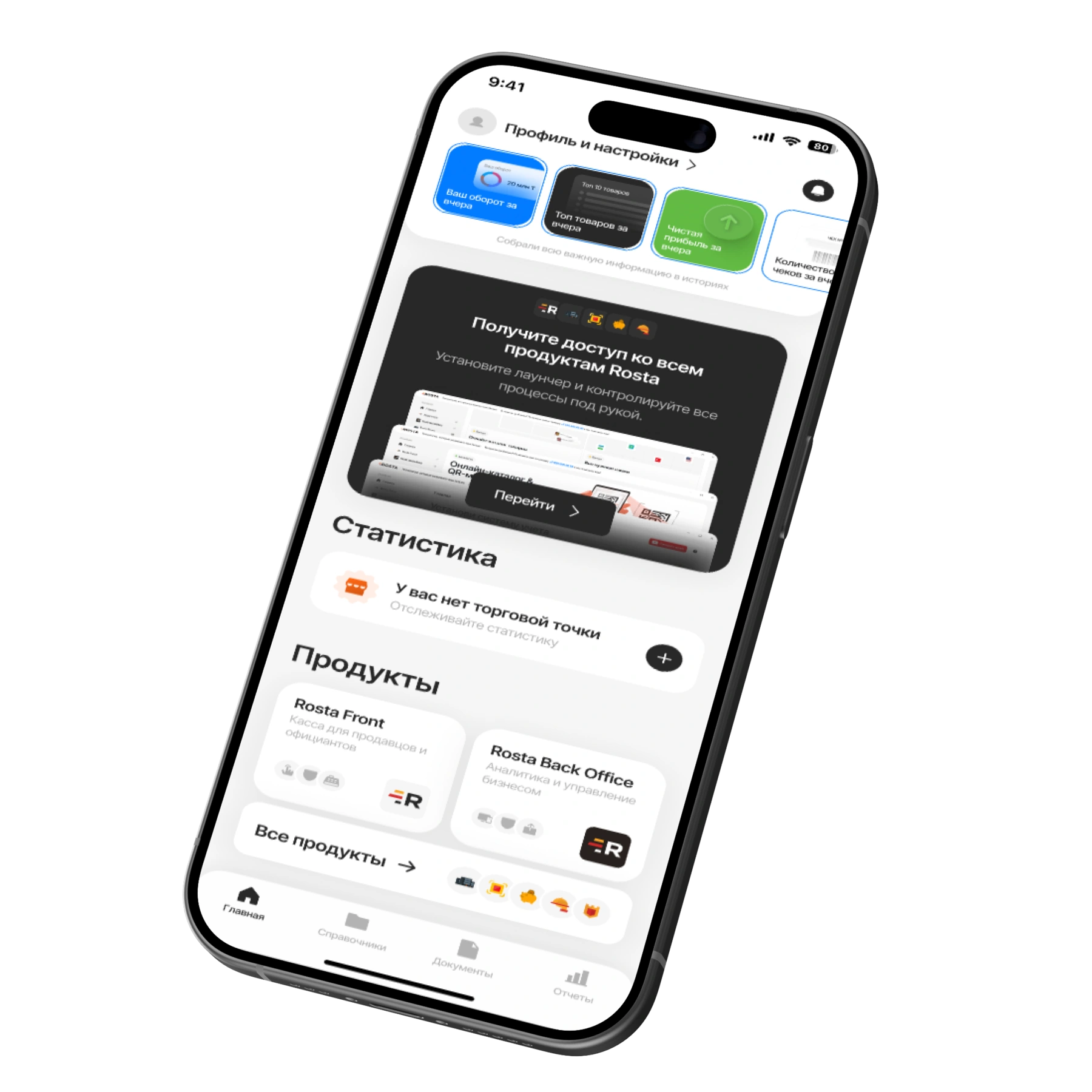
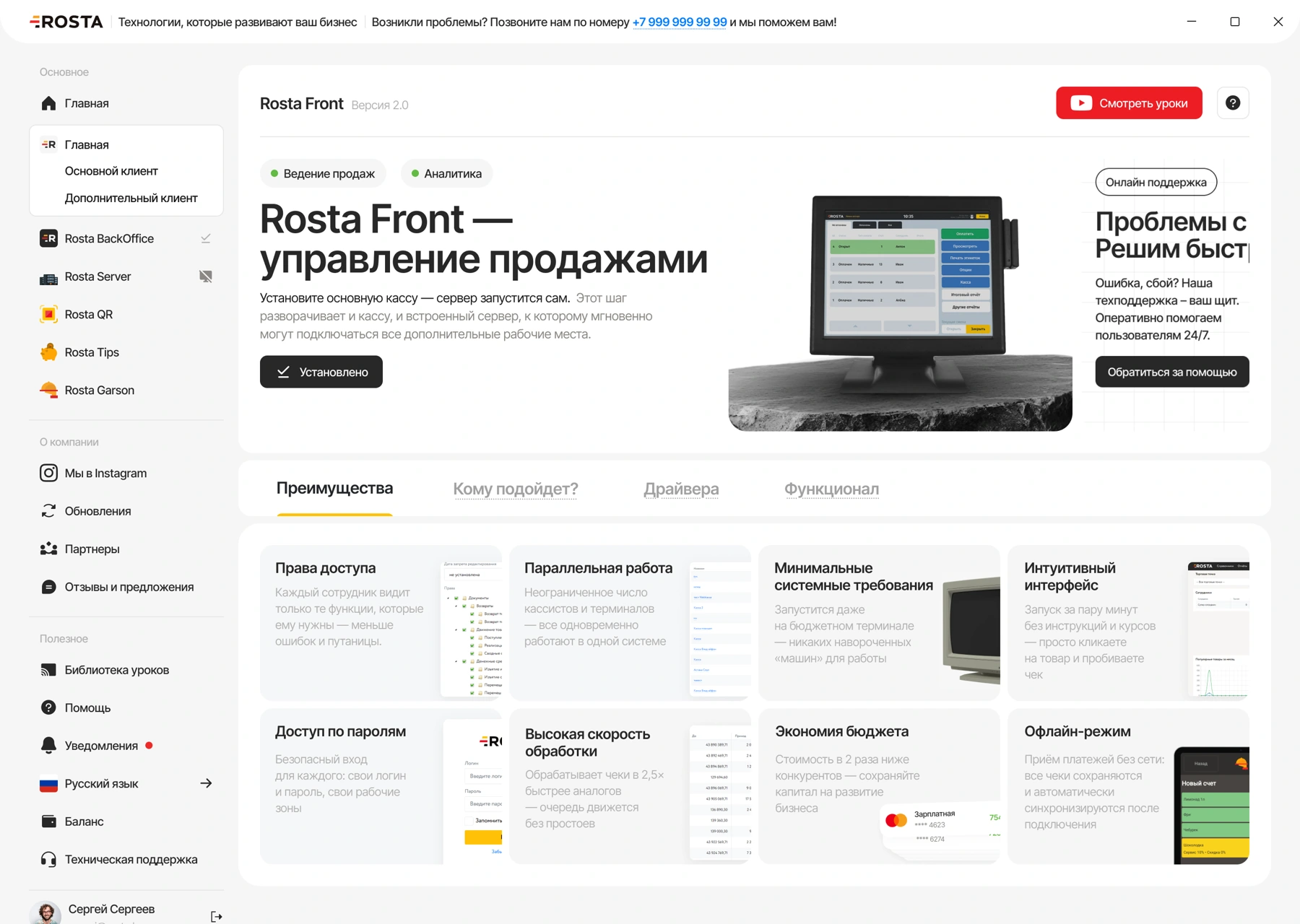
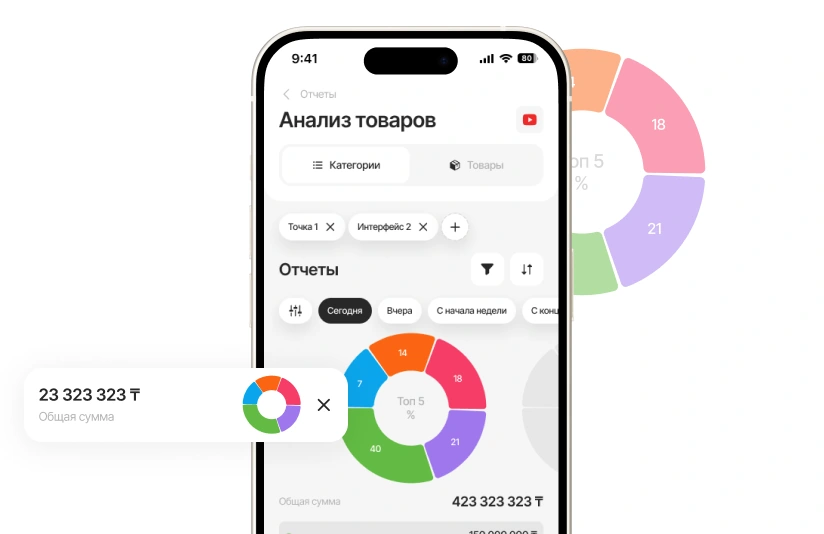
Check food-court revenue, investigate a return or record food receipts. Free ROSTA Mobile Office serves the owner and team.
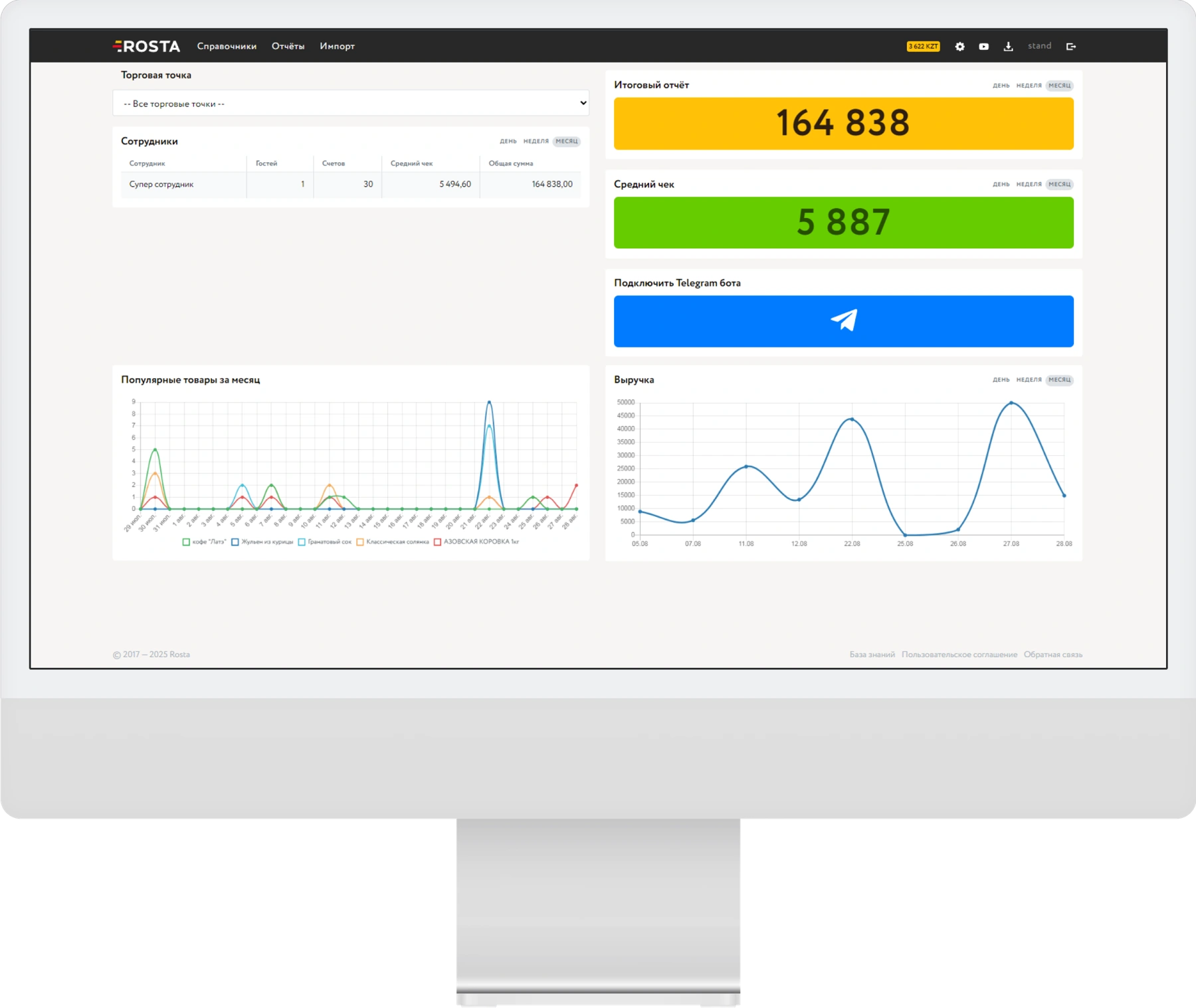
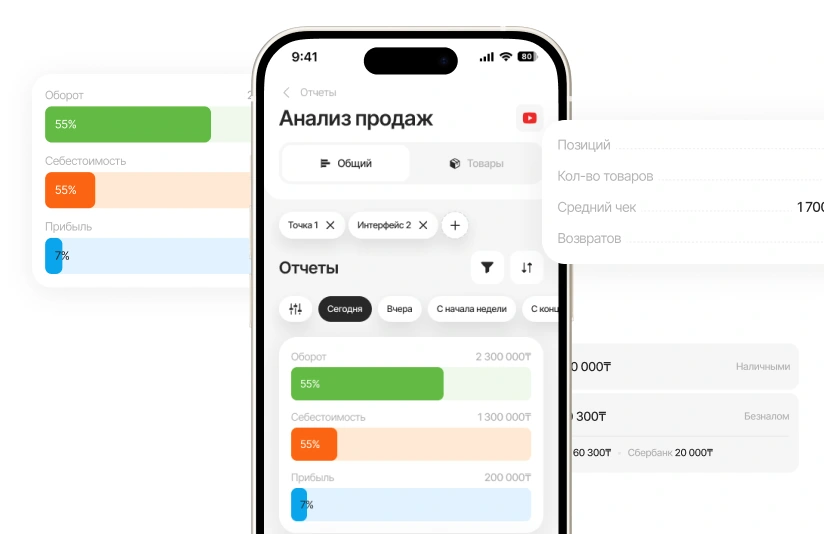
Compare revenue, average receipt and returns for the selected period. Drill down from overall figures to individual sales.
See item results: turnover, cost and profit. Choose dishes and extras for deeper analysis.
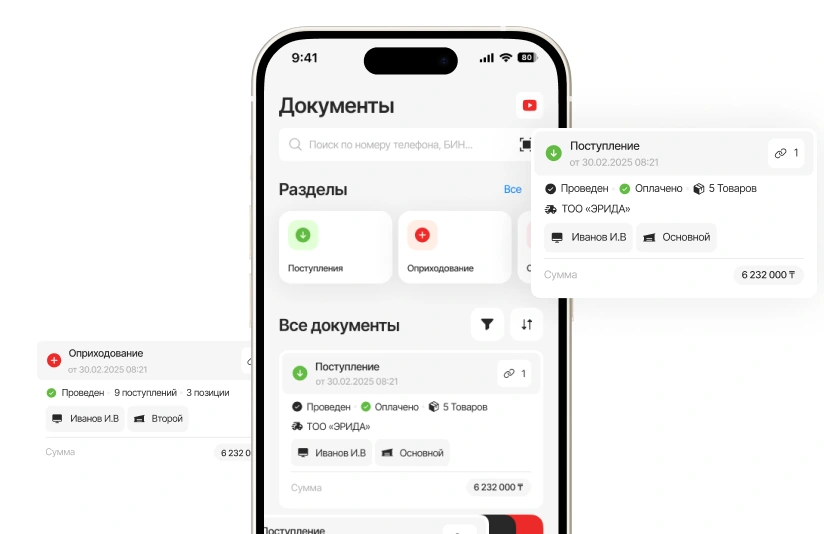
Record receipts, transfers and write-offs from your phone. AI recognises the invoice; you check the products and data.
A subscription for one location with one checkout. Pay monthly or save with annual billing.
Includes one location and one checkout.
Analytics, inventory and documents, with no separate management fee.
For each additional checkout at the same location.
240 USD per year in one payment. Includes one location and one checkout.
Analytics, inventory and documents, with no separate management fee.
For each additional checkout at the same location.
Equipment and setup are arranged separately. View equipment ↗ · All licences and terms ↗
Show the menu before ordering and create offers for regular guests. Choose tools for your outlet format.
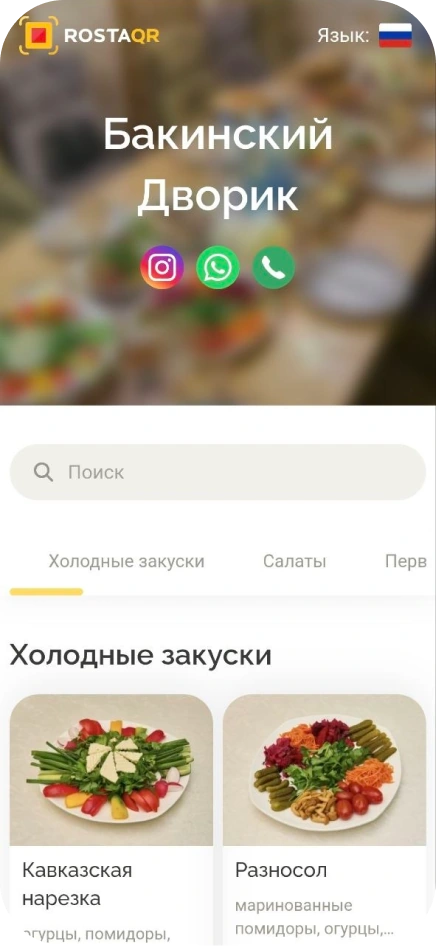
Guests open the QR menu to see photos, ingredients and prices while choosing their order.
View the QR menuDiscounts, bonuses and loyalty cards for guests returning for their favourite burger.
Don’t see your workflow? We’ll show it in a demo
One outlet with one POS costs 30 USD monthly. Annual payment is 240 USD in one instalment, equivalent to 20 USD monthly. Each extra POS in the outlet costs another 10 USD monthly. BackOffice for analytics, inventory and documents is free. Equipment and setup are discussed separately.
Yes. In ROSTA Office, owners view sales analytics while staff can work with products and documents. The demo will show the mobile app using your venue's tasks.
Yes. The solution is selected for your order-taking, preparation, pickup and accounting processes. First, we will review your workstation needs and existing equipment.
The kitchen display is for staff, showing dishes, timing and preparation statuses. The pickup display is for guests, showing numbers of orders in progress and ready.
Yes. ROSTA uses recipe cards and inventory accounting. Set recipes, record receipts and write-offs, and check actual stock. Calculation accuracy depends on the data entered.
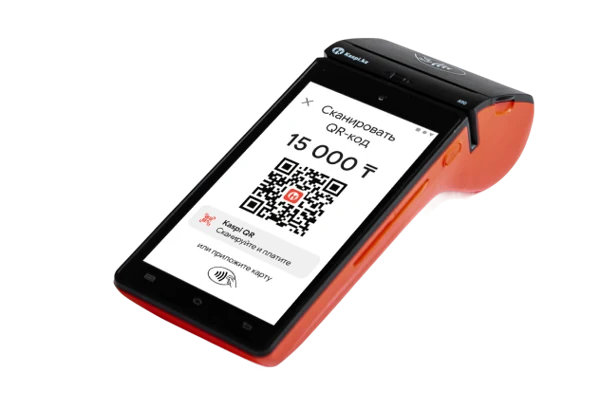
We will check POS, printer and display models before connection. If compatible, we will propose setup using your equipment; individual replacements may be suggested if needed.
Yes, a full 7-day trial is available. In the demo, we will review your order entry, kitchen, pickup and reporting workflows. Submit a request to arrange setup.
Offline mode applies to the ROSTA POS. The bank terminal and external services depend on their own connection. During setup, we will check how the POS, kitchen and pickup display connect within the outlet.
For fast food, compare workflows using your data: one order keeps the whole team informed. ROSTA offers Mobile Office, free technical support and free migration. Compare terms with iiko, Poster, r_keeper and Paloma365. View comparisons and migration terms.
Yes. You can learn the basics of ROSTA in two hours of training. For fast food, we will cover your daily workflows; database and equipment preparation are planned separately. Technical support is free. If needed, you can contact ROSTA accounting experts for accounting assistance; their service terms are agreed separately.
Migration to ROSTA is free. We agree on the data scope and export options from your current system before switching. Licensing and setup are charged separately.
In 30 minutes on Zoom, follow an order from POS to kitchen to pickup. Then explore recipe cards and reports using your outlet's tasks. ROSTA is developed in Kazakhstan. We will discuss migration and team training.