

01ORDER
Record every important detail
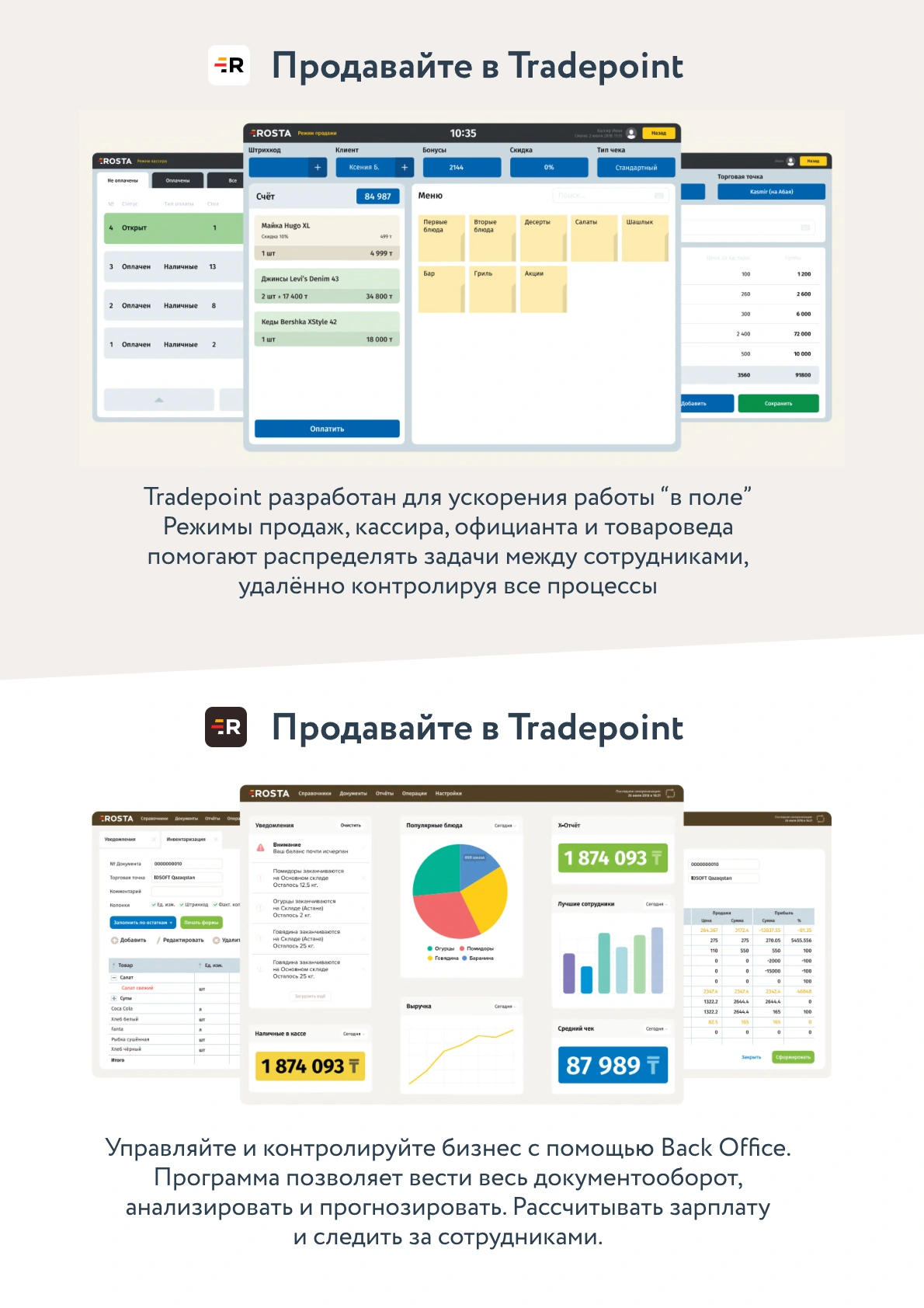
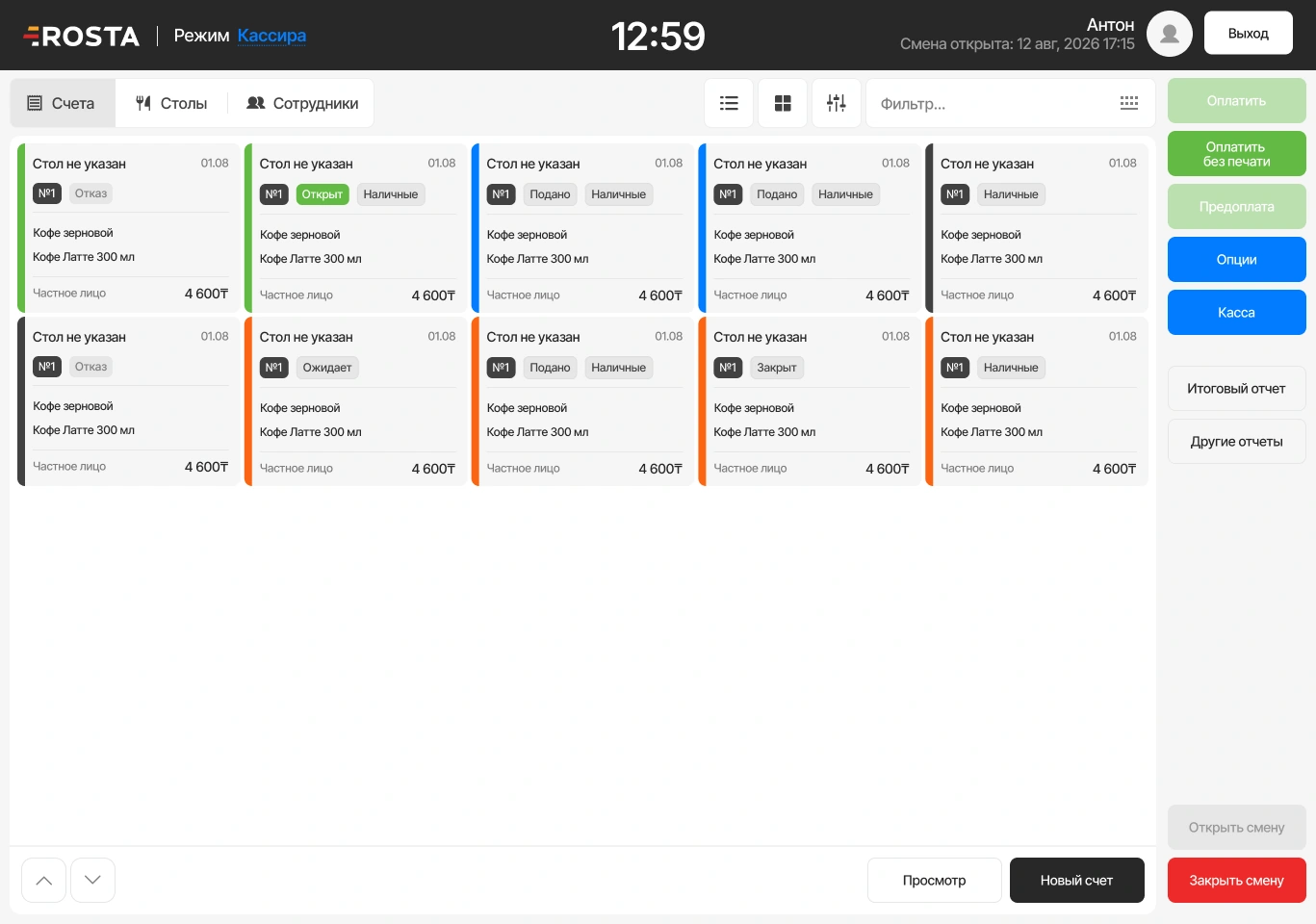
Enter the customer, phone number, address and dishes. Set delivery and cooking start times.
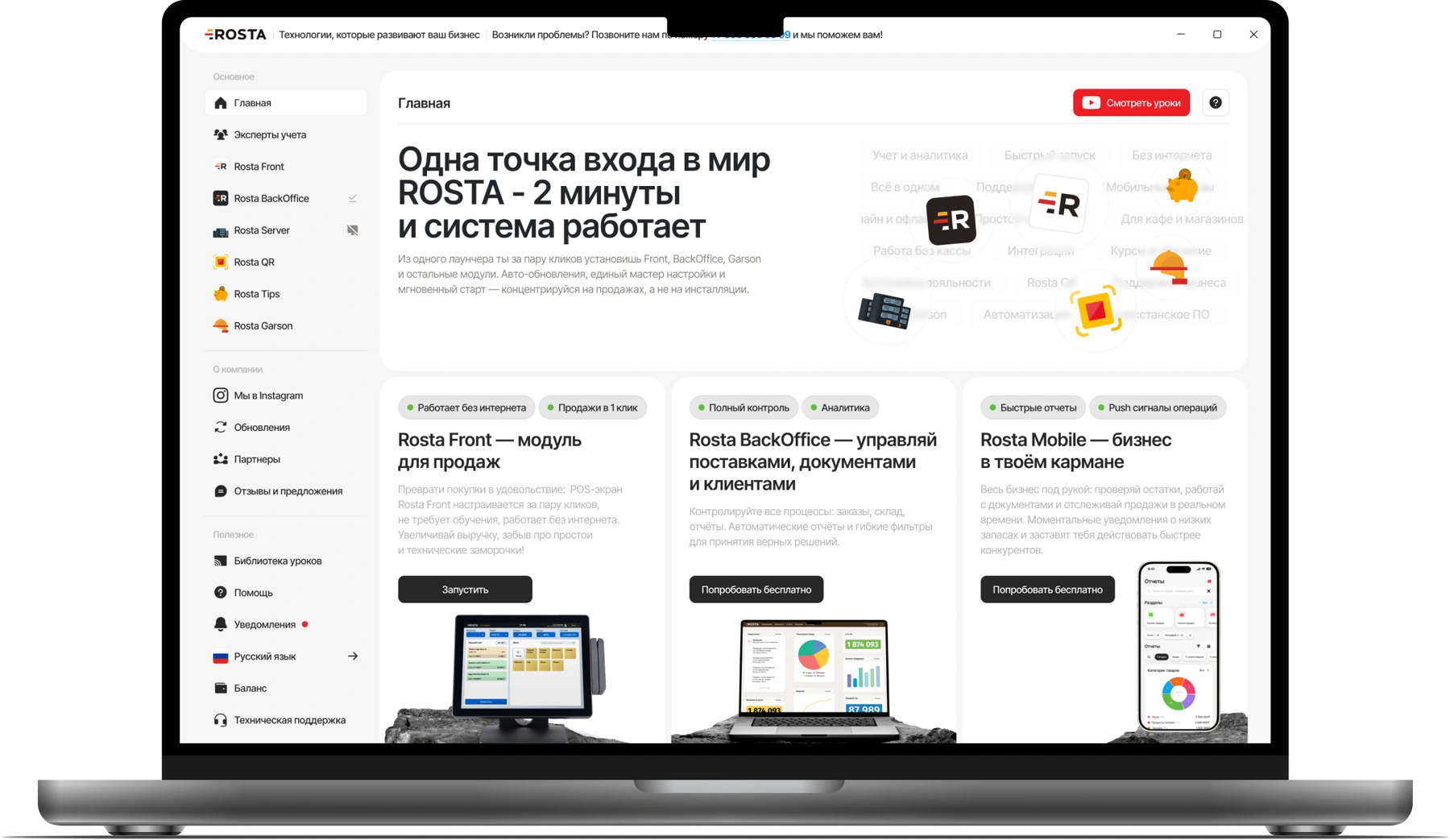
ROSTA for restaurant in-house delivery: order entry, kitchen workflows, inventory accounting and owner reports.
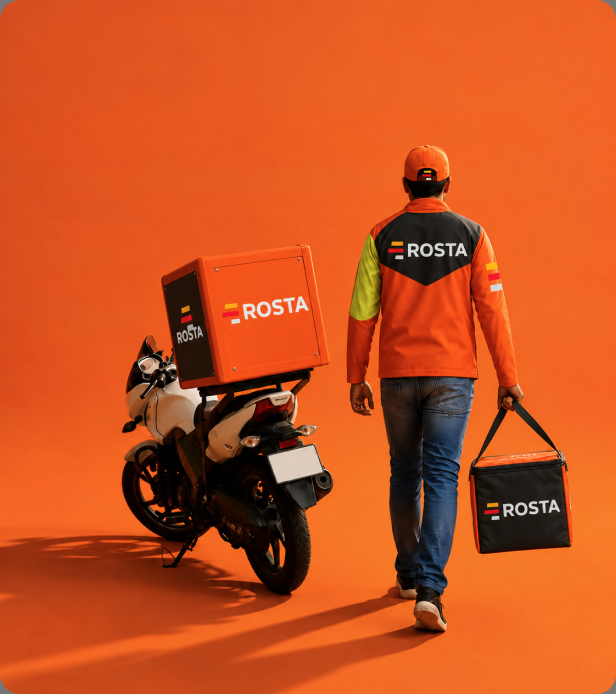
The operator, kitchen and manager work on the same order. At each stage, the next action is clear.
Enter the customer, phone number, address and dishes. Set delivery and cooking start times.
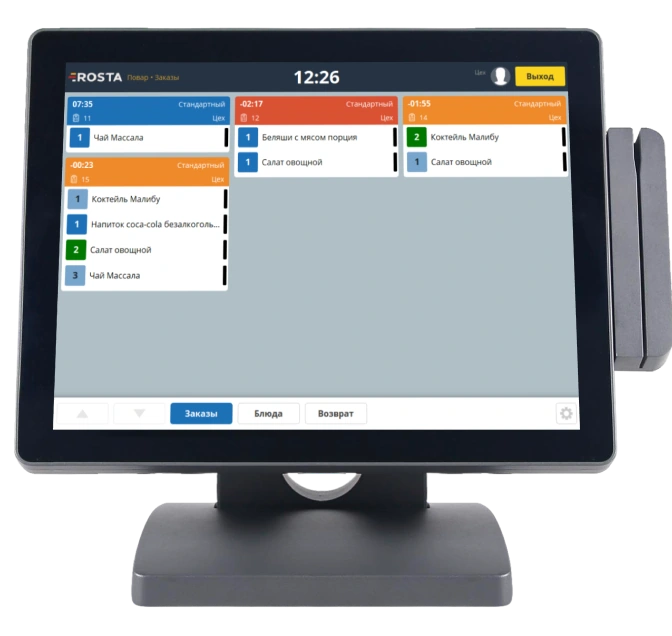
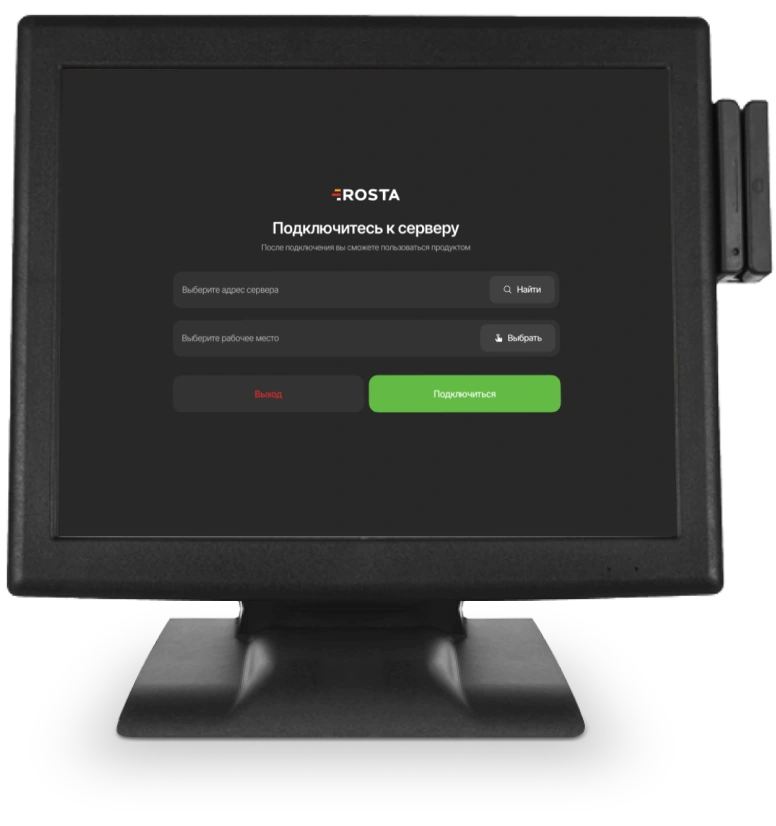
Send an order for preparation immediately or at a selected time. The kitchen display helps the team see dishes and the task queue.
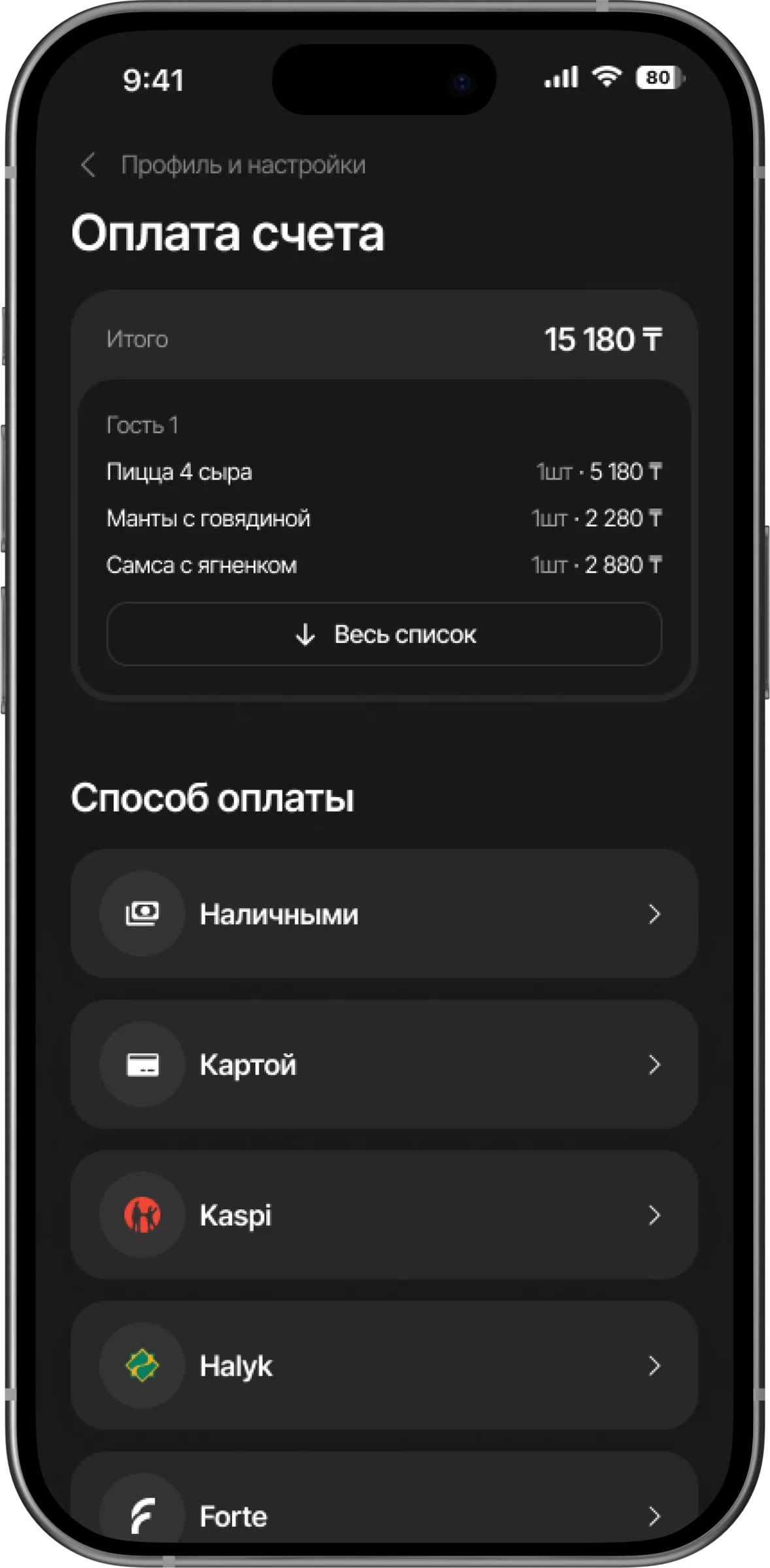
The operator marks dispatch and delivery. Check the status in the order list and proceed to payment.
Link dishes to recipe cards. Track ingredient receipts, usage and write-offs, and check kitchen stock.
Calculations rely on recipes and documents. Current purchase prices help you understand the cost of preparing an order.
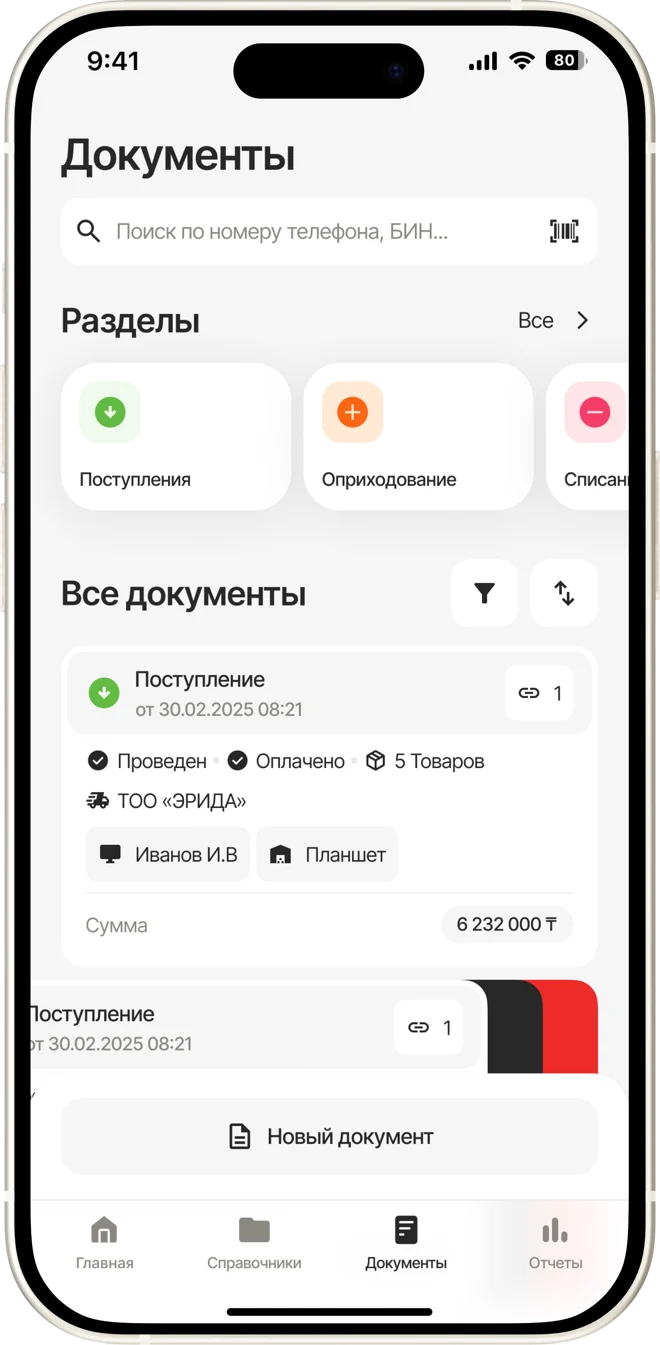
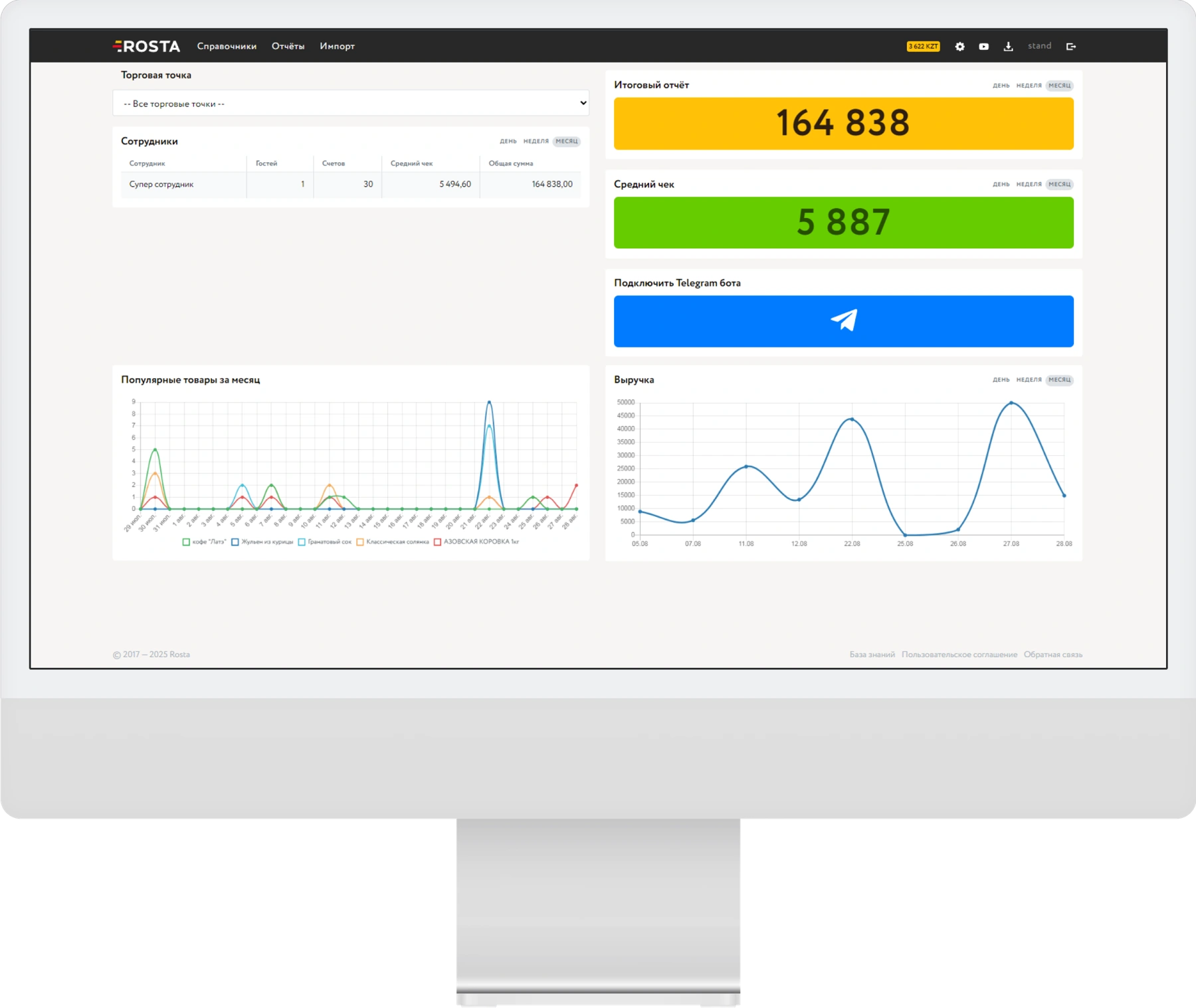
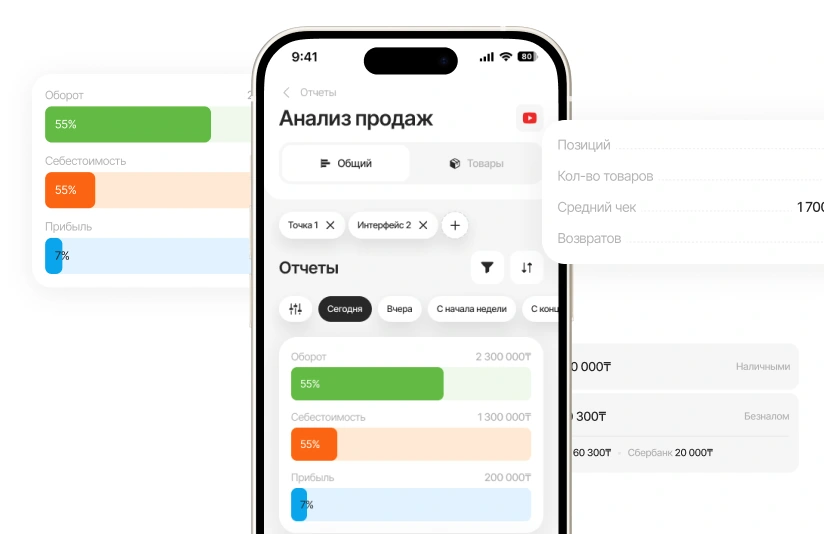
Analyse dish sales: revenue, costs and profit. Find items that need attention.
Record ingredient receipts and write-offs. Reconcile documents against physical stock during stocktakes.
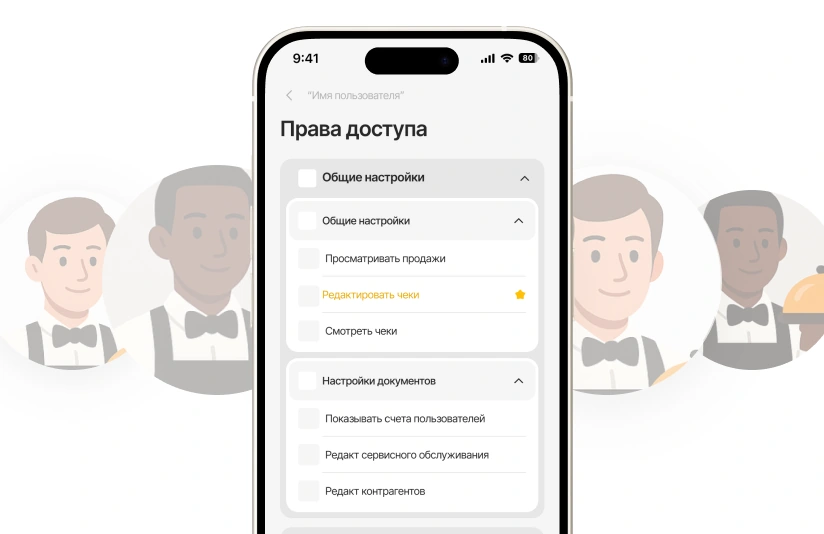
Configure staff permissions for their roles. Review discounts, voids and returns in transaction reports.

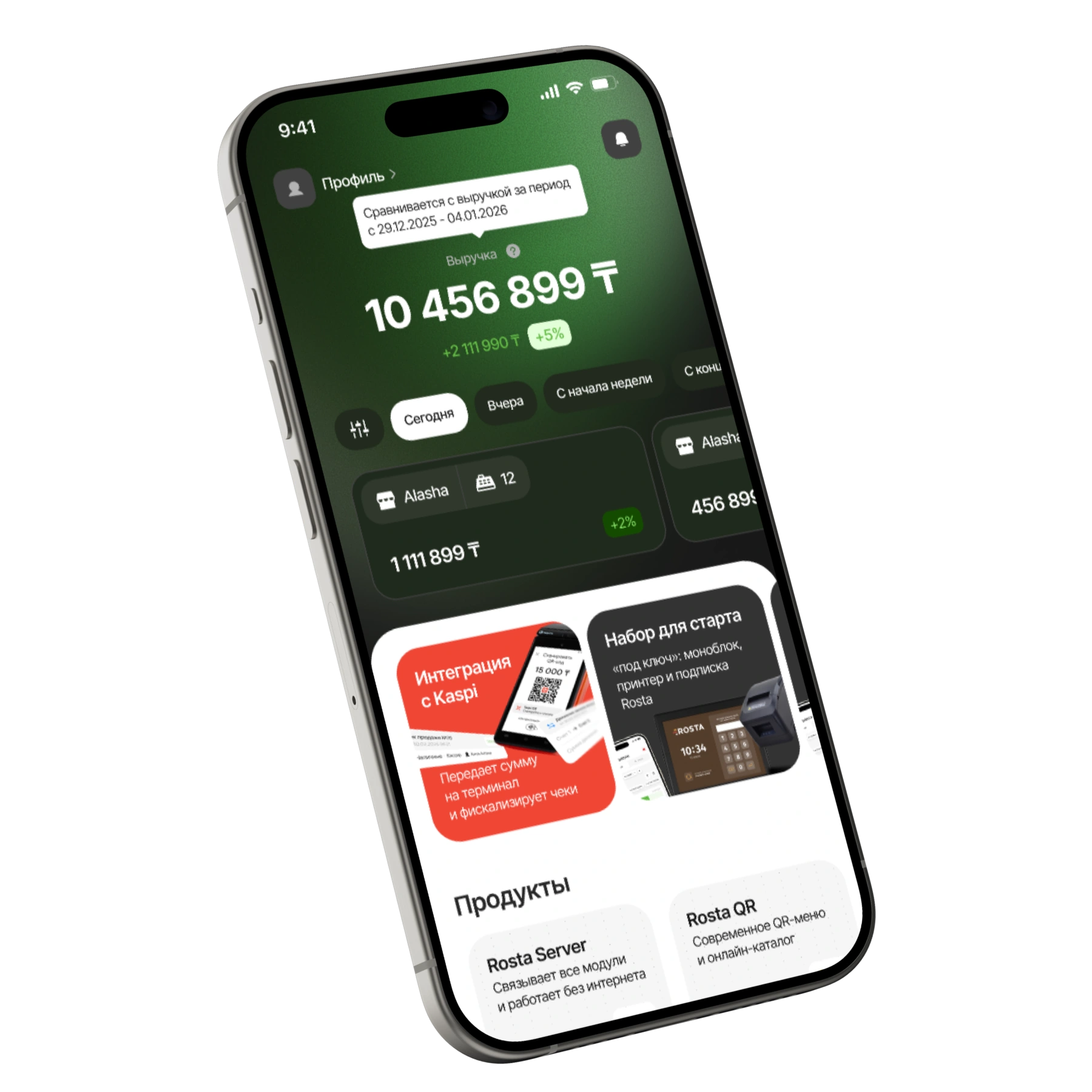
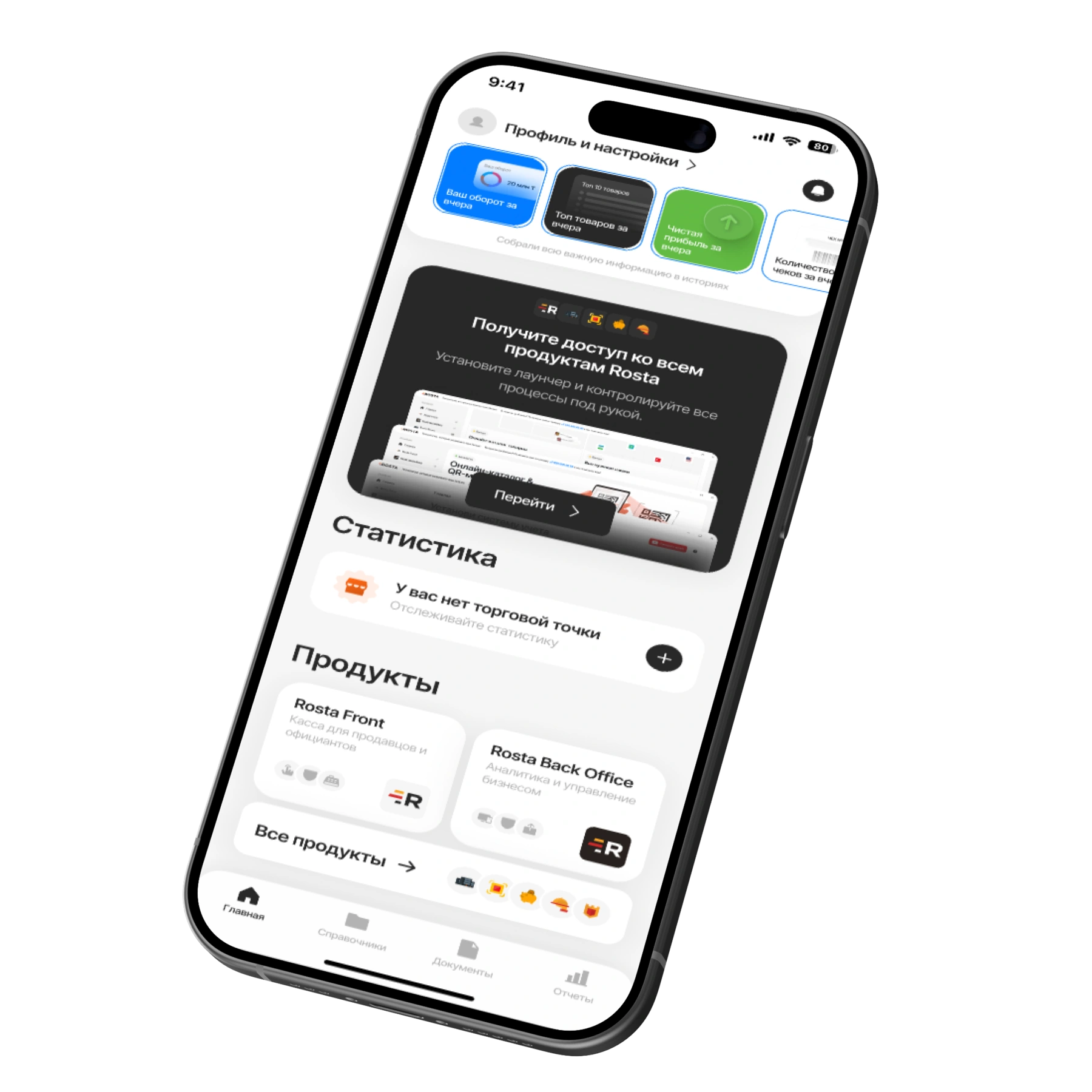
Revenue, dish sales and supplier documents in the free ROSTA Mobile Office. Manage accounting from your phone, even away from the outlet.
Choose a period and check sales totals, average order value and returns. Open individual receipts for details.
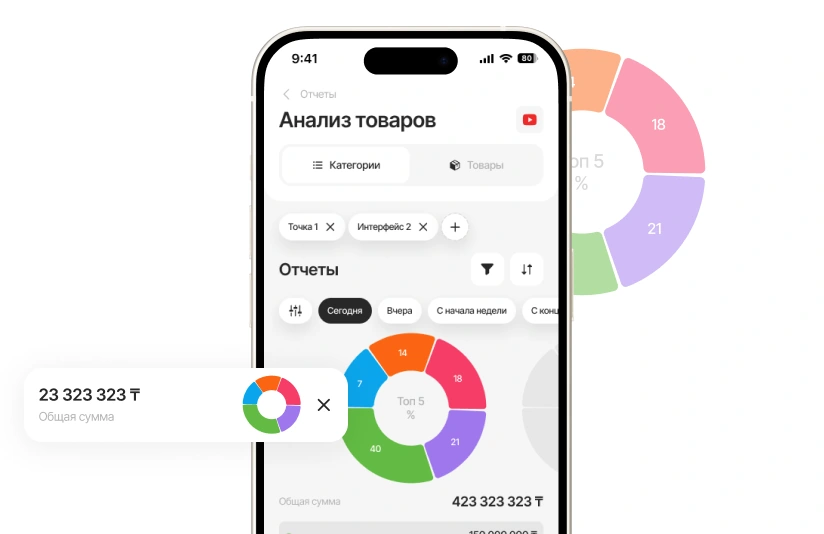
View menu item sales. Compare a dish's popularity with its cost and profit.
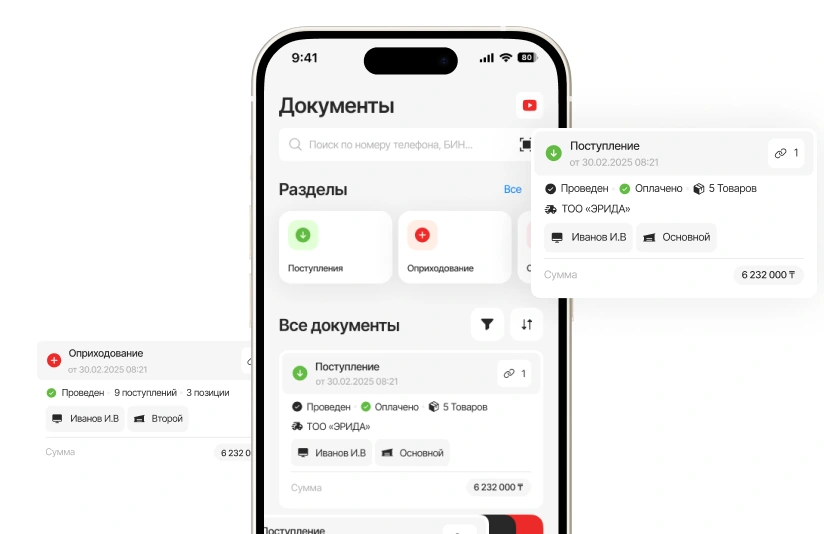
Record receipts, transfers and write-offs. AI helps recognise invoices: check the data before posting.
A subscription for one location with one checkout. Pay monthly or save with annual billing.
Includes one location and one checkout.
Analytics, inventory and documents, with no separate management fee.

For each additional checkout at the same location.
240 USD per year in one payment. Includes one location and one checkout.
Analytics, inventory and documents, with no separate management fee.
For each additional checkout at the same location.
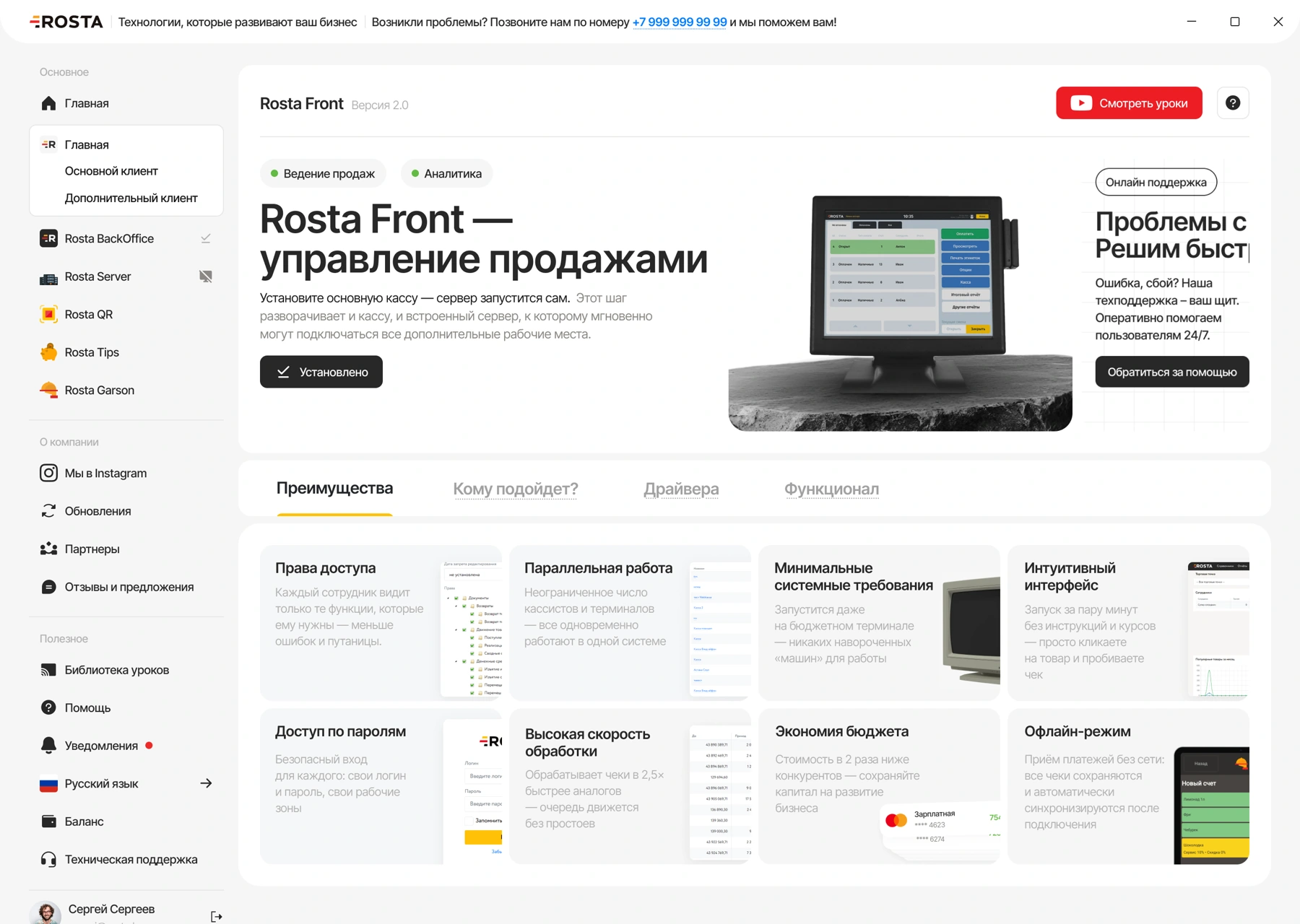
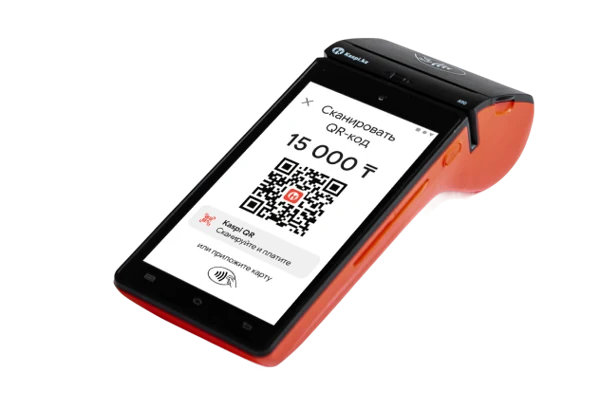
Equipment and setup are arranged separately. View equipment ↗ · All licences and terms ↗
If your restaurant offers table service, add dining room tools to the main solution.
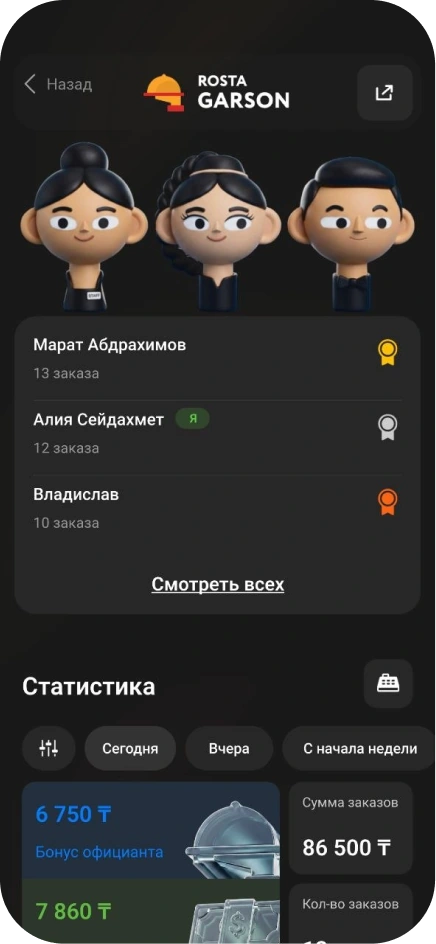
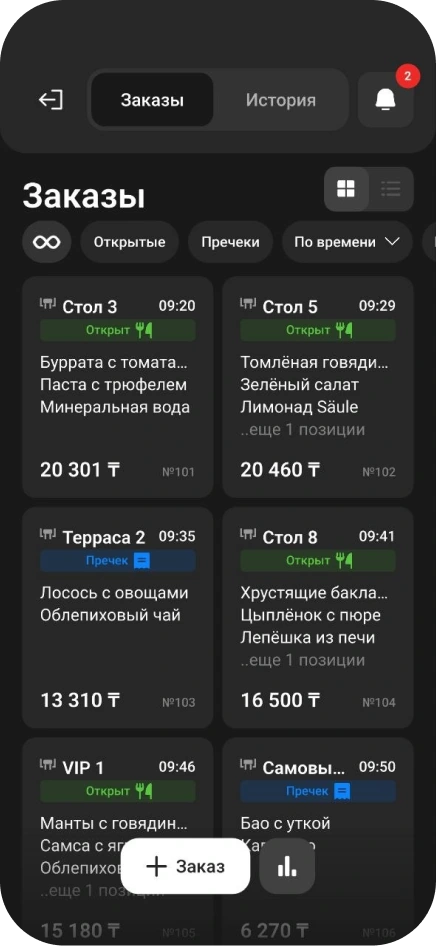
Garson lets waiters take orders beside guests and send dishes to the kitchen. A dedicated tool for dining room service.
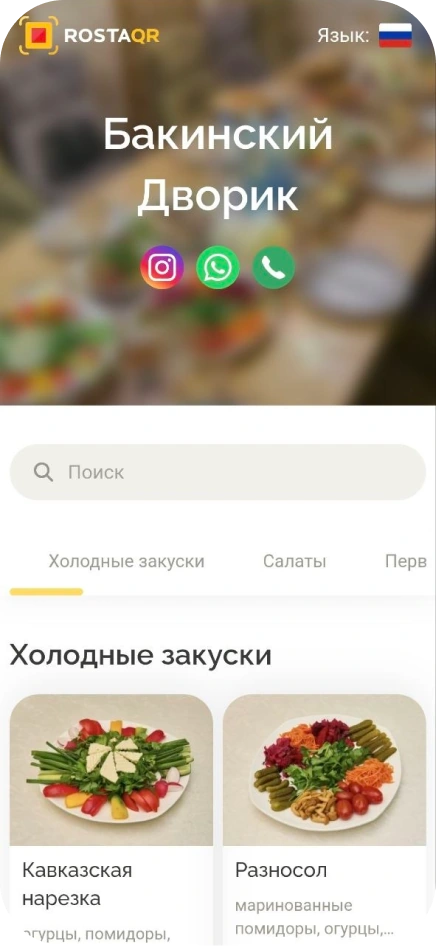
Explore GarsonPhotos, ingredients and prices in the QR menu help guests choose. The menu opens in a browser without installing an app.
View the QR menuDon’t see your workflow? We’ll show it in a demo
For a venue's own delivery service, where staff enter orders and monitor fulfilment. The demo reviews your workflow from the customer's enquiry to payment.
Yes. The order has delivery time and cooking start time fields. Fill in both: delivery time alone does not delay preparation.
This page describes order entry, sending orders to the kitchen, packing and ingredient accounting. Aggregator connections, routing and courier tracking must be checked separately for your workflow before choosing a solution.
Name the service and required workflow in your enquiry. Before setup, we separately check integration availability, transferred data and operating terms.
Complete recipe cards, record receipts and write-offs, and reconcile stock. Reports help compare sales and costs; accuracy depends on up-to-date recipes and documents.
30 USD per month for an outlet with one till, or 240 USD per year, equivalent to 20 USD per month. An extra till in the same outlet costs 10 USD per month. Equipment, setup and additional modules are selected separately.
Yes. The free Mobile Office shows sales, revenue, costs and profit. It also lets you manage products and inventory documents.
For food delivery, compare workflows using your data, from order to delivery. ROSTA offers Mobile Office, free technical support and free migration. Compare terms with iiko, Poster, r_keeper and Paloma365. View comparisons and migration terms.
Yes. Basic ROSTA operations can be learned in two hours of training. For food delivery, we review your workflows; database and equipment preparation are planned separately. Technical support is free. If needed, you can contact ROSTA accounting experts for accounting assistance; their service terms are agreed separately.
Migration to ROSTA is free. We agree on the data scope and export options from your current system before switching. Licensing and setup are charged separately.
We show order entry, kitchen handoff, statuses and reports. We discuss equipment and how orders reach your venue. ROSTA is developed in Kazakhstan. We cover migration from your system and team training.