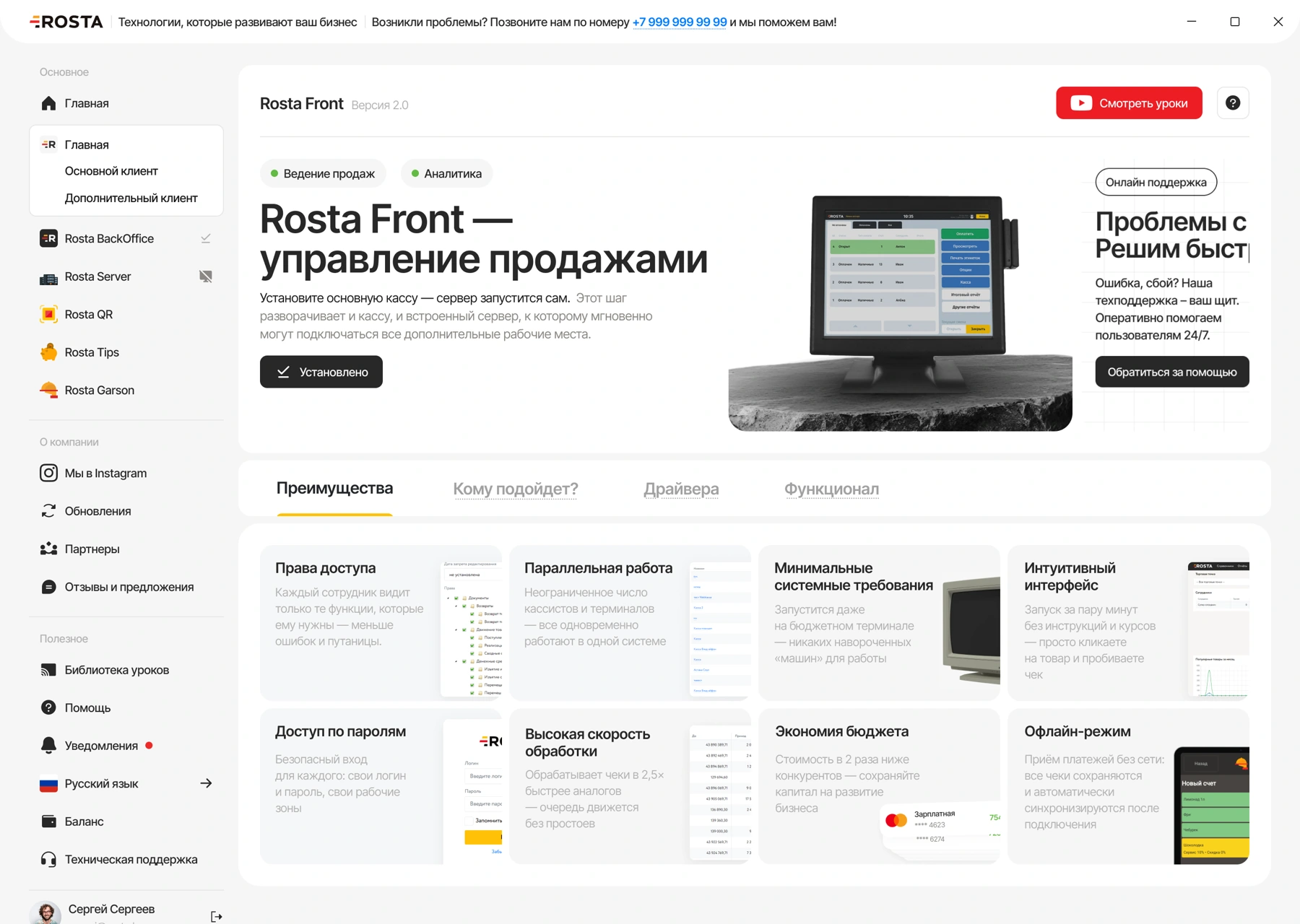
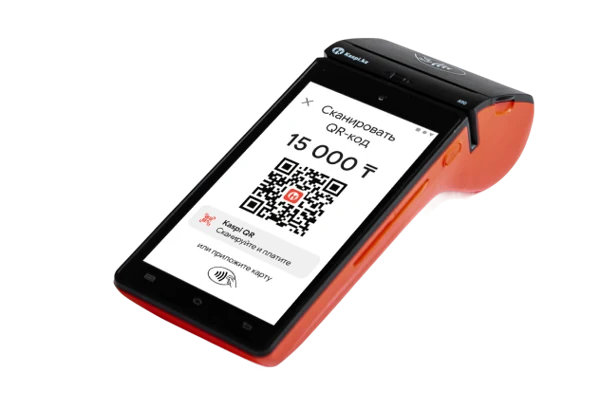


01CHECKOUT
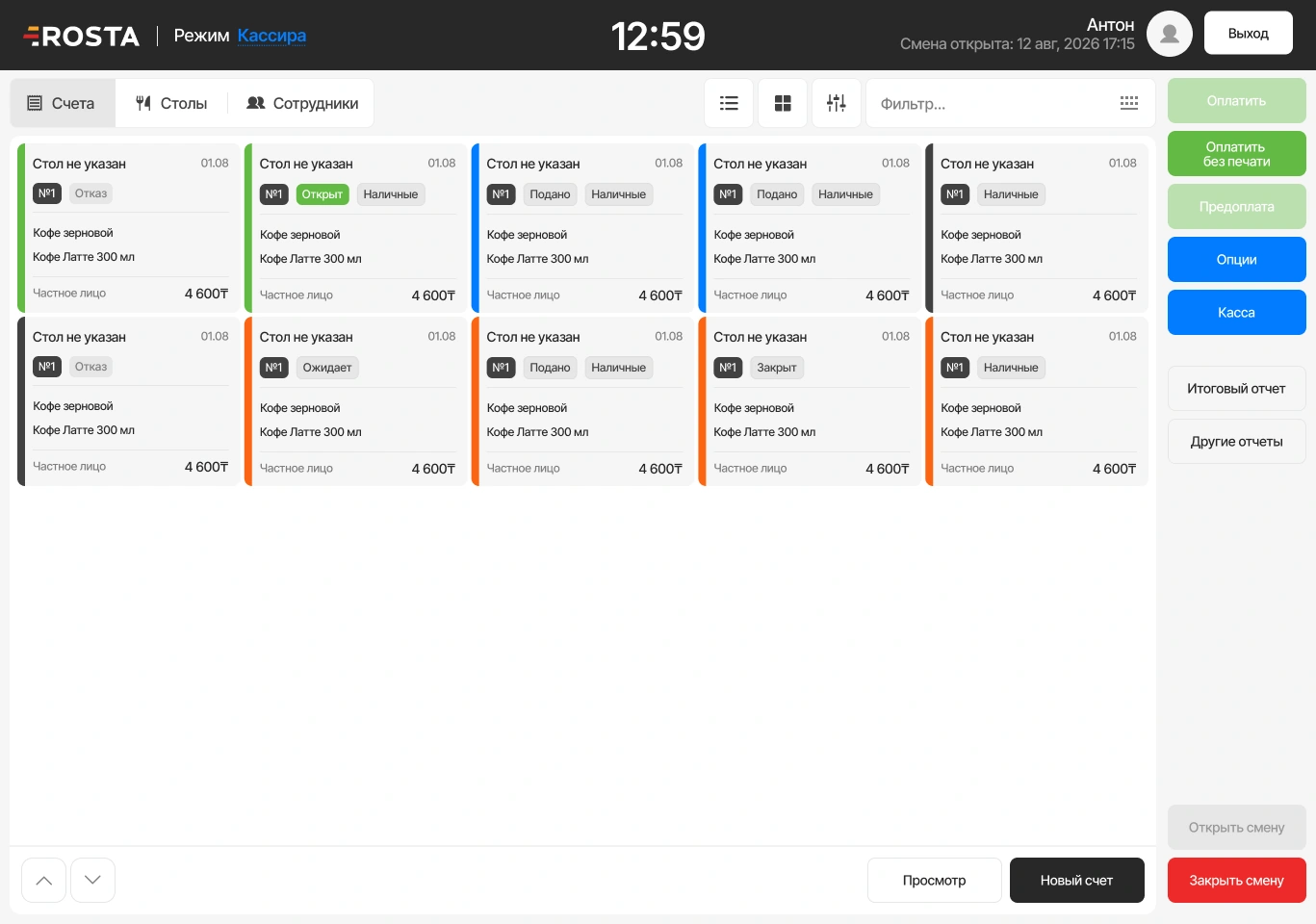
Build the player's purchase
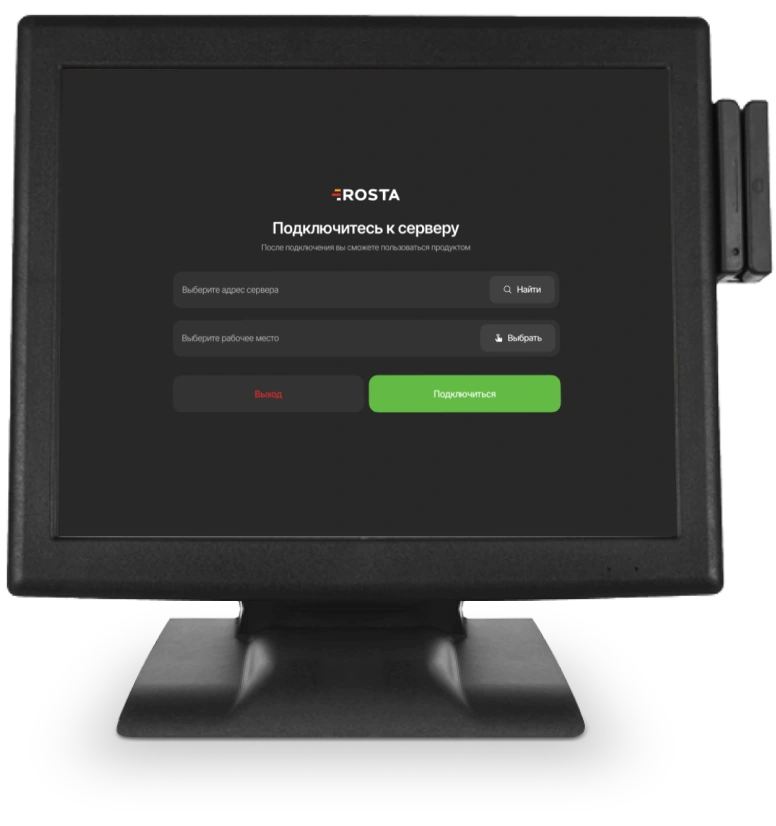
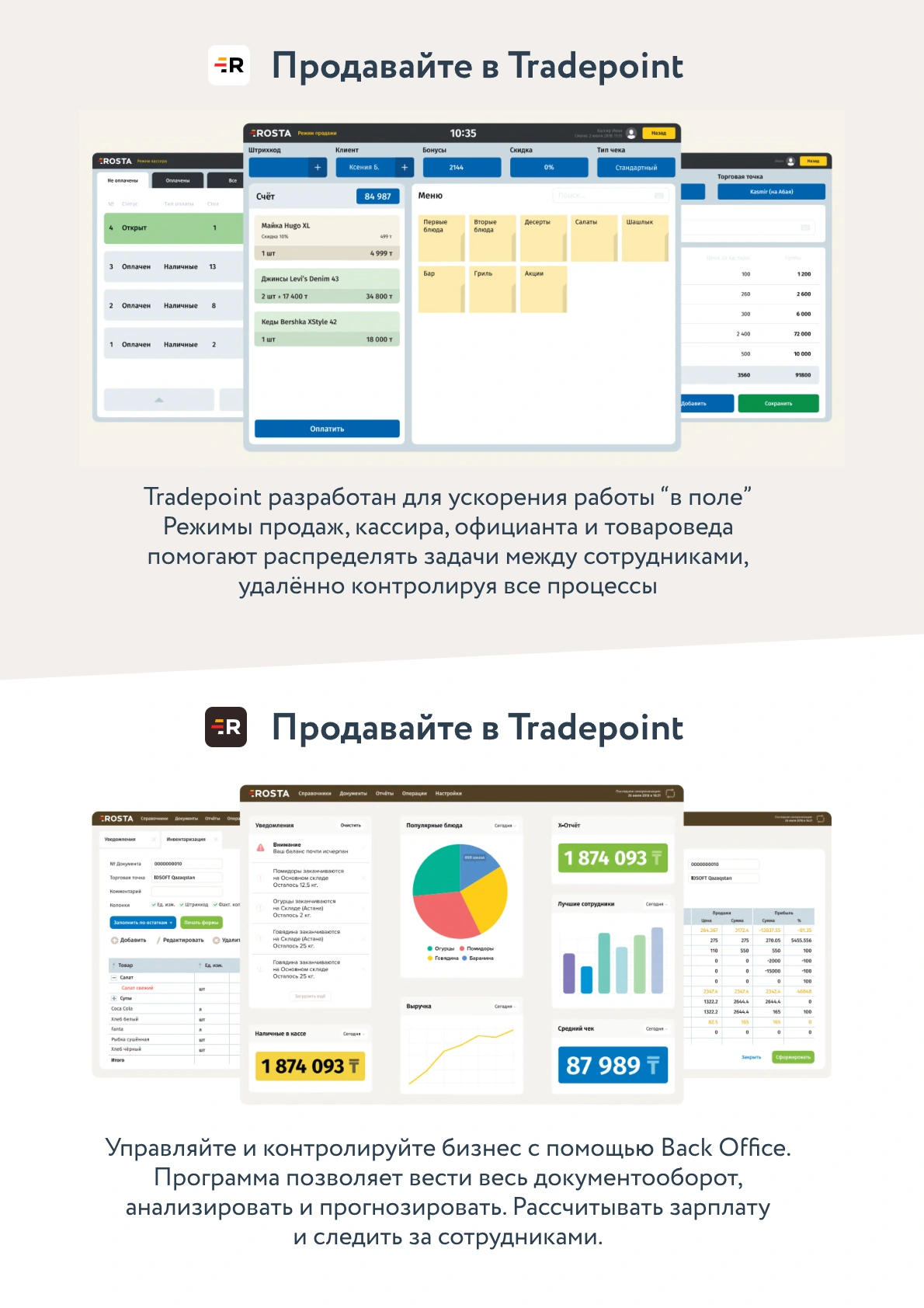
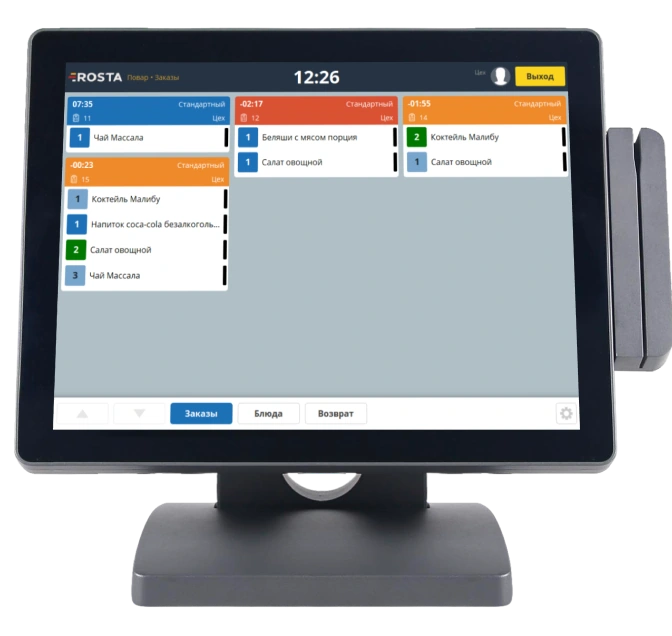
Select drinks and snacks at the POS. Check item quantities.
Gaming clubs sell drinks, snacks and prepared food. Track these purchases and bar stock to see retail results separately from gaming sessions.
Drinks and snacks are recorded as product sales. Record payment and check stock after the shift.
Select drinks and snacks at the POS. Check item quantities.
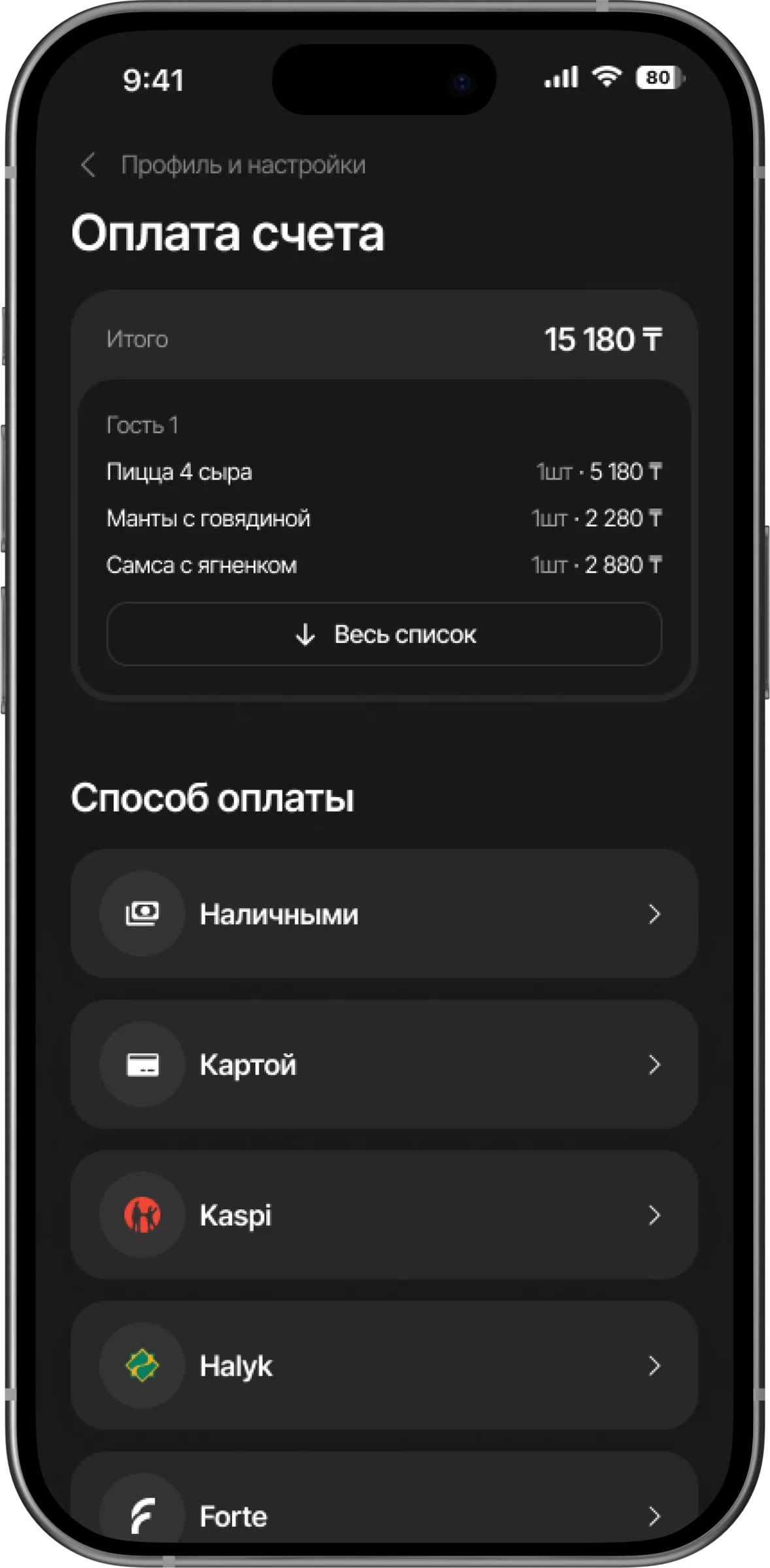
Record the sale. Employee actions are saved for review.
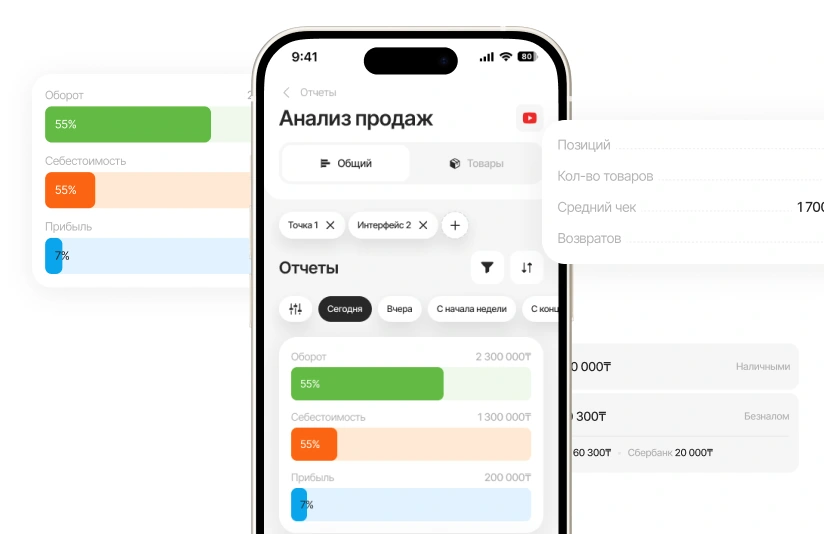
Reconcile sales and stock. Plan the next purchase using actual data.
Receive supplier goods and check quantities and purchase prices. Reconcile drink and snack stock after the shift.
Analyse sales and profit by product. Check returns and write-offs separately from gaming-time payments.
Analyse sales and profit by product.
Compare physical stock with system records. Goods receipts, transfers and write-offs help explain discrepancies.
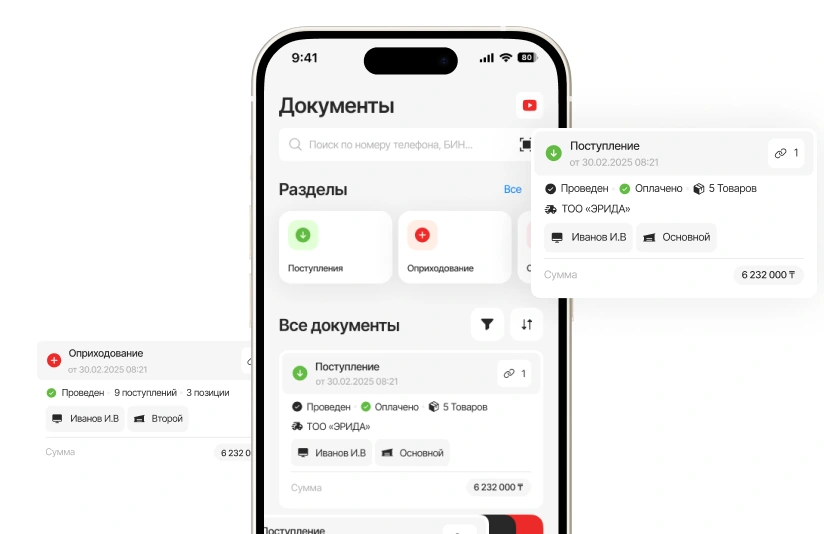
Set permissions to match team responsibilities. Review discounts, cancellations and returns in the activity history.
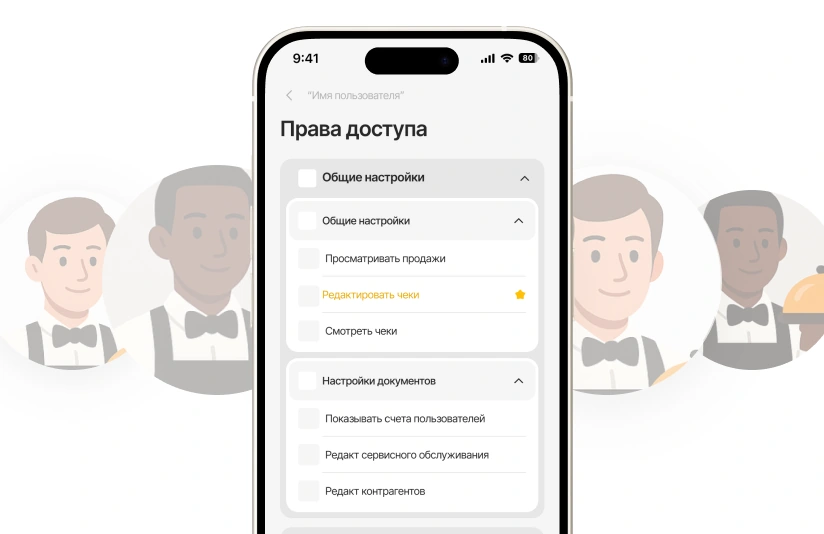

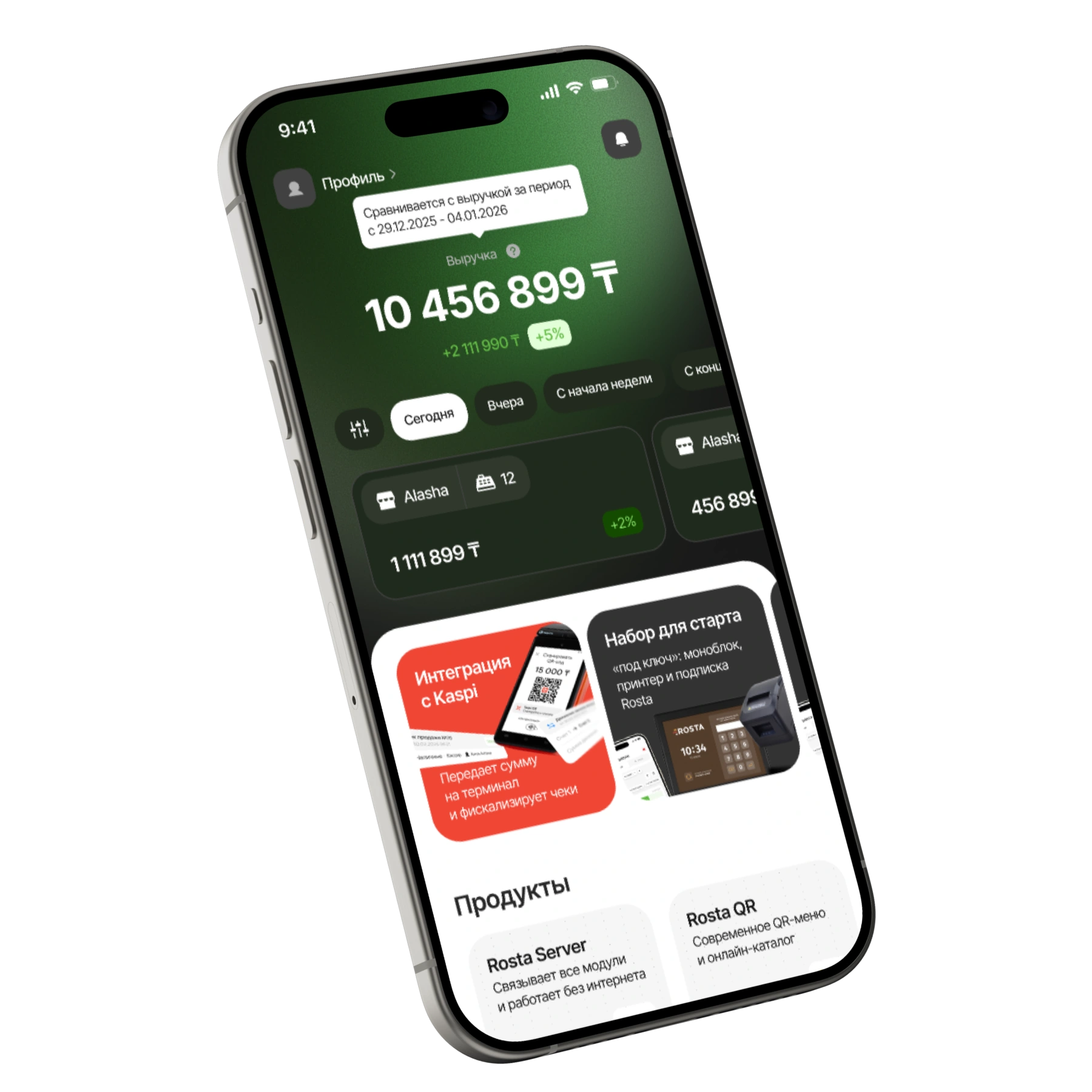
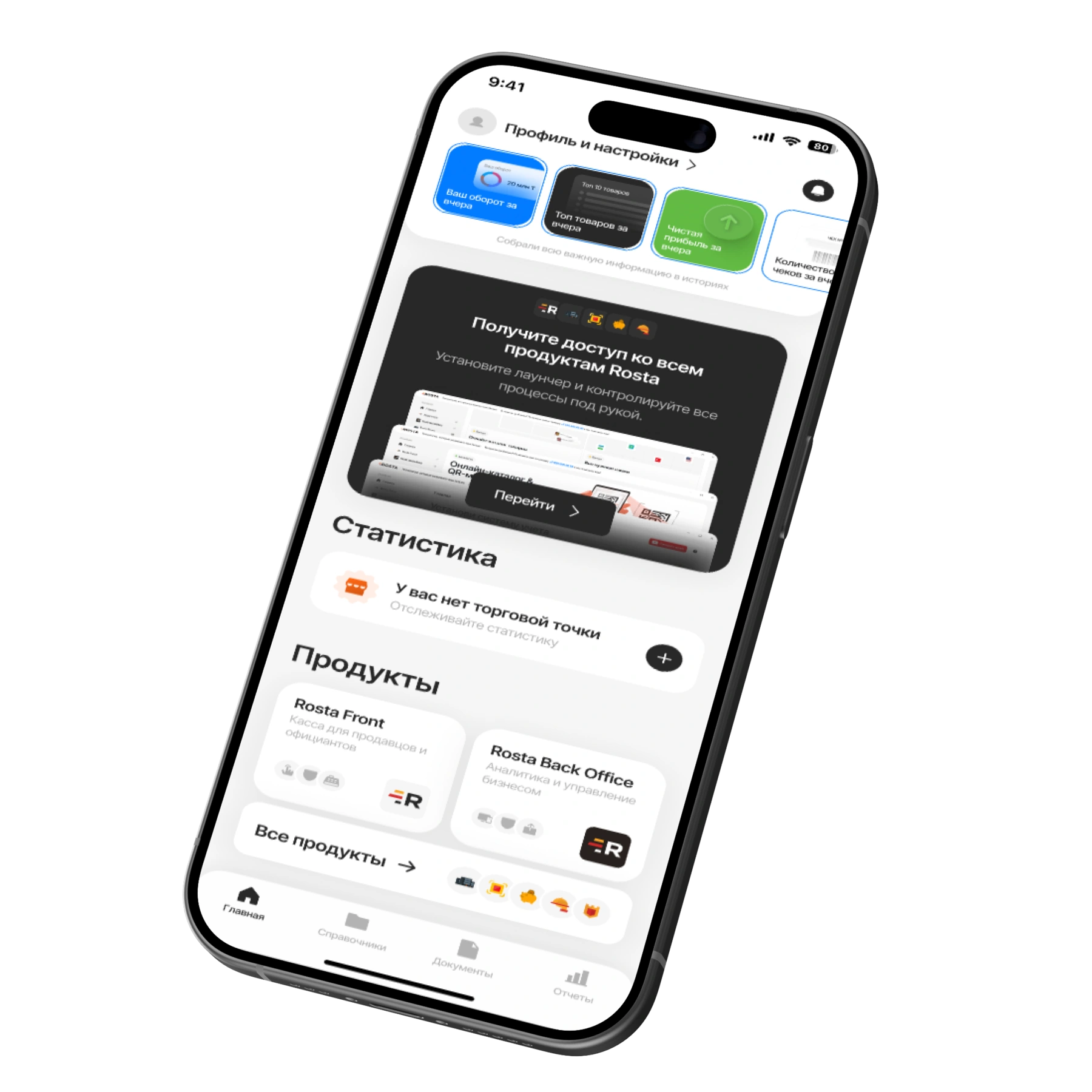
Check your location’s figures when you’re away. Mobile Office lets you review sales and access documents from your phone.
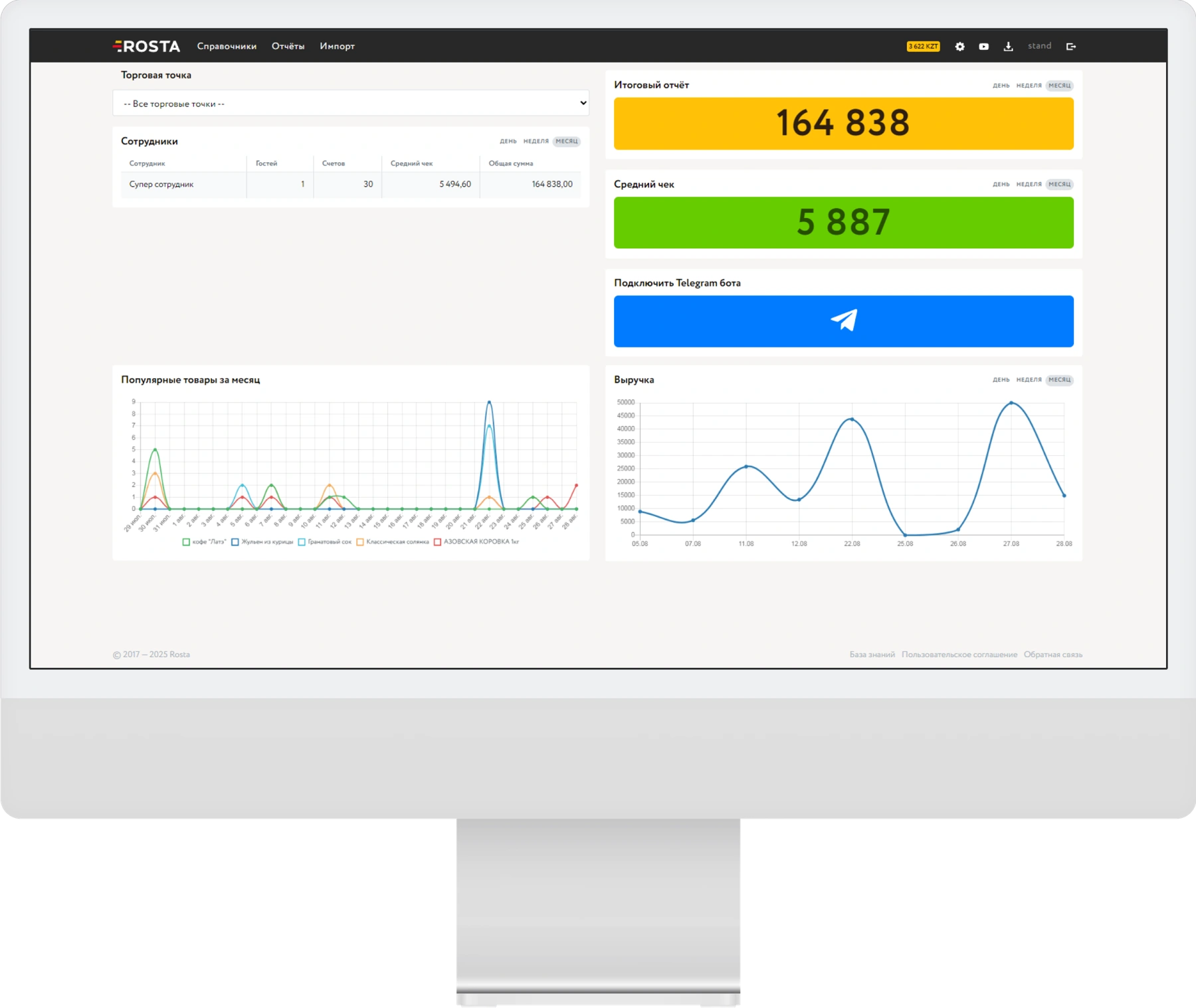
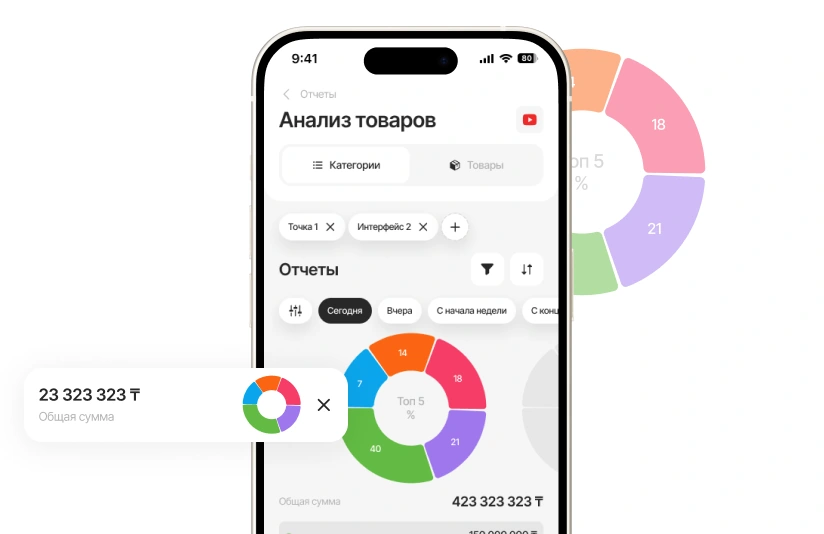
Choose a period and location. Check turnover, receipt counts and returns, then review individual sales.
Review drink and snack sales by product. Assess turnover and profit separately from gaming services.
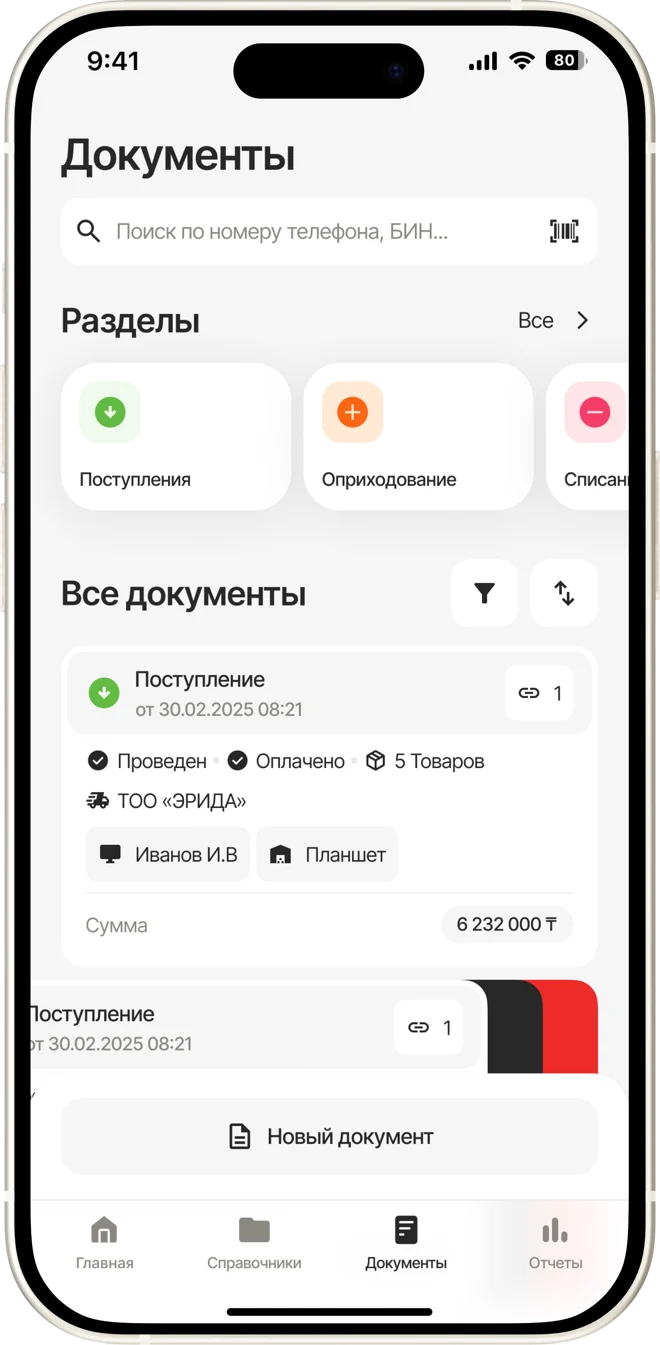
Record goods receipts, write-offs and stocktakes. When AI recognises an invoice, check the line items before posting it.
A subscription for one location with one checkout. Pay monthly or save with annual billing.
Includes one location and one checkout.
Analytics, inventory and documents, with no separate management fee.

For each additional checkout at the same location.
240 USD per year in one payment. Includes one location and one checkout.
Analytics, inventory and documents, with no separate management fee.
For each additional checkout at the same location.
Equipment and setup are arranged separately. View equipment ↗ · All licences and terms ↗
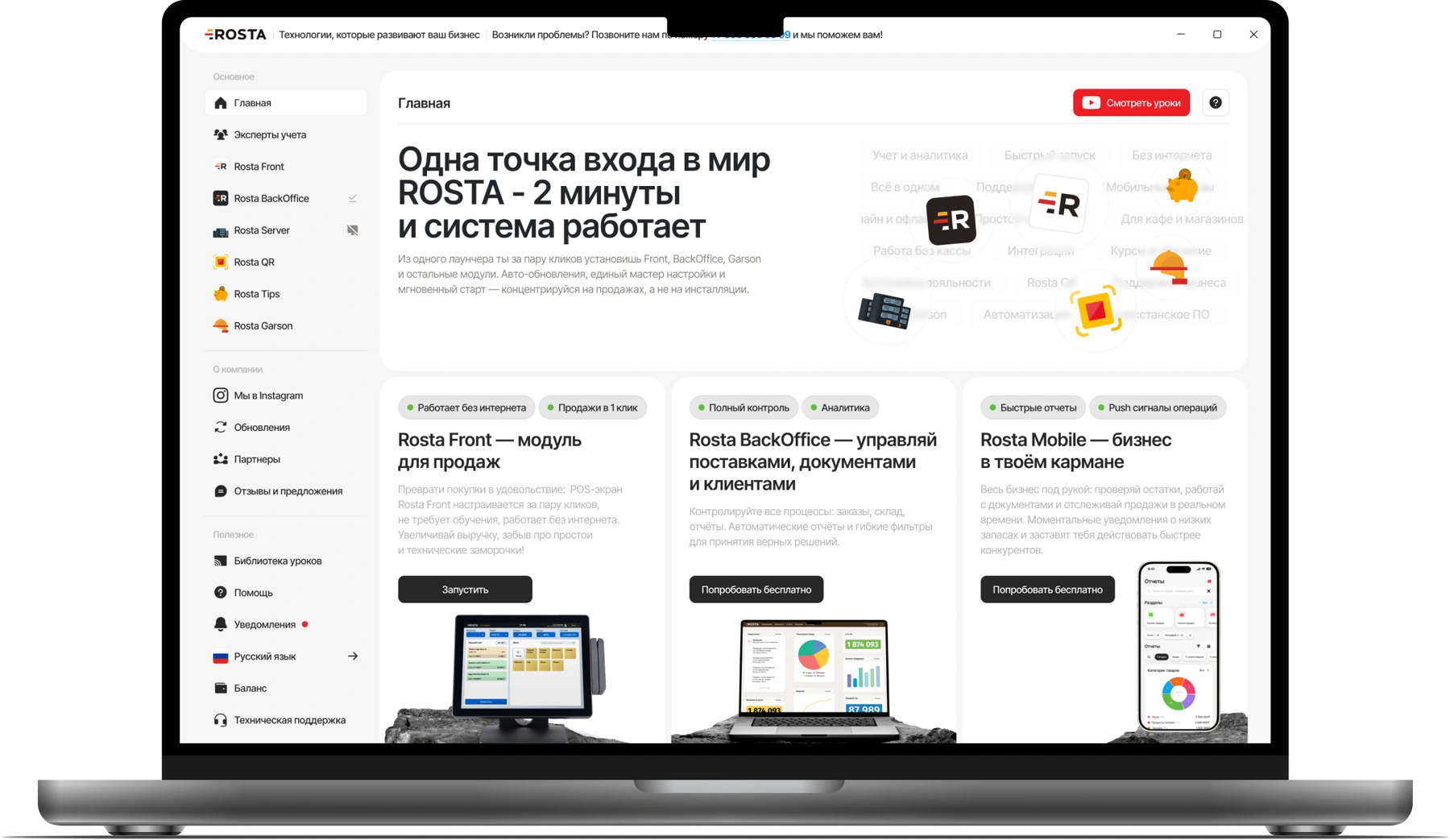
Choose modules for your service model. We’ll review the setup in a demo.
Set up discounts, bonuses and customer cards for your additional sales. We will show how they work using a sample purchase.
Don’t see your workflow? We’ll show it in a demo
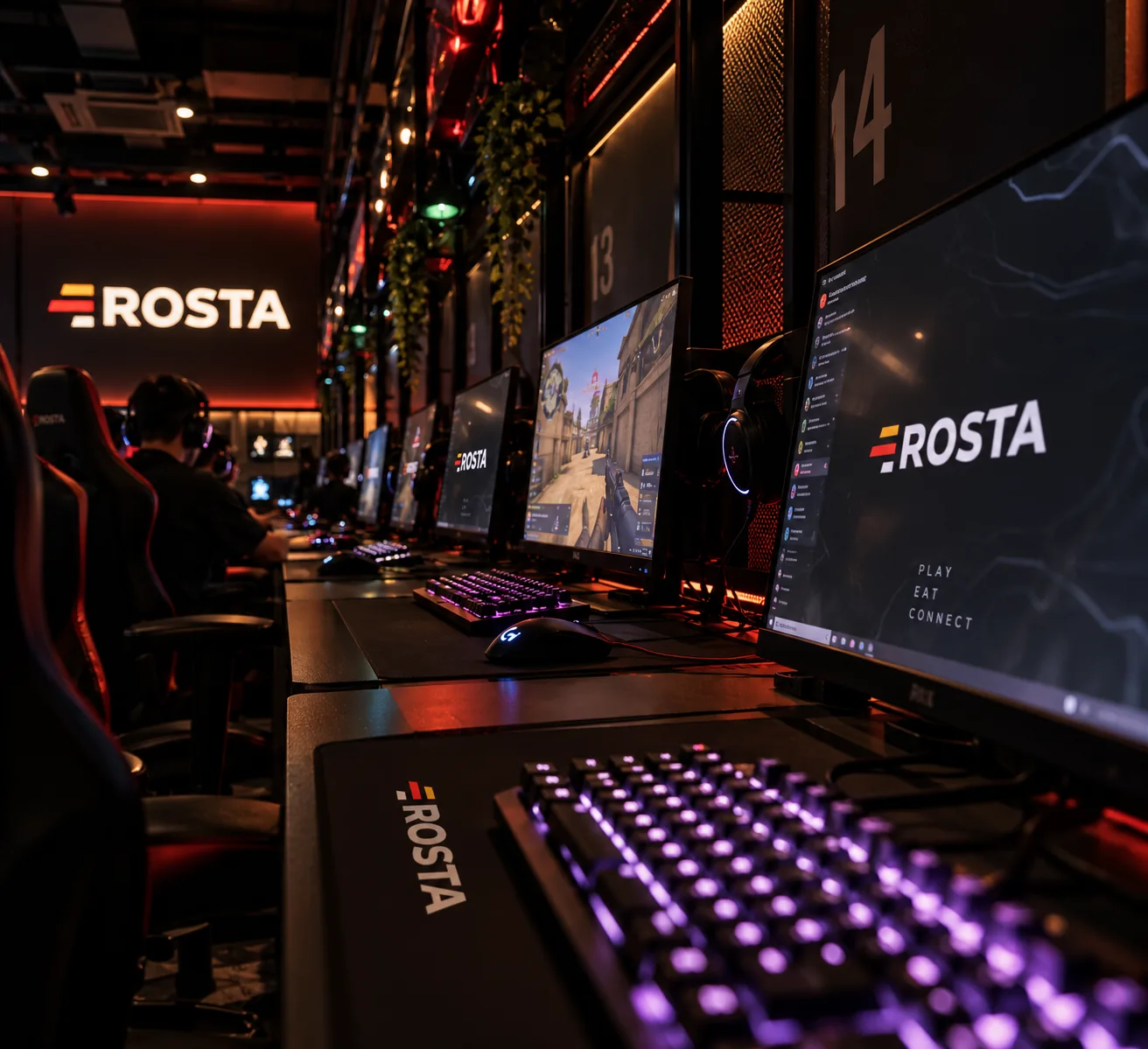
ROSTA handles bar sales and inventory. Gaming PCs and sessions are managed by a dedicated system; integration is confirmed separately.
Start with your product range, units of measure and opening stock. Receive supplier goods and check quantities and purchase prices. Before going live, check a test sale and stock deduction.
Migration to ROSTA is free. Before switching, we’ll agree on the data to transfer and check export options in your current system. Licences and setup are charged separately; free migration does not mean free use of the software.
30 USD per month for an outlet with one POS, or 240 USD paid annually, equivalent to 20 USD per month. Each additional POS at the same outlet costs 10 USD per month. BackOffice and Mobile Office are free. Equipment and setup are priced separately.
Before setup, we’ll check your checkout, printer and other equipment models. We’ll confirm compatibility and workstation requirements before launch.
For gaming café, compare workflows using your own data: snack and drink sales. ROSTA offers Mobile Office, free technical support and free migration. Compare the terms with iiko, Poster, r_keeper and Paloma365. View comparisons and migration terms.
Yes. You can learn the basics of ROSTA in two hours of training. For gaming café, we will cover your daily workflows; database and equipment preparation are planned separately. Technical support is free. If needed, you can contact ROSTA accounting experts for accounting assistance; their service terms are agreed separately.
We will demonstrate ROSTA for gaming café: snack and drink sales. We will discuss equipment, workstations and connection terms. ROSTA is developed in Kazakhstan. We will discuss migration from your current system and team training.